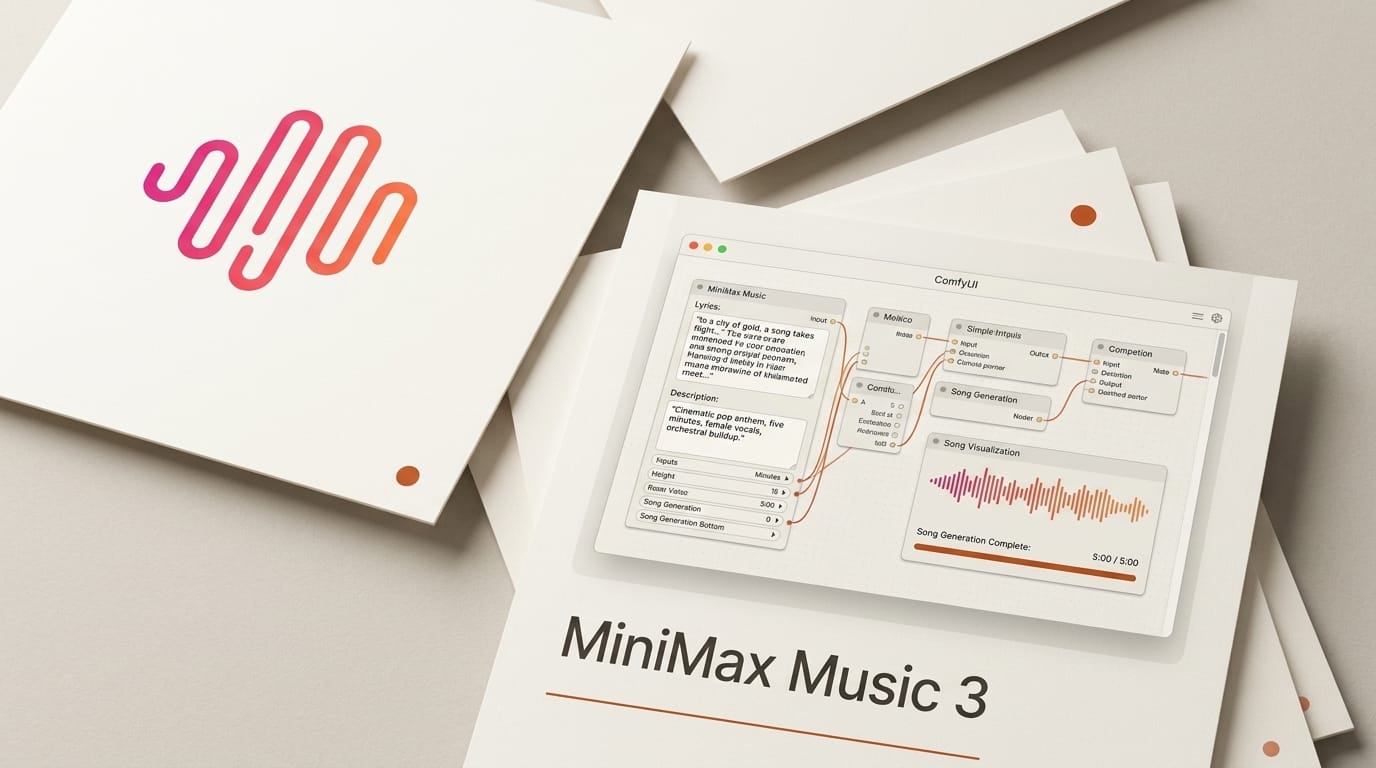
MiniMax released MiniMax Music 3 as open weights under an Apache 2.0 license on August 13, 2026, and Comfy-Org repackaged the model for ComfyUI the same day. The model generates complete, structurally coherent songs up to five minutes long at 32 kHz stereo, driven by lyrics plus a natural-language music description. Because the weights ship under a permissive license, you can download roughly a dozen safetensors files, drop them into ComfyUI 0.33.0, and generate full tracks locally with no per-song API fee. That combination, open weights plus a five-minute ceiling plus native song-structure control, is what makes this release matter for creators who have been renting Suno or Udio credits. The announcement is on the Comfy blog, and the ComfyUI-ready weights live on Hugging Face.
What MiniMax Music 3 Actually Is
MiniMax Music 3 is a text-to-music model that turns two inputs, a set of lyrics and a structured description, into a finished song with vocals and instrumentation. Output is 32 kHz stereo, 16-bit WAV, up to five minutes per generation. Under the hood it uses a hybrid, dual-LLM design: an 8B Global LLM based on Qwen3-8B handles high-level planning, a 0.6B Local LLM handles fine detail, a 2.4B Flow Matching stage synthesizes the audio representation, and a 123M Flow-VAE decoder renders the waveform. You do not need to understand any of that to use it, but the split explains why the model holds structure across a long track instead of drifting after thirty seconds.
The creator-facing controls are the real story. The model reads native song-structure tags, Intro, Verse, Pre-Chorus, Chorus, Bridge, Instrumental, Solo, and Outro, so you compose an arrangement instead of hoping the model invents one. On top of that, Structured Captions let you specify genre, BPM, key, scale, emotional progression, instruments, and spatial effects in the description field. Vocal timbre, harmony, performance style, and effects are all adjustable. The Comfy-Org repackage is a straight conversion of the original MiniMax weights into ComfyUI's folder layout, with FP16, FP32, and INT8 diffusion variants plus BF16 and pruned INT8 text encoders, so you can trade quality for VRAM.
How It Compares to Suno, Udio, YuE, and ACE-Step
The 2026 music-generation market splits cleanly into hosted proprietary tools and self-hosted open models. Suno and Udio are the polished closed options; YuE and ACE-Step are the established open-weight self-host options that teams adopted after the 2025 label lawsuits pushed many studios toward models they could run themselves. MiniMax Music 3 lands in the open camp but with a longer ceiling and a more permissive license than most.
| Model | Weights | Max length | Local VRAM | Best for |
|---|---|---|---|---|
| MiniMax Music 3 | Open (Apache 2.0) | ~5 min | Scales via INT8 variants | Long, structured songs run locally |
| Suno v5 | Closed (hosted) | ~4 min | None (cloud) | Fastest polished vocals, commercial plans |
| Udio | Closed (hosted) | ~4 min | None (cloud) | Editing and remix workflows |
| YuE 7B | Open | 3 to 4 min | 16 GB minimum | Full songs with lyrics, self-hosted |
| ACE-Step 3.5B | Open | Short clips | 8 GB minimum | Fast iteration and style steering |
Two things stand out. First, MiniMax's five-minute ceiling beats the roughly four minutes on hosted Suno and the three to four minutes on YuE, which matters for anyone scoring a full video or podcast intro rather than a loop. Independent deployment guides such as Spheron's open-source music guide peg YuE at a 16 GB VRAM floor and ACE-Step at 8 GB, which frames where MiniMax's INT8 variants fit. Second, the Apache 2.0 license is unusually permissive for a model of this quality, and it removes the licensing ambiguity that still surrounds the hosted services. For a broader field test of the paid tools, our Best AI Music Tools 2026 comparison covers Suno, Udio, and the rest in depth.
How to Run MiniMax Music 3 in ComfyUI
The workflow is a native audio graph, so if you have run ComfyUI's image or video templates the pattern is familiar. Here is the end-to-end path:
- Update ComfyUI to 0.33.0 or later. The audio nodes MiniMax Music 3 needs shipped in the v0.33.0 release. If you would rather skip the local setup entirely, the same workflow runs on Comfy Cloud.
- Download the weights. Pull the safetensors from the Comfy-Org repackage and place each file in its matching ComfyUI directory (diffusion model, text encoders, VAE). Pick the FP16 or INT8 diffusion variant to match your GPU.
- Load the template. Import the audio_minimax_music_3 workflow template so the nodes are wired correctly out of the box.
- Write your lyrics and description. Put the lyrics in the lyric field using the native structure tags, then write a Structured Caption in the description field specifying genre, BPM, key, mood arc, and instruments.
- Queue the generation. Run the graph and export the WAV. Iterate on the caption, not the whole prompt, to steer timbre and arrangement without losing the parts you liked.
Full node documentation lives at docs.comfy.org, and the follow-up v0.33.1 patch is worth grabbing for stability.
What This Enables for Creators
The practical unlock is owning your music pipeline. With an Apache 2.0 open-weight model you can generate an unlimited number of five-minute tracks on your own hardware, with no per-generation billing and no worry about a hosted service changing its terms mid-project. For a YouTube creator, that means scoring every video with original music instead of fighting content-ID on library tracks. For a game or app developer, it means generating adaptive background music offline as part of a build. For a musician, the structure tags plus Structured Captions turn the model into a sketchpad: block out an arrangement, generate a full pass, then pull the stems into a DAW for real production. Because the same workflow runs on Comfy Cloud, you can prototype on a laptop and scale up only when a render needs it. Pair it with the open-weight video and audio path in our LTX-2.5 in ComfyUI guide and a full audiovisual piece can be produced entirely from open models.
Frequently Asked Questions
Is MiniMax Music 3 really free to use?
The weights are released under Apache 2.0, so you can download and run them at no cost on your own hardware. You pay only for electricity and GPU time. Running on Comfy Cloud instead incurs that service's compute charges.
What hardware do I need to run it locally?
The Comfy-Org repackage ships FP16, FP32, and INT8 diffusion variants plus pruned INT8 text encoders, so the floor depends on which you pick. The INT8 variants exist specifically to let lower-VRAM GPUs run the model; heavier FP16 or FP32 files target higher-end cards. Start with INT8 if you are unsure.
How is this different from MiniMax Music 3.0 on the API?
MiniMax offers Music 3 as a hosted pay-as-you-go API for developers who want a managed endpoint. This release is the open-weight version repackaged for ComfyUI, which you run yourself with no API key. Same model family, different delivery: managed convenience versus local control.
Can I control song structure and vocals?
Yes. The model reads native tags for Intro, Verse, Pre-Chorus, Chorus, Bridge, Instrumental, Solo, and Outro, and Structured Captions let you set genre, BPM, key, scale, emotional progression, instruments, and spatial effects. Vocal timbre, harmony, performance style, and effects are all adjustable.
How long can the songs be?
Up to five minutes per generation, output as 32 kHz stereo, 16-bit WAV. That exceeds the roughly four-minute ceiling on hosted Suno and the three-to-four-minute range on the open YuE model.
Can I use the output commercially?
The Apache 2.0 license on the weights is permissive, which is the main reason studios wary of the hosted services' terms are looking at open models. As with any AI music, confirm your specific use against the license text and your platform's policy before commercial release.