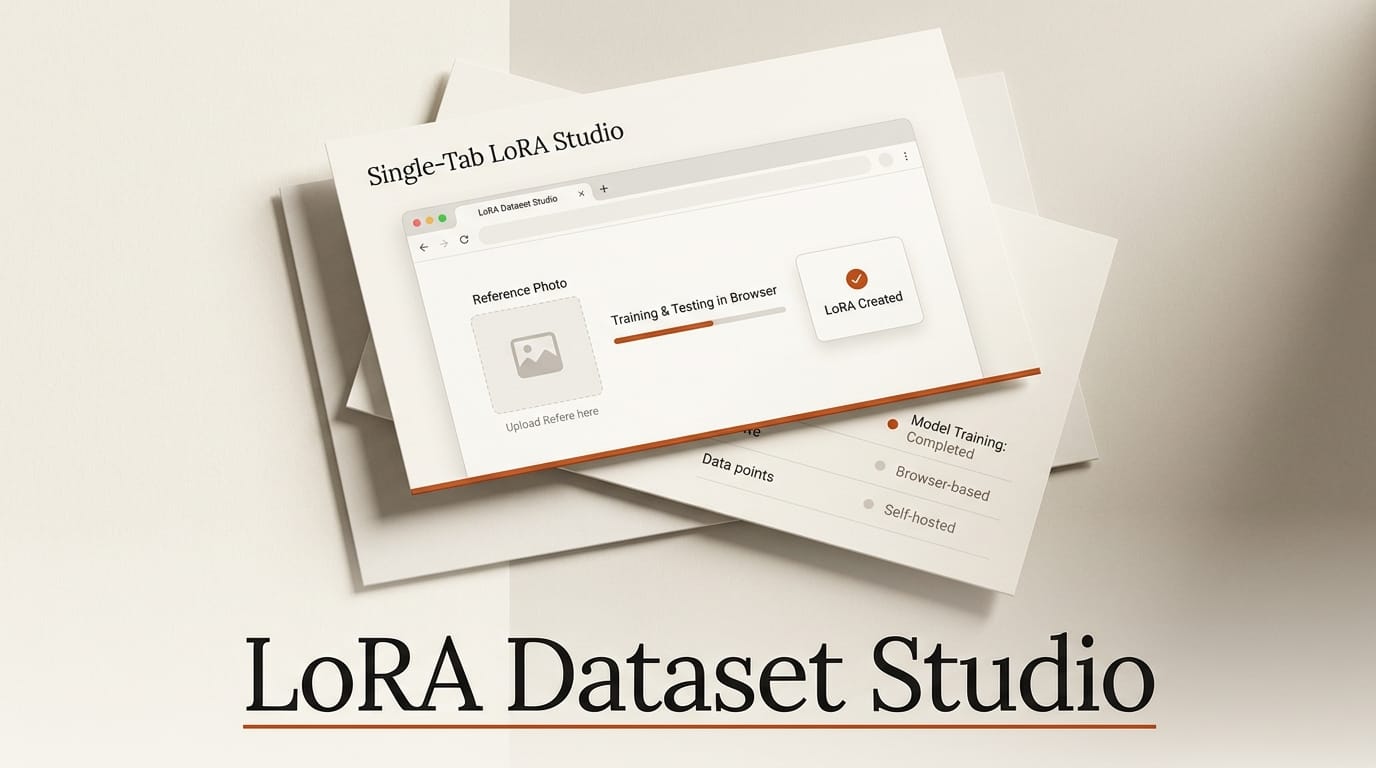
LoRA Dataset Studio is a free, self-hosted web app that runs the entire LoRA training lifecycle inside a single browser tab. You point it at one reference photo, and it helps you build a dataset, caption every image, scrub watermarks, train the model locally or on a rented cloud GPU, and then rank the resulting checkpoints in a side-by-side test grid. The project surfaced on r/StableDiffusion in early August 2026 and has since grown to more than 150 stars and 1,271 commits on GitHub, making it one of the more complete open dataset tools released this year.
The pitch matters because dataset prep, not training itself, is where most LoRA projects fall apart. Captions leak trigger words, watermarks poison the model, near-duplicate frames overfit a single pose. LoRA Dataset Studio folds those chores into one guided path instead of a dozen disconnected scripts and Colab notebooks.
What LoRA Dataset Studio Actually Does
The app is a React frontend on a Flask (Python) backend. It does not train models itself; it orchestrates the tools you already use, chiefly ai-toolkit for local training and ComfyUI for generation and upscaling. Around that spine it adds the connective tissue that hobbyist LoRA training usually lacks: an image scoring bank, face-similarity checks, caption frequency analysis, and a checkpoint ranking studio.
Everything runs on your own machine. API keys for optional cloud services live in a git-ignored .env file, and the license explicitly forbids non-consensual likeness cloning and other abusive uses. If you have no GPU at all, you can still import, curate, caption via cloud APIs, and export a finished dataset; training is the only stage that strictly needs local or rented silicon.
The Pipeline, Stage by Stage
The workbench walks a dataset through seven named stages, each with its own dedicated screen:
- Dataset assembly: generate synthetic images from a reference, scrape sources like Reddit or Pexels, or import an existing folder.
- Curation Grid: keep or reject, crop, mirror, and rotate images while an InsightFace similarity score and a composition meter flag off-target frames.
- Caption Lab: auto-generate model-matched prose or booru tags, then run find-and-replace, tag-frequency audits, and trigger-word leak detection.
- Watermark Review: detect marks, edit the masks by hand, then crop or inpaint them out with LaMa or Klein, keeping
.origbackups. - Training: launch a local or cloud run from a guided recipe with live progress.
- Test Studio: compare checkpoints on fixed-seed grids, stack multiple LoRAs, and rank outputs with Wilson scoring and face ranking.
- Export: ship ZIP and sidecar pairs, publish to Hugging Face, or drop straight into a ComfyUI models folder.
A LoRA Canvas ties the runs together on a pan-and-zoom board so you can trace which dataset produced which checkpoint and continue training from any point. That lineage view is the kind of feature that normally only exists in paid MLOps tooling.
Five Model Families, One Workbench
Rather than lock you to one base, the studio applies kind-aware captioning and composition rules across five generation engines. You can even split a single shot list across several engines at once, with every result labeled by the model that made it.
| Base model | Training path | Typical VRAM | Best for |
|---|---|---|---|
| Z-Image | ai-toolkit, quantized | 16 GB+ | Fast local character LoRAs |
| SDXL | ai-toolkit + ComfyUI base | 16 GB+ | Broad ecosystem, mature LoRAs |
| FLUX.1 / FLUX.2 Klein | ai-toolkit (4B / 9B) | 16-48 GB | High-fidelity likeness |
| Krea 2 | ai-toolkit | 24 GB | Character and concept detail |
| Anima | ai-toolkit | 16 GB+ | Animation-style training |
The FLUX family is the heaviest: the 9B Klein variant realistically wants 32 to 48 GB of VRAM, which is where the built-in vast.ai cloud rental option earns its keep. You start the run locally, stream the checkpoints back down as they finish, and never touch an SSH terminal.
What Hardware You Actually Need
The studio scales from a laptop with no GPU to a 48 GB workstation. The floor depends entirely on which stage you want to run locally.
| Use case | GPU | Disk |
|---|---|---|
| API-only (import, curate, export) | None | ~2 GB |
| Captioning with a local vision model | ~8 GB VRAM | ~7 GB |
| Local generation (Klein fp8) | ~16 GB VRAM | ~30 GB |
| Z-Image / SDXL LoRA training | 16 GB+ | 10 GB+ free |
| FLUX.2 Klein 9B training | 32-48 GB | Large (cloud advised) |
Local captioning leans on Ollama to run an 8B vision model, masking uses rembg, and face similarity scoring uses InsightFace. All three are optional and connect through the settings screen. Python 3.10 to 3.12 is required; the full stack targets Windows 10/11, while Linux and macOS get the API-only and manual-venv paths.
How to Try It This Weekend
Getting a first LoRA out of the studio is a same-afternoon project if you already run ComfyUI. The fastest path:
- Grab the release ZIP and run
start.baton Windows, or clone the repo andpip install -r backend/requirements.txtin a fresh venv. A one-click Pinokio installer also exists. - Open the local URL, then connect your existing ComfyUI and ai-toolkit paths under Settings so the studio can drive generation and training.
- Drop one reference photo into Dataset assembly and let the studio generate a starter set, or import a folder you already have.
- Run the Curation Grid to reject off-target frames, then Caption Lab to tag everything and check for trigger-word leaks.
- Launch a Z-Image or SDXL run (the lightest to train), then open Test Studio to rank the checkpoints and export the winner into your ComfyUI models folder.
What this enables: a repeatable, auditable LoRA workflow that lives on your own hardware. Instead of losing track of which caption set or dataset version produced your best checkpoint, the LoRA Canvas and Runs Hub keep the whole experiment lineage in one place, so improving a model becomes an iteration rather than a from-scratch redo.
The License: Read Before You Sell
One correction worth flagging: the original Reddit post described the project as MIT-licensed, but the repository actually ships under the PolyForm Noncommercial License 1.0.0. That means personal, research, and hobby use is free, but commercial use requires permission from the author. If you plan to fold this into a paid pipeline or an agency workflow, resolve licensing first. The license text also spells out prohibited uses, including non-consensual likeness replication and any exploitative imagery.
Frequently Asked Questions
Do I need a GPU to use LoRA Dataset Studio?
No, not for everything. Importing, curating, cloud-API captioning, and exporting all run without a GPU. You only need local or rented GPU power for local generation and for the training stage itself.
Is it really free?
It is free to download and free for noncommercial use under the PolyForm Noncommercial License. Commercial use requires permission from the author, so it is not a blanket-open MIT project despite early descriptions.
Which base models does it support?
Five families: Z-Image, SDXL, FLUX.1 and FLUX.2 Klein, Krea 2, and Anima. Each gets its own captioning and composition rules, and you can split one shot list across several engines at once.
How does it actually train the LoRA?
It orchestrates ai-toolkit for local training and ComfyUI for generation and upscaling. The studio provides the guided recipes, progress tracking, and dataset prep; the heavy lifting runs on those established open-source backends.
Can I train in the cloud if my GPU is too small?
Yes. The studio integrates vast.ai GPU rental with streaming checkpoint download, which is the practical route for the 9B FLUX.2 Klein base that wants 32 to 48 GB of VRAM.
What operating systems work?
Windows 10 and 11 support the full stack. Linux and macOS support the API-only workflow plus manual venv installation. Python 3.10 to 3.12 is required for the ML extras.





