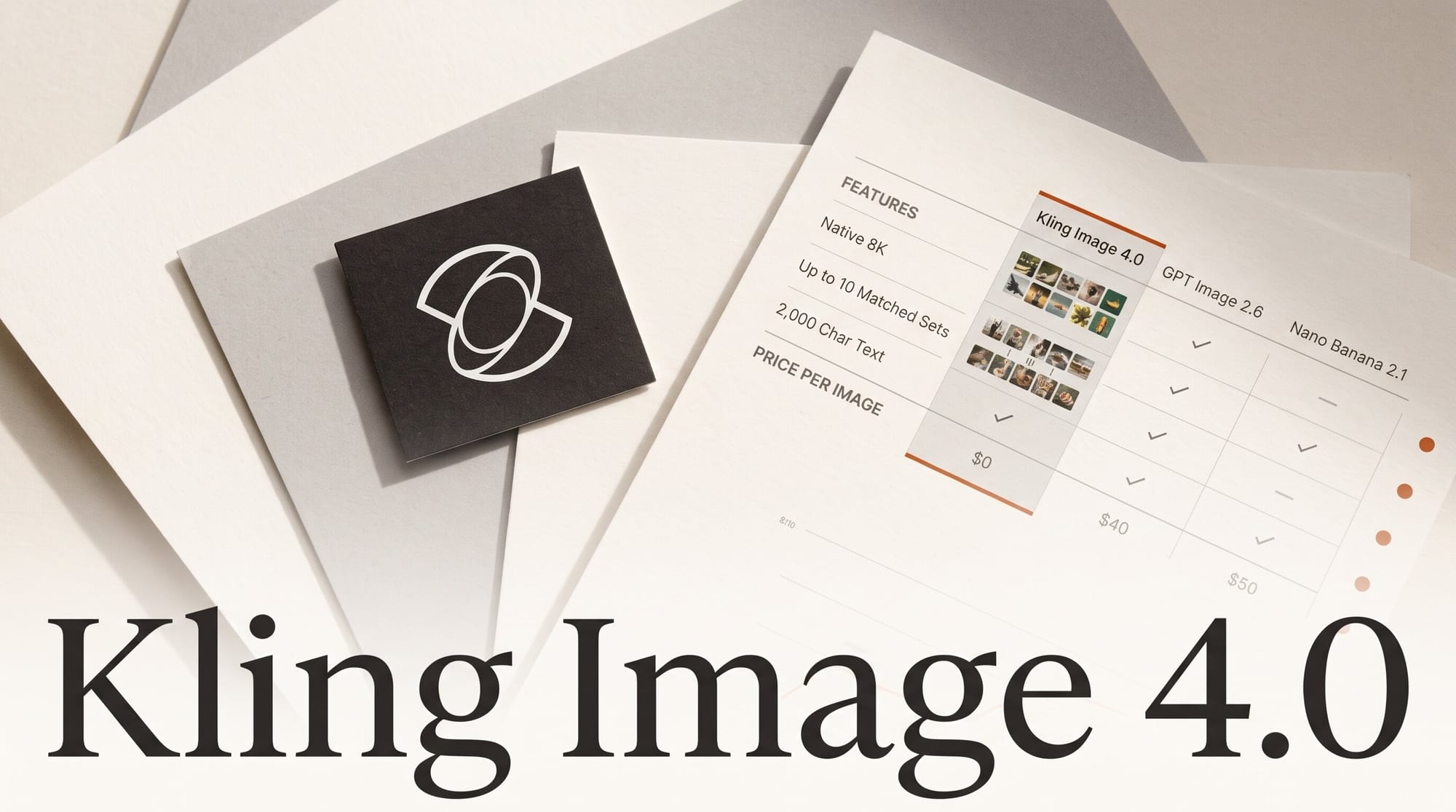
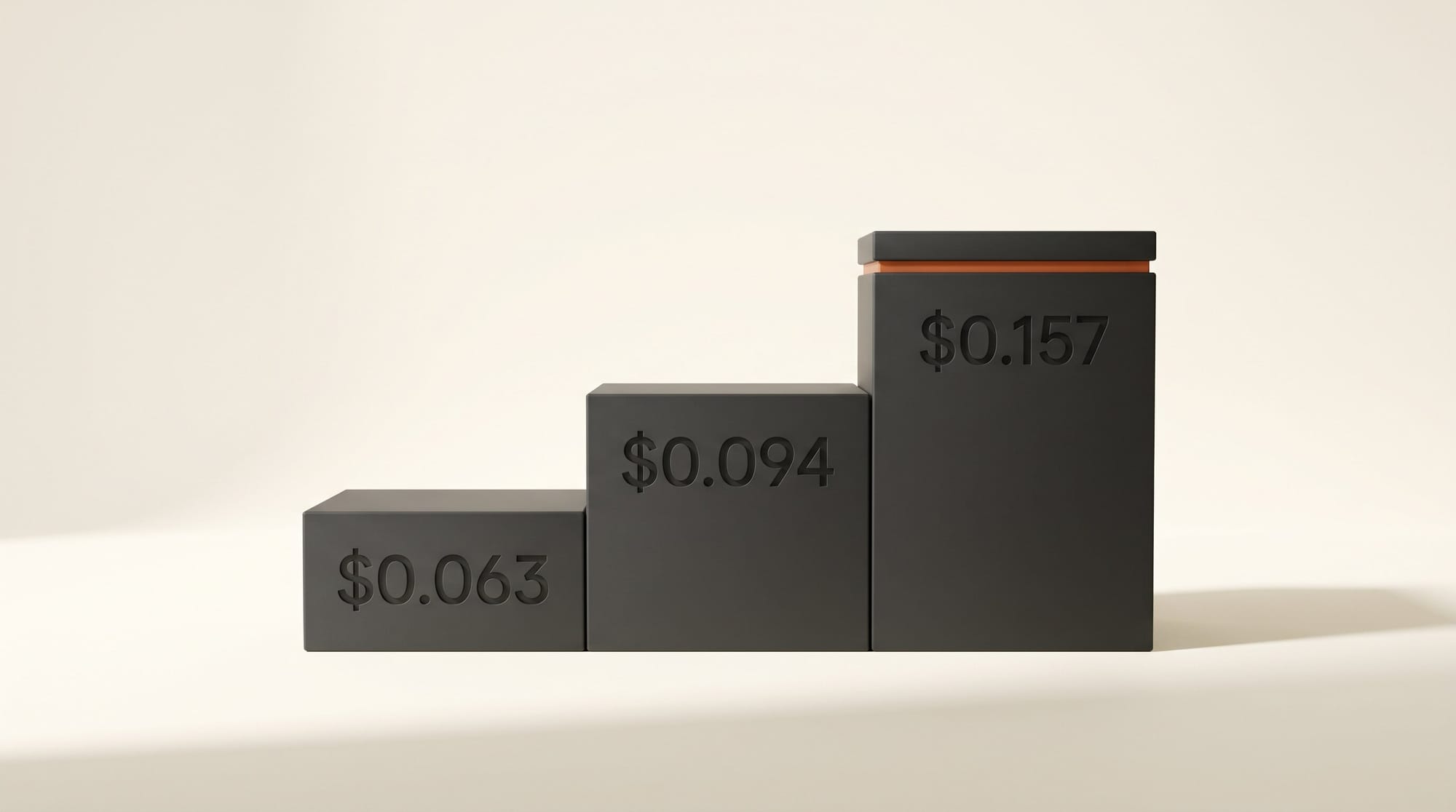
Kling AI launched Kling Image 4.0 on November 17, 2026, an image model that renders at native 8K, writes up to 2,000 characters of text into a single image and plans sets of up to 10 matching images from one prompt. It is live on Kling's website now, and ComfyUI added Kling 4.0 Image nodes the same evening. Kling's API charges $0.063 per image at 2K, $0.094 at 4K and $0.157 at 8K.
The press release says the model holds "a leading position" on the Artificial Analysis leaderboards. The live boards tell a narrower story: Kling Image 4.0 is 7th for text-to-image and 6th for editing, behind OpenAI's GPT Image 2.6 and Microsoft's MAI-Image-2.7. What it does lead on is resolution per dollar. This guide compares it with GPT Image 2.6 and Google's Nano Banana 2.1 on rank, size and cost per image, then walks through a product set you can make this week. We have not tested Kling Image 4.0 ourselves yet; every score below comes from Kling or Artificial Analysis, and we say which.
What Kling Released on November 17
Kling Image 4.0 is Kuaishou's new still-image model, following the Kling 4.0 video model that reached ComfyUI in October (see our Kling 4.0 clip cost breakdown). Kling pitches it at filmmaking, advertising, marketing and design work, and lists five headline changes:
- Photographic realism. Images meant to look straight out of a camera, with more variety in faces, ages and poses in group shots.
- Native 8K output. Kling calls this a first for AI image generation, aimed at large-format print, product imagery and outdoor advertising.
- Text rendering. Up to 2,000 characters in one image, over 70 preset fonts, and the option to upload a reference image of a font.
- Image sets. Up to 10 cohesive images from one prompt, keeping the same subject and style while changing framing and angle.
- Long layouts. Tall e-commerce product pages and website visuals, with text and images on separate, editable layers.
Kling's API price sheet lists the same price per image whether you ask for one image or a set: $0.063 at 2K, $0.094 at 4K and $0.157 at 8K. One change catches out anyone used to the older models: Image 4.0 also charges $0.003 for every reference image you attach. Kling Image 3.0 charged nothing for references and cost $0.028 per image at 2K, so the new model costs about 2.25 times as much at the same size.
Text, Image Sets and Long Pages: What Is Actually New
The text feature is the one most creators will notice first. Kling says the model follows instructions on where text goes, which font it uses and which effects it gets, and that small print on posters stays legible. Seven languages are supported for on-image text: English, Japanese, Korean, Spanish, Portuguese, and Simplified and Traditional Chinese. Kling also says you can edit the text and font in an image after it is generated, instead of rerolling the whole picture.
Image sets solve a different problem. Ask for a storyboard, a run of product angles or a slide series, and the model plans the whole set at once, so the subject and style hold across frames. In ComfyUI's new Kling 4.0 Image node, the set size is a menu: off, 2 to 10, or "auto", where the model picks between 2 and 10. You can feed it up to 10 reference images and point at each one in the prompt as @Image1, @Image2 and so on.
The long-page feature is new for Kling. The separate Kling 4.0 Long Image node makes one tall image in two modes: a webpage design, guided by an optional style image and subject image, or an e-commerce product detail page built from one to three product photos, in short, medium or long. Both top out at 2K, so treat them as layout mockups rather than final assets.
Where It Ranks: 7th, Not First
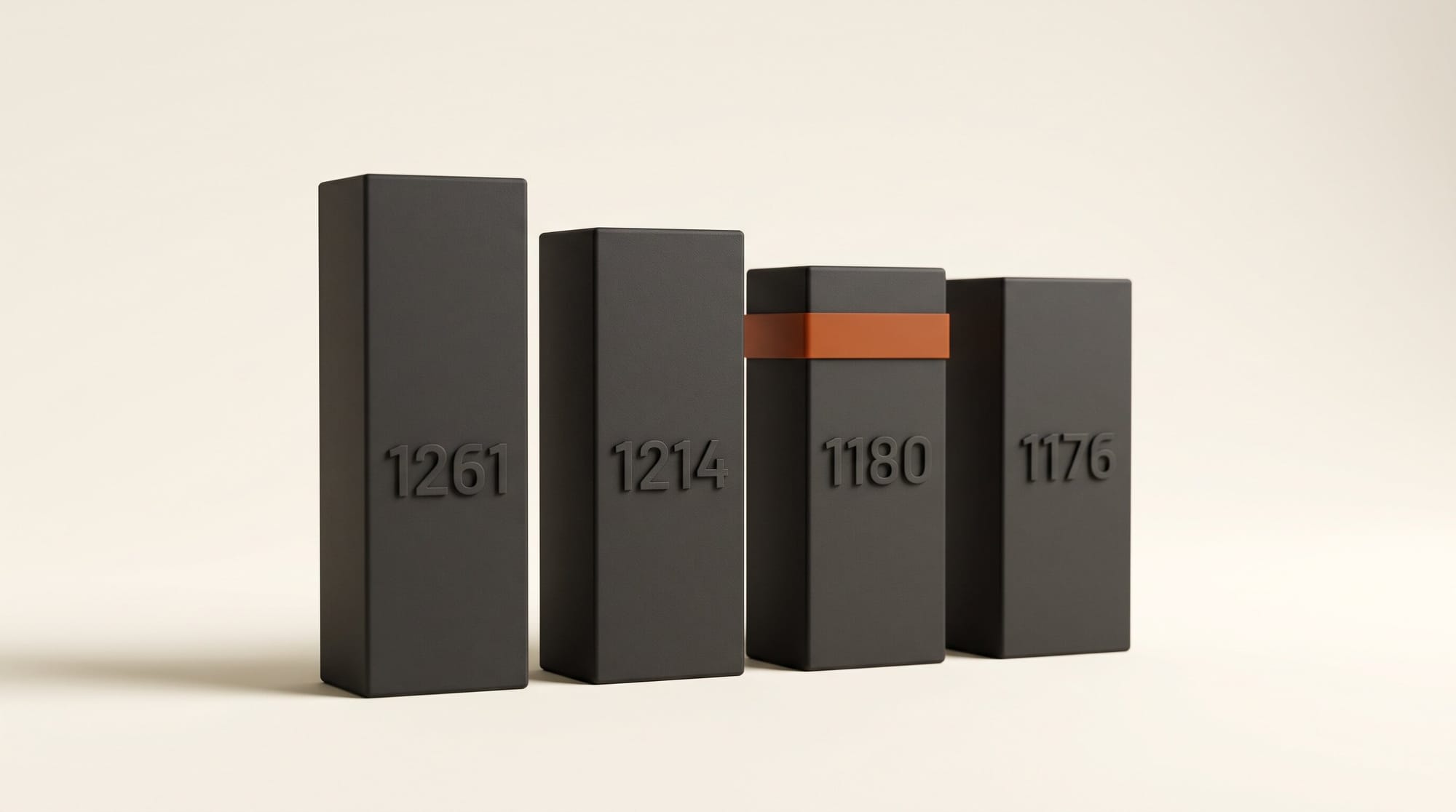
Artificial Analysis ranks image models by blind human votes. On its text-to-image leaderboard, Kling Image 4.0 sits 7th with an Elo score of 1,180, with a rank range of 6 to 9 once the margin of error is counted. GPT Image 2.6 Sunburst at its max setting leads with 1,261, MAI-Image-2.7 is 4th with 1,214, and Nano Banana 2.1 is 8th with 1,176, statistically level with Kling.
The image editing leaderboard is a little kinder: Kling Image 4.0 is 6th with 1,183, behind MAI-Image-2.7 (1,215) and four GPT Image settings, and ahead of Seedream 5.5 and Nano Banana 2.1 (1,152). Kling's "leading position" refers to a Kling Image 4.0 Preview, and Kling adds a narrower claim that it ranks 3rd for UI and UX design prompts. Neither changes the overall picture: this is a top-10 model, not the top model.
For most creators, a gap of about 80 Elo points to the leader matters less than three things the leaderboard does not test: an 8K file, readable paragraphs of text, and a matched set of 10. Those are the reasons to pick Kling Image 4.0, and the comparison below is built around them.
Kling Image 4.0 vs GPT Image 2.6 vs Nano Banana 2.1
Prices below are the per-image prices ComfyUI shows on its partner nodes in ComfyUI v0.45.6, which puts every model on the same bill. They include ComfyUI's margin; Kling's direct prices are covered in the next section.
| Model | Text-to-image rank (Elo) | Editing rank (Elo) | Largest size | One 4K image in ComfyUI | Best for |
|---|---|---|---|---|---|
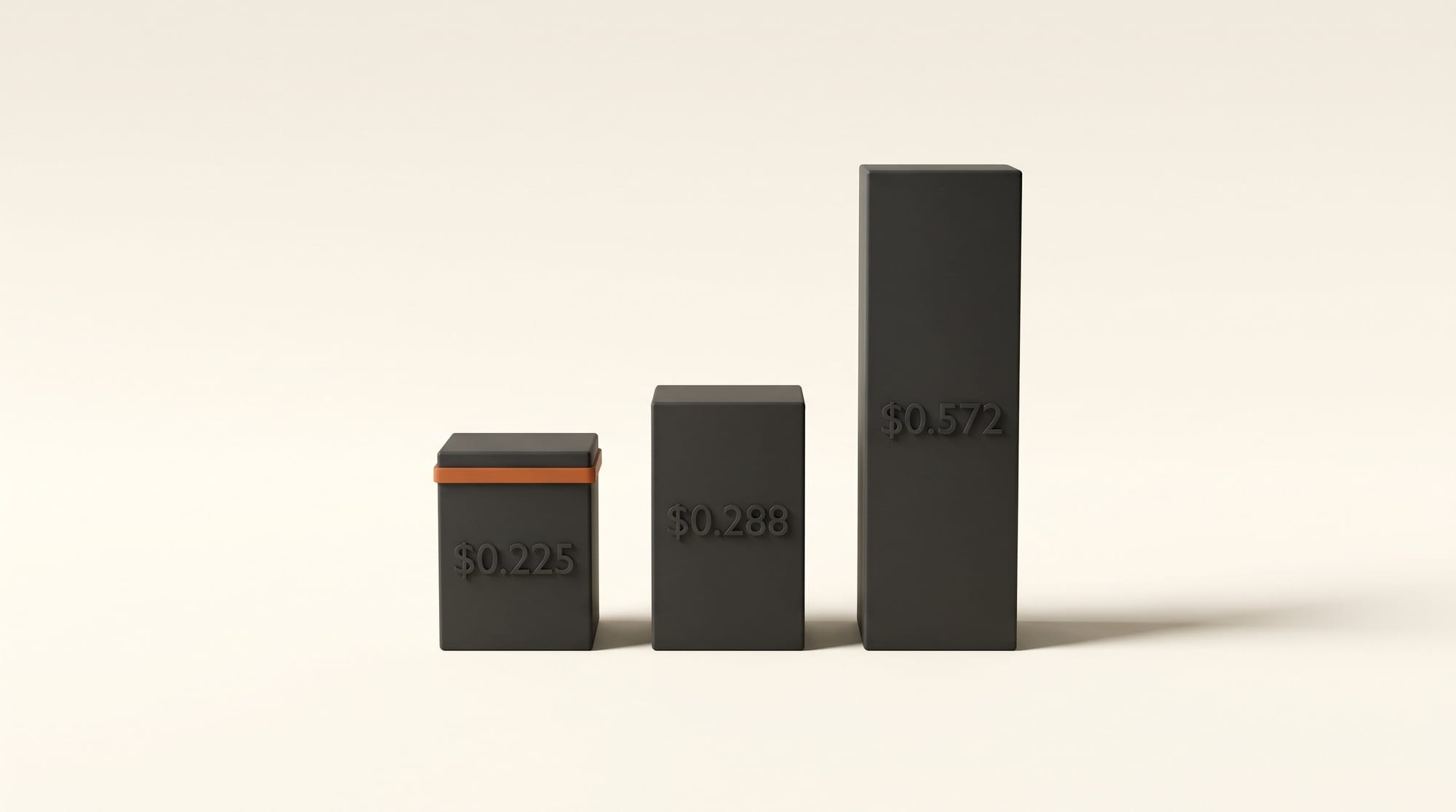
| Kling Image 4.0 | 7th (1,180) | 6th (1,183) | 8K | $0.134 (8K: $0.225) | Print sizes, long text, matched sets |
| GPT Image 2.6 Sunburst (max) | 1st (1,261) | 2nd (1,211) | 4K (3840x2160) | $0.572 at max, $0.143 at high | Hardest prompts, best overall quality |
| Nano Banana 2.1 | 8th (1,176) | 10th (1,152) | 4K | $0.162 (minimal thinking) | Fast, cheap drafts at 1K and 2K |
| Nano Banana Pro | Outside top 10 | Outside top 10 | 4K | $0.288 | Existing Gemini workflows |
The pattern is clear. At 4K, Kling Image 4.0 is the cheapest of the four in ComfyUI, and an 8K Kling image ($0.225) costs less than a 4K image from Nano Banana Pro ($0.288) or from GPT Image 2.6 at its top setting ($0.572). If you need the single best-looking image and size does not matter, GPT Image 2.6 still wins. At small sizes, Nano Banana 2.1 is the cheaper draft machine: Artificial Analysis lists it at $33.60 per 1,000 images at 1024x1024, against $63 for Kling Image 4.0. For more on Google's pricing, see our Nano Banana 2.1 price guide.
What It Costs Per Image, Direct and in ComfyUI
There are two ways to pay. Kling sells API resource packages directly, and ComfyUI resells the same model through its partner nodes, billed in Comfy credits. ComfyUI's price is about 43% higher for single images and sets, and more for long pages, which is the cost of running it inside the app you already use.
| Output | Kling direct | In ComfyUI |
|---|---|---|
| One image, 2K | $0.063 | $0.090 |
| One image, 4K | $0.094 | $0.134 |
| One image, 8K | $0.157 | $0.225 |
| Each reference image | $0.003 | $0.004 |
| Long webpage design, 2K | $0.596 | $0.852 |
| Long product detail page, long, 2K | $0.862 | $1.233 |
Sets multiply the per-image price. Kling's own worked example: two reference images plus one reference element, and a set of four images at 2K, comes to $0.261. A full set of 10 at 8K costs $1.57 direct, or about $2.25 in ComfyUI. That is the number to check before you press generate on "auto", which can return anything from 2 to 10 images.
Kling's consumer web app uses its own credits, and Kling has not published what Image 4.0 costs there. The app shows the credit cost before each generation, so check that figure on your first run instead of assuming it matches the API.
How to Make a Product Set With On-Image Text
This is the job Kling Image 4.0 is built for: one product, six matching shots, and a headline printed on each. You can do it in the Kling web app's image generator or in the ComfyUI desktop app; the steps below use ComfyUI because its settings are documented, and the web app offers the same choices. For background on lighting and staging, see our AI product photo guide.
- Update ComfyUI to v0.45.6 or later. The Kling 4.0 nodes arrived on November 17. You need a Comfy account with credits, because this is a paid partner node.
- Add the "Kling 4.0 Image" node. Find it under partner nodes, then image, then Kling.
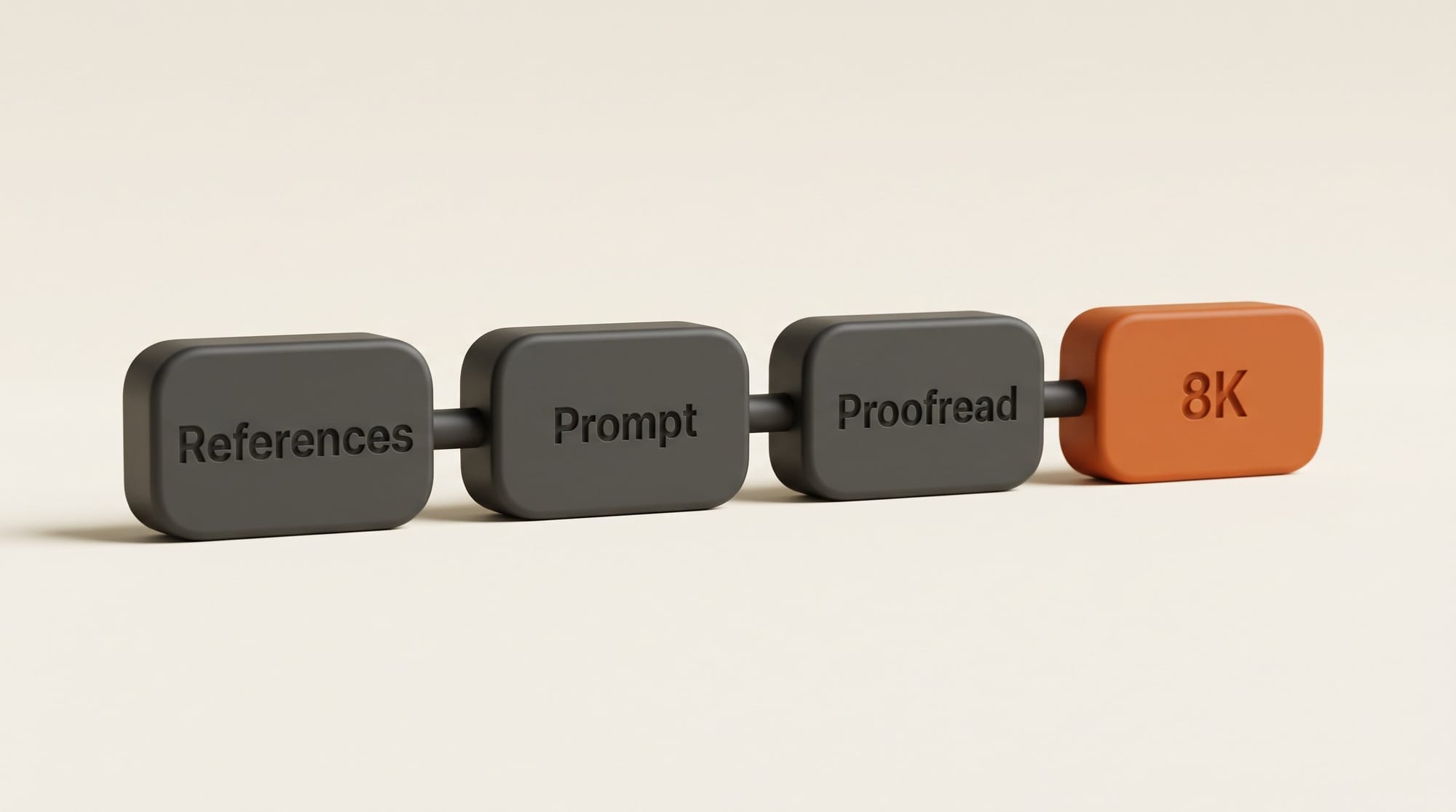
- Attach your references. Connect a clean product photo, your logo and, if you want a specific typeface, an image of that font. Up to 10 references are allowed, at $0.004 each in ComfyUI.
- Write the prompt with the exact words. Put the headline in quotation marks, name the language, and point at each reference: "Six photos of the bottle in @Image1 on a stone counter, headline 'Cold Brew, Slow Made' in the font from @Image3." There is no negative prompt, so describe what you want, not what to avoid.
- Set the size and count. Choose a series of 6 rather than "auto" so the bill is fixed, and 2K for the first pass. Pick the aspect ratio of the place it will run: 3:4 for a social feed (4:5 is not offered), 9:16 for Stories or 16:9 for a banner.
- Read the price badge, then run it. Six images at 2K with three references is about $0.55 in ComfyUI, or $0.39 at Kling's direct price.
- Check every word at 100% zoom. The claim is 2,000 legible characters; trust it only after you have proofread the small print yourself.
- Remake the keeper at 8K. Use your favorite image as a reference and ask for the same shot at 8K, for $0.225. This is a new generation, not an upscale, so expect small differences and proofread again.
Who Should Use It, and Who Should Wait
Use Kling Image 4.0 if your work ends up large or wordy: posters, packaging, retail displays, menus, infographics, or a product shot that a client will crop hard. It is also the easiest way to get a matched set of up to 10 frames for a storyboard or a carousel without stitching separate generations together.
Stay with GPT Image 2.6 if you need the best single image and can live with 4K. It leads both Artificial Analysis boards by a clear margin, at roughly four times Kling's 4K price at its top setting.
Stay with Nano Banana 2.1 for quick drafts and social-size images, where it costs about half as much per image and ranks level with Kling. If you edit more than you generate, MAI-Image-2.7 leads the editing board; our MAI Image 2.7 comparison covers it. And if you only need text-light images at 2K, Kling's own Image 3.0 still costs $0.028 each.
Frequently asked questions
Is Kling Image 4.0 free to try?
Kling has not said. Image 4.0 is live in Kling's web app, which runs on credits, and Kling has not published the Image 4.0 credit cost there. Through the API it costs $0.063 per image at 2K, $0.094 at 4K and $0.157 at 8K.
Is Kling Image 4.0 the best AI image model?
No. On Artificial Analysis it ranks 7th for text-to-image (Elo 1,180) and 6th for editing (1,183). GPT Image 2.6 Sunburst leads text-to-image at 1,261 and MAI-Image-2.7 leads editing at 1,215. Kling Image 4.0's advantages are 8K output, long on-image text and matched sets of up to 10.
Can Kling Image 4.0 really make 8K images?
Yes, 8K is one of three resolution choices alongside 2K and 4K, both in Kling's API price sheet and in ComfyUI's node. Kling calls it the first native 8K image model. Its long-page layouts are limited to 1K and 2K.
Which languages can Kling Image 4.0 write in images?
Seven: English, Japanese, Korean, Spanish, Portuguese, Simplified Chinese and Traditional Chinese. Kling says it can render up to 2,000 characters in one image with more than 70 preset fonts, or match a font from an image you upload.
How do I use Kling Image 4.0 in ComfyUI?
Update to ComfyUI v0.45.6 or later and add the "Kling 4.0 Image" or "Kling 4.0 Long Image" partner node. It needs a Comfy account with credits. An image costs $0.090 at 2K, $0.134 at 4K and $0.225 at 8K, plus about $0.004 per reference image.