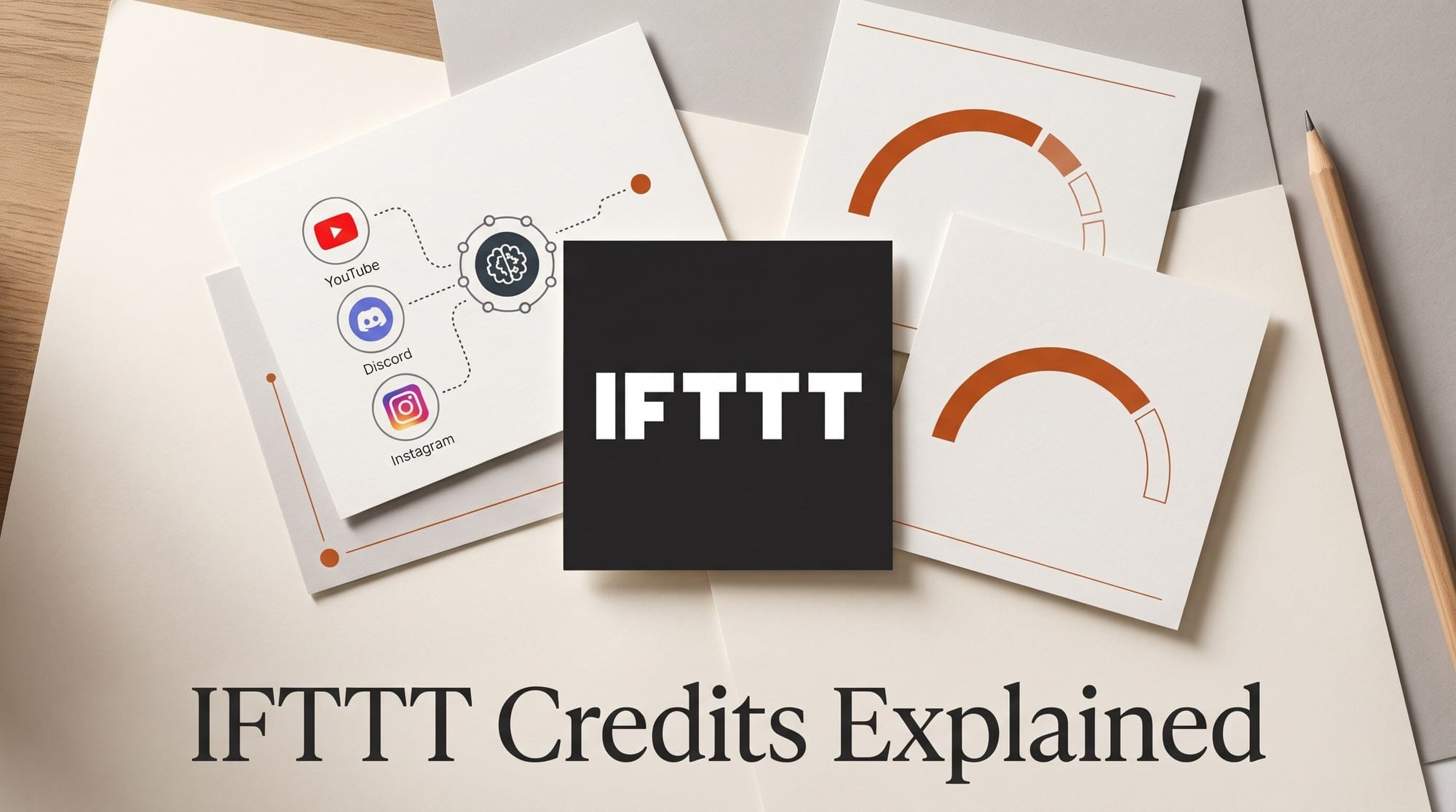
IFTTT switched to credit-based pricing on October 28, 2026, renamed itself IFTTT.ai and added an AI Agent service. Every plan, Free included, now gets unlimited Applets and every service. What changes is how often your automations can run. The Free plan comes with 1,000 credits a month, a new Starter plan costs $2.99 a month for 5,000, Pro costs $7.99 for 20,000 and Pro+ costs $19.99 for 100,000. When your credits run out, your Applets pause until the next month.
For creators, this is the change that matters. IFTTT is where many people keep small publishing chores running: post a new YouTube video to Discord, copy an Instagram photo to Bluesky, pin a new Etsy listing to Pinterest. Until this week the Free plan let you keep 2 Applets running without any limit on runs. Now you can keep any number of them, but they draw from one monthly allowance. Founder Linden Tibbets explains the change in his launch post, calling the old freemium model "a mistake, and it was mine." This article covers what each plan costs, how credits are counted, how IFTTT now compares with Zapier and Make, and how to set up the new AI features without opening a terminal. Prices were checked on the vendors' pages on October 28, 2026.
What Changed on October 28
The old plans capped how many Applets you could have and locked features behind Pro+. The new plans unlock everything and cap usage instead. Here is the plan page as it stood on October 26, from the Internet Archive copy, next to the current IFTTT plans page.
| Plan | Before (to Oct 27) | Now (from Oct 28) |
|---|---|---|
| Free | $0, 2 Applets, unlimited runs | $0, unlimited Applets, 1,000 credits a month |
| Starter | Did not exist | $2.99 a month, 5,000 credits |
| Pro | $2.99 a month, 20 Applets | $7.99 a month, 20,000 credits |
| Pro+ | $8.99 a month, unlimited Applets, AI services, filters | $19.99 a month, 100,000 credits |
| Yearly discount | Save 40% | Save 30% |
| Free trial | Yes, on paid plans | No, the Free plan replaces it |
Two things carry over for people who already pay. IFTTT says "if you already pay for IFTTT, your price doesn't change," and Pro or Pro+ subscribers who already use more than their new allowance get a one-time boost of extra credits, sized to their past usage. New sign-ups pay the new prices. That makes Pro+ more than twice as expensive for a new customer ($19.99 against $8.99), while the cheapest paid plan stays at $2.99.

How IFTTT Counts Credits
An Applet is one automation: a trigger (something happens), then one or more actions (something else happens). IFTTT's help-center article "What are credits and how do they work?" lists what costs credits and what does not.
- Uses credits: a trigger that fires, an action that completes, a query that returns data, a filter that runs, and an action started from an AI assistant through IFTTT's MCP connector.
- Free: checks that find nothing new, actions that fail or get skipped, Applets that are switched off, chatting with IFTTT Chat, and creating or editing Applets.
- Running out: Applets pause until the monthly reset or until you upgrade. Upgrades apply at once and the Applets restart on their own. Events that happen while an Applet is paused are not replayed later.
- No rollover: unused credits expire at the end of each month. IFTTT says it will warn you on the site, inside the Applet, or by email when you look likely to run out.
The one number IFTTT does not publish is how many credits each step costs. The help article says each step's cost appears in the Applet builder when you create or turn on an Applet, and that IFTTT Chat will give you a breakdown if you ask. Before you trust any rule of thumb, open your busiest Applet and read the number. Your balance and usage are on the billing page of your account.
The rule that saves the most credits for creators: an Applet only spends when its trigger actually fires. A "new YouTube upload" Applet that checks your channel every hour spends nothing on the checks. It spends only on the days you publish.
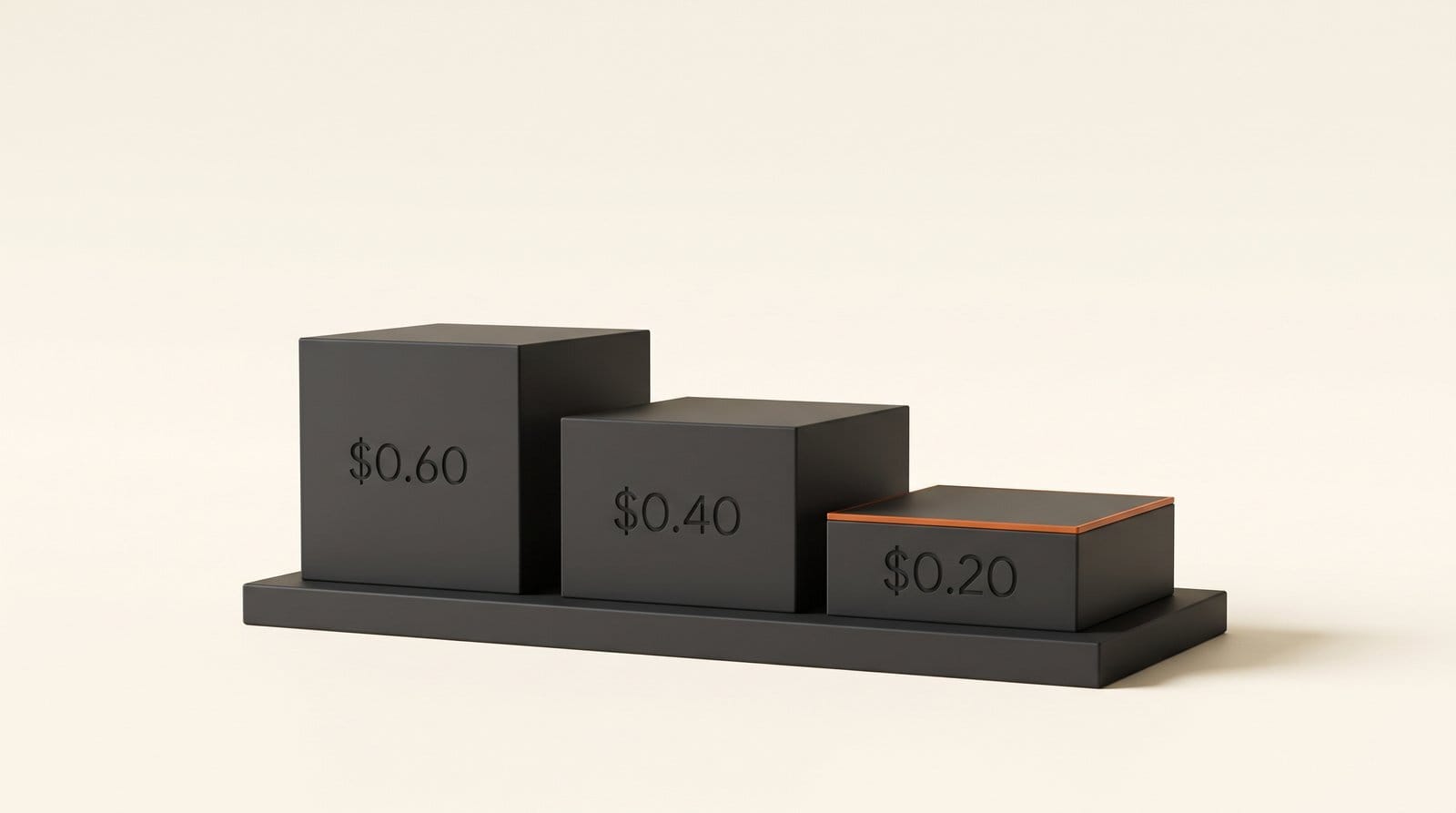
What Each Plan Costs per 1,000 Credits
Because every plan now has the same features, the plans differ mainly in volume, speed and support. Speed here means how often IFTTT checks a service for something new, which IFTTT calls polling. The figures below are from the IFTTT plans page and IFTTT's "Plans at a glance" help article.
| Plan | Monthly price | Billed yearly | Credits a month | Cost per 1,000 credits | Checks for new events |
|---|---|---|---|---|---|
| Free | $0 | $0 | 1,000 | $0 | Every hour |
| Starter | $2.99 | $25.08 a year ($2.09 a month) | 5,000 | $0.60 | Every 15 minutes |
| Pro | $7.99 | $65.88 a year ($5.49 a month) | 20,000 | $0.40 | Every 5 minutes |
| Pro+ | $19.99 | $167.88 a year ($13.99 a month) | 100,000 | $0.20 | Every 5 minutes, fastest tier |
The per-1,000 figure uses the monthly price. The bigger the plan, the cheaper each credit: Pro+ credits cost a third of Starter credits. Pro+ also adds several accounts per service, which matters if you run a personal and a channel Google account side by side. For most solo creators the real question is simpler. Will your Applets fit in 1,000 credits a month? If not, will they fit in 5,000? Starter at $2.99 is cheaper than almost any AI app subscription, and IFTTT says it priced it that way on purpose, against the "$20" most AI apps charge.
IFTTT vs Zapier vs Make for Creators
IFTTT, Zapier and Make all link apps without code, and all three now meter usage. They count different things, so the allowances do not compare one to one. On Zapier's pricing page, a task is one successful action. IFTTT also counts the trigger, any filter and any query. Make uses credits too: in Make's credits guide, one operation in a non-AI app equals one credit, and Make's pricing page lists 1,000 a month on its Free plan, the same headline number as IFTTT.
| IFTTT | Zapier | |
|---|---|---|
| Free allowance | 1,000 credits a month | 100 tasks a month |
| What counts | Triggers, actions, queries and filters that run | Each successful action |
| Multi-step automations on Free | Yes, every feature on every plan | No, two-step Zaps only |
| Free plan check interval | Every hour | Every 15 minutes |
| Cheapest paid plan | Starter, $2.99 a month, 5,000 credits | Professional, from $19.99 a month billed yearly ($29.99 monthly), 750 tasks |
| Fastest check interval | Every 5 minutes (Pro, Pro+) | Every 2 minutes on Professional |
| Built-in AI | AI Agent, AI Action assist, IFTTT Chat | Zapier Agents, Copilot, AI fields on paid plans |
For the classic creator chores, such as posting a new upload somewhere else or saving liked videos to a bookmark app, IFTTT is now the cheapest of the three to scale: Starter costs less than a sixth of Zapier's cheapest paid plan. Zapier is still the better tool when one event has to update five business apps in a row, and when you need a check every 2 minutes. Make's paid plan cards did not load for us on October 28, so it is left out of the table rather than guessed.
What the New AI Agent Does
The AI Agent and AI Action assist guide describes four new building blocks. Three come from AI Agent, the fourth is a switch in the Applet builder.
- New item on a page. Paste the link to a public page that lists things, and AI Agent tells you when something new appears. Whatever is on the page when you start counts as old news. For a creator: an open-call page for a festival or a stock-footage contest, a brand's creator-program page, a venue's events list.
- Number on a page changes. Name one number in the page's own words, like a price, and set the line you care about. Point it at the page of a camera, a microphone or a plugin you are waiting to drop in price, and your alert shows the old number next to the new one.
- Run actions across your services. Instead of one fixed action, you write the job in plain words and AI Agent picks which of your connected apps to use. For example: when a sponsorship email lands in Gmail, add a calendar event for the deadline unless one already exists.
- AI Action assist. Turn it on for one action in an Applet and the AI writes that action's text fresh on every run, from whatever triggered it. Your Discord or Bluesky post stops being the same template every time.
IFTTT warns that pages which load their content with JavaScript, including some online stores, may not work with the page triggers yet. Start with a simple public page that clearly lists updates. Every run shows up in the Applet's activity page with what was done, what was skipped and why, so you can check the AI's choices before you trust it unattended.
IFTTT also connects to chat assistants. In Claude it sits under Settings, Connectors; in ChatGPT under Settings, Connected Apps, as IFTTT's help page on using IFTTT with AI assistants explains. You can then ask the assistant to find, turn on or build an Applet in plain language. It works much like editing a Framer site from Claude or ChatGPT. Remember that actions started this way spend credits too.
Set Up a YouTube-to-Discord Post Written by AI
This is the most common creator Applet, upgraded with the new AI switch. It takes about 10 minutes and nothing but a browser.
- Build the Applet. Sign in at ifttt.com and click Create. For "If This," pick YouTube and the trigger "New public video uploaded by you," which fires for every public video or Short. For "Then That," pick Discord and "Post a message to a channel," then choose your server and channel. IFTTT also has a ready-made version, Post new YouTube videos to Discord channel, if you only want the plain template.
- Read the credit cost. Before you save, look at the credit cost shown for each step. Note the total per run. If you publish 12 videos a month, multiply by 12.
- Open the action on the web. In the Applet you made, click the "Post a message to a channel" action. IFTTT's guide describes the AI switch on Applets you have made yourself.
- Switch on AI Action assist and write the instruction. For example: "Write a two-sentence announcement for my Discord community from this video's title and description. Friendly, no hashtags, end with the link." IFTTT allows AI Action assist on one action per Applet.
- Wait for a real upload. Publish your next video or Short as usual. On the Free plan IFTTT checks YouTube every hour, so the post can take up to an hour to appear. Starter checks every 15 minutes and Pro every 5.
- Check the activity page. Open the Applet's activity to see what the AI wrote and whether anything was skipped. Then check your credit balance on the billing page after the first real run.
The same pattern works for Bluesky, Threads or a newsletter draft: keep the trigger, swap the action, and give the AI one clear instruction. If you also use Zapier for business tools, our post on the Figma Make Zapier connector shows the other side of the same idea.

Who Pays More and Who Pays Less
- Old Free users with 2 busy Applets are the people most likely to notice. Their runs used to be unlimited. A weather alert or a phone automation that fires many times a day can now use up 1,000 credits before the month ends, and then everything pauses, including your publishing Applets.
- Old Free users who wanted a third Applet win. A creator who posts a few videos a week can now keep a separate cross-posting Applet for each platform, as long as the runs fit in 1,000 credits.
- Existing Pro and Pro+ subscribers keep their price and get a one-time credit boost if they already run more than the new allowance.
- New heavy users pay more. Full access used to cost $8.99 a month on Pro+; the 100,000-credit Pro+ plan now costs $19.99, though Pro at $7.99 now includes every feature too.
The move follows the wider shift to usage pricing we saw when Notion moved its AI to monthly credits. Before your first reset, list your Applets, switch off any you no longer need, and keep the Applets that announce your work at the top of the list.
Frequently Asked Questions
Is IFTTT still free?
Yes. The Free plan costs nothing, includes unlimited Applets and every service and feature, and gives you 1,000 credits a month. Applets check for new events every hour on Free. When the credits run out, your Applets pause until the next monthly reset.
How many credits does one Applet run use?
It depends on the steps that run. A trigger that fires, each completed action, each query and each filter use credits. IFTTT shows the cost of each step in the Applet builder rather than publishing a price list, so open the Applet to see its exact cost per run.
What happens to my Applets when I run out of credits?
They pause, nothing is deleted. They restart at your monthly reset, or straight away if you upgrade. Events that happen while an Applet is paused are not run afterwards, so a video you publish during a pause will not be cross-posted later.
Do unused IFTTT credits roll over?
No. Credits renew each month and unused ones expire. If you downgrade, you keep your current allowance until the end of the billing cycle.
Is IFTTT cheaper than Zapier now?
For simple automations, yes. IFTTT's Starter plan is $2.99 a month for 5,000 credits, while Zapier's cheapest paid plan starts at $19.99 a month billed yearly for 750 tasks. The units differ, since IFTTT also counts triggers and filters, but the gap is large. Zapier checks more often on paid plans and handles longer business workflows.
Does the price change for people who already pay?
No. IFTTT says existing subscribers keep their price and are not forced to upgrade. Pro and Pro+ subscribers who already use more than their new allowance get a one-time boost of extra credits at no cost.