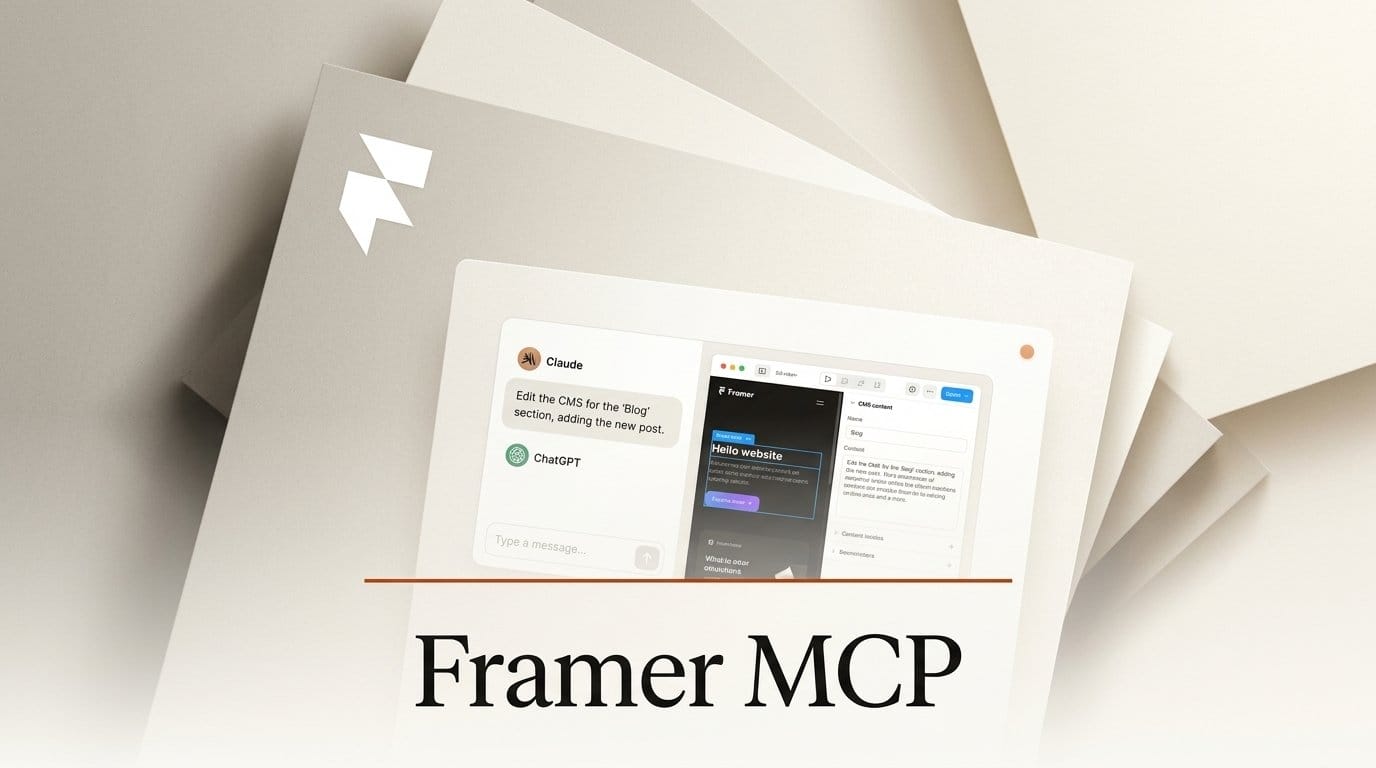
Framer released Framer MCP on October 22, 2026, a hosted connection that lets the Claude app, ChatGPT, Codex, Cursor and Grok Bot build pages, edit layouts and fill the CMS of your Framer site from a chat. Setup is a one-click "Connect" in Claude's connector directory or an "Install Plugin" in ChatGPT, no terminal. On Framer's side it costs nothing: the pricing page lists it as "Free, during preview" on every plan, Free included, and the AI work is billed to the chat plan you already pay for instead of Framer's credit meter.
That last line is the real news for designers. Here is what the connection can and cannot do, what it saves compared with Framer's own agent, how to set it up from the Claude or ChatGPT app, and where it can still trip you up.
Background
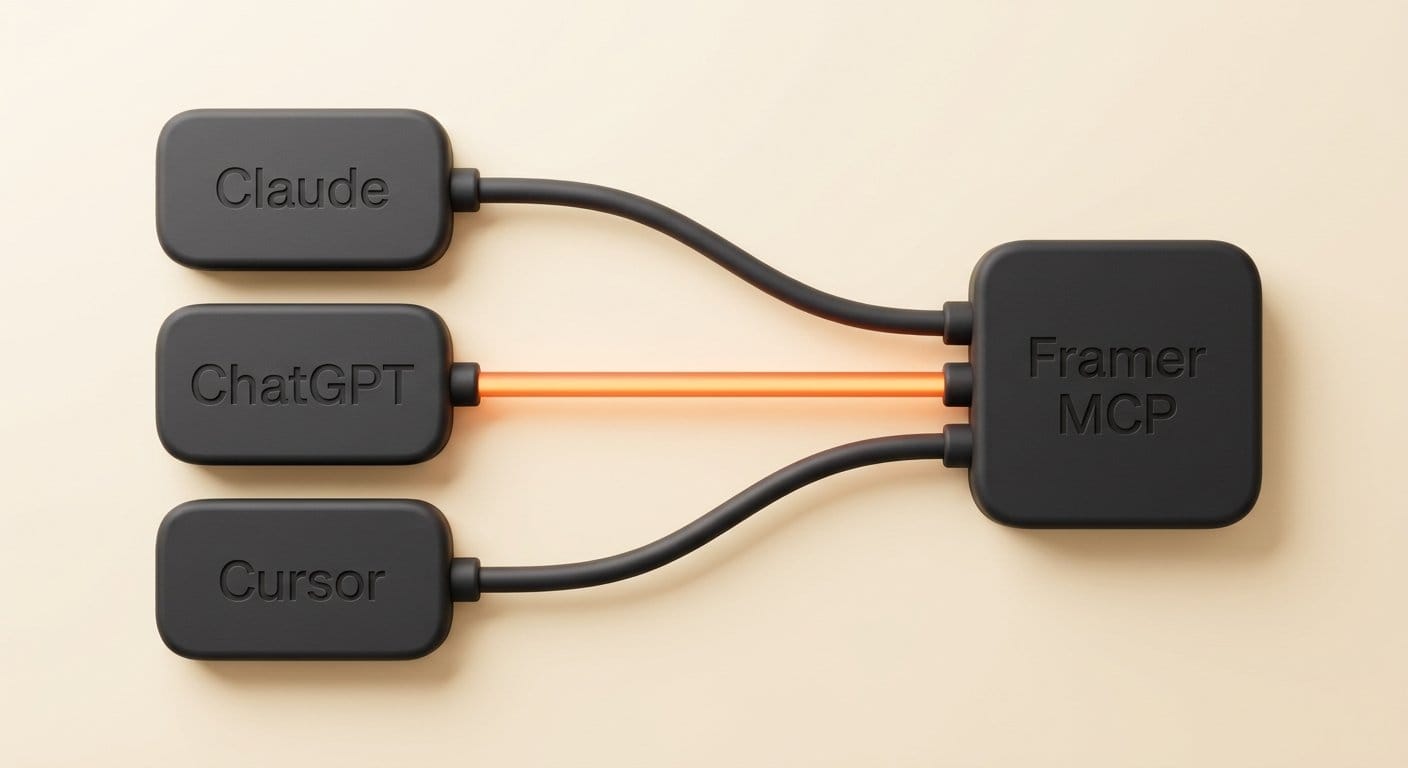
This is not Framer's first opening for outside AI. In June, Framer 3.0 Agents brought a built-in agent that edits your site inside the editor, plus "External Agents", a bridge for coding tools such as Claude Code and Cursor. The catch was the setup: External Agents ran through a local command-line tool, so you had to open a terminal and run a command before any AI could reach your project. That kept it with developers.
Framer MCP replaces that bridge with a server Framer hosts at mcp.framer.com. MCP, the Model Context Protocol, is the standard way chat apps plug into other software. Because the server is remote and signs you in with your Framer account, the apps designers already use can connect the same way they connect to Google Drive or Notion. Framer's MCP page says it plainly: "Framer MCP is now the recommended way to connect AI agents." The older command-line setup still works, mainly for translation work that the new connection does not cover yet.
Deep Analysis

What your chat app can now do in Framer
Once you approve the connection, Framer says your agent can work with "the canvas, components, supported project settings and CMS" in any project your account can open, using your account's permissions. Framer's capabilities guide lists the jobs in practice:
- Pages and layouts. Create new pages and change existing ones across the desktop, tablet and phone breakpoints, reusing the styles and components already in your project.
- CMS content. Create collections and items, update structured content and import material the chat app can see, such as notes, photos or files you attach.
- SEO review. Check metadata, headings, alt text and page structure. Framer describes this as a review; it does not promise the agent will change your SEO settings.
- Branches. Make the changes on a separate branch so the main site is untouched until you merge.
Two limits matter. Translation is out for now: "Localization support is not available in Framer MCP at launch." And your Framer project does not need to be open while the agent works, which is convenient but means you should look at the result in Framer before you trust it.
The cost shift: Framer credits versus your chat plan
Framer's built-in agent runs on Framer AI credits. Framer's credit announcement puts a landing page at about 300 credits, making a page responsive at about 150, a large edit at about 100 and a small edit at about 50, on the default model. Choosing Opus 4.8 inside Framer multiplies that by 1.8. The Basic plan ($10 a month) includes 1,000 credits, Pro ($30) includes 3,000, and the Free plan gets 500 credits once, as a trial, according to Framer's credits help page.
On Basic that is about 20 small edits a month at 50 credits each, or three landing pages at 300 each, before you buy more. Framer MCP takes Framer's meter out of the loop. The FAQ is direct: "Your AI usage follows that agent's plan or credits." If you pay for Claude or ChatGPT already, the edits come out of the usage you have there, and Framer charges nothing for the connection during the preview. Framer has not said when the preview ends or what it will cost after.
Setting it up from the Claude or ChatGPT app
Framer's setup guide gives a no-terminal route for each consumer app. In Claude, open Customize, then Connectors, search the directory for Framer, select "Connect to Claude", sign in to Framer and approve access. Anthropic's connector guide says a connected connector then works in Claude on the web, the desktop app and the phone app. In ChatGPT, open Plugins in the sidebar, find Framer, select "Install Plugin", sign in and approve.
Then point the agent at the right project. Framer's video lesson shows the step: open the project in Framer, click Invite, copy the Project Link, and paste it into a new chat after "Connect to". Framer warns that without the full link an agent may pick the wrong project, which matters if you manage client sites from one account. On Team or Enterprise plans of either app, an admin may need to approve the connector first.
Safety: nothing goes live unless you say so
The question every designer will ask is whether a chatbot can break a client's live site. Framer's answer: "By default, changes stay in your project and don't affect the live site until you publish." The agent publishes only "if you explicitly ask it to publish." For anything bigger than a text fix, ask it to work on a branch, which gives you a version to compare with the main site before merging. Branch previews are listed on the Pro plan.
Claude adds its own guard: it can ask before each action a connector takes, with "Allow once" or "Always allow" choices you can tighten later. Leave publishing on "Needs approval". Framer also noted, back when it launched the earlier External Agents, that an outside agent sees less of the live canvas than the built-in one and needs more specific prompts. Expect the same here: name the page, the section and the component you mean.
| Framer's built-in agent | Framer MCP from Claude or ChatGPT | Older External Agents tool | |
|---|---|---|---|
| Where you work | Inside the Framer editor | Your chat app, on desktop, web or phone | A coding tool on your computer |
| Setup | None | One click plus Framer sign-in | A terminal command |
| What it costs on Framer's side | Framer AI credits (about 50 per small edit) | Free during the preview | No Framer credits |
| Framer must be open | Yes | No | No |
| Translation | Yes (credits) | Not at launch | Yes |
| Publishes the live site | When you publish | Only if you ask | When you merge |
Impact on Creators

If you run a portfolio, a studio site or a small shop page on Framer, the most useful jobs are the dull ones. Paste a folder of project notes and photos into Claude and ask it to add three case studies to your Projects collection. Ask ChatGPT to check every page for missing alt text and list them. Ask for a new landing page for a course launch built from your existing components, on a branch, then open Framer and polish it by hand. These are the tasks that eat an evening and burn credits in Framer's own agent.
The phone route is new too. Because Claude's connectors work in its mobile app, you can fix a typo on a CMS item or add a new item while away from your desk, as long as you leave publishing for when you can check it. Framer's wording is "on your phone where supported", so test your app before you rely on it.
Who should stay with Framer's built-in agent: anyone who wants to watch changes happen on the canvas, anyone translating a site, and anyone on a team where an admin has not approved the connector. The built-in agent sees your canvas directly; the chat apps work from what the connection reports back.
We have not run the connection against a live project yet, so this is a reading of Framer's and Anthropic's documentation from launch day. If you build sites in Figma instead, our Figma Make website workflow covers the nearest equivalent; Claude's other creative connectors are in our connectors launch coverage.
Key Takeaways
- Framer MCP lets Claude, ChatGPT, Codex, Cursor and Grok Bot edit Framer pages and CMS content, with one-click setup and no terminal.
- It is free on every Framer plan during the preview; the AI work comes out of your chat app's plan, not Framer's credits (about 50 credits per small edit in Framer's own agent).
- Changes stay off the live site until you ask the agent to publish; use a branch for anything bigger than a text fix.
- Translation is not supported at launch, and Framer has not said what the connection will cost after the preview.
What to Watch
Three things decide whether this becomes the normal way to run a Framer site. First, the price after the preview: if Framer starts billing the connection in credits, the cost advantage over its own agent disappears. Second, feature parity: Framer says the older command-line tool stays supported "while Framer MCP reaches feature parity", so watch for translation and deeper canvas control. Third, the chat apps themselves. Expect other site builders to chase the same spot inside Claude and ChatGPT; the one whose connector does the most reliable work from a plain-English request will win the designers who no longer open the editor first.
FAQ
What is Framer MCP?
Framer MCP is a hosted connection, launched October 22, 2026, that lets AI apps such as Claude, ChatGPT, Codex, Cursor and Grok Bot work on your Framer projects: building pages, editing layouts, updating CMS content and reviewing SEO.
Is Framer MCP free?
On Framer's side, yes for now. The Framer pricing page lists it as "Free, during preview" on every plan, including Free. The AI work is billed to the plan of the chat app you use, such as your Claude or ChatGPT subscription.
How do I connect Claude to my Framer site?
In Claude, open Customize, then Connectors, find Framer in the directory and select "Connect to Claude". Sign in to Framer, approve access, then paste your project's link (from Invite in Framer) into a new chat and describe the change.
Can the AI publish changes to my live Framer site?
Only if you ask. By default changes stay in your project, or on a branch if you request one, and the live site is unchanged until you or the agent publish.
What can't Framer MCP do yet?
Translation. Framer says localization is not available in Framer MCP at launch and points to its older command-line setup for that. Framer also recommends reviewing every change in the editor before publishing.