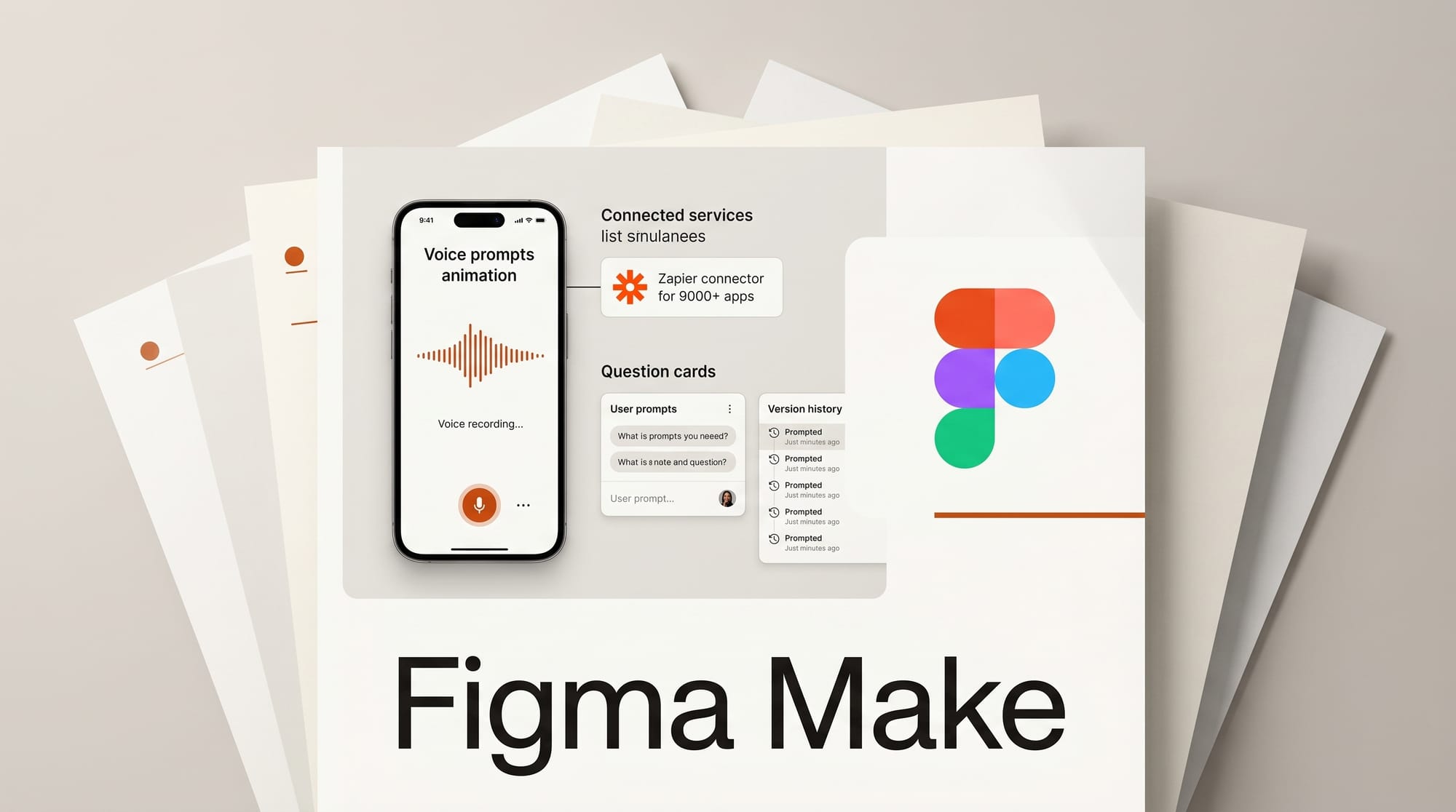
Figma updated Make, its AI app and site builder, on April 30, 2026, adding four new features: voice-to-text prompt dictation, a Zapier connector for 9,000-plus third-party apps, question cards for structured AI decision-making, and instant version history rollbacks. Figma Draw received parallel updates including auto layout support and a text-on-path tool.
What Happened
According to Figma's release notes, the Zapier connector is the headline change. It connects Make directly to Google Drive, Microsoft Office, Zoom, and over 9,000 additional services, letting designers feed external context into AI prompts without manually copying data between tools.
Voice-to-text lets designers dictate prompts directly in Make chat. The input is cleaned automatically before submission so the AI receives well-formed instructions. Question cards are a new pattern where Make surfaces structured options and tradeoff descriptions before starting a build, requiring explicit sign-off rather than proceeding on assumptions. Version history now captures every build state, with single-click rollback to any prior version, plus a context reset option that clears accumulated session data without deleting files.
On April 29, Figma Draw also shipped updates: auto layout now works natively within Draw mode, a dedicated text-on-path tool handles text along curves and circles, and brush controls gained independent X/Y noise settings for more directional texture effects.
Why It Matters
The Zapier integration changes how agencies and in-house teams handle client-specific work. A designer briefing Make on a rebrand can now pull brand guidelines from Google Drive and recent stakeholder notes from Notion in a single step. Previously, passing that context to Make required manual copy-paste, which meant most designers either skipped it or used generic prompts. Contextual accuracy drops with generic prompts, and Make performs noticeably better when it knows the brand, the audience, and the constraints.
Version history addresses a persistent pain point with iterative AI builds. When Make produces a strong version mid-session and then diverges, there has been no way to return to the prior state. That gap is now closed.
Question cards reduce wasted cycles. AI design tools that generate first and clarify second burn iteration budget on misdirected builds. Structuring decisions upfront with tradeoff explanations forces shared understanding before Make touches the canvas.
Key Details
- Zapier connector: Google Drive, Microsoft Office, Zoom, plus 9,000-plus integrations
- Voice prompts: Dictate in chat, AI-cleaned before submission
- Question cards: Structured options with tradeoff explanations before Make proceeds
- Version history: Full build state tracking, one-click rollback to any prior version
- Context reset: Clear session data without affecting saved files
- Draw auto layout: Available natively in Draw mode
- Draw text-on-path: Add text along curves, circles, or any path
What to Do Next
Connect the Zapier integration in Figma Make settings and link your primary project context source -- Google Drive or Notion are the most common starting points. If you are already using Make for client work, read the guide on using design system kits with Make to understand how kits and external context combine to constrain AI output to on-brand results.





