The best AI photo culling app for most wedding and event photographers is Aftershoot Select at $10 a month billed yearly: it groups duplicates, flags blinks and blur, culls to a target count and never uploads your files. If you already pay for Adobe's Photography plan, try Lightroom's free Assisted Culling first, because it now costs nothing extra. We compared five apps (Lightroom, Aftershoot, Narrative, Imagen and FilterPixel) on five jobs a working photographer actually does, using each company's own pricing and feature pages, read on November 17, 2026. This is a features-and-price comparison, not a hands-on accuracy test, and every speed figure below is the vendor's own claim.
Quick Picks
Pick Lightroom Assisted Culling if you already pay Adobe and mostly shoot people. It sorts a shoot into Selects and Rejects on sharpness and open eyes, inside the app you edit in, at no extra cost.
Pick Aftershoot if you shoot weddings or sessions most weekends and want the full job done: duplicates grouped, blinks flagged, a target count hit, and ratings sent to Lightroom Classic or Capture One, all offline.
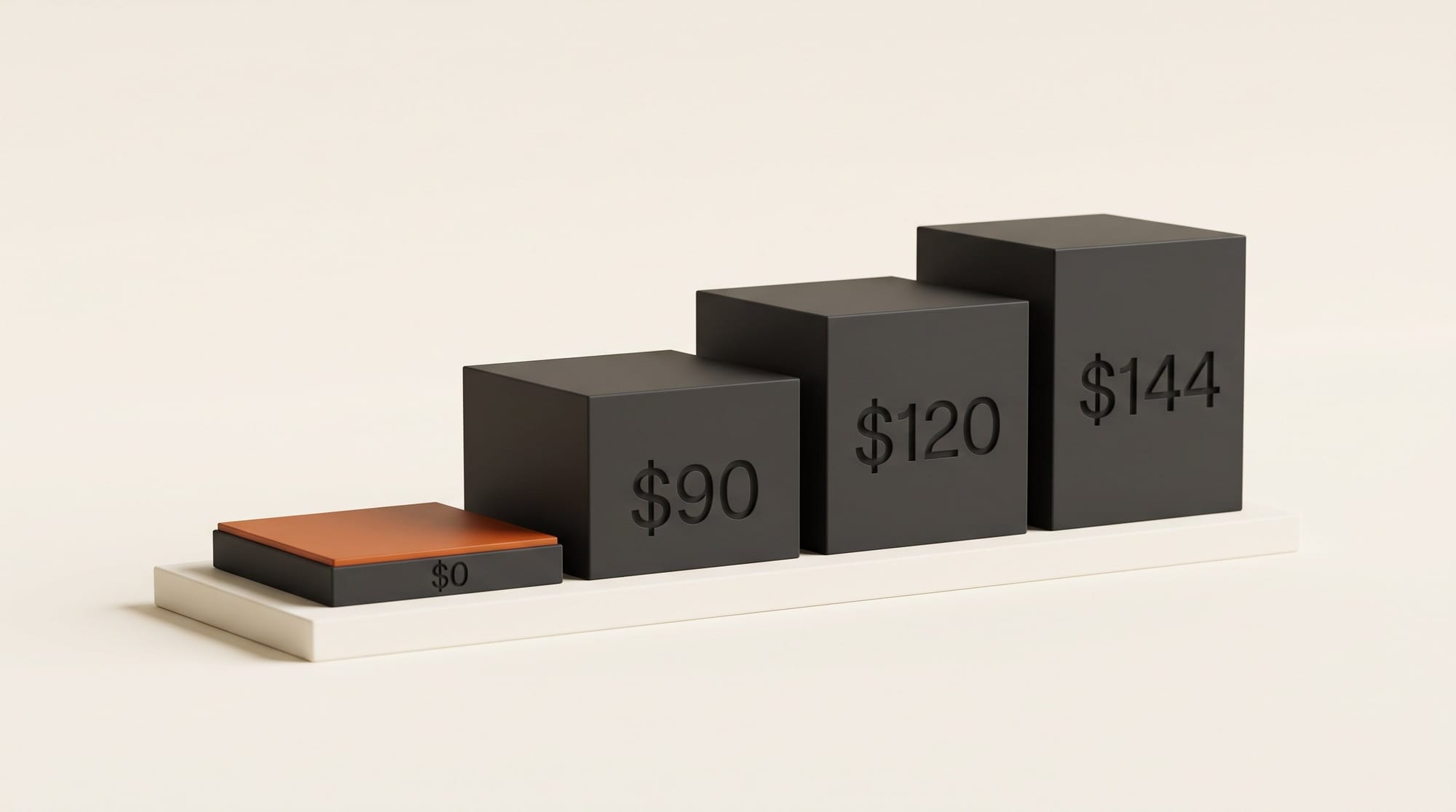
Pick FilterPixel if you shoot events, sports or concerts on a deadline and only need the heavy AI on some shoots. Its $90-a-year plan covers 20 big shoots, with unlimited basic culling on top.
The Five Apps at a Glance
All five do the same first pass: they look at every frame and push the soft, blinking and badly exposed ones out of your way, so you only judge the keepers. They differ in three places: whether they pick the best frame from a burst, where your photos go while they work, and how they charge.
| App | Culling price | Where photos are analysed | Picks best in a burst | Sends picks to |
|---|---|---|---|---|
| Lightroom Assisted Culling | Included in Lightroom plans | Not stated by Adobe | Not described by Adobe | It is already in Lightroom |
| Aftershoot Select | $10/mo yearly, $15 monthly | Your computer, offline | Yes (duplicates, Key Faces) | Lightroom Classic, Capture One, Photo Mechanic, Bridge |
| Narrative | Lite $10/mo yearly; Standard $20/mo yearly, $29 monthly | Your computer | Yes (Scenes ranked, Standard and up) | Lightroom Classic, Lightroom, Photoshop, Capture One (some Mac only) |
| Imagen | $12/mo yearly, $18 monthly, add-on to an editing plan | Imagen's cloud | Yes (groups similar shots) | Lightroom |
| FilterPixel | From $90 a year (20 DeepCull shoots) | Your computer; only previews uploaded | Yes (Score + Reason) | Lightroom, Photoshop, Capture One |
Job 1: Cull a 3,000-Photo Wedding
A wedding is the hardest test: long bursts of near-identical frames, group shots where one guest always blinks, and a client waiting for a gallery. The question is not only "which frames are bad" but "which of these eight almost-identical frames is the one".
Aftershoot Select is built for this job. It groups near-identical burst shots, flags blur, closed eyes and blown exposures, and sorts everything into Selected, Highlights, Closed Eyes, Blur and Duplicates. Key Faces highlights the frame in a series where everyone looks their best, and Cull to Target lets you say "give me 500" before it starts. Aftershoot says most shoots are fully culled in 20 to 30 minutes against 3 to 5 hours by hand, and that its picks reach a "90%+ match" with yours by the third or fourth shoot. Both are its own figures.
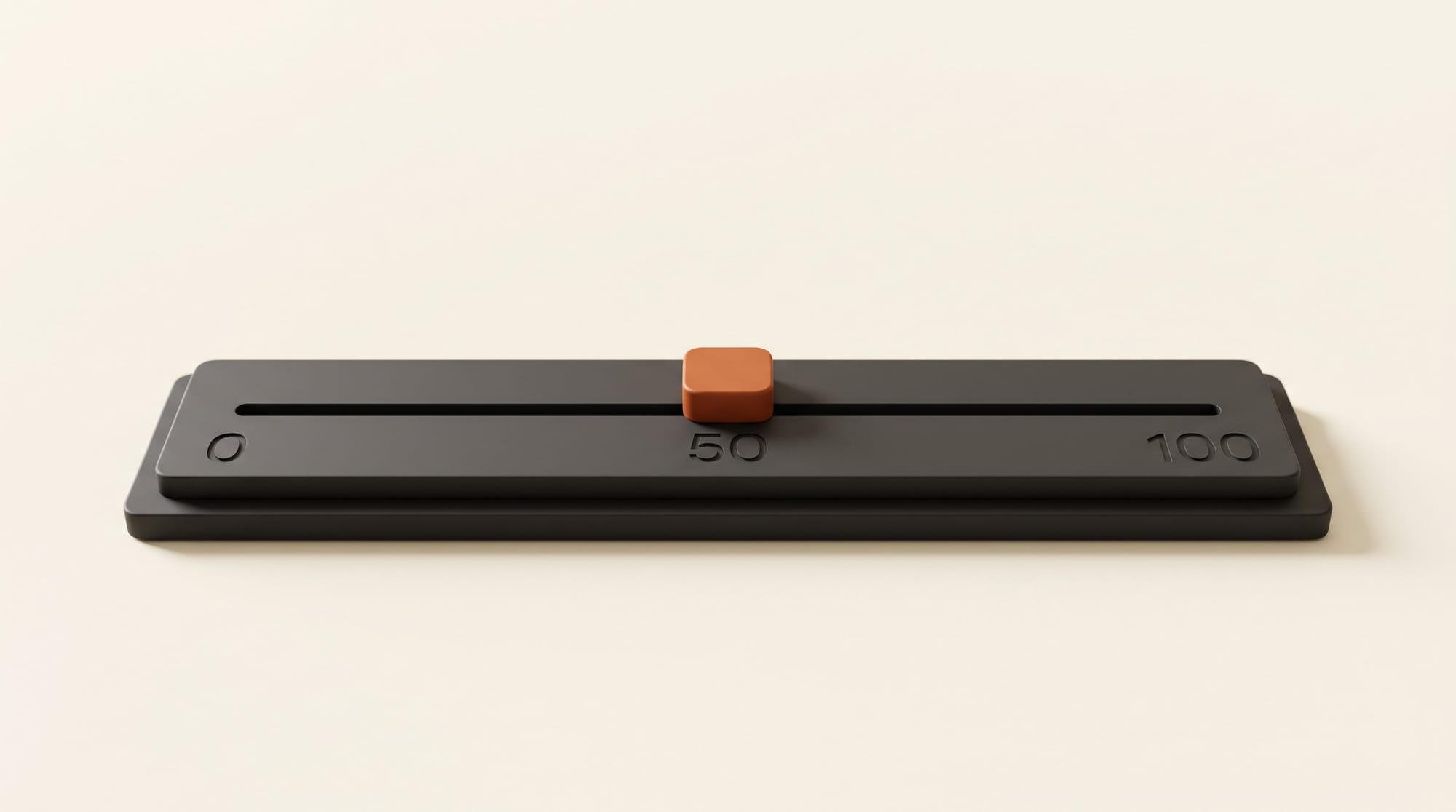
Lightroom Assisted Culling left Early Access and became generally available in Lightroom Classic on June 11, 2026, according to Adobe's Lightroom product team; it is also in Lightroom desktop. You choose Select criteria (Subject sharpness, Eye sharpness, Eyes open) and Reject criteria (Documents and receipts, Misfire, Exposure issues). A scoring slider runs from 0 to 100 and starts at 50: photos above it become Selects. In group photos it checks each face, and you can override any badge with a click.
What Adobe's pages do not describe is grouping duplicates or picking one winner from a burst, which is the step that saves the most time at a wedding. Treat Lightroom as a fast way to clear the obvious rejects, then make the burst choices yourself. Some users in Adobe's feedback thread also report slow analysis and high memory use on big catalogs.
Narrative and Imagen sit between the two. Narrative groups a shoot into Scenes ranked by sharpness, and its AI First Pass rates each photo from "Best in scene" to "Undesirable" with the reason shown; a Close-Ups Panel zooms to every face. Imagen groups similar images at a similarity level you choose, detects blur and blinks, and recognises kisses, so a closed-eye kiss is kept rather than rejected.
Job 2: Hit a Number Before a Deadline
Event, conference and sports photographers often promise a set count by a set time: 200 photos by tomorrow morning. Three apps let you ask for a number up front. Aftershoot has Cull to Target, Imagen has Cull to Exact Number (a count or a percentage), and FilterPixel's Pro plan has Magic Number, where the AI picks the count for you.
FilterPixel also has separate genre modes for Conference, Sports, Concert and Wedding, and returns a Score + Reason on every photo, a score and one line saying why it was picked. FilterPixel's own speed claim is 3,000+ images in under 24 minutes. Narrative and Lightroom have no stated "cull to a number" control; you get there by moving a threshold or working through ranked scenes.
Job 3: Shoots Without Faces
Landscape, product, food and architecture photographers should read the small print. Adobe says Assisted Culling is "currently tuned for people-focused photography: portraits, weddings, events, and groups", and that results on other subjects may be less reliable. Its sharpness and exposure checks still work, but the eye checks do nothing for a mountain.
Narrative is the most explicit about non-people shoots: when there is no face, its Close-Ups Panel locks onto the key element instead, though Key Element Detection needs macOS 14 or later on a Mac. Imagen's low-rated category catches blurry, badly exposed and "uninformative" frames whatever the subject. If you never shoot people, a sharpness-and-exposure pass is the realistic gain from any of these apps; none of them promises to pick your best sunset.
Job 4: Keep Your RAW Files at Home
Where your files go matters on a slow connection, on location with no internet, or under a client NDA. Aftershoot says "100% offline. Images never leave your machine." Narrative says culling and AI assessments happen locally. FilterPixel says RAW files stay on your computer and only previews are uploaded.

Imagen goes the other way: its culling is cloud-based, which means it "doesn't take up your computer's CPU or GPU" but needs an internet connection. That is a real advantage on an older laptop, and a real problem in a venue with no signal. Aftershoot, for comparison, asks for at least 8 GB of memory and a fairly recent processor.
Job 5: Pay for the Shoots You Actually Do
The pricing models are different enough that the right answer depends on how often you shoot. Aftershoot and Narrative charge a flat fee for unlimited images. Imagen sells culling as a flat add-on but only on top of an editing plan. FilterPixel counts its genre AI per shoot, where one shoot is one import of up to 5,500 photos, and extra shoots cost $7.99 each and never expire.
If you shoot two or three times a month, FilterPixel Standard at $90 a year is the cheapest dedicated culler here. If you shoot every weekend, Aftershoot's flat $120 a year wins. If culling is a once-a-quarter chore, Lightroom's built-in tool, or Imagen's two free AI culling projects, may be all you need.
When Each One Wins
Lightroom Assisted Culling wins when you already pay Adobe, shoot mostly people and want one fewer app. It is a strong first pass, not a full replacement for burst-picking.
Aftershoot wins for the weekly wedding or portrait shooter. It covers every step of the cull, works offline, sends ratings and labels to Lightroom Classic, Capture One, Photo Mechanic and Bridge, and offers a 30-day trial with no card.
Narrative wins if you like to stay in control: its ranked Scenes and stated reasons help you decide faster rather than decide for you. Lite is cheap, but full eye and focus checks start at Standard. Every new account gets a free trial of the top Ultra plan.
Imagen wins if you already edit with Imagen or work on a modest laptop, since the cloud does the work. Its Limitless editing plan includes unlimited culling.
FilterPixel wins for genre work on deadlines (sports, concerts, conferences) and for photographers whose shoot count changes month to month. Its free trial covers 3 DeepCull shoots and 3,000 photos, with no card.
Pricing and ROI
Here is what culling alone costs a photographer doing 30 weddings a year, all on annual billing. Lightroom adds nothing if you already have the Photography plan at $19.99 a month. Aftershoot Select is $120 a year, or $4.00 a wedding. FilterPixel Standard is $90 for 20 shoots plus 10 extra shoots at $7.99, which is $169.90, or $5.66 a wedding. Imagen's culling is $144 a year, plus the $7 monthly base fee of its pay-as-you-go editing plan ($84 a year, returned as editing credit), so $228, or $7.60 a wedding. Narrative Standard, the tier with full eye checks, is $240 a year, or $8.00 a wedding.

| App and plan | Billed yearly | Billed monthly | Cost per wedding (30 a year) |
|---|---|---|---|
| Lightroom Assisted Culling | Included | Included | $0 extra |
| Aftershoot Select | $120 | $15 a month | $4.00 |
| FilterPixel Standard + 10 extra shoots | $169.90 | Not listed | $5.66 |
| Imagen culling + pay-as-you-go base | $228 | $18 + $7 a month | $7.60 |
| Narrative Standard | $240 | $29 a month | $8.00 |
The return is time. If an app saves even two hours of culling per wedding, a few dollars a wedding is the cheapest assistant you will ever hire. Prices are from Aftershoot's pricing guide (updated November 17, 2026), Narrative's pricing page, FilterPixel's pricing page and Imagen's culling and pricing pages. Aftershoot's own Selects page showed $8 a month billed yearly as an offer on the same day, and Narrative advertised 30% off a 12-month plan, so check for a seasonal deal before you pay.
Verdict
Start with what you already own. If you pay for Lightroom, turn on Assisted Culling on your next portrait or event shoot and see how many rejects it clears. If burst-picking is still eating your evenings, take Aftershoot's 30-day trial on a real wedding. If you shoot sports or events on tight deadlines, try FilterPixel's three free shoots. For the editing step after the cull, see our comparisons of AI noise reduction and AI image upscalers, and how Lightroom now runs its AI tools in the background.
FAQ
What is AI photo culling?
Culling is choosing which photos from a shoot to keep. AI culling apps look at every frame and flag the blurry, blinking, badly exposed and duplicate ones, so you only review likely keepers. You still make the final call.
Is Lightroom's Assisted Culling free?
It costs nothing extra. Adobe says Assisted Culling is included in your existing Lightroom subscription, in both Lightroom Classic and Lightroom desktop. You still need a Lightroom plan, such as the Photography plan at $19.99 a month.
Which AI culling app works offline?
Aftershoot runs fully offline and says images never leave your machine. Narrative also culls locally. FilterPixel keeps RAW files on your computer and uploads only previews. Imagen's culling runs in its cloud and needs an internet connection.
What is the cheapest AI culling software?
If you already pay for Lightroom, Assisted Culling adds no cost. Of the dedicated apps, FilterPixel Standard is $90 a year with 20 genre-AI shoots and unlimited basic culling. Aftershoot Select and Narrative Lite are both $10 a month billed yearly.
Does AI culling work for landscape or product photos?
Partly. Sharpness and exposure checks work on any subject, but most of these tools are tuned for people. Adobe says Assisted Culling is tuned for portraits, weddings, events and groups. Narrative locks onto a key element when there is no face, on a Mac with macOS 14 or later.