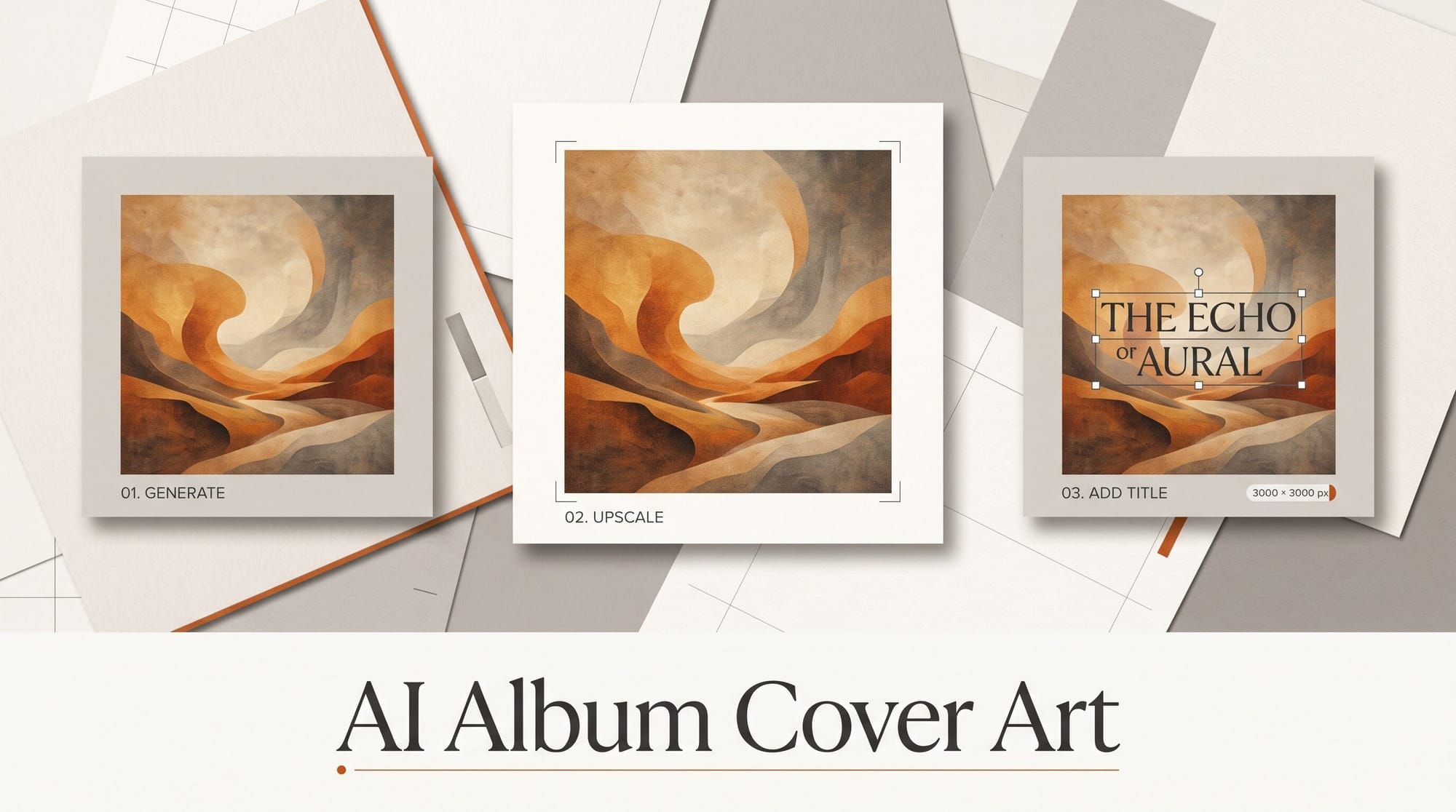
You can make album cover art with AI that DistroKid, TuneCore, CD Baby and Amuse will pass to Spotify and Apple Music in about 45 minutes, for nothing to about $20. The workflow: generate a square image with no text in Ideogram, ChatGPT, Gemini or Adobe Firefly, upscale it, add your artist name and title yourself in a design app, and export a 3000 x 3000 pixel RGB JPG. That one file size is the only one every major distributor accepts, and most rejections come from things the image generator adds without asking: garbled letters, fake logos, blur.
This guide follows the rules each distributor publishes, step by step, and ends with an optional moving version for Spotify Canvas.
What You Need
- An image generator. Ideogram (free plan with 30 credits a week, images public; Plus $20 a month), ChatGPT (Images 2.5 rolled out to all ChatGPT users in September), the Gemini app, or Adobe Firefly (Standard $9.99 a month, with unlimited standard image generations on paid plans).
- An upscaler, if your generator stops below 3000 pixels: Ideogram's built-in Upscale (paid plans) or Upscayl, a free desktop app for Windows, Mac and Linux.
- A design app where you can set a 3000 x 3000 pixel canvas and type your own text: Canva, Photoshop, Affinity or similar.
- Your release metadata, spelled exactly as you will enter it at your distributor: artist name and release title.
Time: about 45 minutes for a single, longer if you try several looks. Cost: $0 on free plans, or one month of a paid generator at $10 to $20.
Make the Artwork
Step 1: Read your distributor's art rules first
The rules differ more than most musicians expect, so check yours before you generate anything. Here is what each one publishes, checked October 22, 2026:
| Distributor | Minimum | Maximum | Files | Text allowed |
|---|---|---|---|---|
| DistroKid | 1000 x 1000 | 3000 x 3000 ideal | JPG, RGB | No URLs, QR codes, X page names, prices, store or social logos |
| TuneCore | 1600 x 1600 | 3000 x 3000 | JPG, PNG, GIF under 10 MB, RGB | Artist name and title only, exactly as entered, or no text |
| CD Baby | 1400 x 1400 | 3000 x 3000 | PNG, GIF, JPG under 25 MB, RGB | Must match your metadata exactly; no "new" or dates |
| Amuse | 1400 x 1400 | 6000 x 6000 | PNG or JPEG | Same spelling as the release; no year or dates |
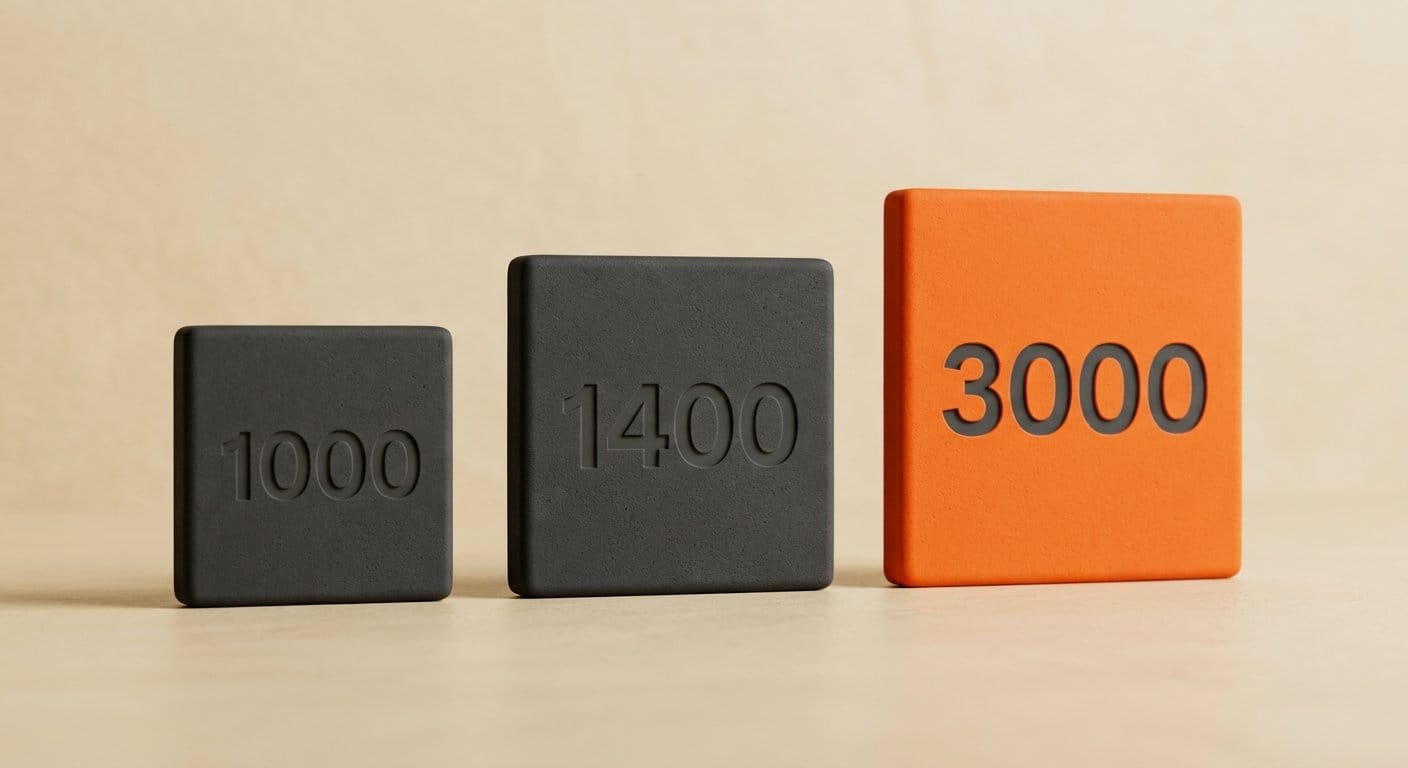
DistroKid's help center says "the minimum size requirement for album art is 1000x1000 pixels" and calls 3000 x 3000 ideal. TuneCore and CD Baby cap uploads at 3000. So 3000 x 3000 RGB JPG is the safe file everywhere. Apple's pages disagree with each other: its provider spec recommends 3000 x 3000 or larger with a 1400 minimum, while Apple Music for Artists lists 4000 x 4000. Through a distributor you send what the distributor asks for, and it handles delivery to Apple.
Step 2: Generate a square image with no words in it
Ask for the picture only. AI generators still invent letters, and TuneCore allows only "text stating the artist name and release title (exactly as it appears in the title you enter in TuneCore) or image only with no text." One wrong letter means rejection. A prompt that works:
"Square album cover, a lone figure on a pier at dusk, heavy film grain, muted teal and amber, wide empty sky in the top third for a title, no text, no letters, no logos."
Leave empty space where the title will go. Generate four to eight versions and pick the one that still reads when you shrink it to the size of your thumbnail on screen. Spotify shows covers as small as a fingertip in playlists, so a busy image turns to mush.
Check the size you get. Ideogram's 4.x models output square images up to 2048 x 2048 (2K). The Gemini app downloads at 2K with a paid Google AI plan and only 1K without one, according to Google's Gemini help, which is below every distributor's minimum. If you use our text-rendering comparison to pick a generator for a lettered cover instead, still type the final title yourself in Step 4.
Step 3: Upscale once, to at least 3000 pixels
Take your pick to 3000 x 3000 or larger before adding text, so the type you add later stays sharp. In Ideogram, use Upscale (2x, 4x or 8x; it "needs a paid plan or bought credits"). On a free route, open the image in Upscayl, pick a model and a scale that takes it past 3000 pixels, and save. Upscayl needs a graphics card that supports Vulkan; many laptop chips with built-in graphics do not run it. Its last release was December 2024, so if it will not run on your machine, use your generator's own upscaler.
Upscale one time from the best original you have. Spotify's cover art requirements say "Don't upscale images" because blowing up a small file adds blur, and blur is on every distributor's reject list. Zoom to 100% and look at faces, hands and edges. If they look smeared, generate again at a larger size rather than upscaling twice.
Step 4: Add your artist name and title yourself
Open a new 3000 x 3000 pixel canvas in your design app, place the upscaled image to fill it, and type the artist name and title in the space you left. Copy them from your distributor form so the spelling, capitals and punctuation match. CD Baby's rule: "Any text on your cover art must match your metadata exactly." Use one bold font, large enough to read at thumbnail size, with strong contrast against the image behind it. If you are unsure, leave text off: an image-only cover is allowed everywhere listed above.
Export and Check Before You Upload
Step 5: Export a 3000 x 3000 RGB JPG
Export as JPG at the highest quality, 3000 x 3000 pixels, in RGB color (not CMYK, which print shops use). Keep the file under 10 MB so it fits TuneCore's limit too. Save a PNG master at the same size in case you need to change the title later.
Step 6: Run the rejection checklist
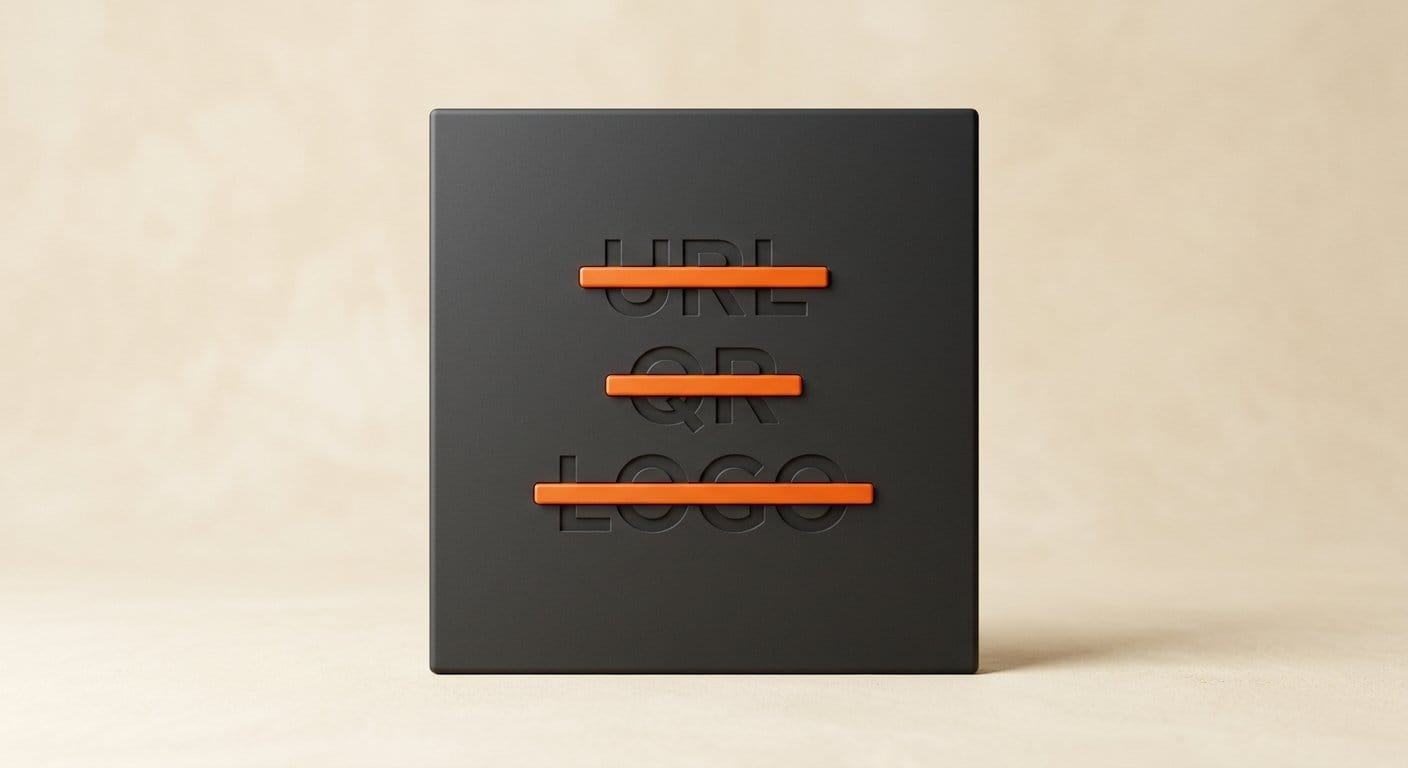
Look at the finished cover at full size and at thumbnail size, and check it against the reasons stores give for rejecting art. DistroKid's list: "A website address (URL), QR Codes, Name of a page on the X platform, Any image that's blurry, pixelated, rotated, or poor quality, Unlicensed/stock photography, Prices, Streaming service logos (such as iTunes or Spotify), Social media logos." Apple's Music style guide adds release dates and "generic art templates." AI images need three extra checks:
- Hidden lettering. Signs, book spines and T-shirts in the background often carry fake words. Paint them out.
- Logo-like marks. A swoosh on a shoe or a badge on a car can read as a brand. CD Baby's content policy bans "Logos or trademarks on artwork."
- Real faces. Do not ask for a famous musician or anyone you do not have permission to show. CD Baby forbids AI content that mimics popular artists, "voice, image and likeness" included, and Amuse bans "other famous artists on the artwork."
Step 7: Upload and know your rights
Upload with your release. If a store rejects the art, DistroKid lets you replace artwork on the existing release rather than starting again. On ownership, the US Copyright Office concluded in January 2025 that AI output is protected "only where a human author has determined sufficient expressive elements," and "not the mere provision of prompts." Your added title layout and edits are yours; the raw generated picture may not be protectable, so someone could reuse it. DistroKid's AI policy also requires that "You must own 100% of the rights" to what you release. None of the distributor pages checked for this guide asks you to label AI artwork. Apple's delivery spec has an optional AI tag for artwork, set by the distributor, not by you.
Add a Moving Cover (Optional)
Spotify Canvas is the short looping video behind a track in the Spotify app, uploaded by you in Spotify for Artists. Spotify's Canvas guidelines ask for "3-8 seconds long," a "Vertical 9:16 ratio," "Between 720px - 1080px tall," as "An MP4 or JPG file," and to "Avoid rapid video cuts or intense flashing graphics." The content policy also bans URLs and ticket links.
To make one, extend your cover to a 9:16 frame in your design app (or generate a vertical version of the same scene), then animate it with an image-to-video tool: slow drift of clouds or water works better than fast motion. Our photo-to-video workflow covers the tools, and Suno users can generate a short cover video inside Suno. Apple Music motion artwork is a different format (two files, 8 to 35 seconds, no audio) delivered through distributors that offer it.
Troubleshooting
"Artwork is blurry or low quality." The upscale stretched a small image. Regenerate at your tool's largest size, upscale once, and check at full size before export.
"Text does not match metadata." Usually a missing "feat." or different capitals. Copy the title from your distributor form, or remove text from the cover.
"Contains logos or trademarks." Look for small marks the AI added to clothing, cars and screens. Paint them out with your design app's remove tool, or generate again with "no logos, no brand marks" in the prompt.
"Wrong size." TuneCore and CD Baby reject anything over 3000 x 3000. Resize the master down to exactly 3000.
Faces look wrong at thumbnail size. Wide shots with tiny figures often hide warped hands and faces until a store reviewer zooms in. Crop closer or choose a scene without people.
What to Try Next
Build a matching set: generate the single, EP and album covers from one prompt with the same palette, so your releases look like a series in a profile. Pair it with a logo for your artist name using our AI logo design guide. If you are releasing AI-assisted music, read how the platforms treat it in our streaming rules guide and our Content ID explainer.
FAQ
Can I use AI-generated album art on Spotify?
Yes. None of the Spotify, Apple Music or distributor rules checked for this guide bans AI artwork, and Apple's delivery spec even has a tag for it. They reject art that breaks their rules: blur, logos, URLs, text that does not match your release, or another artist's likeness. You must hold the rights to what you upload.
What size should album cover art be?
Export 3000 x 3000 pixels, square, RGB, as a JPG. It is the only size every major distributor accepts: DistroKid's minimum is 1000 x 1000, and TuneCore and CD Baby cap uploads at 3000 x 3000.
Do I have to disclose that my cover art is AI-generated?
Not under the distributor rules checked for this guide. DistroKid's AI credits cover lyrics, vocals and composition, not artwork. Apple's delivery spec has an optional AI tag for artwork that distributors can set.
Do I own the copyright to AI album art?
Only partly. The US Copyright Office says AI output is protected only where a human adds enough expressive elements, not from prompts alone. Your edits and title layout count; the raw generated image may not.
Which free AI tool makes album art big enough?
Ideogram's free plan gives 30 credits a week (images are public), and its current models output squares up to 2048 x 2048, which the free Upscayl app can take past 3000. Check that your plan offers the 2K size before you generate. A free Gemini download is only 1K, below every distributor's minimum.