Figma used its Config 2026 conference on June 24 to fold three things designers used to leave the canvas for, writing code, building motion, and scripting AI agents, directly into the design file. The update turns Figma from a static design surface into a place where a prototype can run real code, animate natively, and call an AI agent you defined with a text prompt.
What Happened
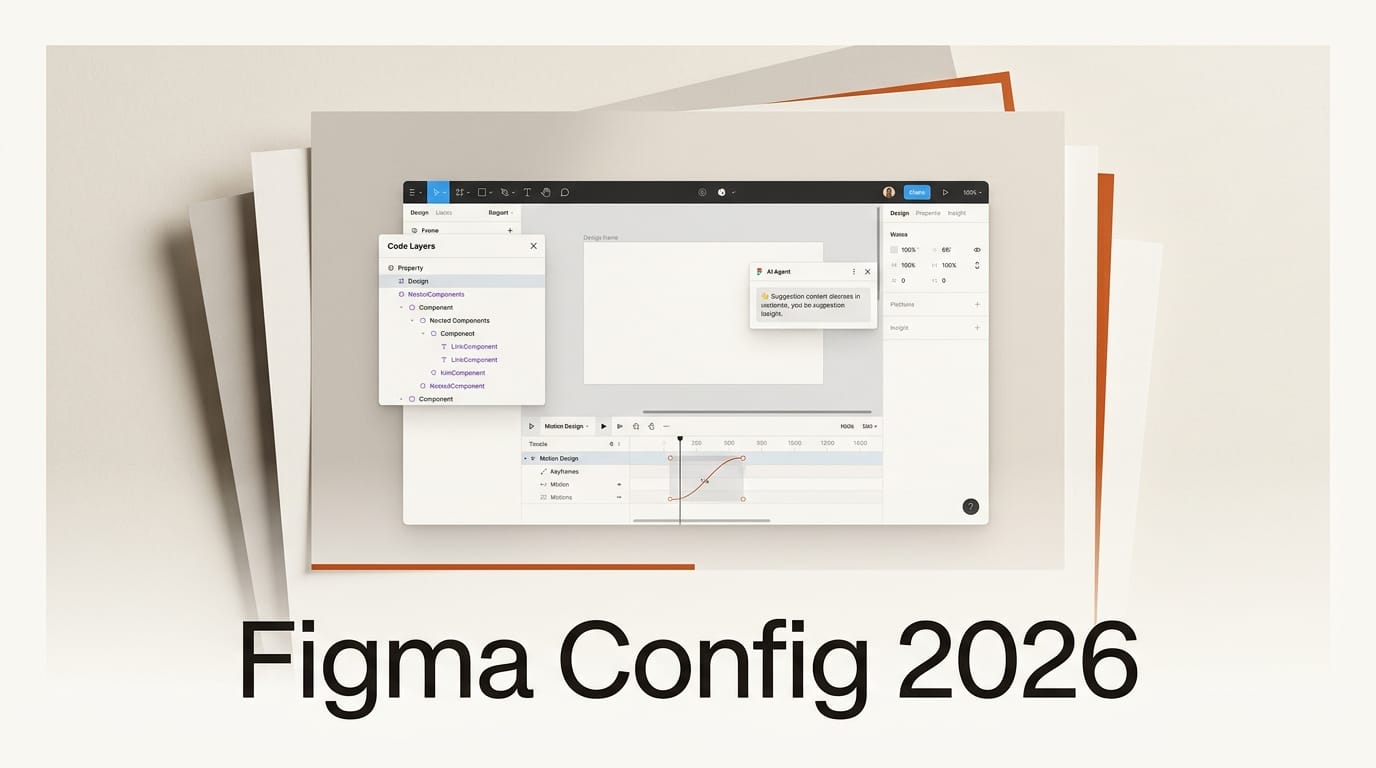
At Config 2026, Figma announced code layers on the canvas, native animation through Figma Motion, and an expanded design agent that can run custom, prompt-built skills. TechCrunch reported the rollout the same morning, noting Figma now lets teams clone a repository and extract real flows from code into design layers. As CPO Yuhki Yamashita put it, "this is an environment where you don't really care about the quality of the code."
Why It Matters
For creators, the friction has always been the handoff: design in one tool, animate in another, hand code to engineers, repeat. Pulling code, motion, and agents onto a single canvas collapses that loop. You can prototype an interaction with real behavior, see a transition the way it will actually ship, and automate repetitive work without leaving the file. It also pushes Figma squarely into the same builder territory as AI coding tools, with Figma Make and integrations for Claude Code and Codex already in the mix.
Key Details
- Code layers: Clone a repo and turn code flows into editable design layers on the canvas, with native support for animations, transitions, and 3D transforms that previously had to be built elsewhere.
- Figma Motion: A built-in timeline brings native animation to the canvas, so motion no longer means exporting to a separate app and converting to code.
- AI agent skills: Write a text prompt to create repeatable skills for Figma's design agent, plus prompt-built plug-ins like layout generators and vector path tracers, and AI-generated shader effects and fills.
- New integrations: Connections to Notion, Granola, Excel, and GitHub, with Weavy node-based workflow generation (from Figma's 2025 acquisition) rolling out later in 2026.
This builds on Figma's recent push to wire outside models into the canvas, like Runway Aleph 2.0 arriving in Figma Weave.
What to Do Next
If you design in Figma, open the canvas and look for code layers and the new Motion timeline to see what has rolled out to your plan. Try creating one agent skill from a prompt for a task you repeat often, like generating layout variants. Watch for Weavy workflow generation later this year. Read Figma's full Config 2026 recap for the complete feature list and availability.