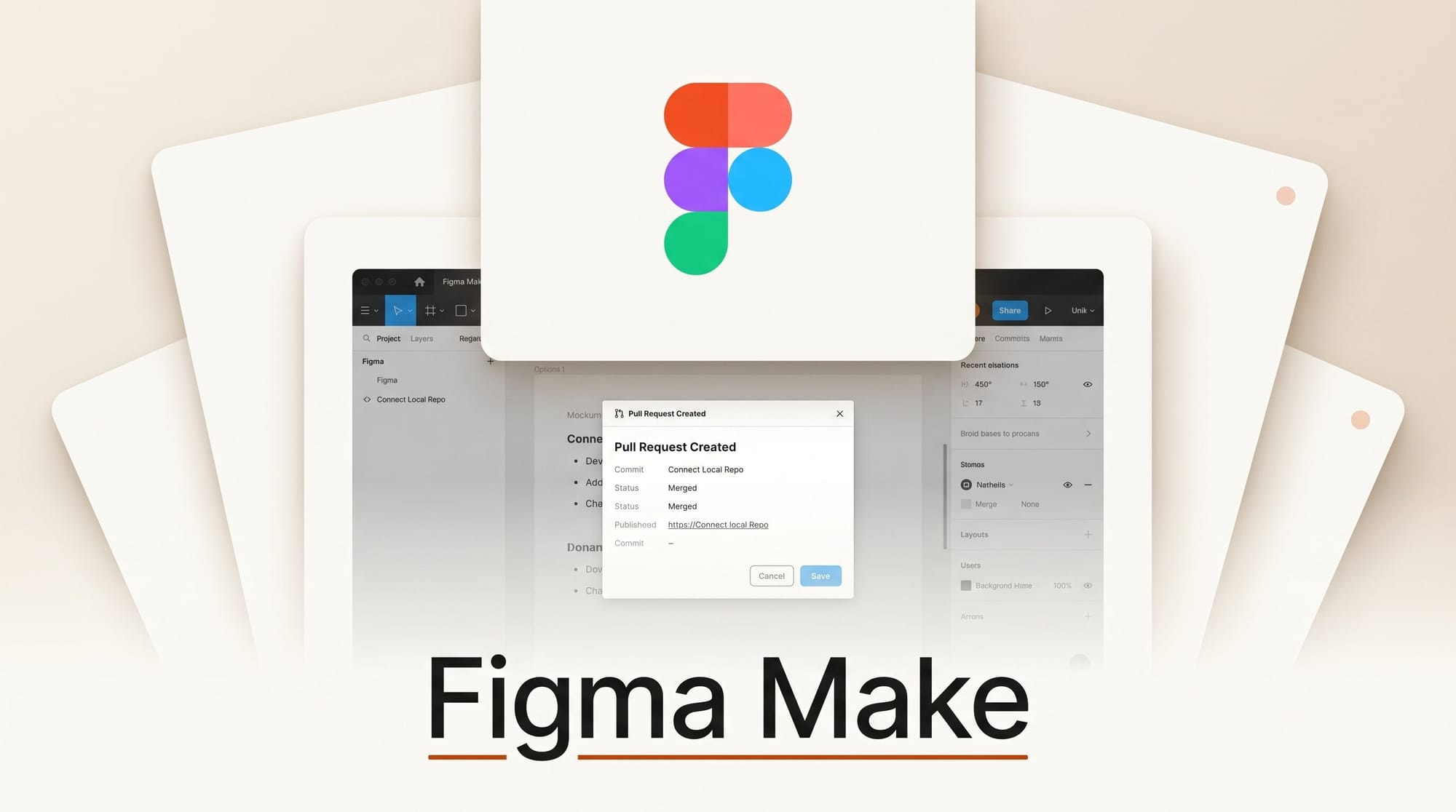
Figma announced on May 28 that Figma Make can now edit a connected production codebase from the Figma desktop app. The limited beta adds direct visual editing on real code, AI chat against the repo, branch-based Git workflows, and pull-request creation, none of which consumes Make credits during the beta window.
Try it: ship a styling fix from Figma in under 30 minutes
Open the Beta desktop app, connect Make to your repo (designer needs existing code access), and select a misaligned button in your live preview. Type a change like "increase padding to 16px and switch to the primary token" into the Make chat. The agent locates the relevant component file, edits it locally, and shows the diff. When the preview looks right, click "Open PR" and Make pushes a branch, opens a pull request, and hands review back to engineering, the same workflow your team already uses for any other commit.
Why it matters
Until this release, Make spat out throwaway prototype code that engineering threw away during reimplementation. Connecting to the real codebase collapses the "design handoff" cycle: the artifact a designer ships is no longer a Figma frame plus a Loom video, it is a real PR with a real diff against the real component library. For solo creators and indie product teams that maintain their own front end, this lets one person move a UI tweak from idea to merged commit without context-switching into VS Code.
Key details
The new capabilities, detailed in Figma's May release notes, include element-level direct manipulation that finds and modifies the underlying code, annotations that survive across sessions, and full Git operations (branch creation, commits, reverts) inside Make. Changes are stored as local commits until you explicitly open a PR. The feature is gated to designers who already have access to their team's repo, signalling Figma is not trying to ship full autonomous code agents to every Make user.
What to do next
If you have repo access at your day job or run your own product, get on the beta waitlist through the Figma beta program. Pick a small, low-risk component (a button variant, a footer spacing fix) as your first PR so you can compare Make's output against how your team normally writes the change. The credit-free beta window is the right time to test before pricing lands.





