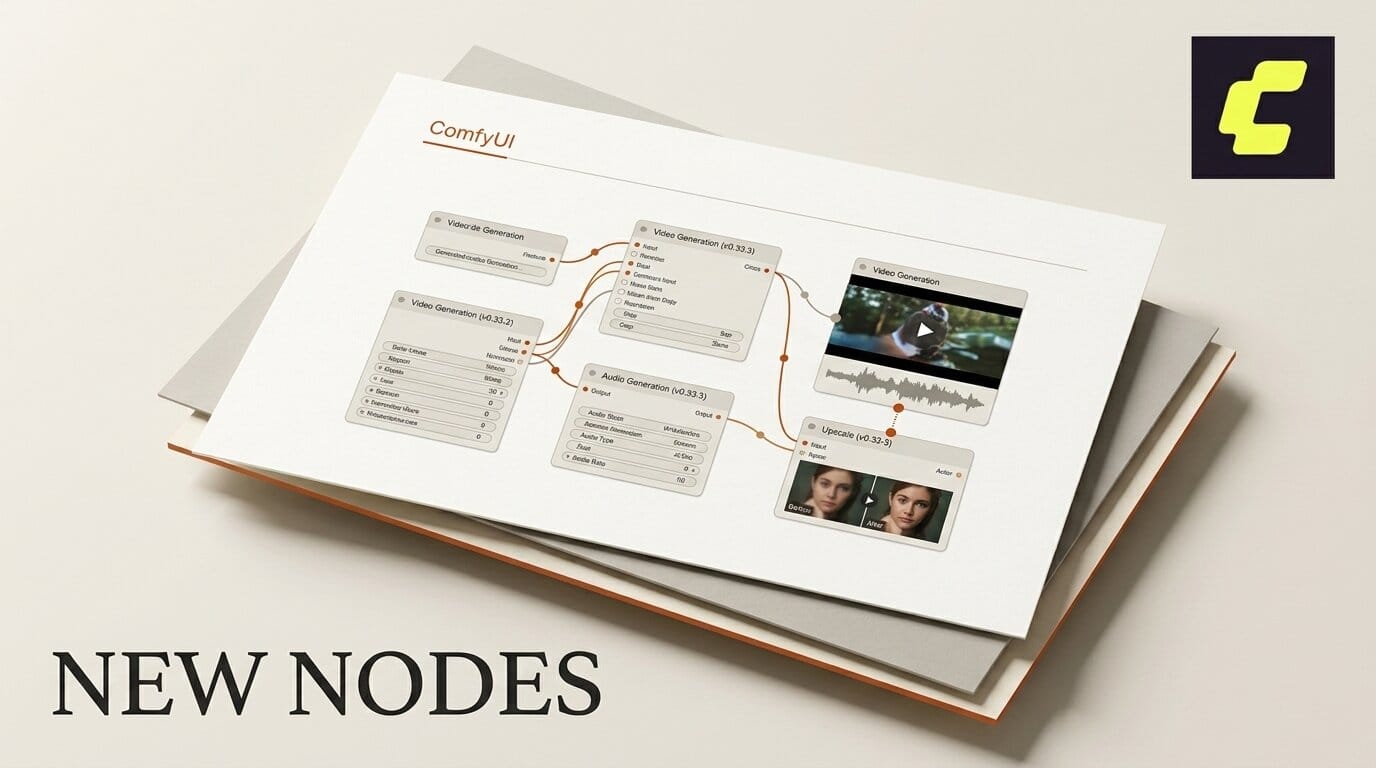
ComfyUI tagged v0.33.3 on August 20, 2026, closing a two-release window that added five new partner integrations in four days. Between v0.33.1 and v0.33.3 the project shipped Seedance 2.5 video extension and 1080p output, FishAudio nodes, a Flux Video Upscale node from Black Forest Labs, a Seedream node with a Fast Mode widget, and Gemini 3.7 Flash inside the Gemini text node.
None of those individually would justify a new install. Together they change what a single graph can do end to end, because the gaps they fill are the ones that used to force an export.

What landed between v0.33.1 and v0.33.3
The two tags cover thirteen commits. The ones that change a workflow are these.
| Addition | Vendor | What it unlocks |
|---|---|---|
| Seedance 2.5 video extension | ByteDance | Extend an existing clip instead of regenerating it |
| Seedance 2.5 at 1080p | ByteDance | Deliverable resolution without an upscale pass |
| FishAudio nodes | FishAudio | Voice generation inside the graph |
| Flux Video Upscale | Black Forest Labs | Upscale as a node, not an external step |
| Seedream node with Fast Mode | ByteDance | Speed and cost toggle on image generation |
| Gemini 3.7 Flash in the Gemini text node | Current text model for prompt and caption steps |
The window also carried a rename of the Ideogram P-Image node under Prune, workflow template updates to v0.11.44, and a frontend package bump to 1.49.6. The v0.33.3 tag is the one to pull; v0.33.2 landed three days earlier on August 17.
The three additions that actually change a graph
Seedance 2.5 video extension. Extension is the feature that separates a demo from a shot. Until now, a clip that ended two seconds too early meant regenerating from the prompt and accepting a different result. A task type for extension means you keep the take and add to it. For anyone cutting to music or matching a voiceover, that is the difference between usable and not.
1080p on the same model. Pairing extension with 1080p output removes the second most common export in a ComfyUI video graph. You were previously generating at a working resolution and taking the result somewhere else to finish it. We covered the multi-vendor version of this problem when Velokey put Kling, Veo, Sora and Seedance behind one API; this is the same consolidation happening natively in the graph.
FishAudio nodes. Audio has been the most common reason to leave ComfyUI mid-project. Native FishAudio nodes put voice generation on the canvas next to the frames it belongs to, following the S2 line we covered in Fish Audio S2.1 Pro. Combined with the audio work that arrived earlier in the 0.33 line, a graph can now produce picture and sound without an export.
A single-graph short, start to finish
Here is how the new nodes compose into one pass. This assumes you are on v0.33.3 with partner node credits configured.
1. Draft the shot list with Gemini 3.7 Flash. Use the Gemini text node, now carrying 3.7 Flash, to expand a one-line brief into per-shot prompts. Keeping this in the graph means the prompts are versioned with the workflow rather than living in a notes file.
2. Generate stills with Seedream in Fast Mode. Use the Fast Mode widget for the exploration pass, where you want twenty options cheaply, then turn it off for the shots you are committing to. Treating Fast Mode as an exploration toggle rather than a default is what keeps the credit cost sane.
3. Animate with Seedance 2.5 at 1080p. Generate at delivery resolution directly. Reserve the upscale node for footage that came from somewhere else.
4. Extend, do not regenerate. When a clip lands short, use the extension task type on the take you already like. This is the step that most changes how the graph feels to work in.
5. Add voice with the FishAudio nodes. Generate narration or character audio against the timing you now have, rather than cutting picture to audio produced somewhere else.
6. Upscale only what needs it. Flux Video Upscale handles archival footage, older renders, and anything generated below delivery resolution.
The pattern behind the release cadence
Six partner integrations in four days is not an accident of scheduling. Look at the vendors involved: ByteDance three times, Black Forest Labs, FishAudio, Google. ComfyUI is being positioned as the neutral surface where every commercial generation vendor is reachable from the same canvas, which is a different product than the local-inference graph editor it started as.
That has a practical consequence for how you plan work. The nodes that arrive fastest are the ones a vendor has commercial reason to ship, which means API-backed capability is outpacing local open-weights support inside the same tool. If your workflow assumption is that anything in ComfyUI runs on your own GPU, that assumption has been quietly false for several releases.
It also means node availability now tracks vendor roadmaps rather than the project's own. A model you depend on can gain a node in days, and a retired API can lose one just as fast, as happened when legacy Kling models were removed earlier in the 0.31 line.
Whether to update
The honest answer depends on which vendors you use. If your graphs are entirely local open-weights work, these are partner nodes calling paid APIs and none of them change your pipeline. If you already pay for Seedance, Seedream, or Flux, the extension and 1080p additions are worth the update on their own.
The usual caution applies to a fast-moving release line. Checking the release history shows v0.33.3 arrived nine days after v0.33.0, and the previous v0.32.0 node additions came four days before that. If you run client work on ComfyUI, pin a version and test a copy of your graph before you update the machine that ships deliverables.
Frequently asked questions
What is new in ComfyUI v0.33.3?
Relative to v0.33.1, the release adds Seedance 2.5 video extension and 1080p support, FishAudio nodes, a Black Forest Labs Flux Video Upscale node, a Seedream node with a Fast Mode widget, and Gemini 3.7 Flash in the Gemini text node, plus template and frontend updates.
What does Seedance video extension do?
It adds a task type that extends an existing clip rather than regenerating it from the prompt. You keep the take you already approved and add duration to it, which matters when cutting to music or matching narration.
Do the new nodes cost money?
The additions are partner nodes that call vendor APIs, so they consume credits with ByteDance, FishAudio, Black Forest Labs, or Google rather than running locally on your GPU.
Can I now generate video and audio in one graph?
Yes, for the vendor path. Seedance 2.5 handles video at 1080p and FishAudio nodes handle voice, so a single graph can produce picture and sound without exporting to another tool.
Should I update if I only run local open-weights models?
There is less reason to. Every headline addition in this window is a partner node calling a paid API. Local workflows gain the template and frontend updates but none of the new model access.
How do I avoid breaking client work when updating?
Pin your current version, duplicate the graph, and test the copy on the new release before updating the machine you deliver from. The 0.33 line has been shipping every few days, which is fine for experimentation and risky for production without a pinned fallback.