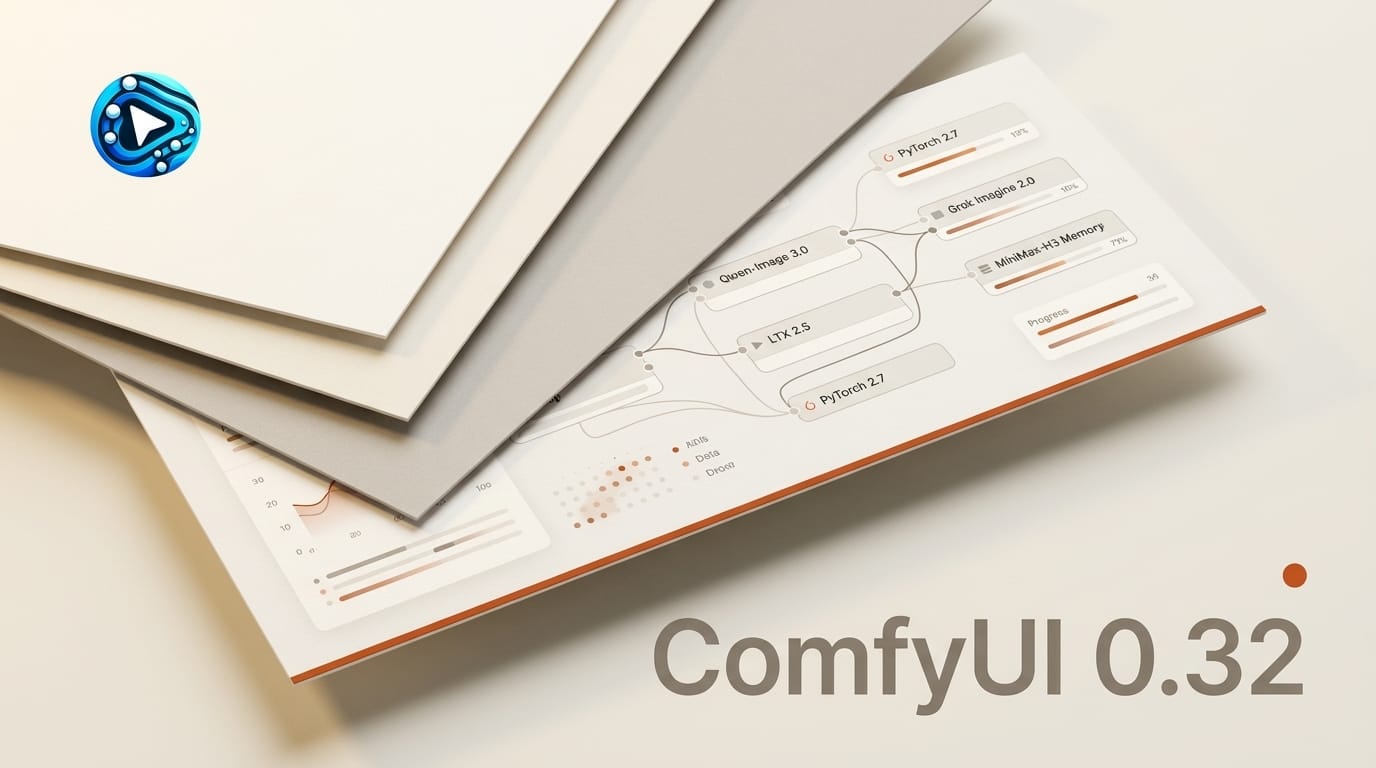
Most ComfyUI updates add one node or fix one bug. Version 0.32.0 does something bigger: it lands three new model integrations in a single release, cuts the memory a popular open video model needs to run, and quietly raises the floor of what your environment must have installed. That last part is the one that will break graphs if you skip the release notes. Here is what ComfyUI v0.32.0 actually changes, which of the new nodes belongs in your pipeline, and how to upgrade without losing a working setup.
Background
ComfyUI is the open-source, node-based runtime that a large share of local generative workflows run on. Its release cadence has become a bundling exercise: rather than wait for creators to hunt down separate custom-node packs for each new model, the core project ships day-one partner nodes so a single update lights up multiple flagship generators at once. Shipped on August 11, 2026, v0.32.0 continues that pattern. It adds partner nodes for Qwen-Image 3.0 Pro, LTX 2.5, and Grok Imagine Image 2.0, optimizes memory for the recently open-sourced MiniMax-H3 video model, and raises the minimum PyTorch version to 2.7.
Deep Analysis
The headline is three nodes, but the release is really three separate stories: new generators to wire into boards, a real performance win for local video, and a breaking dependency change that decides whether your update goes smoothly.
Three new model nodes, three different jobs
The new partner nodes are not interchangeable; each targets a different part of a creator pipeline. The LTX 2.5 nodes generate open-weights video with synced audio and come with core runtime support, not just a wrapper, which matters for stability in longer graphs. Qwen-Image 3.0 Pro is a high-detail still-image generator; it is worth noting that this Pro tier ships as a hosted partner node rather than open weights, a point we covered when Qwen-Image 3.0 launched without open weights. The Grok Imagine Image 2.0 node brings xAI's quality-mode image generation into the same canvas you already use for everything else. The practical guidance: reach for LTX 2.5 when you need local video with audio, Qwen-Image 3.0 Pro when you want maximum still detail and do not mind a hosted call, and Grok Imagine 2.0 when you are iterating on stylized images fast.
The MiniMax-H3 memory fix is the sleeper feature
Buried under the new nodes is the change that will help the most people: an optimized VAE and a peak-memory fix for MiniMax-H3 video graphs. H3 is demanding, and on consumer GPUs its peak memory spikes were enough to crash a render before it finished. Lowering that peak means graphs that used to fail on a mid-range card now have a real chance of completing. This is the kind of unglamorous optimization that decides whether a model is actually usable locally or just usable on paper, and it arrives for free the moment you update. The release also adds a new attention path the project calls comfy kitchen attention, and fixes a tiled audio decode issue and a CLIP vision regression.
PyTorch 2.7 is the breaking change to plan for
The most important line in the notes is not a feature. v0.32.0 raises the minimum PyTorch version to 2.7, adds clearer CUDA 13.0 warnings, and updates the bundled workflow templates. If your environment is on an older PyTorch, the new nodes will not load, and a custom node that depended on older tokenizer or CLIP-vision behavior may misbehave after the update. This is a hard dependency bump, not a suggestion. The safe path is to confirm your PyTorch version before loading anything new, and to treat the update as a change that can affect your whole environment rather than a drop-in node install.
Impact on Creators
For anyone running local pipelines, a bundled release is both a gift and a risk. The gift is that one update moves the entire stack forward: three flagship generators and a memory win without chasing separate repos. The risk is that bundling raises the stakes of a single update, because a dependency bump like PyTorch 2.7 can break a working graph if you upgrade blind. The teams that benefit most are the ones that keep a reproducible environment and test after every update, because they get the new capability without the downtime.
There is also a strategic read here. ComfyUI keeps positioning itself as the neutral runtime where every new model shows up first, closed or open, hosted or local. That neutrality is why it stays central to creator workflows even as individual models rise and fall. If you build on ComfyUI, you inherit each new model's node without rebuilding your pipeline, which is the whole point of standing on a common runtime instead of a single vendor's app.
Key Takeaways
v0.32.0 adds Qwen-Image 3.0 Pro, LTX 2.5, and Grok Imagine Image 2.0 partner nodes, so three flagship generators are available the moment you update. The quiet standout is the MiniMax-H3 VAE optimization and peak-memory fix, which makes demanding local video graphs more likely to finish on consumer hardware. The catch is the raised PyTorch 2.7 minimum: confirm your environment before loading the new nodes, and test older graphs after updating. Update through ComfyUI Manager or pull the latest release from comfy.org.
What to Watch
Two threads are worth following. First, whether LTX 2.5 with core support becomes the default open video path in ComfyUI graphs now that it ships with real runtime integration rather than a community wrapper. Second, whether the memory work on MiniMax-H3 signals a broader push to make heavy video models run on mid-range GPUs, which is the single biggest barrier to local video adoption. As always, the full technical detail lives in the release notes on the ComfyUI documentation site, and the next bundled release will tell you which models the project is prioritizing next.
FAQ
What did ComfyUI v0.32.0 add?
It added partner nodes for Qwen-Image 3.0 Pro, LTX 2.5 with core support, and Grok Imagine Image 2.0, optimized MiniMax-H3 video memory, added a new attention path, and raised the minimum PyTorch version to 2.7.
Do I need to upgrade PyTorch for v0.32.0?
Yes. The release raises the minimum PyTorch version to 2.7. If your environment is on an older version, the new nodes will not load, so confirm your PyTorch version before updating.
Will v0.32.0 break my existing graphs?
It can. Beyond the PyTorch bump, the update changes tokenizer behavior and fixes a CLIP vision regression, so test older graphs and any custom nodes after updating rather than assuming a clean drop-in.
Which new node should I use for video?
Use the LTX 2.5 nodes for open-weights video with synced audio. They ship with core runtime support, which is more stable for longer graphs than a community wrapper.
How do I install the update?
Update through ComfyUI Manager or pull the latest release from comfy.org, then confirm you are on PyTorch 2.7 or higher before loading the three new model nodes.