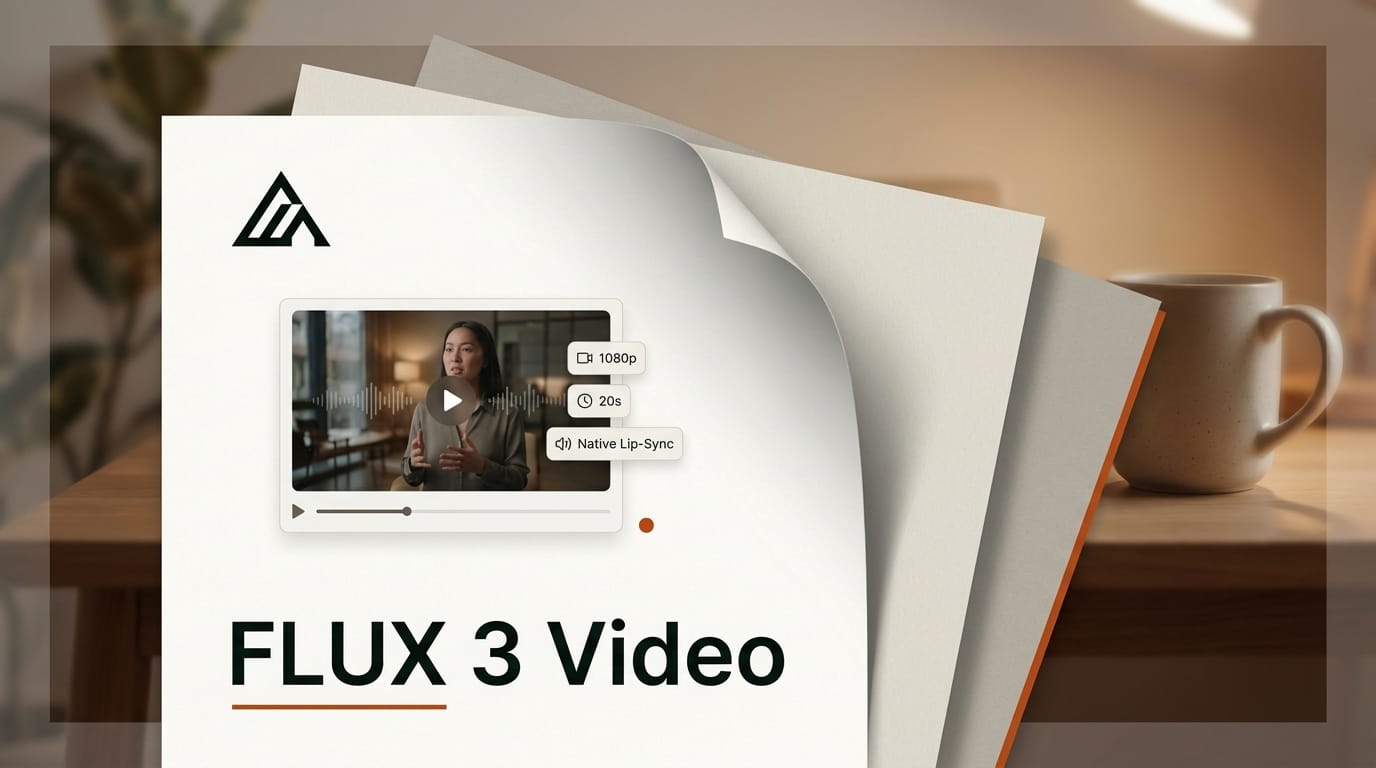
Black Forest Labs has made FLUX 3 Video generally available for the first time, shipping an initial version of its text-to-video and image-to-video model through the BFL API on August 4, 2026. The release turns FLUX 3, announced in July as a single multimodal model, into a production video tool: clips up to 20 seconds, output at 720p and 1080p, and native audio generated in the same pass as the picture, including dialogue with lip-sync across 12-plus languages.
That combination, long clips plus synchronized sound from one model, is what separates this launch from the wave of AI video systems that still bolt audio on afterward. Here is what FLUX 3 Video actually ships with, how it lines up against Sora, Veo, Kling, and Runway, and where it fits in a working creator's pipeline.
What Happened
When Black Forest Labs unveiled FLUX 3 on July 23, it described a single set of weights trained jointly on images, video, audio, and even robot actions. At launch, though, only the image and action pieces were reachable; the video generation capability was announced but not yet available. The August 4 release closes that gap. As the company puts it, "its video generation capabilities are being made generally available for the first time."
The GA feature set is broad for a first release. FLUX 3 Video handles text-to-video, image-to-video with keyframes, video continuation, and multi-shot sequences, and it generates native audio, including spoken dialogue with lip-syncing. A Draft Mode renders low-cost previews so you can iterate on a shot before committing to a full-quality render. Access is through the BFL API and a set of partner platforms, with pricing not disclosed in the launch post.
This is a distinct event from the July FLUX 3 multimodal announcement: that covered the model's unveiling and image-generation availability; this makes the video half usable in production.
How FLUX 3 Video Compares to Sora, Veo, Kling, and Runway
The AI video field has consolidated around a handful of frontier models. FLUX 3 Video's headline differentiators are its 20-second maximum clip length and native, lip-synced audio from the same model, rather than a separate audio stage. Google's Veo line pioneered synchronized audio in mainstream generation; Kling pushed clip length and motion realism; and Runway built its lead on editor-grade control and its media pipeline. The table below sets FLUX 3 Video against the group on the dimensions creators actually pick on.
| Model | Max clip length | Max resolution | Native audio | Access |
|---|---|---|---|---|
| FLUX 3 Video | 20 seconds | 1080p | Yes, with lip-sync (12+ languages) | BFL API + partners |
| OpenAI Sora | ~20 seconds | 1080p | Yes | App + API |
| Google Veo | ~8 seconds/segment | 1080p+ | Yes | Gemini API + Flow |
| Kling | ~10 seconds | 1080p | Limited | App + API |
| Runway | ~10 seconds | 4K upscaled | Via pipeline | App + API |
The practical read: FLUX 3 Video matches the longest single-clip lengths in the field and ships audio and lip-sync as a first-class output, which is the piece most video pipelines still stitch together in post. Whether it wins on motion coherence and prompt adherence will come down to hands-on testing against Sora and Veo, but on paper it enters at the top tier rather than as a follower.
Putting FLUX 3 Video Into a Creator Workflow
For a working creator, the fastest path to value is the image-to-video with keyframes plus Draft Mode combination. A repeatable loop looks like this:
1. Lock your look in images first. Generate or supply a start frame (and an end keyframe if you want a specific arc). Because FLUX 3 shares weights across image and video, your image aesthetic carries into motion instead of drifting.
2. Draft before you render. Use Draft Mode to preview motion and timing cheaply. Iterate the prompt on the low-cost render until the camera move and pacing are right.
3. Generate dialogue in-model. Instead of generating silent video and adding a voice track later, prompt the dialogue directly so lip-sync is baked in, then let the multi-shot and continuation features extend the scene to the full 20 seconds.
4. Finish in your editor. Pull the clip into your NLE for color and cut. Teams already routing generations through tools like Runway's media router can add FLUX 3 Video as another model endpoint rather than a separate app.
Why It Matters for Creators
The recurring cost in AI video production is not the first render, it is the round trips: generate silent video, generate audio, sync them, discover the lip movement is off, start over. Folding audio, dialogue, and lip-sync into a single generation collapses that loop. For short-form creators, ad teams, and explainer producers, a 20-second clip with correct spoken audio in one pass is closer to a finished shot than most competitors deliver.
The 12-plus-language lip-sync is the quieter but bigger unlock. Localizing a video ad or a talking-head explainer normally means re-shooting or paying for dubbing and re-timing. A model that generates lip-synced dialogue per language turns localization into a prompt change, which matters most to creators serving multi-market audiences on a single budget.
Key Details
Model: FLUX 3 Video (initial generation release, part of the FLUX 3 multimodal family)
Availability: Generally available via the BFL API and select partner platforms as of August 4, 2026
Clip length: Up to 20 seconds
Resolution: HD (720p) and Full HD (1080p)
Audio: Native audio generation, including dialogue with lip-sync in 12+ languages
Capabilities: Text-to-video, image-to-video with keyframes, video continuation, multi-shot sequences, Draft Mode previews
Pricing: Not disclosed at launch
Frequently asked questions
Is FLUX 3 Video available to use right now?
Yes. As of August 4, 2026, an initial version for text-to-video and image-to-video generation is generally available through the BFL API and selected partner platforms. It is a production release, not a waitlisted preview.
How long can FLUX 3 Video clips be?
Up to 20 seconds per generation, at 720p or 1080p. Video continuation and multi-shot sequences let you extend or chain scenes beyond a single clip.
Does FLUX 3 Video generate audio?
Yes, natively. It produces audio in the same pass as the video, including spoken dialogue with lip-syncing across more than 12 languages, rather than requiring a separate audio-generation step.
How is this different from the July FLUX 3 launch?
The July 23 announcement introduced FLUX 3 as a multimodal model and made image generation available, but video generation was announced-only. The August 4 release is the first time the video capability is generally available for production use.
What is Draft Mode?
Draft Mode renders low-cost previews so you can iterate on motion, timing, and framing before paying for a full-quality render. It is aimed at cutting the cost of trial-and-error iteration.
How does FLUX 3 Video compare to Sora and Veo?
On clip length (20 seconds) and native lip-synced audio, FLUX 3 Video enters at the top tier alongside Sora, and matches Veo's synchronized-audio approach. Relative quality on motion coherence and prompt adherence will depend on hands-on testing, but its feature set is competitive at launch.