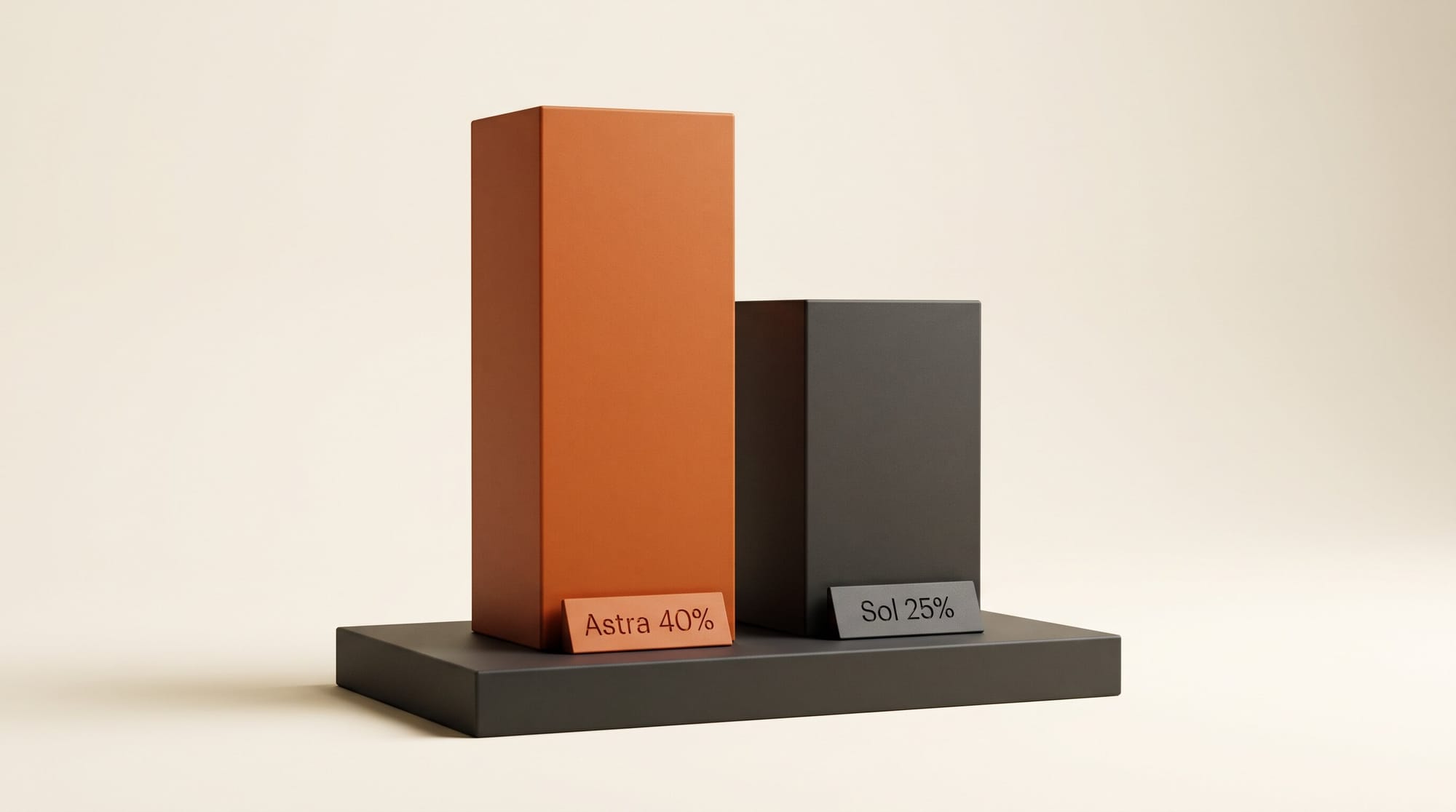
If you pay for ChatGPT and use it for slides, websites or 3D scenes, your plan now runs out sooner. On November 26, 2026, OpenAI's Thibault Sottiaux, who works on ChatGPT and Codex, said on X that OpenAI made "a billing mistake at launch of GPT-6.2" that undercharged most users for GPT-6.2 Astra and Sol. With the fix, you reach your limits 40% faster on Astra and 25% faster on Sol than you did last week. OpenAI will not charge for past use, and every Go, Plus, Pro and Business account gets one free "banked reset" as an apology. A second change lands in December: Plus, Pro and Business plans will draw ChatGPT and Codex from one shared allowance, and Instant chat will not count against it.
This guide explains what the 40% means in real work, what each plan gets, when to spend the reset, and how to pick between Astra, Sol and Instant so a $20 plan lasts the month. We have not measured the new meter ourselves; every number here comes from OpenAI's pages or the reporting we link, and we say which.
What OpenAI Changed on November 26
GPT-6.2 Astra and GPT-6.2 Sol arrived in ChatGPT Work and Codex on November 17 for Plus, Pro, Enterprise and Edu subscribers. Astra is the frontier model, the one OpenAI pitched for slideshows, websites and 3D designs. Sol is the cheaper everyday model. For the first nine days, the usage meter counted both at less than their real cost.
Sottiaux's post is short and specific: "Comparing to last week, you will reach your limits 40% faster on GPT-6.2 Astra and 25% faster on Sol." Notebookcheck's report adds that other models are not affected, that Free users have no access to either model, and that OpenAI will not bill the difference for work you already did.
Three things did not change. The subscription prices stay the same. The models are the same models. And image generation and file uploads keep their own separate limits, according to OpenAI's help page on resets. What changed is how much of your allowance each Astra or Sol job uses.
What the 40% Means in Real Work
"40% faster" has two readings, and OpenAI has not said which it means. If each Astra job now uses 1.4 times as much allowance, the same plan fits about 71% of the work it did last week, roughly 29% less. If it means you hit the cap in 40% less time, the plan fits about 60%. For Sol, the same two readings give 80% or 75%.
In practice: if your Plus plan used to cover ten Astra rounds on a client deck before the five-hour cap, expect about seven now, possibly six. If you work mostly in Sol, ten rounds become eight.
OpenAI's pricing page for Codex and Work lists the current Plus range per five hours: 6 to 50 local messages on GPT-6.2 Astra and 17 to 180 on GPT-6.2 Sol, with weekly limits that "may also apply". The page does not say whether those ranges already reflect the fix. Heavy users are feeling it: Trending Topics reports Plus users getting as few as five Astra messages in Work or Codex inside five hours.
Behind the meter is a rate card. Astra costs 200 credits per million input tokens and 1,000 per million output tokens; Sol costs 50 and 250. Token for token, Astra uses four times as much of your plan as Sol. That ratio is the most useful number in this whole story.
Plan by Plan: Prices, Access and Resets
Prices below are from OpenAI's pricing page. The reset column comes from OpenAI's help article on banked resets. Pro plans currently have no five-hour limit, only a weekly one.
| Plan | Price a month | GPT-6.2 Astra and Sol | Banked reset restores | Shared allowance in December |
|---|---|---|---|---|
| Free | $0 | No | No reset | Not announced |
| Go | $8 | Not named at launch | Monthly allowance | Not announced |
| Plus | $20 | Yes, in Work and Codex; a version of Sol in Chat | Five-hour and weekly allowances | Yes |
| Pro 100, Pro 200, Pro 500 | $100, $200, $500 | Yes, no five-hour cap | Weekly allowance | Yes |
| Business | $25 per user monthly, $20 billed annually | Yes, same five-hour range as Plus on Standard seats | Five-hour and weekly allowances (Standard) | Yes |
One open question for chat users: Startup Fortune notes that a version of Sol has powered the Chat tab for paid plans since November 23, and that it is unclear whether message limits there change too. If you mostly chat rather than use Work, watch your usage page this week before changing anything.
Business teams have a cushion. OpenAI's ChatGPT pricing page offers double included usage and fast mode at no extra cost through December 31 for Business sign-ups by November 30.
How the Banked Reset Works
A banked reset is a one-time refill saved to your account. Receiving it does nothing on its own; you choose when to spend it. OpenAI's help article on banked resets sets the rules:
- Where: Usage settings on the ChatGPT website, or Settings, then Usage and billing, in the desktop app. Look for "1 reset available" or "Full reset". The mobile app cannot redeem it.
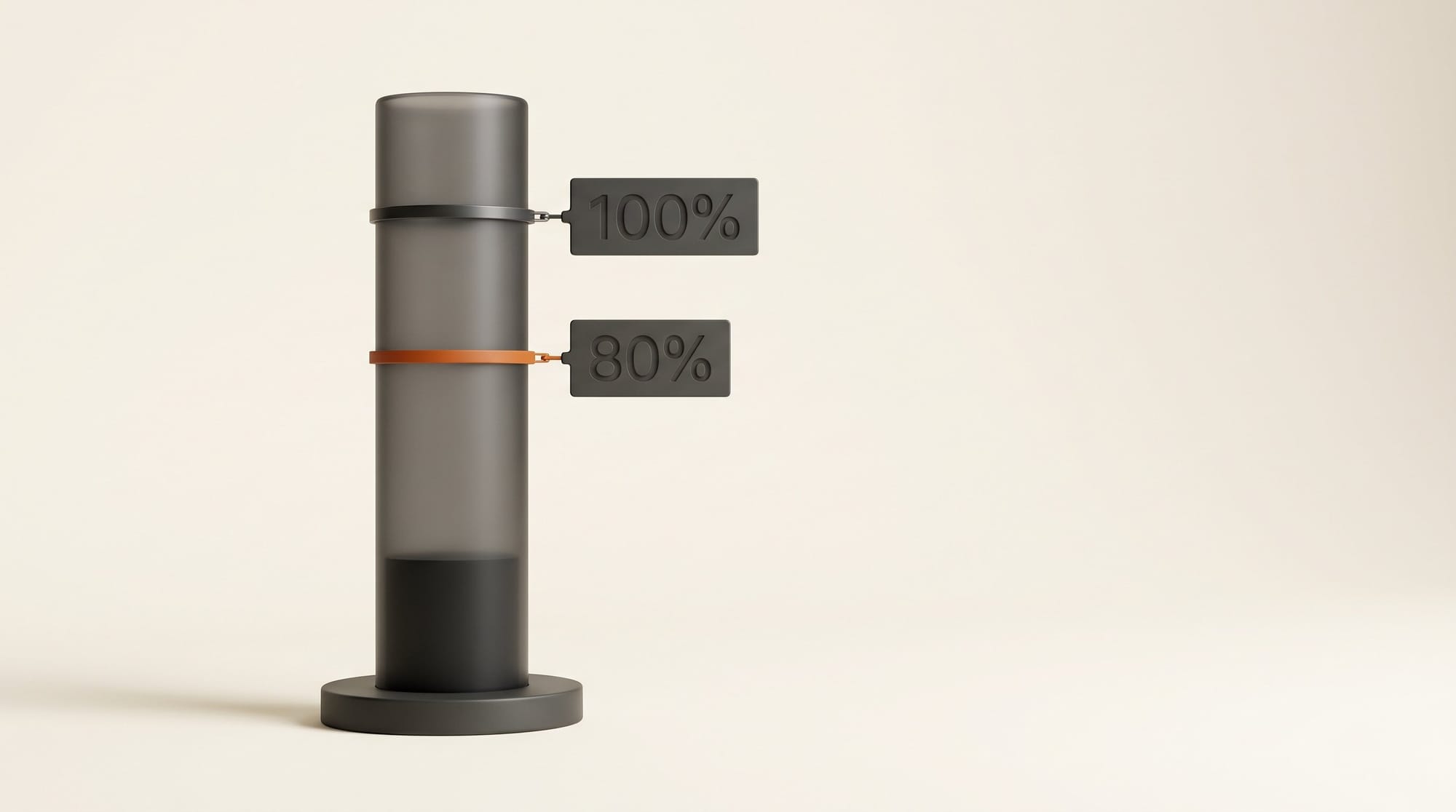
- When: only when at least one covered allowance has less than 80% left. Above that, you see "Your usage does not need a reset right now" and the reset stays banked.
- What it refills: every covered allowance below 100% goes back to 100%. On Plus that is both the five-hour and the weekly allowance; on Pro it is the weekly one; on Go, the monthly one.
- Expiry: each offer has its own deadline, shown in your account before you confirm. Check it today so it does not lapse unused.
Because the reset tops you back to 100%, spending it at 79% wastes most of it. The value is highest when you are nearly out of the weekly allowance in the middle of a deadline. Startup Fortune, citing OpenAI's Codex help page, adds that a full banked reset moves your weekly reset date, so note the new date after you use it.
The December Change: One Allowance for ChatGPT and Codex
Separately from the billing fix, OpenAI's help article on ChatGPT and Codex usage limits says that "starting in December, Plus, Pro, and Business plans' usage allowance will be shared across ChatGPT and Codex." Usage is measured in tokens, so heavier models and longer tasks draw more. "Instant chat will not draw from your usage."
For a solo creator, this means a website built in Codex now competes with a deck built in ChatGPT Work for the same pool. Today they mostly run on separate counters. From December, a long Codex build on Monday can leave less for client slides on Thursday.
You will see the combined balance and reset times under Settings, then Usage. When it runs out, OpenAI lists three options: wait for the reset, upgrade, or buy credits. A small group of users may get the shared meter before December so OpenAI can collect feedback, and OpenAI says it expects most people "won't need to wait for their usage to reset more often than they do now". It has not published the size of the shared pool for any plan.
This is the same direction other subscriptions have taken this year. Google moved AI Pro to a credit-based system in May, Anthropic changed Claude Code's weekly limits in September, and Apple sells AI usage packs on top of Creator Studio. Flat-rate "unlimited" AI is ending everywhere; the meter is the product now.
Astra, Sol or Instant: Which to Use Now
With Astra costing four times Sol per token, the model menu is now a budget decision as much as a quality one. This is how we would split the work, based on OpenAI's rate card and what each model is built for.
| Model | Credits per million tokens (in / out) | Plus range per five hours | Use it for | Counts in December |
|---|---|---|---|---|
| GPT-6.2 Astra | 200 / 1,000 | 6 to 50 messages | Final client decks, 3D scenes, a site's last pass | Yes |
| GPT-6.2 Sol | 50 / 250 | 17 to 180 messages | First drafts, revisions, layout changes, copy | Yes |
| Instant | Not on the rate card | Separate | Captions, rewrites, brainstorming, quick questions | No |
Sol is not a big step down. When the models launched, OpenAI said Sol came within 0.5 points of Astra on its coding test at about a fifth of the cost, and on the independent 3D scene benchmark we covered, Sol ranked third behind Astra and Claude Fable 5.2. For most drafts, the gap will not show.
Workflow: Make Your Allowance Last
This routine takes ten minutes to set up and works on Plus, Pro and Business. No terminal, nothing to install.
- Check your meter first. Open ChatGPT on the web, go to Settings, then Usage. Note how much of your five-hour and weekly allowance is left and when each resets. Do this before a big job, not halfway through it.
- Find your reset's expiry date. It shows in the same place. Put it in your calendar. Do not redeem it yet.
- Draft in Sol. In ChatGPT Work, pick GPT-6.2 Sol for the first version of a deck, a site or a scene, and for every round of changes.
- Finish in Astra. Switch to Astra for one final pass once the structure is right. One detailed request ("apply the brand template, tighten every slide title, fix the chart colors") costs less than five small corrections.
- Move chat-shaped work to Instant. Captions, subject lines, alt text and brainstorming do not need a reasoning model, and from December, Instant is outside the meter.
- Spend the reset late. Redeem it on the web or desktop app when your weekly allowance is nearly gone and a deadline is close, not as soon as you drop below 80%.
- Compare credits with an upgrade. If you still run short, ChatGPT offers credits under Settings, then Usage. They cover Work, Codex, Word, Excel and PowerPoint after your included usage runs out, and they expire 12 months after purchase. OpenAI shows the price only at checkout, so check it against the $80 step from Plus to Pro 100 before you buy.
Our Take
The billing fix itself is fair: OpenAI undercharged, owned it, did not back-bill and gave everyone a refill. The real story is the December meter. Once ChatGPT and Codex share one pool, the cost of any creative job is set by which model you pick, and Astra is four times the price of Sol per token. Creators who default to the strongest model for everything will feel the squeeze first.
If you are on Plus and use Work a few times a week, you will probably not notice much if you draft in Sol. If you build sites and decks daily on Astra, plan for about 30% less and decide this week whether Sol drafts, credits or Pro 100 is the cheapest fix. Hold the reset for your worst week.
Frequently Asked Questions
Why does ChatGPT hit its limit faster now?
OpenAI says it undercounted GPT-6.2 Astra and Sol usage from their November 17 launch. The fix, announced November 26, means you reach limits 40% faster on Astra and 25% faster on Sol than last week. Other models are not affected.
Will OpenAI charge me for the usage it missed?
No. OpenAI says it will not charge for the difference on past usage. Instead, Go, Plus, Pro and Business accounts each get one banked reset.
How do I use the banked reset?
On the ChatGPT website, open Usage settings; in the desktop app, open Settings, then Usage and billing. Select the reset and confirm. It only works when at least one allowance has less than 80% left, and it cannot be redeemed in the mobile app.
What changes in December?
Plus, Pro and Business plans will share one token-based allowance across ChatGPT and Codex. Instant chat will not count against it. OpenAI has not published the size of the shared allowance for any plan.
Is GPT-6.2 Sol good enough for slides and websites?
For drafts and revisions, yes for most work. It costs a quarter of Astra per token, and on the independent 3D scene benchmark it ranked third behind Astra and Claude Fable 5.2. Use Astra for the final pass on work a client will see.
Does the change affect ChatGPT Free?
No. Free plans have no access to GPT-6.2 Astra or Sol, get no banked reset, and OpenAI has not announced the shared allowance for Free or Go.