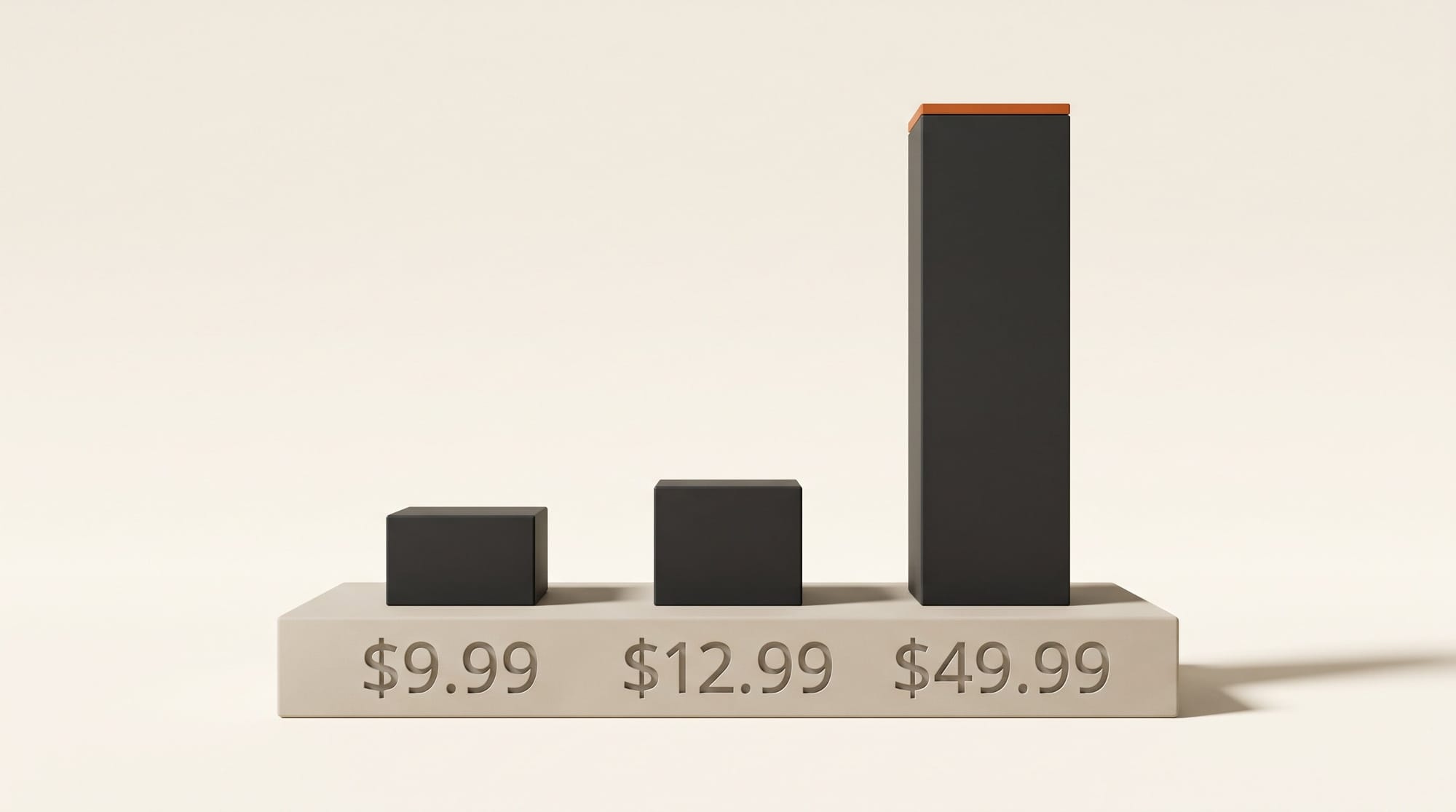
Apple started selling Intelligence Usage Packs for $49.99 on November 9, 2026, the first time it has charged extra for AI in its creative apps. A pack adds capacity once you hit the monthly limit in Apple Creator Studio, the $12.99-a-month bundle of Final Cut Pro, Logic Pro and Pixelmator Pro. Apple's support page on Creator Studio intelligence features now spells out that limit: at least 50 generated images a month if you use nothing else. It also names the models: Google Gemini runs image generation and the Logic Pro assistant, and OpenAI runs Keynote's Generate Presentation. What Apple does not say is how much extra usage $49.99 buys.
This guide covers what the subscription already includes, what an image costs next to Adobe Firefly, Canva and the Gemini app, and how to check your own usage before you spend anything.
What Apple started selling, and what you already get
The pack is a one-time purchase, not a subscription. For now it appears only in Logic Pro for Mac, under Logic Pro > Intelligence Features > Show Usage > Buy More Usage. 9to5Mac's Ryan Christoffel expects it to reach Final Cut Pro, Pixelmator Pro and the iWork apps as the rest of this month's Creator Studio updates land. Apple sells packs only to active Creator Studio subscribers in the United States, United Kingdom, Canada, Brazil, France, Germany, India and Mexico.
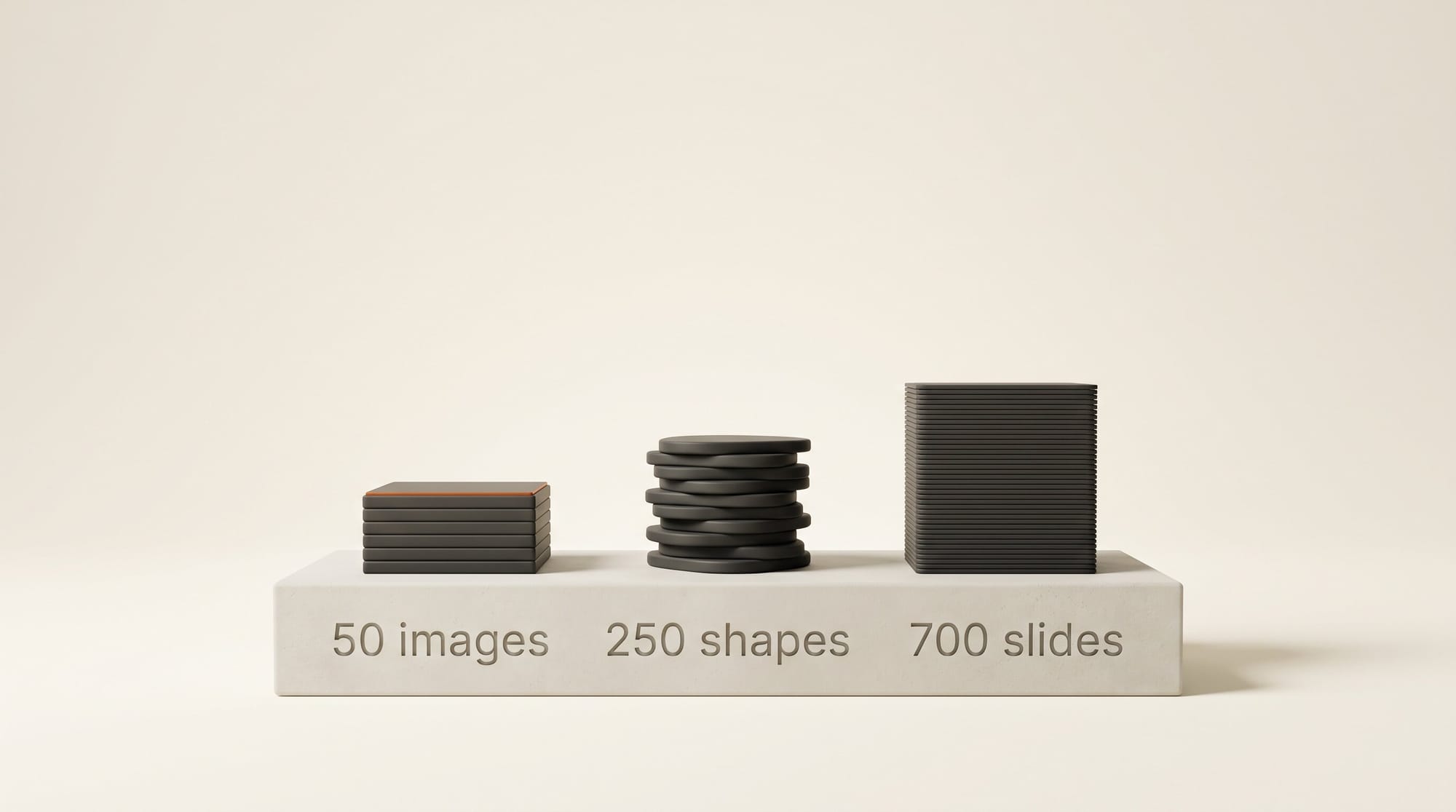
Before any pack, the subscription includes a monthly allowance. Apple's support page lists minimums that assume you use only one feature all month:
| Feature | Monthly minimum | Model behind it |
|---|---|---|
| Generate Image (Keynote, Pages, Numbers, Pixelmator Pro, Freeform) | 50 images | Google Gemini |
| Generate Shape (Keynote, Pages, Numbers, Pixelmator Pro) | 250 shapes | Google Gemini |
| Generate Presentation (Keynote) | 50 decks of about 8-10 slides | OpenAI |
| Generate Presenter Notes (Keynote) | Notes for 700 slides | Google Gemini |
| Logic Pro assistant (Mac, U.S. English) | Not stated; depends on how complex your conversations are | Google Gemini |
The allowance resets every month. Apple says the exact number "varies based on the complexity of the queries, server availability, and network availability," so treat the figures as a floor, not a quote.
Which features draw on the limit, and which model runs them
Not every AI feature in Creator Studio counts. The support page applies limits to five features: Generate Image, Generate Shape, Generate Presenter Notes, Generate Presentation and the Logic Pro assistant. It also lists Super Resolution, Auto Crop, Slide Clean Up and Magic Fill in Numbers as subscriber features, without limit language. Pixelmator Pro's Generate Fill and Final Cut Pro's text-to-image, both announced in the October 27 Creator Studio update, are not named on the page at all. However, Apple's Usage Pack terms list Final Cut Pro, Motion, Compressor and MainStage among the apps a pack can cover. They add that the usage a feature needs "may vary over time and/or across different AI Apps."
The model credits have shifted too. In October, Apple's newsroom described the Logic Pro assistant as "powered by a combination of Apple-built and third-party models." 9to5Mac's November 5 report on the rollout described it as Apple models plus OpenAI. Apple's support page now credits Google Gemini for the assistant, image, shape and presenter-notes features, and OpenAI for Generate Presentation and the slide images it makes. You do not need a Google or OpenAI account, and the features do not connect to a personal ChatGPT or Google login.
If you already followed our breakdown of the October Creator Studio update, this answers the open question we left there: Apple had not announced limits or credits. Now it has, at least for five features.
What 50 images a month costs next to Adobe, Canva and Google
If you make images and nothing else, the $12.99 monthly plan works out to about 26 cents an image at the 50-image floor, or about 21 cents on the $129 annual plan. That is a rough figure, because the same subscription also pays for Final Cut Pro, Logic Pro and Pixelmator Pro. Here is how the allowance compares with the tools creators already use for quick images:
| Plan | Price (U.S.) | Images included | Past the limit |
|---|---|---|---|
| Apple Creator Studio | $12.99 a month or $129 a year | At least 50 a month, if images are all you generate | $49.99 pack, amount not disclosed, lasts 12 months |
| Adobe Firefly Standard | $9.99 a month | Unlimited standard images, plus 2,000 credits for premium features | Credits cover premium models; standard images stay unlimited |
| Canva Pro | $144 a year | Standard AI tools on fair use; up to 200 premium AI uses a month | Canva Business raises premium uses to 400 ($250 a year per person) |
| Canva Free | $0 | Up to 20 AI uses a month | Upgrade or wait for the reset |
| Gemini app | Free; Google AI Plus $4.99, Pro $19.99 a month | Nano Banana 2 on every tier at "standard limits" | Plus doubles the limits, Pro quadruples them |
Adobe's figures come from its Firefly plans page, read November 11, whose FAQ says "All paid plans include unlimited standard image and vector generations." Canva's allowance is the one we documented in our Canva Craft cost breakdown. Google's multipliers come from its Gemini plans and limits page, and the U.S. plan prices from our Gemini Omni 1.2 Flash credit analysis.
The useful comparison is not the subscription price but the overflow. If you blow past 50 images in a busy month, $49.99 buys five months of Firefly Standard with unlimited standard images. It also matches the one-time price of Pixelmator Pro itself, which Apple still sells for $49.99.
The catch: $49.99 for an amount Apple will not state
Every other plan in that table tells you what you are buying: a number of credits, a number of uses, or "unlimited." Apple's pack does not. The support page and the terms both describe extra usage, not a number, and MacDailyNews notes that the capacity depends on request complexity, server load and the feature you use. If a pack held another 50 images, each would cost a dollar. If it held 200, each would cost 25 cents. Apple has not said which, so nobody can price a pack per image yet.
Four rules make a pack less flexible than the subscription it tops up:
- No Family Sharing. A standard Creator Studio plan can be shared with five other family members, but a pack works only for the Apple Account that was signed in to iCloud when it was bought.
- Used last. Pack usage is consumed only after your monthly allowance runs out, so a quiet month leaves it untouched.
- Expires after 12 months. Unused usage rolls over month to month, then expires a year after purchase.
- No refunds. Apple says all sales are final except where the law requires otherwise.
The pack is also a preview of where Apple Intelligence is heading. In September, Apple's usage-limits page named Siri AI, Clean Up, Extend, Spatial Reframing and Image Playground as features that will have limits, and said "Increased access to such features will be available for a fee." Apple added that a feature you max out "will become available again after a time out period," which 9to5Mac covered at the time.
How to check your usage before you buy a pack
You can see how much of the allowance you have used in every Creator Studio app, which is the only way to know whether a pack is worth $49.99 to you. Here is a routine that takes five minutes a month:
- Find the meter. On a Mac, open Keynote, Pages, Numbers, Pixelmator Pro or Logic Pro, then choose the app name in the menu bar, then Intelligence Features, then Show Usage. In Freeform it is Show Usage Status. On iPhone or iPad, tap the More button, then Intelligence Features, then Show Usage Status.
- Check it in week one. Look at the meter a week into the month. If you are past a quarter of it, you are on track to run out before the reset.
- Test what counts. Generate Fill in Pixelmator Pro is not named on Apple's list. Note the meter, run one fill, and check again. Do the same for Final Cut Pro's image generation once it reaches your Mac.
- Read Logic's history. The Logic Pro assistant has no fixed number, so use Logic Pro, Intelligence Features, Show Usage, History to see which conversations used the most. Short, single-task requests should cost less than one long back-and-forth, since Apple ties the limit to complexity.
- Draft elsewhere, finish in Apple's apps. Make rough concepts in a tool with a looser allowance, such as Firefly's unlimited standard images or Nano Banana 2 in the free Gemini app. Then save Apple's 50 images for the finals you want inside Keynote, Pages or Pixelmator Pro.
- Buy only after you run out. Pack usage sits idle until the monthly allowance is gone and expires after a year. Buying one before you hit the limit only shortens its useful life.

Who should buy a pack, and who should not
Buy one if you run out regularly, work mostly inside Keynote, Pages or Logic Pro, and the time saved by staying in one app is worth more than $49.99. A podcaster who leans on the Logic Pro assistant every session has no outside substitute, because no other app offers that assistant.
Skip it if your overflow is images. Firefly Standard, Canva Pro and the Gemini app all generate images with clearer limits for similar or lower monthly prices, and the results can be dropped into Pixelmator Pro or Final Cut Pro like any other file. Skip it too if you share Creator Studio with family and hoped a pack would cover everyone.
Wait if you are not sure. The pack is live only in Logic Pro so far, the other apps get it later this month, and Apple may yet publish what $49.99 actually holds. Our Adobe MAX 2026 guide covers what Adobe shipped the same week, if you are weighing the two ecosystems.
Frequently asked questions
How much does an Apple Intelligence Usage Pack cost?
$49.99 in the United States, as a one-time purchase. Packs are sold to active Apple Creator Studio subscribers in the U.S., U.K., Canada, Brazil, France, Germany, India and Mexico.
How many images does an Apple Intelligence Usage Pack add?
Apple has not said. Its support page and terms describe additional usage without a number, and say the amount a feature uses can vary with request complexity and across apps.
How many AI images do you get with Apple Creator Studio?
At least 50 a month if image generation is the only intelligence feature you use. The same allowance covers 250 shapes, 50 presentations or presenter notes for 700 slides if you use only one of those. Limits reset monthly.
Which AI model does Apple Creator Studio use for images?
Google Gemini, according to Apple's support page. Gemini also runs Generate Shape, Generate Presenter Notes and the Logic Pro assistant. OpenAI runs Keynote's Generate Presentation and the images it creates for slides.
Can family members share an Intelligence Usage Pack?
No. Creator Studio itself can be shared with up to five other family members, but a pack works only for the Apple Account used for iCloud when it was bought.
Do unused Usage Pack credits expire?
Yes. Unused usage rolls over from month to month and expires 12 months after purchase. It is consumed only after you reach your monthly limit, and sales are final.
Is Adobe Firefly cheaper than Apple Creator Studio for AI images?
For images alone, yes. Firefly Standard costs $9.99 a month and Adobe says all paid Firefly plans include unlimited standard image generations. Creator Studio costs $12.99 a month and includes at least 50 images, but it also includes Final Cut Pro, Logic Pro and Pixelmator Pro.