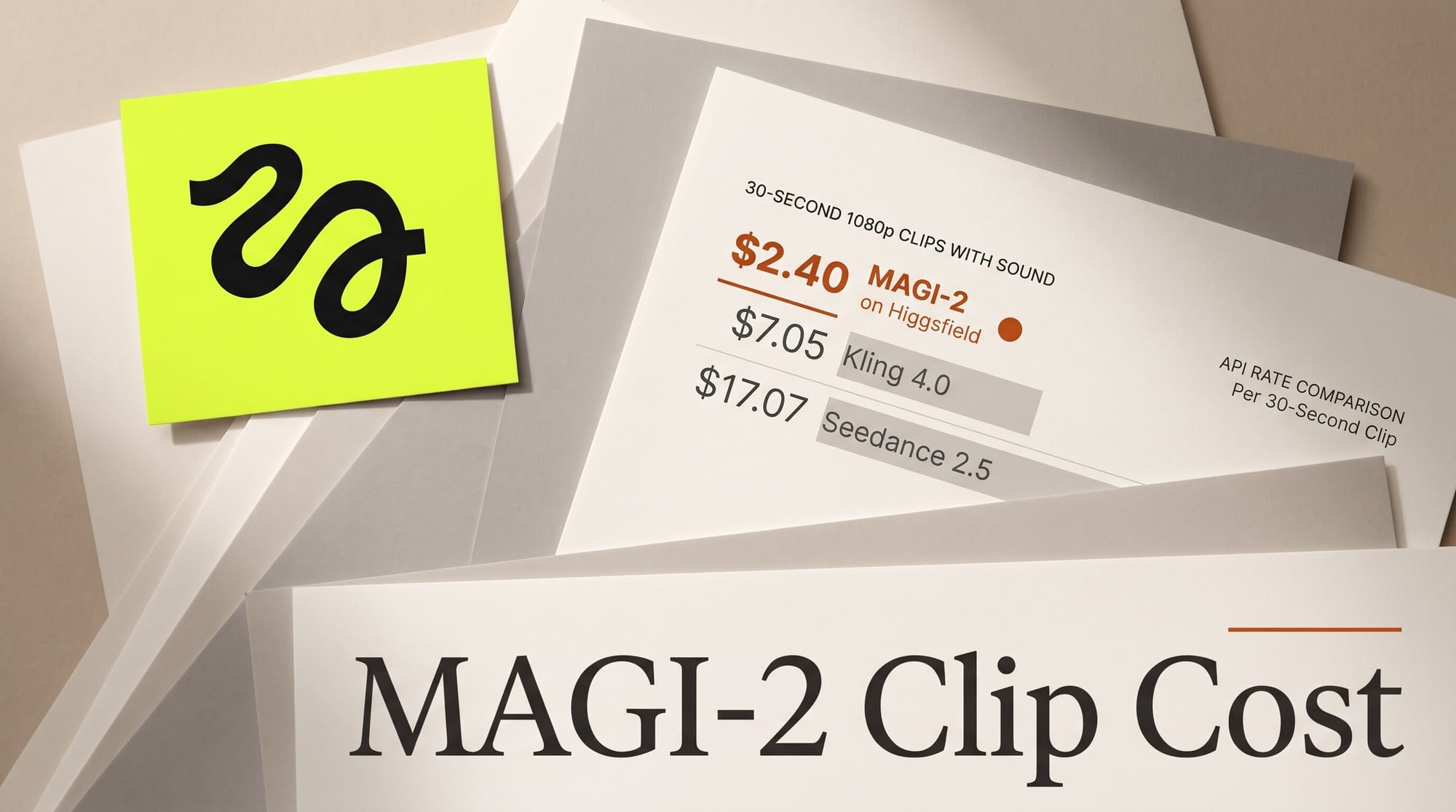
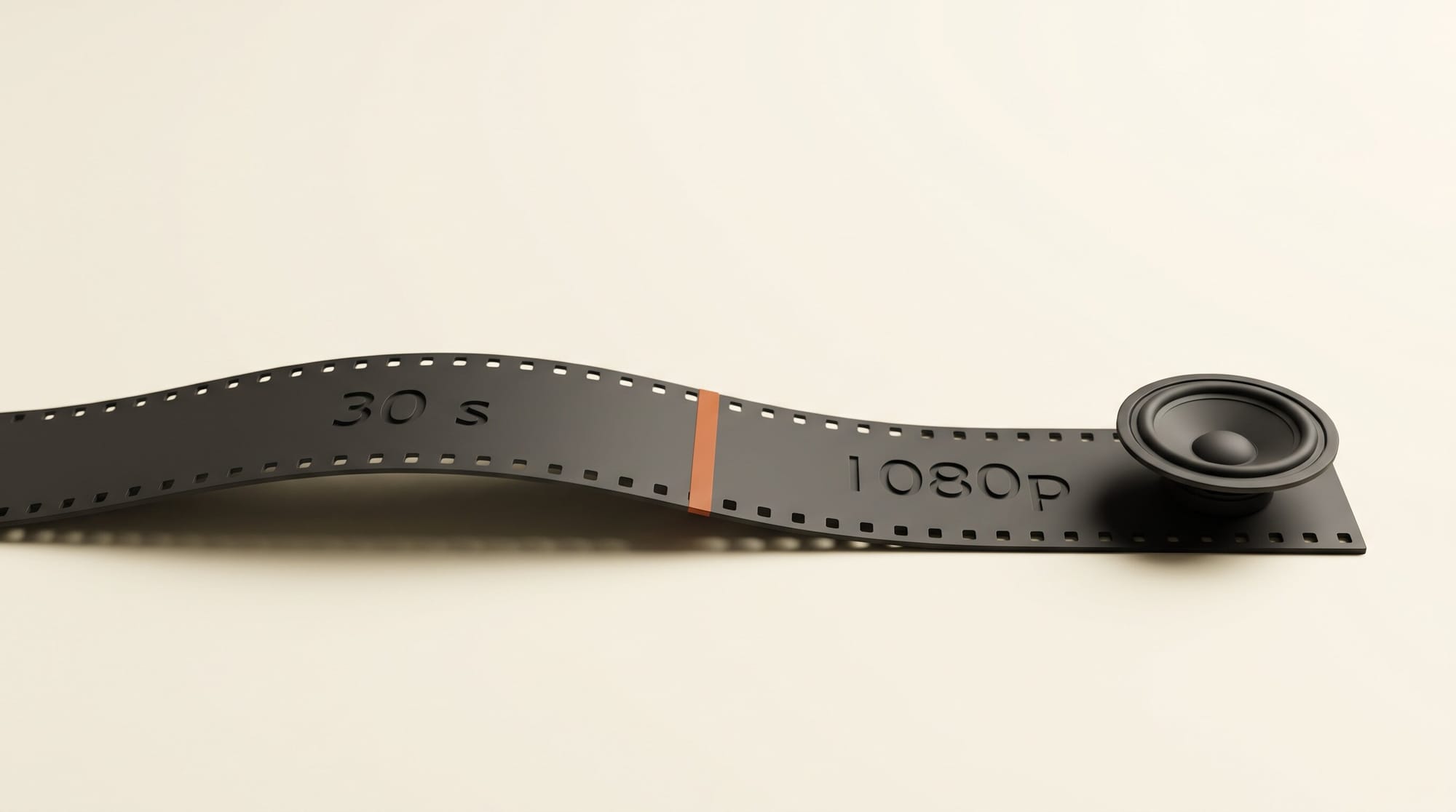
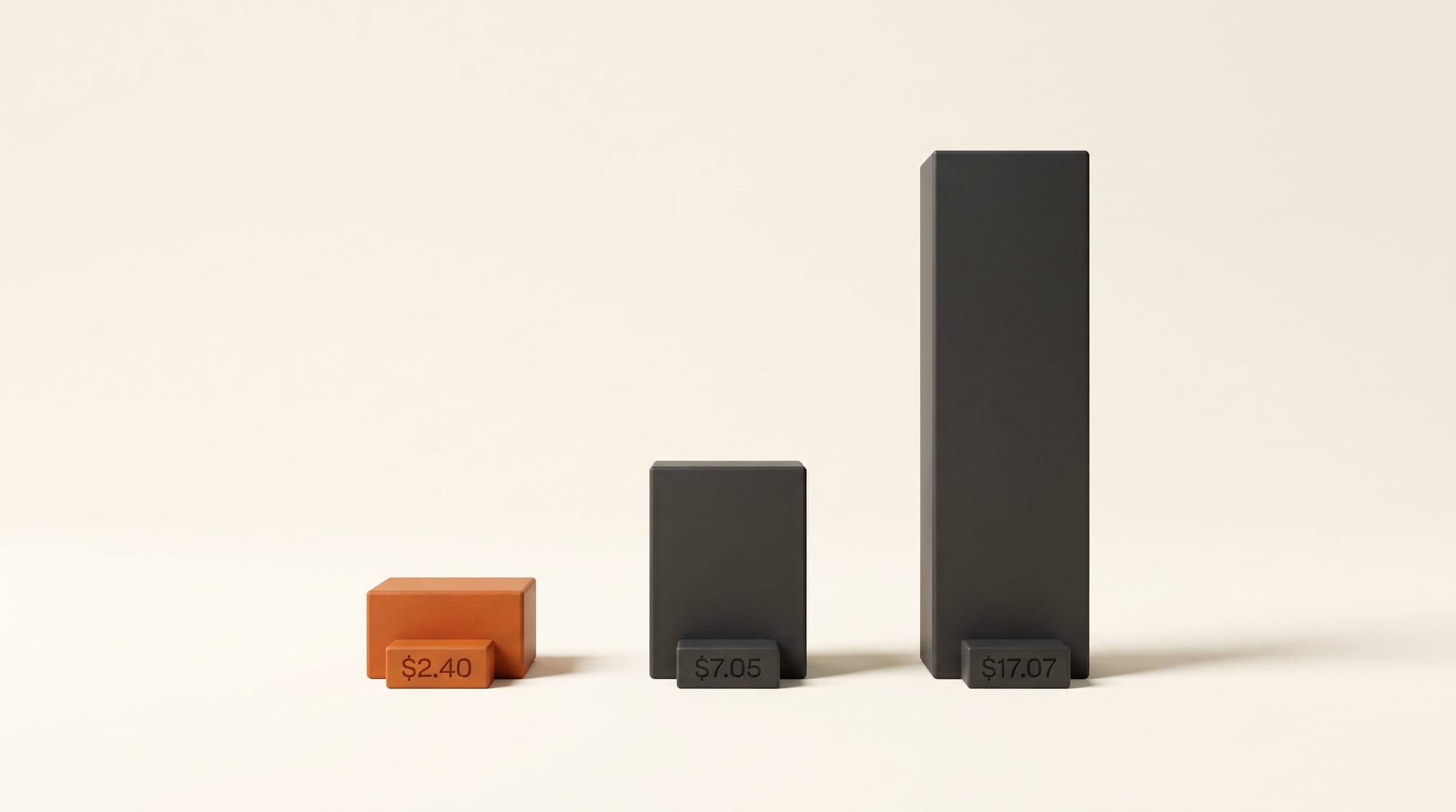
MAGI-2, the new video model from the Chinese lab Sand.ai, launched on November 24, 2026. It makes clips of 4 to 30 seconds at 1080p, with dialogue, sound effects and music generated in the same pass as the picture. For now you can only use it on Higgsfield, which calls the deal exclusive. There it costs 2.5 credits a second in the web app, or $0.08 a second through Higgsfield's API. A finished 30-second clip comes to $2.40 at the API rate, against $7.05 for Kling 4.0 and $17.07 for Seedance 2.5 at 1080p.
That makes MAGI-2 the cheapest way we know of to get a single 30-second 1080p take with sound. Below: what it does, what a clip really costs on each Higgsfield plan, how it scores, how to make your first clip, and the catches. We have not generated MAGI-2 clips ourselves yet. Every figure comes from Sand.ai's and Higgsfield's own pages, read on November 25.
What MAGI-2 is and what shipped
MAGI-2 is the full release of a model Sand.ai showed as a research preview in August. Sand.ai says the new model has 480 billion parameters, about 28 billion of them active per step, up from about 114 billion in the preview. Higgsfield's launch posts say 400 billion. Sand.ai has promised a technical report, which should settle it. For a creator the number matters less than what the model does:
- Length: any clip from 4 to 30 seconds in one take, with no stitching.
- Picture: 1080p at 25 frames a second. There is no 720p option.
- Sound: lip-synced dialogue, foley, ambience and music, made together with the video. You can switch sound off.
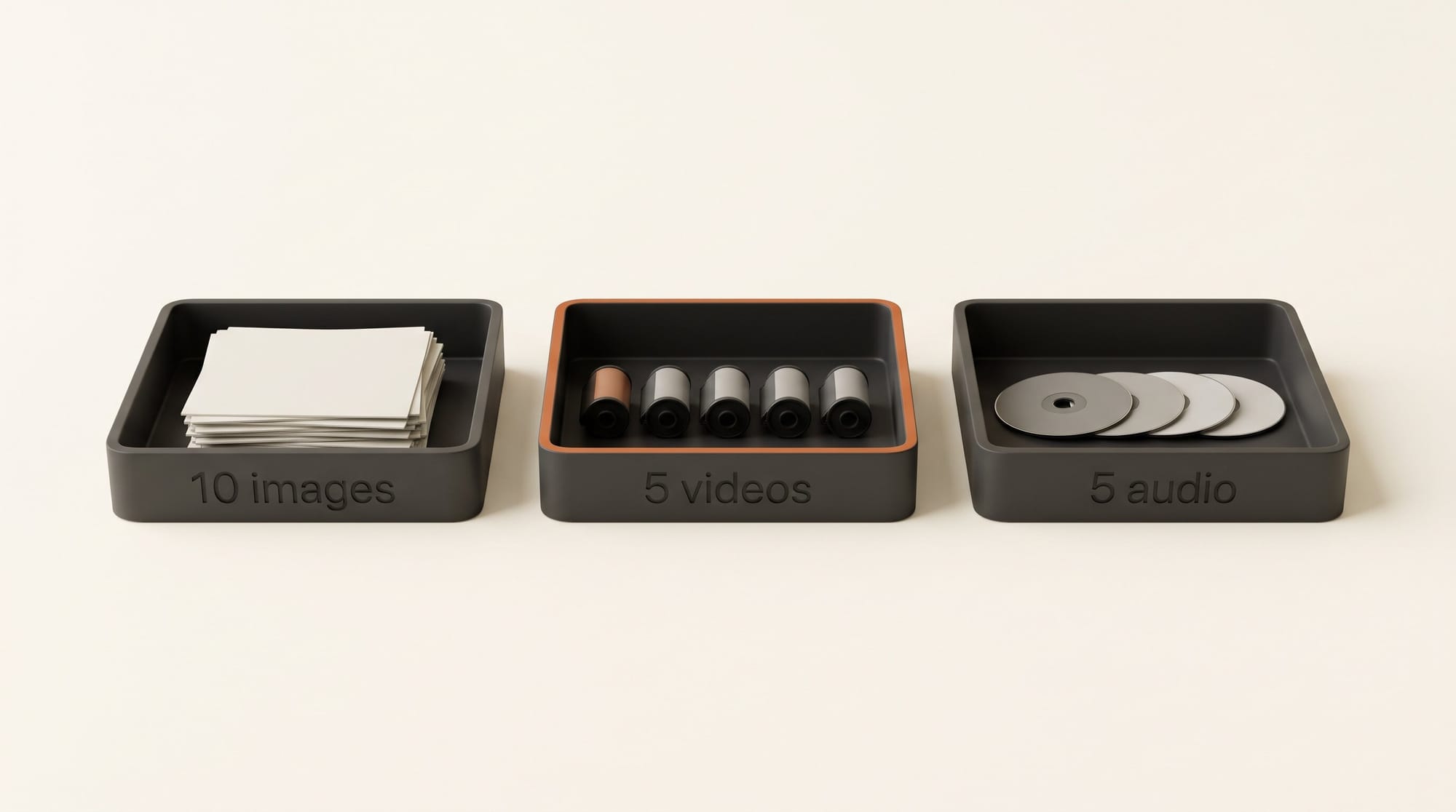
- References: up to 20 per clip, made up of 10 images, 5 videos and 5 audio files. Or give it a start frame and an optional end frame instead.
- Shape: six aspect ratios: 16:9, 21:9, 4:3, 1:1, 3:4 and 9:16, so vertical Reels and widescreen trailers both work.
- Editing: Sand.ai lists targeted edits to existing video and control over timing and shot cuts.
Sand.ai also says it will release MAGI-2 as open weights. Its track record supports that: MAGI-1 and the August MAGI-2 preview are both on its GitHub under the Apache 2.0 license, and so is daVinci-MagiHuman, its talking-human model. For the full MAGI-2 it gives no date and no license, so do not plan around running it on your own computer yet. At 480 billion parameters it would need far more GPU memory than any home graphics card has anyway.
Where you can use it today
Higgsfield is the only app with MAGI-2 right now. Its launch post on X went out on the evening of November 24 and says the model is "available exclusively on Higgsfield and via Higgsfield API". There are two ways in:
- The Higgsfield web app. Pick MAGI-2 under Video, Create Video. You pay in plan credits, 2.5 per second of video. This is the route for most creators.
- The Higgsfield API. Pay as you go in dollars, $0.08 a second for text to video, image to video and reference to video alike. It also has a playground page in the browser, so you can try a prompt without code once you have added funds.
Sand.ai runs its own API platform as well. According to i10x's launch write-up, it lists the same $0.08 a second but does not yet let you top up an account, so for practical purposes Higgsfield is the door.
What a 30-second clip costs
Video models bill by the second, so the fair test is one finished clip of the same length. Here is a 30-second, 1080p clip with sound on MAGI-2 and on the models it competes with, at each provider's published rate. Kling 4.0 is on fal's Kling 4.0 page (no input video), Seedance 2.5 on BytePlus as summarized in OrcaRouter's comparison, and Gemini Omni 1.2 Flash on Google's Gemini API price list.
| Model | Where | Price per second at 1080p | 30-second clip | Longest single take |
|---|---|---|---|---|
| MAGI-2 | Higgsfield API | $0.08 | $2.40 | 30 s |
| MAGI-2 | Higgsfield web app, Plus plan at $59 a month | 2.5 credits (about $0.12) | 75 credits, about $3.69 | 30 s |
| Gemini Omni 1.2 Flash | Gemini API, upsampled to 1080p | $0.104 | about $3.12 (two 15 s clips) | 15 s |
| Kling 4.0 | fal | $0.235 | $7.05 | 30 s |
| Seedance 2.5 | BytePlus | $0.569 | $17.07 | 30 s |
Inside Higgsfield the gap is just as wide. Higgsfield's own Seedance 2.5 price guide puts a 10-second 720p Seedance 2.5 clip at 70 credits. MAGI-2 makes 10 seconds at 1080p for 25 credits. On the same plan, MAGI-2 at full HD costs about a third of what Seedance 2.5 costs at 720p.
What a credit is worth depends on your plan. These are list prices from Higgsfield's pricing page, which was updated on November 25:
| Plan | Credits a month | Monthly price | 30-second MAGI-2 clips a month | Cost per 30-second clip |
|---|---|---|---|---|
| Starter | 270 | $19 | 3, if MAGI-2 is included | about $5.28 |
| Plus | 1,200 | $59 | 16 | about $3.69 |
| Ultra | 3,000 | $129 | 40 | about $3.23 |
Two caveats on that table. Starter lists access to "selected models" only, and Higgsfield does not say whether MAGI-2 is one of them; Plus is the cheapest plan that lists all models. Higgsfield also runs sales: its Black Friday offer, which ran until 7 PM Eastern on November 25, cut Plus billed annually to $30 a month, about $1.88 per 30-second clip. Check the pricing page for the current offer before you buy. On every plan, the API at $2.40 beats the web app at list price, but the web app is where you get the references, frames and sound controls without writing anything.
How it scores against Seedance 2.5 and Kling 4.0
Sand.ai reports an average score of 1150.3 across four tasks on the Artificial Analysis Video Arena, where viewers pick the better of two clips without knowing which model made them. The August preview scored 998.5, so this is a large jump for one release.
Higgsfield runs its own blind arena. Its November 24 snapshot, as reported by i10x, puts MAGI-2 second with 1146, behind Seedance 2.5 at 1219. In head-to-head votes MAGI-2 won 71% of matchups against Seedance 2.0, 79% against Wan 3.0, and 83% against both Kling 4.0 and MiniMax H3. Read those with care: Higgsfield sells MAGI-2 exclusively, and this is Higgsfield's own leaderboard.
The honest summary is that Seedance 2.5 still looks better to voters, and MAGI-2 is close behind at a fraction of the price. For a lot of social and ad work, close behind at a seventh of the cost is the better deal.
How to make your first 30-second clip in Higgsfield
These steps follow Higgsfield's MAGI-2 guide. Everything happens in the browser.
- Open the model. In Higgsfield, go to Video, then Create Video, open the model list and choose MAGI-2. The Try MAGI-2 link opens it directly.
- Pick a mode. References builds the clip from images, video and audio you upload. Frames starts from one image and can end on a second one. Use Frames when you need the clip to match an exact shot; use References for a character or product that must stay consistent.
- Upload your sources. In References, add up to 10 images, 5 videos and 5 audio files. A product photo, a location photo and a voice line is a good first set. Only upload material you own or have permission to use.
- Write the prompt with labels. Refer to each upload by its label: "The woman in Image 1 walks into the cafe in Image 2 and says the line in Audio 1." In Frames mode, describe what is already in the start image, then the movement you want.
- Keep it to one or two actions. Higgsfield's own advice is one or two actions and one camera move per clip. For a longer story, plan several short beats inside the 30 seconds rather than ten things at once.
- Draft short first. Set the Duration slider to 4 seconds for test takes. That is 10 credits, about 49 cents on Plus, against 75 credits for a full 30 seconds. Since there is no 720p draft mode, shorter clips are the only cheap way to test a prompt.
- Set shape and sound. Choose the aspect ratio for where the clip will live (9:16 for Reels and Shorts, 16:9 for YouTube) and switch Sound on or off with the speaker button under the prompt box.
- Check the price, then generate. The credit cost appears on the Generate button. When the 4-second test looks right, move the slider to the full length and generate the final take.
Three ways creators are already using it
Higgsfield's launch posts show what the reference system is built for, and each one maps to a real job:
- Two photos to a scene. One launch clip turns a hotel room photo and a selfie into 30 seconds of New York. For creators, that is a travel or lifestyle sequence built from your own stills.
- Direct it with a rough 3D blockout. Another post shows a Blender blockout (grey boxes and a simple camera move) uploaded as a reference video. The camera path and the timing of the action carry through into a photoreal result. If you already sketch shots in Blender, Cinema 4D or even a phone video, this is the most precise way to control the camera.
- Remove things from footage. A third post shows MAGI-2 removing unwanted details from a scene while keeping the original camera motion and action. That is a cleanup job you would otherwise do frame by frame in an editor.
The catches
- One job at a time. Higgsfield runs one MAGI-2 generation per account at once, on both the web app and the API. Higher limits are for Enterprise. If you like to fire off five variations and pick one, this will slow you down.
- No cheap draft resolution. Every second is 1080p and every second costs the same. Test with 4-second clips.
- One app, for now. Your MAGI-2 work lives inside Higgsfield's plans and terms until the open weights or Sand.ai's own top-ups arrive. Check your plan's commercial-use terms before client work.
- Known weak spots. i10x's write-up lists very fast motion breaking continuity, 2D animation looking too smooth in medium and wide shots, and busy soundscapes lacking depth. For anime-style motion or a crowded street mix, test before you commit.
- Specs still settling. The 480 billion versus 400 billion parameter claim, the open-weights date and the license are all open questions until Sand.ai's report.
Which video model to pick
Pick MAGI-2 when you need a long single take with sound at 1080p and cost matters: social ads, explainer B-roll, travel sequences, product spots. At $2.40 to about $3.69 for 30 seconds you can afford retakes. Pick Seedance 2.5 when the hero shot has to look its best and the budget can carry $17 a take. Pick Gemini Omni 1.2 Flash if you already live in Google Flow and your clips run 15 seconds or less. Kling 4.0 sits in the middle on price and is the one to try if you need up to 10 keyframes.
Whichever plan you pick, start with a few 4-second tests before spending on full 30-second takes.
Frequently asked questions
What is MAGI-2?
MAGI-2 is a video model from Sand.ai, released on November 24, 2026. It makes 4 to 30 second clips at 1080p with dialogue, sound effects and music generated together with the picture, guided by up to 20 image, video and audio references.
Where can I use MAGI-2?
Only on Higgsfield for now, in the web app under Video, Create Video, or through Higgsfield's API. Sand.ai's own API lists the model, but account top-ups are not open yet.
How much does a MAGI-2 video cost?
2.5 Higgsfield credits per second, so 75 credits for 30 seconds, about $3.69 on the Plus plan at its $59 list price. Through Higgsfield's API it is $0.08 a second, or $2.40 for 30 seconds.
Is MAGI-2 cheaper than Seedance 2.5 and Kling 4.0?
Yes, at 1080p. A 30-second clip costs $2.40 on MAGI-2's API rate, $7.05 on Kling 4.0 through fal and $17.07 on Seedance 2.5 through BytePlus. In blind votes Seedance 2.5 still ranks higher.
Can I make 720p drafts to save credits?
No. MAGI-2 only renders 1080p. Make short 4-second test clips instead, which cost 10 credits each, then render the full length once the prompt works.
Is MAGI-2 open source?
Not yet. Sand.ai and Higgsfield both say open weights are coming, but neither gives a date or a license. At its size it would not run on a home graphics card in any case.