Google quietly replaced the fixed message-limit system in its $20-per-month Google AI Pro plan with a credit-based quota on May 20, 2026, alongside broader subscription announcements at Google I/O. Subscribers who previously received a predictable number of daily Gemini prompts now draw from a weekly credit pool that refreshes in five-hour rolling windows, with consumption calculated dynamically based on prompt complexity, features used, and conversation length. The change went live without prominent notice to existing subscribers, and early user reports suggest the new system can burn through credits significantly faster than the old message-based limit.
What changed at Google I/O 2026
The previous Google AI Pro plan operated on a fixed daily message limit: each subscriber got a set number of Gemini prompts per day, and unused messages did not roll over. That model made budgeting predictable. A power user doing deep research sessions knew roughly how many turns they had before hitting the wall.
The updated Google AI subscriptions announcement from I/O 2026 frames the change as an improvement, emphasizing that the new system gives subscribers access to longer and more complex tasks. But the tradeoff is opacity: Google states that AI Pro credits are "four times those of the free tier" without disclosing the actual credit count or a per-feature breakdown. Users cannot know in advance how many credits a task will cost, only that the system factors in prompt complexity, feature selection, and conversation length.
The shift mirrors a broader industry pattern. Anthropic's Claude Pro plan has used similar five-hour windowed limits since 2025. Google is now aligned with that approach across its entire Gemini product suite.
How the five-hour credit window works

Under the new system, your available credits refresh on a rolling five-hour cycle rather than resetting at midnight. You draw from your pool continuously; when a window expires, your credits top back up. This continues until you hit your weekly ceiling, at which point usage is throttled regardless of how many five-hour windows remain in the week.
In practice this means a creator doing intensive Gemini work Monday morning could find themselves capped by Monday afternoon. A single long research session using Gemini Omni, Google's multimodal model that processes images, video, and documents, may consume credits at a rate that surprises users accustomed to the old per-message model. One Reddit user reported a single text prompt consuming 13 percent of their available quota; another said certain Gemini features burned through nearly 30 percent in one session.
The exact credit cost per task type is not published. 9to5Google's earlier reporting on Google AI plan changes predicted this kind of opacity would frustrate power users, and the post-I/O reaction has confirmed it. Google's only guidance is to monitor usage through Settings in the Gemini app.
Which Google AI products are affected
The credit system applies across Google's Gemini ecosystem, not just the standalone Gemini app. Affected products include:
- Gemini app -- conversational AI, document analysis, and image understanding
- Google Antigravity -- the coding-focused CLI and agent tool that replaced the old Gemini CLI. Read our breakdown of what Antigravity's launch means for developers.
- Google Flow -- the AI creative studio for video and image generation. Flow uses Gemini Omni to blend real-world reference with generated content. See how Flow works for creative AI workflows.
- Google Photos -- AI-powered editing including Magic Eraser, Photo Unblur, and generative image editing
Google has also confirmed that subscribers can purchase pay-as-you-go top-up credits for Antigravity and Flow, with Gemini app support coming later. This makes credit consumption a real cost consideration for creators who rely on these tools daily.
Google AI Pro vs other AI subscriptions in 2026
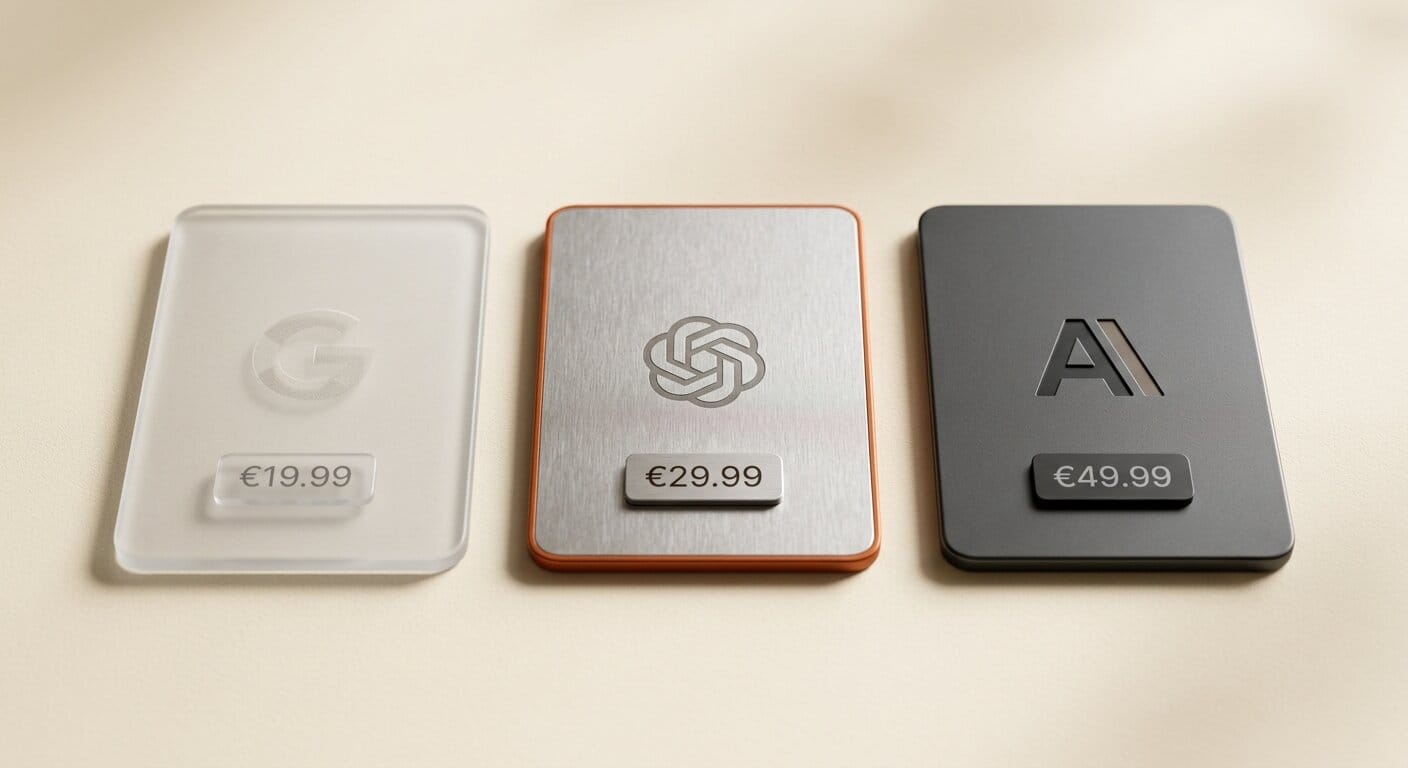
The $20-per-month Google AI Pro plan is now comparable to Anthropic Claude Pro and OpenAI ChatGPT Plus in how limits work, even if the mechanics differ. Here is how the three stack up for creative AI workflows:
| Plan | Monthly cost | Usage model | Limit structure | Key AI tools |
|---|---|---|---|---|
| Google AI Pro | $20 | Credit-based | 5-hour rolling window, weekly cap | Gemini Omni, Antigravity, Flow |
| Google AI Ultra | $100 | Credit-based | Higher weekly cap, priority access | Same tools plus priority model access |
| Anthropic Claude Pro | $20 | Usage-tiered | 5-hour rolling window | Claude Opus, extended projects |
| OpenAI ChatGPT Plus | $20 | Monthly allocation | Monthly usage caps by model tier | GPT-4o, o3, image generation |
Google's credit opacity is the main differentiator. Anthropic publishes its Claude Pro usage windows and reset times. OpenAI provides explicit message counts for different model tiers. Google has not disclosed specific credit values for its tools, which makes planning harder for creators with heavy workflows. Compare all current Google AI plan tiers on the Google One plans page.
How to track and manage your Google AI Pro credits

The only built-in way to monitor credit usage is through the Gemini app. Open the app and navigate to Settings, then Usage limits, to see your remaining credit balance and the next window reset time. For Antigravity and Flow, credits are tracked separately within each product's dashboard.
Practical steps for creators who use Google AI Pro regularly:
- Establish your baseline first. Run a few typical prompts and check how much of your quota they consume before the window resets. Know what a normal session costs before committing to heavy usage.
- Batch simple tasks into low-cost windows. Reserve credits for complex sessions in Gemini Omni, video generation in Flow, or long coding runs in Antigravity. Use the free tier for lightweight queries like short text reformatting and quick translations.
- Watch for high-cost features. Document analysis, video understanding, and multi-turn conversations with large context windows consume credits faster than short text prompts. Start high-cost sessions early in a five-hour window.
- Plan top-ups for production sprints. For heavy months -- a video campaign, a large coding project, a product launch -- pre-purchasing Antigravity or Flow top-up credits may be more cost-effective than permanently upgrading to the $100 Ultra plan.
Frequently asked questions
Does the credit system apply to all Google AI products, or just the Gemini app?
The credit pool applies across Gemini, Antigravity, Flow, and Google Photos AI features. All of these draw from the same weekly budget, so heavy use in one product reduces availability in others during that window.
Can I buy more credits mid-month if I run out?
Yes. Google has enabled pay-as-you-go top-up credits for Antigravity and Flow, with Gemini app top-ups announced as coming soon. Exact pricing for top-ups has not been disclosed at the time of writing.
What happens when I hit my weekly credit limit?
Usage is throttled rather than fully blocked. Based on how similar systems work at Anthropic and OpenAI, throttled access typically drops you to free-tier response rates until your next billing cycle refreshes your full weekly allocation. Google has not published specific details on this behavior.
How is Google AI Pro different from Google AI Ultra after I/O?
Both plans use the same credit-based system. Google AI Ultra at $100 per month provides a higher weekly credit ceiling and priority access to the latest model releases. Google also reduced the previous $250 plan to $200 per month and launched the new $100 Ultra tier at I/O 2026.
Does the storage upgrade still apply?
Yes. As part of the I/O 2026 subscription changes, Google increased cloud storage for AI Pro subscribers from 2TB to 5TB. This applies across all tiers and is a genuine added benefit alongside the new credit restrictions.
Is Google AI Pro still worth $20 per month after this change?
It depends on your workflow. If you rely on Google's new AI tools from I/O 2026 -- particularly Gemini Omni, Flow for video, and Antigravity for coding -- the plan still provides access to a unique set of tools at this price point. For lighter Gemini use, the credit limit may not be a practical barrier. The core problem is that Google has not published exact credit costs per task type, making it impossible to budget without empirical testing on your own workflow.
What to do next
If you have a Google AI Pro subscription, open the Gemini app and navigate to Settings, then Usage limits. Run your typical weekly workflow and observe credit consumption per session before you hit a wall. Understanding your personal usage pattern now prevents surprises later.
For creators doing light conversational Gemini use, the change may be unnoticeable. For anyone building production workflows around Flow video generation, Antigravity coding sessions, or heavy Gemini Omni document analysis, the credit math needs attention now. Google has not committed to publishing specific credit costs per feature, so monitoring empirically is the only reliable strategy for now.





