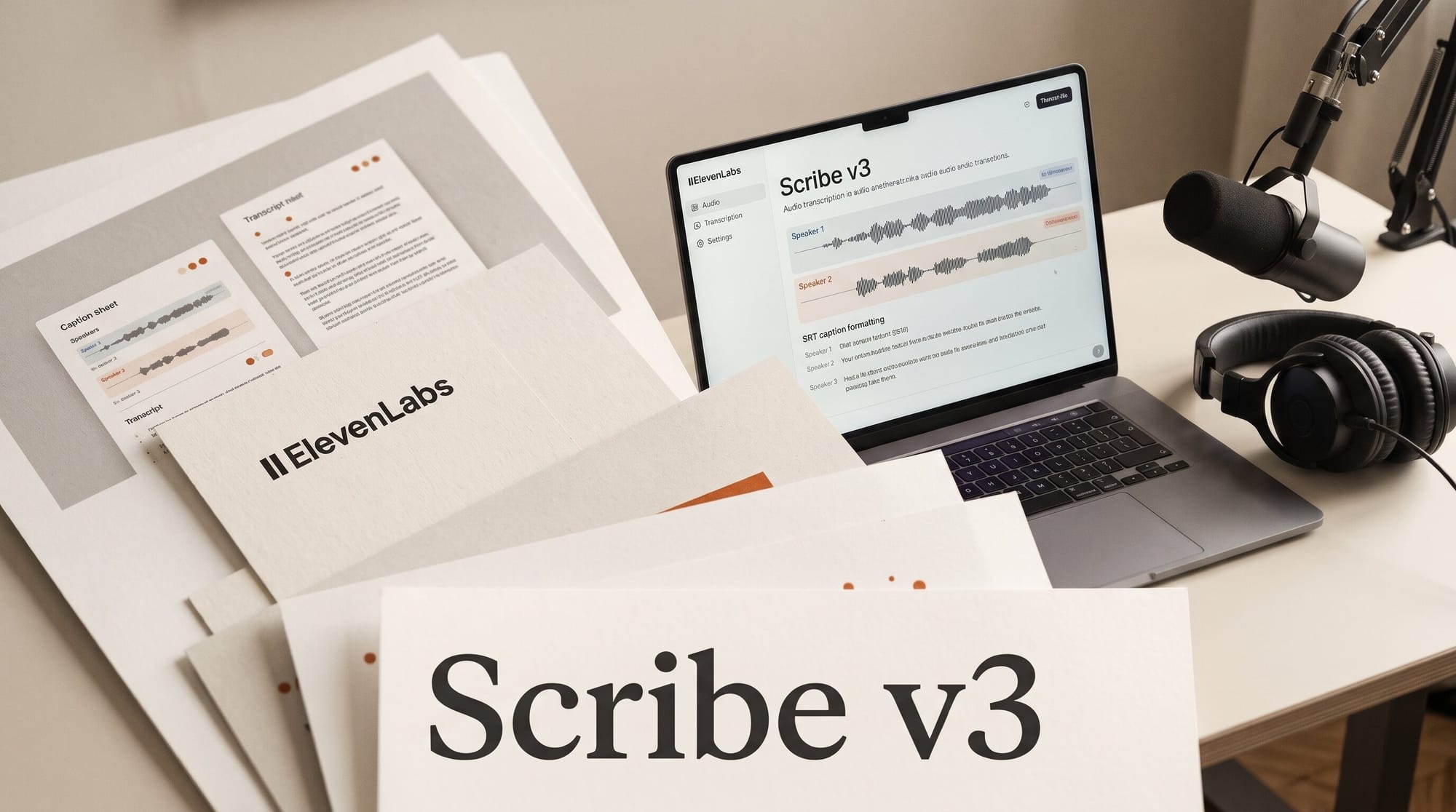
ElevenLabs released Scribe v3 and Scribe v3 Live on November 10, 2026, and made both the default speech-to-text models in the ElevenLabs app. The company says Scribe v3 makes 27% fewer word errors than Scribe v2 across 102 languages, and 12% fewer speaker-labelling errors (17% fewer on recordings with three or more people). The API price did not move: $0.20 per hour of audio, the same as Scribe v2.
For a podcaster or a YouTuber, that is the good half. The other half: every accuracy number so far is ElevenLabs measuring itself, and inside the app transcription is paid in credits, not at the $0.20 API rate. Below is what changed, what an hour of transcript really costs in the app against Otter, Descript and the cheaper rivals, and how to get captions out of it without writing any code.
What ElevenLabs released on November 10
Two models. Scribe v3 is for recorded audio and video: an episode, an interview, a talking-head video. Scribe v3 Live transcribes while someone is speaking, and for the first time in ElevenLabs' realtime line it labels who is talking and predicts when a speaker has finished, using the conversation as well as the sound. The announcement post says both are now the default in the app, Live is also available in ElevenAgents (the company's voice-agent builder), and developers switch an existing integration by changing one model name.
The features a creator will notice, according to ElevenLabs' speech-to-text documentation:
- Speaker labels for up to 32 speakers, with a timestamp on every word.
- Keyterm prompting: up to 1,000 words or phrases (guest names, show names, brands, product names) the model should expect to hear.
- Numbers written as digits or as words, your choice.
- Mixed-language recordings: you can name a second language, and Scribe v3 can also infer the likely languages itself. It transcribes each language as spoken. It does not translate.
- Tags for non-speech sounds such as laughter and applause.
- A no-verbatim mode that removes filler words, false starts and stumbles from the transcript.
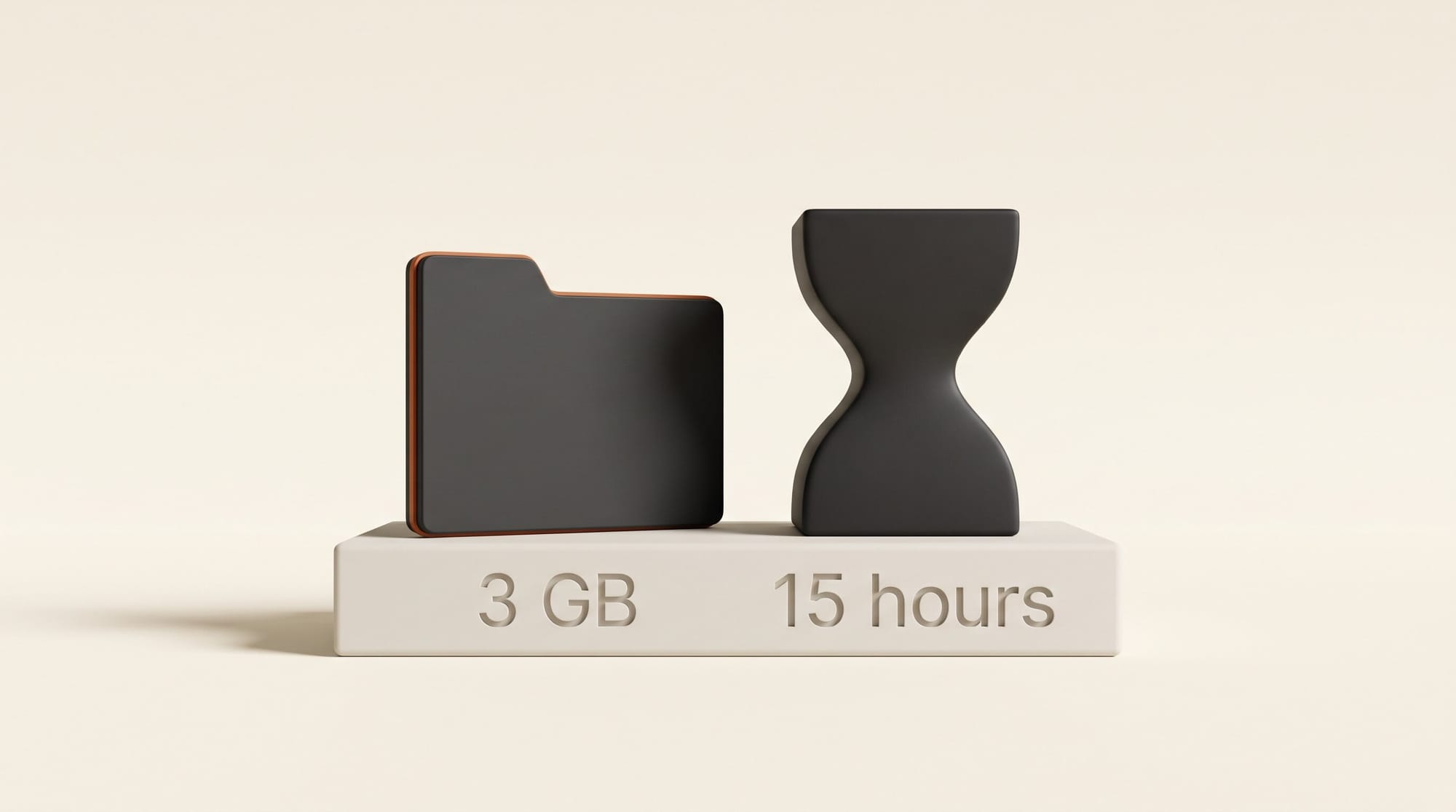
The app accepts audio or video files up to 3 GB. The API takes files up to 5 GB and 15 hours long, and it bills every second you send, silence included.
How much better, and what nobody has measured yet
ElevenLabs' headline numbers come from an internal version of FLEURS, a public multilingual speech benchmark, plus its own 16-language set of meetings, agent calls and voice notes, which it says it will open-source soon. The gains over Scribe v2 vary a lot by language:
| Language | Fewer word errors than Scribe v2 |
|---|---|
| German | 42% |
| Spanish | 35% |
| Swahili | 34% |
| Tamil | 29% |
| Thai | 28% |
| English | 23% |
| All 102 languages | 27% |
English, the language most of our readers record in, gains the least of the six languages ElevenLabs named. Live's claims are larger: 31% lower word error rate than Scribe v2 Realtime across 102 languages, 43% lower "semantic" error rate (mistakes that change the meaning), and a 3.1% speaker-labelling error rate on English against 5.9% to 7.3% for the other realtime models ElevenLabs tested. It does not name those models, and it does not name the batch models it says Scribe v3 beats.
The independent check is not in yet. Artificial Analysis, the leaderboard most transcription launches quote, still lists only Scribe v2: 2.2% word error rate, fourth on the board, behind Alibaba's Fun-Realtime-ASR preview (1.7%), Microsoft's MAI-Transcribe-2 (2.0%) and Mistral's Voxtral Small Transcribe 3 (2.1%). If a 27% cut carried over to that test, Scribe v3 would land near 1.6% and top the board. That is our arithmetic on ElevenLabs' claim, not a measurement, and gains on a vendor's own benchmark often shrink on someone else's. We have not run Scribe v3 ourselves yet; this article compares the published numbers and prices.
What an hour of transcript costs, app by app
Inside the ElevenLabs app you do not pay $0.20 an hour. The app runs on one monthly pool of credits shared by voices, music, sound effects, dubbing and transcription, and ElevenLabs' plan page puts speech-to-text at 330 credits per minute, about 19,800 credits an hour. The $0.20 rate is the API list price, billed in dollars. ElevenLabs publishes both and does not explain the gap.
Here is an hour of transcript on each route, at monthly billing, assuming you spend a plan's whole allowance on transcription (you will not, if you also make voiceovers there):
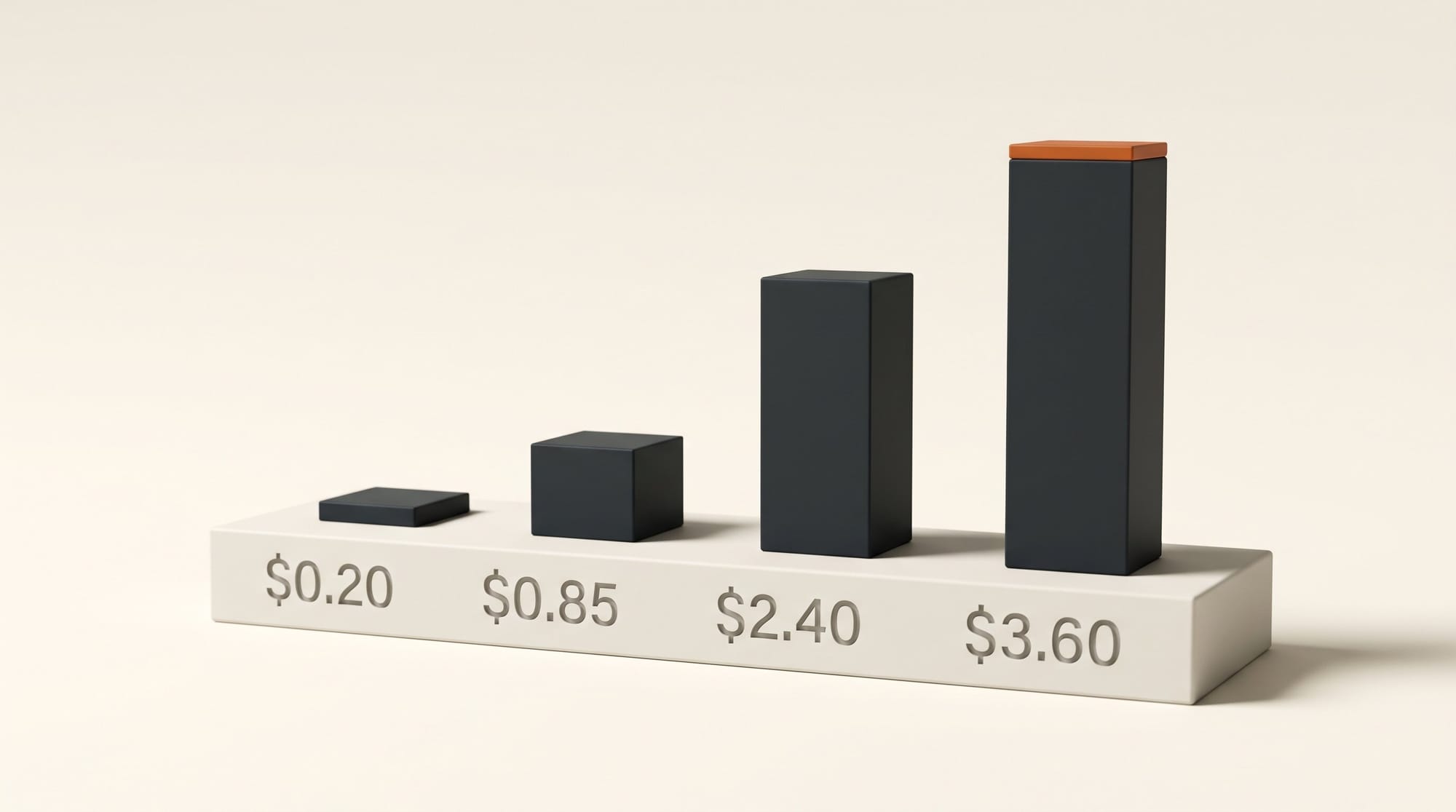
| Route | Monthly price | Transcription it covers | Per hour of audio | Without code? |
|---|---|---|---|---|
| ElevenLabs app, Free | $0 | About 30 minutes (10,000 credits) | Free | Yes |
| ElevenLabs app, Starter | $6 ($1 first month) | About 1.5 hours (30,000 credits) | About $3.96 | Yes |
| ElevenLabs app, Creator | $22 ($11 first month) | About 6 hours (121,000 credits) | About $3.60 | Yes |
| ElevenLabs app, Pro | $99 | About 30 hours (600,000 credits) | About $3.27 | Yes |
| Descript Hobbyist | $24 | 10 media hours, plus the full editor | $2.40 | Yes |
| Otter Pro | $16.99 | 1,200 recording minutes, 10 file imports | $0.85 at full use | Yes |
| Scribe v3 API | Pay as you go | No cap | $0.20 | No |
| Voxtral Mini Transcribe 3 (Mistral) | Pay as you go | No cap | $0.21 | Browser console |
| MAI-Transcribe-2 (Microsoft) | Pay as you go | No cap | $0.10 | Free playground to try |
| Grok Voice Transcribe 2.0 | Pay as you go | No cap | $0.10 | No |
| Nemotron 3.5 Transcribe demo | Free | Up to an hour per file | Free | Yes |
The ElevenLabs app rows are our division of each plan's credits by 330 credits a minute. The per-hour API prices for Voxtral, MAI-Transcribe-2 and Grok are Artificial Analysis' listed $3.50 and $1.67 per 1,000 minutes.
That gives two readings. If you already pay ElevenLabs for voiceovers, Scribe v3 is now the best-scoring transcriber you can use without leaving that app, paid in credits you would otherwise spend on voice. If transcription is most of what you do, the app is the expensive way to buy it: Otter and Descript include far more hours per dollar, and the free Nemotron 3.5 Transcribe demo and Microsoft's MAI Playground cost nothing to try. The cheapest per-hour rates, $0.10 for Grok Voice Transcribe 2.0 and $0.21 for Mistral's Voxtral, are mostly reached through APIs, which is a developer route.
How to caption a podcast or video with Scribe v3, no code
This is the whole route in the app, taken from ElevenLabs' speech-to-text guide and Transcript Editor guide.
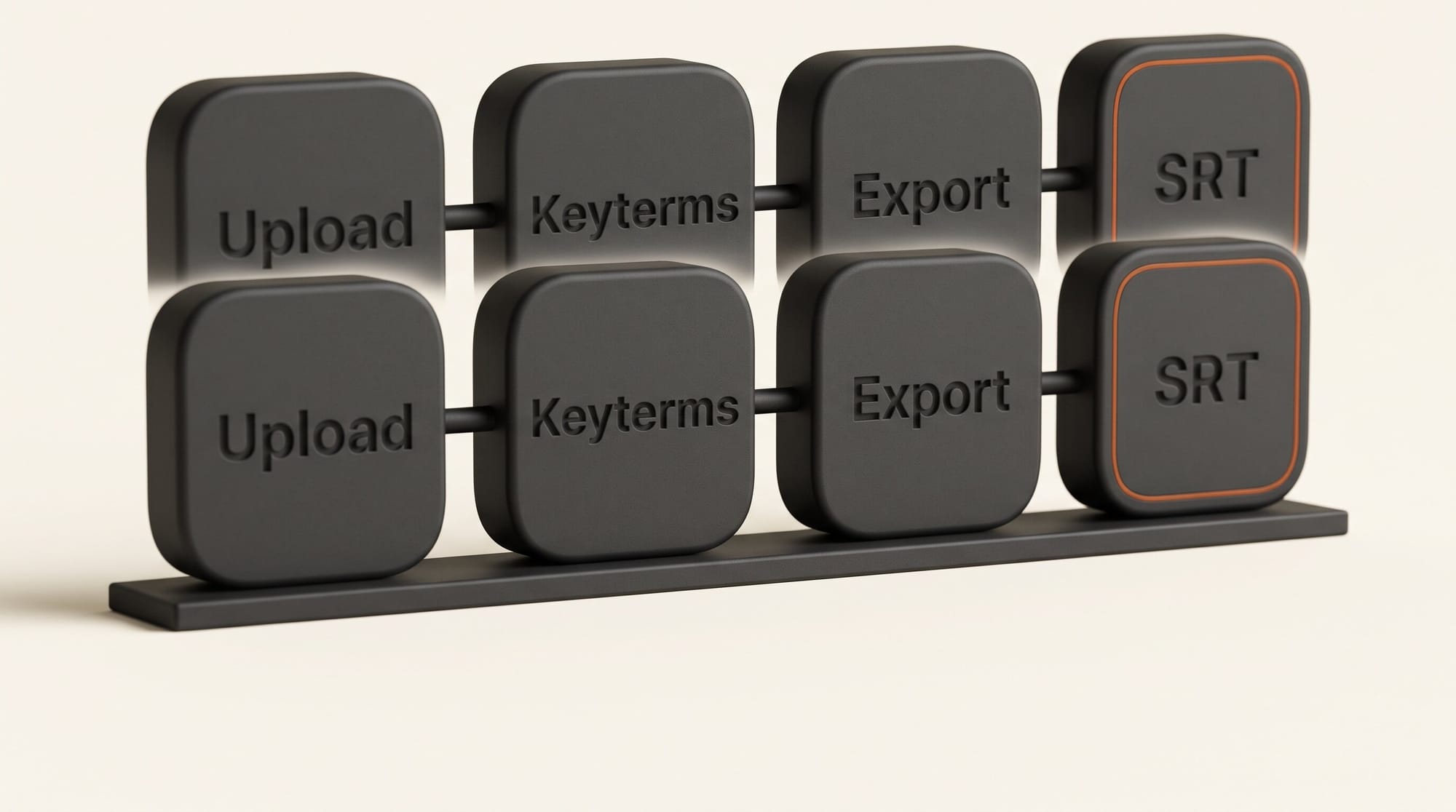
- Open Speech to Text in the ElevenLabs app and click Transcribe files. Scribe v3 is already the default model.
- Upload the episode or video. Audio and video both work, up to 3 GB. Leave the language on Detect unless you know the recording mixes languages.
- Add keyterms: your guest's name, your show's name, the brands and tools you mention. Names are where every transcriber fails first. In our Nemotron test the guest's name came out wrong every time until we supplied it. On the API, keyterms add $0.05 an hour; ElevenLabs does not publish their credit cost in the app.
- Turn on audio event tags if you want laughter and applause marked. That helps accessible captions and is noise in show notes, so decide per use.
- Upload, then read the transcript. Click any word to play from that point. Rename the speakers so captions and notes say who is talking, fix words in place, split a segment by pressing Enter, merge two neighbouring segments from the same speaker, and run align words after an edit so the timings stay in sync.
- Add subtitles with the + next to Subtitles in the right-hand panel.
- Export: SRT or VTT for captions, plain text or HTML for show notes and a blog post, JSON if someone on your team builds tools.
- Use the SRT. Upload it in YouTube Studio as a subtitle file (YouTube's captions guide), or import it as a caption track in Premiere Pro, DaVinci Resolve or Final Cut Pro, which all read SRT.
One budget note before you upload a back catalogue: an hour-long episode is about 19,800 credits, roughly a sixth of the Creator plan's 121,000 a month. Ten old episodes would use a Creator plan's credits for more than a month.
Scribe v3 Live: who needs the realtime one
Most creators will not touch Live directly. It is built for software that listens while you talk: voice agents built in ElevenAgents, call transcripts, live captions inside someone else's product. Its turn prediction and speaker labels matter if you run a voice agent on your site, or a call-in show through a tool built on ElevenLabs. The Live API price is $0.22 an hour, unchanged from Scribe v2 Realtime. If you want captions under a live stream, wait for your streaming tool to adopt it rather than wiring it up yourself.
Which transcriber to use now
- You already pay ElevenLabs for voice (Creator or above): use Scribe v3 for interviews with names and several speakers. Keyterms, speaker labels and SRT export sit in one place. Watch the credit meter.
- You transcribe eight or more hours a month and do nothing else in ElevenLabs: Otter Pro is the cheapest app per hour, and Descript also edits the audio and video from the transcript.
- You are choosing for the first time: run the same 10-minute clip with two speakers and a few names through the Nemotron demo, the MAI Playground and the ElevenLabs Free plan's 30 minutes. Compare names, speaker turns and numbers. That test, on your own voice and your own mic, tells you more than any vendor table, including this one.
- You need the independent number first: wait for Artificial Analysis to score Scribe v3. If it lands where ElevenLabs' claim points, near the top of the board, the case for staying in one app gets stronger.
Frequently asked questions
Is ElevenLabs Scribe v3 free to use?
Yes, within limits. The Free plan gives 10,000 credits a month, and at 330 credits per minute that is about 30 minutes of transcription if you spend the credits on nothing else. Paid plans start at $6 a month for 30,000 credits, about 1.5 hours.
Did ElevenLabs raise the price for Scribe v3?
No. On the API, Scribe v3 costs $0.20 an hour and Scribe v3 Live $0.22 an hour, the same as Scribe v2 and Scribe v2 Realtime. Keyterm prompting adds $0.05 an hour and transcript editing $0.07 an hour on Scribe v3.
Is Scribe v3 more accurate than Gemini, GPT Transcribe or Whisper?
ElevenLabs says Scribe v3 makes fewer word errors than every other batch model it tested on shared languages, but it does not name them. On the independent Artificial Analysis board, Scribe v2 already scored 2.2% against 2.6% for Google's Gemini 3.5 Transcribe. Scribe v3 has no independent score yet.
Can Scribe v3 make subtitles for YouTube?
Yes. Transcribe the file in the ElevenLabs app, add subtitles in the Transcript Editor, export SRT or VTT, and upload the file in YouTube Studio. The same SRT imports into Premiere Pro, DaVinci Resolve and Final Cut Pro.
How many speakers can Scribe v3 tell apart?
Up to 32. ElevenLabs reports 12% fewer speaker-labelling errors than Scribe v2 overall and 17% fewer on recordings with three or more speakers, which is the case that matters for panel shows and roundtable podcasts.
Does Scribe v3 translate my audio?
No. It transcribes each language in the language spoken, and it handles recordings that switch between languages. For captions in another language you need a translation or dubbing step afterwards.