The best AI stem splitter depends on where the song is going next. If you already make music on a Mac, Logic Pro's Stem Splitter is the best value: six stems, unlimited songs, nothing to upload. For one-off jobs in a browser, LALAL.AI has the most stem types you can pick one at a time, and it accepts video files. Moises is the practice app, built for muting your part and playing along. Ableton Live Suite gives Ableton users the same Music AI engine as Moises, inside the app they already use. Ultimate Vocal Remover is free and runs on your own computer. This guide compares the five on five common creator jobs: a karaoke track, an acapella, practice tracks, drum and bass samples, and a video soundtrack, with what each one costs per song.
We built this comparison from each company's own product pages, help guides and pricing, checked October 27, 2026. We did not run a paid head-to-head, so the strengths below are what each vendor documents. Every tool here has a free tier or a free trial, and the best test is your own song through two of them.
Quick Picks
- Pick Logic Pro if you have a Mac with an M1 chip or newer. Six stems (vocals, drums, bass, guitar, piano, other), unlimited songs, $199.99 once or part of the $12.99 a month Apple Creator Studio subscription.
- Pick LALAL.AI if you split a few songs a month, work on Windows, or need stems from a video file. Ten selectable stem types, and paid plans start at $7.50 a month.
- Pick Moises if you are learning songs. It splits into up to 27 stem types and adds a Chord Finder, a Speed Changer and Lyric Transcription on your phone.
- Pick Ableton Live Suite if you already produce in Ableton. Four stems, processed on your computer, saved straight to your sample library.
- Pick Ultimate Vocal Remover if you want free and unlimited, and do not mind a plainer app and slower runs on an older computer.
What a Stem Splitter Does, and What It Cannot Do
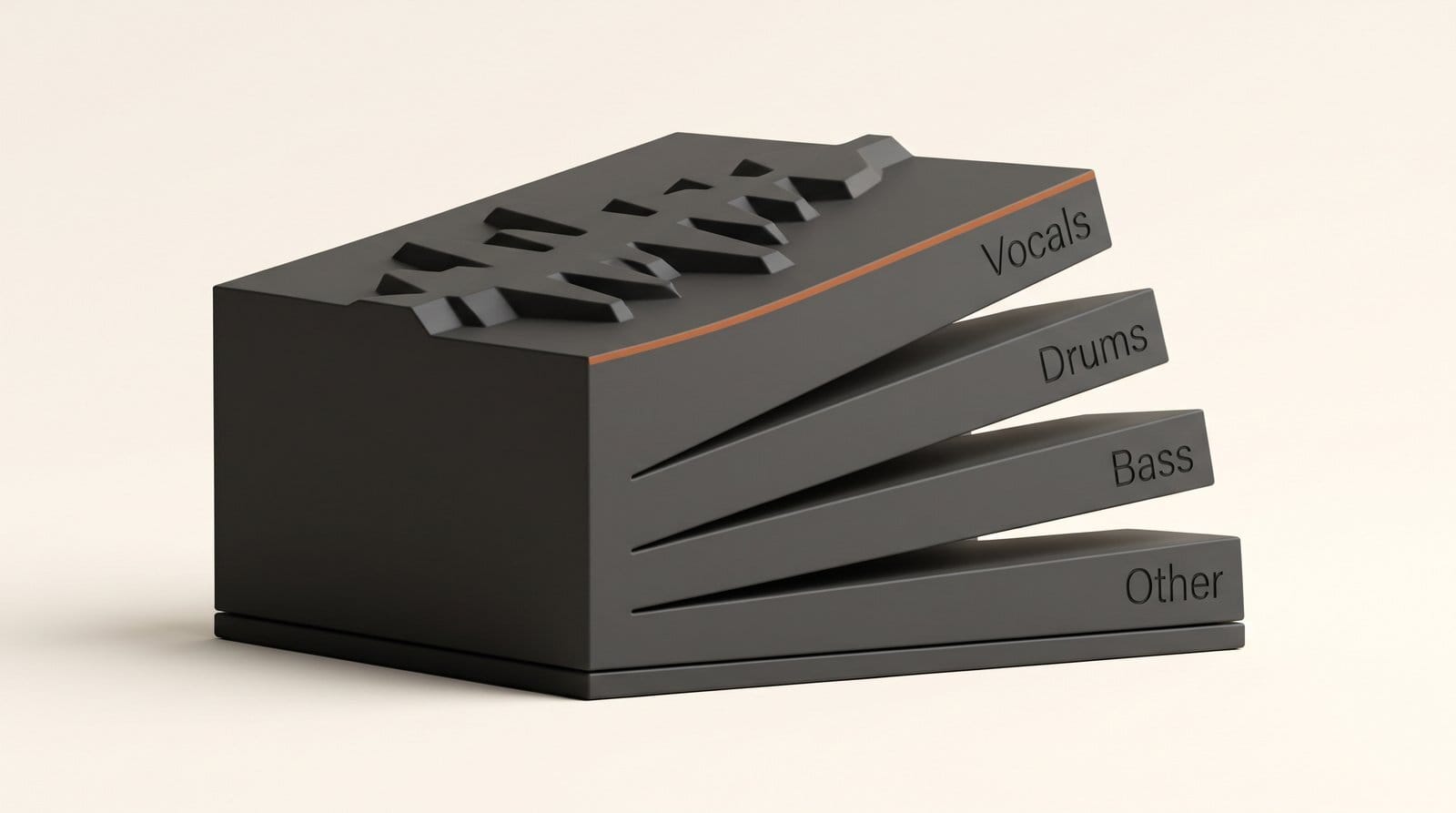
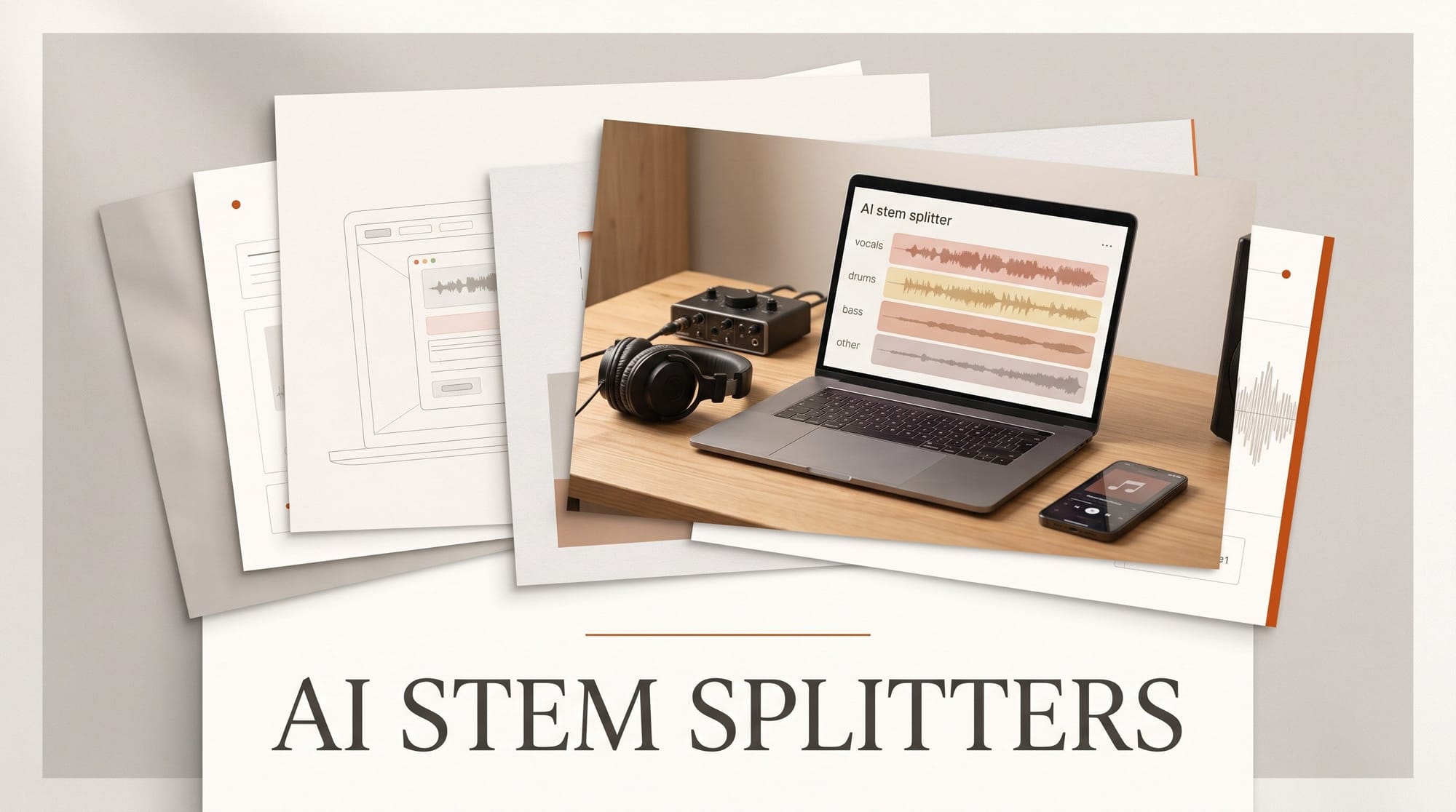
A finished song is one stereo file. Every instrument is baked into the same waveform, so you cannot simply turn the vocal down. A stem splitter uses a trained AI model to guess which sounds belong to which source and writes each guess out as its own audio file: a stem.
The basic split is four stems: vocals, drums, bass and "other", the bucket for everything the model does not recognize. Better models pull guitar and piano out of that bucket too. LALAL.AI lists ten stem types, from electric and acoustic guitar to strings and winds. Moises claims 27.
Know the limit before you start. A model is guessing, so some sound from one instrument always leaks into another stem. Listen for faint drums in an acapella, or a watery tone on a vocal where cymbals used to be. Dense, heavily processed mixes split worse than sparse ones. If a stem will be heard on its own, solo it and listen before you build anything on top.
Stem splitting is also different from cleaning dialogue. If your problem is a voice recorded over room noise, that is a speech cleanup job, covered in our guide to the best AI tools for podcasters.
Five Jobs, Five Tools Compared

Job 1: An instrumental for a cover or karaoke video
This is the simplest split: vocals out, everything else kept. All five tools do it. In Logic Pro the Stem Splitter guide describes presets that combine stems into a submix, so "instrumental" is one click and the original region is muted for you. On LALAL.AI, vocal and instrumental count as a single stem type, which matters for cost (see Pricing below). For one song this week, the free routes are Moises's free tier and Ultimate Vocal Remover.
Job 2: An acapella for a remix or mashup
Same split, opposite stem kept, but much harsher on quality, because a bare vocal shows every artifact. Here the choice of model matters more than the app. Ultimate Vocal Remover lets you choose between several open models, and its newest beta builds add Roformer models. LALAL.AI sells a separate Lead/Back Splitter for pulling a lead vocal away from backing vocals, a job the four-stem tools cannot do.
Job 3: Learn a part or make a practice track
Moises is built for this. Its homepage pitch is "Mute the part you play, or solo the one you're learning", and it runs on web, desktop, iPhone, iPad and Android, so the practice track lives on the phone on your music stand. The Chord Finder, Speed Changer and Lyric Transcription tools sit next to the stems. The other four tools can split the song, but you then need a separate app to slow it down.
Job 4: Sample drums or bass inside your music app
If the stems are going into a track you are producing, split inside the app you produce in. Ableton's Stem Separation arrived in Live 12.3, in the Suite edition only. It splits any clip into vocals, bass, drums and others, offers a High Speed or a High Quality mode, and runs locally, so it works without an internet connection. Ableton says it is "powered by algorithms from Music AI, the creators of Moises." Logic Pro puts each stem on its own track in a summing stack under the original, ready to chop.
Job 5: Pull the music out of a video clip
Video editors and YouTubers often start with a clip, not a song. LALAL.AI accepts video files directly (MP4, MOV, MKV, AVI, M4V) and can return the result in the original video format. The other four expect audio, so you export the soundtrack from your editor first, split it, and bring the stems back to the timeline.
| Tool | Where it runs | Stems | Free option | Price | Best job |
|---|---|---|---|---|---|
| Logic Pro | Mac or iPad, M1 or newer | 6 | 30-day Creator Studio trial | $199.99 once (Mac) or $12.99/mo | Remix and sample on a Mac |
| LALAL.AI | Browser, desktop app | 10 types | 10 minutes, no full download | From $7.50/mo | Occasional jobs, video files |
| Moises | Web, desktop, iPhone, iPad, Android | Up to 27 | Limited uploads a month | Shown after login | Practice and learning songs |
| Ableton Live Suite | Your computer (local) | 4 | 30-day Suite trial | $749 once | Producing in Ableton |
| Ultimate Vocal Remover | Windows, Mac, Linux (local) | Depends on model | Free, unlimited | Free | Free, private, unlimited |
When Each One Wins
Logic Pro wins on value for Mac musicians. The Stem Splitter is part of the app, not a metered extra, so the hundredth song costs the same as the first: nothing. The catch is hardware. Apple's guides say Stem Splitter needs an M1 or later chip on both Mac and iPad, so an older Intel Mac is out.
LALAL.AI wins when you only need stems now and then, when you are on Windows, or when the source is a video. You pick only the stem types you need, and its desktop app covers Windows, macOS and Linux.
Moises wins for musicians who practice. No other tool here pairs stems with chords, tempo and lyrics in a phone app. Its weakness for this comparison is that Moises keeps its prices behind a login, so you cannot compare costs before you sign up.
Ableton Live Suite wins only if you already own it or were going to buy it. At $749 it is not a stem splitter purchase. But for Suite owners, the stems land as clips you can drop straight into a set, and a song never leaves your computer.
Ultimate Vocal Remover wins on price and privacy. The project calls itself "totally free and open source", with installers for Windows, Intel Macs and Apple silicon Macs on its v5.6 release page. The trade is a plainer interface and speed tied to your own computer. The release notes warn that the first launch on a Mac can take 5 to 10 minutes and that older or budget Macs are not guaranteed to work. If you want a simpler free app, StemDeck is another local option.
Pricing and the Cost per Song

Three of the five charge nothing per song once you have them. Ultimate Vocal Remover is free. Logic Pro for Mac is $199.99 as a one-time purchase, or part of Apple Creator Studio at $12.99 a month or $129 a year, which also includes Final Cut Pro and Logic Pro for iPad. Ableton Live 12 Suite is $749 with Standard at $439 and Intro at $99, according to RouteNote, and only Suite has Stem Separation.
LALAL.AI is the one that meters you, and its formula is worth knowing. The pricing page says minutes are charged as "total file length × number of stem separation types". So a four-minute song costs 4 minutes as an instrumental, but 12 minutes if you ask for vocals, drums and bass separately.
The plans: Starter is free with 10 minutes in the Relaxed Queue, and the homepage says downloading the full result is not available on it, so it is for judging quality. Lite is $7.50 a month ($90 a year) and Pro is $15 a month ($180 a year). Both include unlimited Relaxed Queue minutes, plus 90 and 250 Fast Queue minutes a month. LALAL.AI says both queues give "identical separation quality"; Relaxed just waits for free server capacity. Extra Fast minutes cost $50 for 750, about 7 cents a minute. At that rate, a four-minute instrumental is about 27 cents and the three-stem split about 80 cents.
The math is simple. Split more than a couple of songs a month for a year and Logic Pro's one-time price beats any subscription. On Windows, LALAL.AI Lite or free Ultimate Vocal Remover are the realistic choices.
The Rights Question a Splitter Does Not Answer
A stem splitter changes the file, not who owns it. An instrumental pulled from a commercial song is still that song, and the composition and the recording still belong to their owners. Use stems of other people's music for practice and private study freely. A cover, remix or mashup you publish needs the rights cleared, and on YouTube a published one can be matched by Content ID. Our guide to AI music and YouTube Content ID explains how those claims work.
The clean case is your own work: old demos, live recordings of your band, a bounced mix whose project file is gone, or songs you generated with a tool whose terms let you use them. Suno users can also split inside Suno, covered in our post on Suno Advanced Split.
Verdict
For most musicians on a recent Mac, Logic Pro is the stem splitter to use: six stems, unlimited songs, and a free month through the Creator Studio trial to check it on your own music. On Windows, start with Ultimate Vocal Remover because it is free, and pay for LALAL.AI Lite when you need its extra stem types, video files or a cleaner app. Pick Moises if the stems are for practice. Use Ableton's built-in splitter if you already own Suite, but do not buy Suite just for it.
Frequently Asked Questions
What is the best free AI stem splitter?
Ultimate Vocal Remover. It is free, has no song limit, runs on Windows, Mac and Linux, and keeps your files on your computer. Moises also has a free tier with a limited number of uploads each month, and LALAL.AI's free Starter plan gives 10 minutes to judge quality, without full downloads.
Do I need a powerful computer to split stems?
Not for the online tools: LALAL.AI and Moises process in the cloud. Logic Pro's Stem Splitter needs a Mac or iPad with an M1 chip or newer. Ableton and Ultimate Vocal Remover run on your own computer, so an older machine works but takes longer.
How many stems can AI split a song into?
Four is the standard: vocals, drums, bass and other. Logic Pro adds guitar and piano for six. LALAL.AI lists ten stem types and Moises claims 27, including keys, strings and winds.
Can I upload a cover or remix made from AI-split stems?
Only if you have the rights to the original song. Splitting does not change who owns the composition or the recording, and a published cover or remix can be claimed through YouTube Content ID. Stems from your own recordings are yours to use.
Why do my separated stems sound watery or have other instruments in them?
That is bleed: the model guessed wrong about which sounds belong to which source. Try a higher-quality mode (Ableton offers High Quality over High Speed), try a different model in Ultimate Vocal Remover, or run the same song through a second tool and keep the cleaner stem. Dense, loud mixes always split worse than sparse ones.