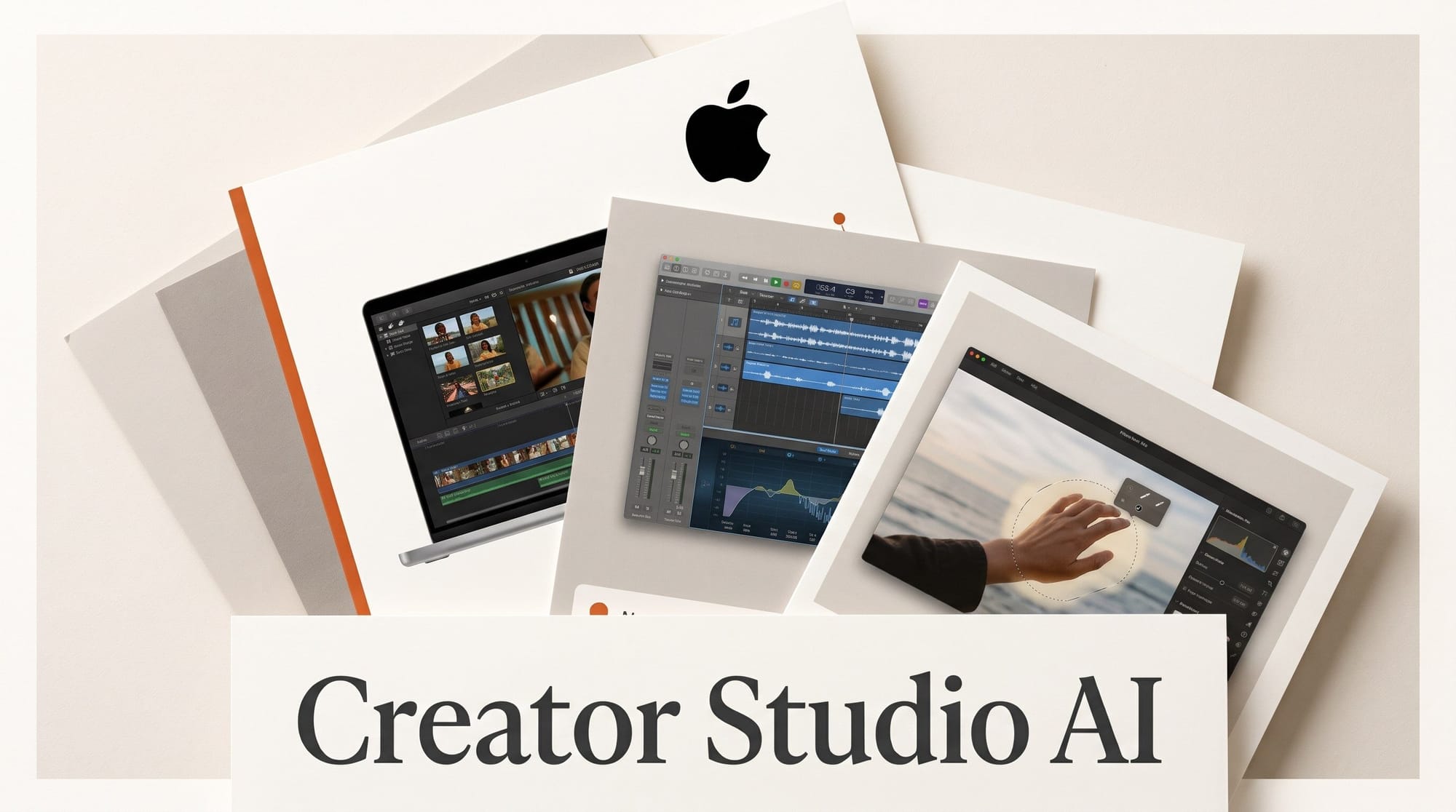
Apple announced the biggest Apple Creator Studio update so far on October 27, 2026. Final Cut Pro gets built-in MotionVFX effects, a stock library and text-to-image inside the timeline. Pixelmator Pro gets Generate Fill. Logic Pro gets an AI assistant built on Apple models and OpenAI, plus drum separation from a finished mix. Keynote, Pages and Numbers open up to outside AI agents. Everything arrives on the App Store in November as a free update for subscribers. The bundle still costs $12.99 a month or $129 a year.
Apple's Brent Chiu-Watson called it "our most exciting update since the launch of Apple Creator Studio," which launched on January 28, 2026. Below is what each app gains, what you need to run it, and the subscription math against buying the apps once.
What Apple announced on October 27
The update touches every app in the bundle, but most of the AI work lands in four places. The table lists each new tool, what it does and what Apple says it needs. Requirements come from the footnotes of Apple's release, and two of the AI assistants are marked beta. The full app lineup is on Apple's Creator Studio page.
| App | New tool | What it does | Needs |
|---|---|---|---|
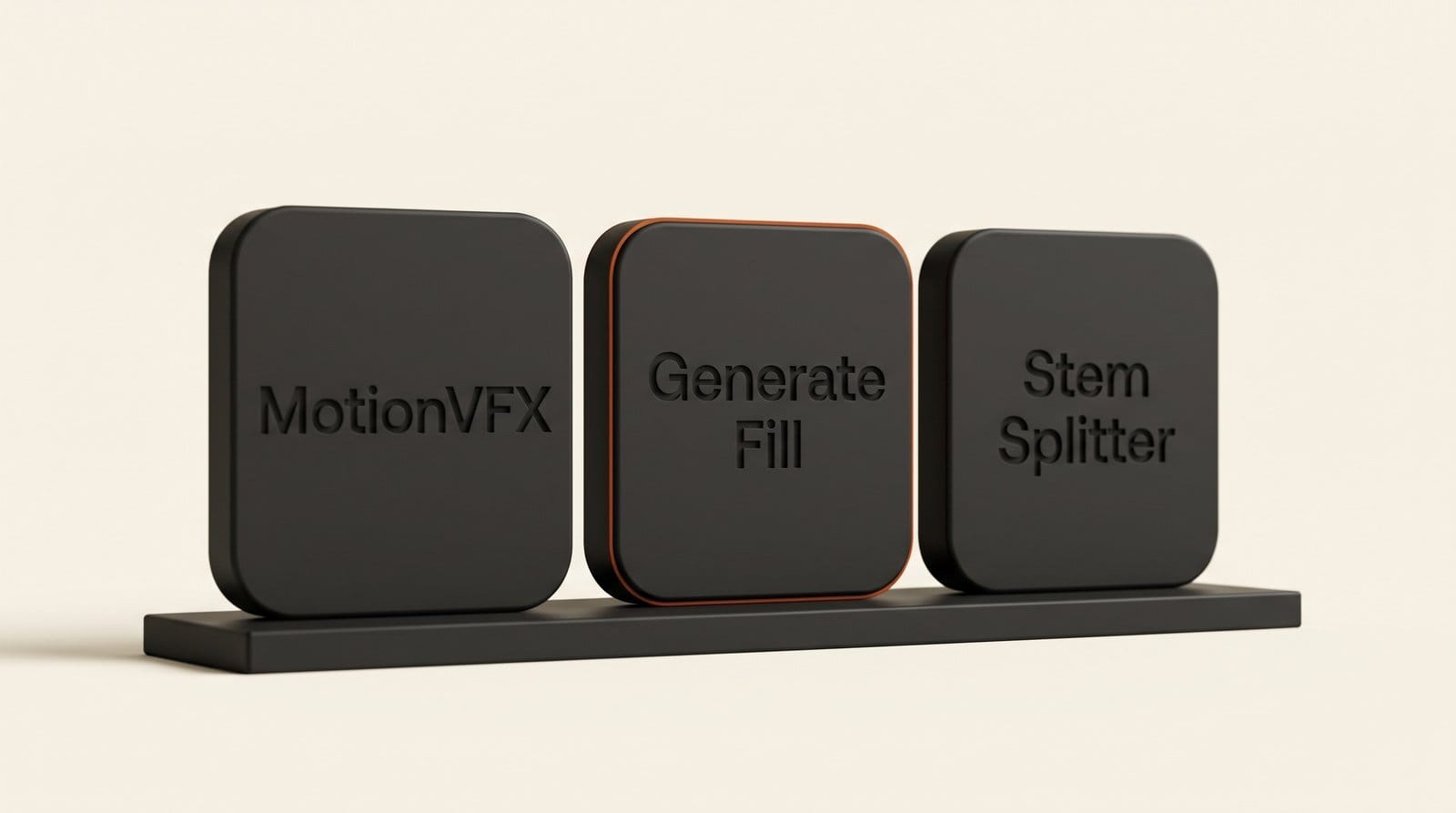
| Final Cut Pro (Mac) | Built-in MotionVFX | Thousands of templates, titles, transitions, plus rotoscoping, tracking and color grading tools | Subscription |
| Final Cut Pro | Image generation | Creates images from a text description inside the project | Not specified |
| Final Cut Pro | Content Hub | Apple-curated stock video, photos and backgrounds without leaving the app | Not specified |
| Pixelmator Pro | Generate Fill | Circle an area, describe the change, and it matches light, perspective and texture | Not specified |
| Logic Pro (Mac) | Intelligent assistant (beta) | Starts songs, sets up a vocal track from a prompt, refines projects | macOS 27, Apple Intelligence Mac, U.S. English |
| Logic Pro | Stem Splitter for drums | Isolates, replaces or rebalances drum parts without the original multitracks | Not specified |
| Keynote, Pages, Numbers | Intelligent assistant (beta) | Designs slides, drafts text, builds charts and tables | iOS, iPadOS or macOS 27, U.S. English |
| Keynote, Pages, Numbers (Mac) | MCP support | Lets outside AI agents read, edit and automate documents | macOS 27 |
Smaller additions round it out: keyframe easing and disconnected clips in Final Cut Pro, 23 new transcription languages for captions and search, a Displacement filter in Motion, and Compressor support for Cinematic mode video from iPhone 18 Pro. Freeform gets Pixelmator Pro editing and text-to-shape generation in December, a month after everything else.
Final Cut Pro and Motion: effects, stock and images in the timeline
The change editors will feel first is that MotionVFX now ships inside Final Cut Pro for Mac. Apple describes thousands of elements: themed templates, graphics, titles and transitions, plus tools for rotoscoping, tracking and color grading. Apple's release frames this content as a subscriber benefit. Motion gets the same family of plug-ins for cinematic color grading, 3D camera tracking and one-click selection.
Content Hub brings Apple-curated stock video, photos and backgrounds into the browser, so a B-roll gap no longer means a trip to a stock site. The new image generation creates stills from a text description inside the project. Apple has not said which model powers it or whether there is a usage limit, so treat it as a quick background and placeholder tool until it ships and can be tested.
The connective piece is the round trip to Pixelmator Pro. You open an image from the timeline in Pixelmator Pro, edit it, and the change saves back into the Final Cut Pro project automatically. That matters most when combined with the next tool. If you followed the June Creator Studio update, which Apple detailed on June 30 with Generate Captions and Auto Mask, this release builds on those tools rather than replacing them.
Pixelmator Pro Generate Fill: circle it, describe it
Generate Fill is Apple's answer to the fill-and-replace tools creators already use in Photoshop. You circle an area of an image and type the change you want. Apple says the result matches the lighting, perspective and texture of the original, and runs through Pixelmator Pro's built-in Super Resolution so it stays sharp. The output can merge into an existing layer or land on a new masked layer, which keeps the edit reversible. The Free, Quick and Magnetic selection tools still work if circling is too loose.
For a thumbnail or a product shot, that means removing a stray object, extending a background for a 16:9 crop, or swapping a prop, all without leaving the Apple apps. Our guide to removing objects from photos with AI covers the free tools this competes with, and our look at the Photoshop AI Assisted Editor and Firefly Image 5 covers the Adobe side.

Logic Pro: an assistant, drum stems and a Splice browser
Logic Pro for Mac gets an intelligent assistant, in beta, that Apple says is "powered by a combination of Apple-built models and OpenAI." It helps start a song, sets up a vocal track from a plain-language request and refines a project. It needs macOS 27 on an Apple Intelligence Mac and works in U.S. English only.
Stem Splitter gains drum control: it can isolate, replace or rebalance drum parts without the original multitracks. For a podcaster scoring a show or a YouTuber reworking a library track, that means turning the drums down under a voiceover, or swapping them, from a single stereo file. Free tools like StemDeck already split stems, but this one sits inside the session where you mix.
The redesigned Browser puts loops, instruments and patches in one place, tags sounds with on-device "music understanding," and includes a Splice library. Voice Memo Studio Sound cleans room noise from recordings made on a supported iPhone before you refine them in Logic. A Producer Pack from Grammy winner Sergio George adds his piano sound and Latin jazz and salsa loops. 9to5Mac's Creator Studio guide tracks how Logic Pro has changed across each release this year.
Keynote, Pages and Numbers open up to AI agents
The iWork apps get their own beta assistant, also built on Apple models and OpenAI. It designs and animates slides in Keynote, drafts and restructures text in Pages, and in Numbers recommends a chart type with a one-tap preview. It needs an Apple Intelligence device on iOS 27, iPadOS 27 or macOS 27, in U.S. English.
The bigger shift is support for the Model Context Protocol on macOS 27. MCP is the standard that lets an AI app connect to other software. Apple says it lets "external AI agents and tools" read content, make edits and run automated actions in Keynote, Pages and Numbers. In practice, an assistant app that supports MCP connectors, such as Claude Desktop, could build a sponsor deck in Keynote from your notes. Apple also introduced the Keynote Interchange Format (.keyx), an open JSON-based file format meant for outside tools and agents. Our Framer MCP walkthrough shows what this looks like in another creative app.
What it costs: subscribe or buy once
Pricing does not change. Creator Studio is $12.99 a month or $129 a year in the U.S., with a one-month free trial, Family Sharing for up to six people, and three months free with a qualifying new Mac or iPad. College students and educators pay $2.99 a month or $29.99 a year, the same tiers Six Colors reported at launch. The Mac apps are still sold once on the Mac App Store, so we ran the totals.
| How you pay | Year 1 | Year 3 | Year 5 |
|---|---|---|---|
| Creator Studio, monthly ($12.99) | $155.88 | $467.64 | $779.40 |
| Creator Studio, annual ($129) | $129 | $387 | $645 |
| Creator Studio, education ($29.99 a year) | $29.99 | $89.97 | $149.95 |
| Buy Final Cut Pro, Logic Pro and Pixelmator Pro once | $549.97 | $549.97 | $549.97 |
| Buy all six pro apps once | $679.94 | $679.94 | $679.94 |
The one-time prices are Final Cut Pro $299.99, Logic Pro $199.99, Pixelmator Pro $49.99, Motion $49.99, Compressor $49.99 and MainStage $29.99. The annual plan takes about 5.3 years to cost as much as buying all six, and about 4.3 years to match the three apps most creators use. Paying monthly instead of yearly costs $26.88 more a year, 17% extra.
The catch is what one-time buyers get. Apple's release describes the MotionVFX content and the new templates as subscriber features, and it does not say whether Generate Fill, the Logic assistant or Final Cut Pro's image generation reach the one-time versions. If you only need Pixelmator Pro, buying it once for $49.99 costs less than four months of the subscription.

A November workflow: from voice memo to finished video
Here is how the pieces chain for a solo creator making a short sponsored video, once the update ships:
- Record the voiceover on your iPhone in Voice Memos, then open it in Logic Pro and apply Studio Sound to remove room noise.
- Ask the Logic assistant to set up a vocal track for it, then pick a bed from the Splice library in the new Browser.
- Turn the drums down under the voice with Stem Splitter instead of hunting for an instrumental version.
- Cut the video in Final Cut Pro, filling B-roll gaps from Content Hub and using a MotionVFX title for the open.
- Generate a background still from a text description, send it to Pixelmator Pro, fix it with Generate Fill, and let it save back into the timeline.
- Caption it in one of the 23 new transcription languages if your audience is not English-speaking.
- Build the sponsor recap deck with the Keynote assistant, or let an MCP-connected agent assemble it on macOS 27.
Every step stays inside one $12.99 subscription. Steps 2 and 7 depend on the beta assistants, so they need macOS 27, an Apple Intelligence Mac and U.S. English.
Do you need the new M6 Mac?
No. Final Cut Pro for Mac runs on macOS 26.6 or later on Intel or Apple silicon, Pixelmator Pro on macOS 26, and Logic Pro for Mac needs Apple silicon. Apple notes that some features need Apple silicon without listing them all. The assistants are the strict part: macOS 27 and an Apple Intelligence-capable Mac.
Apple did announce the 14-inch MacBook Pro with M6 the same morning, from $1,999, with pre-orders on October 28 and availability on November 6. Apple claims up to 25% faster AI workloads and a Neural Engine up to 1.9x faster than M5, and says the Neural Engine speeds up image generation and Super Resolution. Buying it qualifies for three free months of Creator Studio. If your current Apple silicon Mac handles Final Cut Pro well today, the update alone is not a reason to upgrade.
Frequently asked questions
When does the Apple Creator Studio update come out?
Apple says the updates arrive on the App Store in November 2026 as a free update for existing subscribers. Freeform's Pixelmator Pro editing and text-to-shape tools follow in December.
How much does Apple Creator Studio cost?
$12.99 a month or $129 a year in the U.S., with a one-month free trial. College students and educators pay $2.99 a month or $29.99 a year, and buyers of a qualifying new Mac or iPad get three months free.
Do one-time buyers of Final Cut Pro or Pixelmator Pro get the new AI tools?
Apple has not said. The release describes MotionVFX content and the new templates as subscriber features and lists one-time prices without comparing feature sets. Check the App Store notes when the update lands in November.
What powers the Logic Pro and Keynote assistants?
Apple says both use a combination of Apple-built models and OpenAI. Both are in beta, work in U.S. English only, and need macOS 27 (or iOS and iPadOS 27 for Keynote, Pages and Numbers) on an Apple Intelligence-capable device.
Can Logic Pro remove drums from a finished song?
Stem Splitter can now isolate, replace or rebalance drum parts without the original multitracks, so you can lower or swap the drums in a stereo mix inside Logic Pro.
Can Claude or ChatGPT edit my Keynote deck?
On macOS 27, Keynote, Pages and Numbers support MCP, which lets outside AI agents read and edit documents. An assistant app that supports MCP connectors can work on your files, and Apple's new .keyx format is designed to be read by such tools.
Does Final Cut Pro image generation have limits?
Apple has not named the model behind it or announced any limits or credits. We will test it when the update ships.