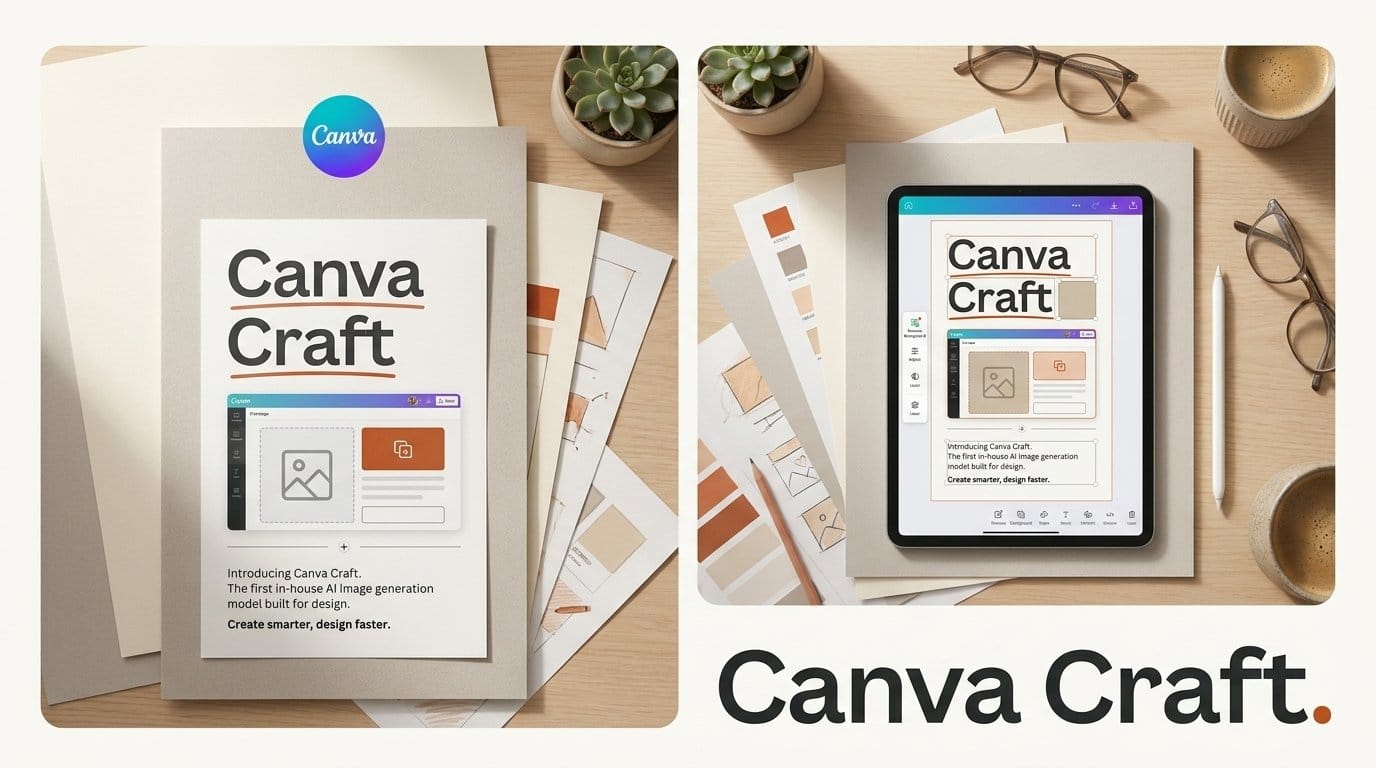
Canva released Canva Craft on October 22, 2026, the first image generation model it has built itself. TechCrunch reports that every Canva user can use it today from the Dream Lab tab. It renders up to 2K in up to 30 aspect ratios, and it plans the layout and text of an image before drawing it. Canva's own announcement on X calls Craft "our first frontier model built specifically for design" and says it is "now available to everyone."
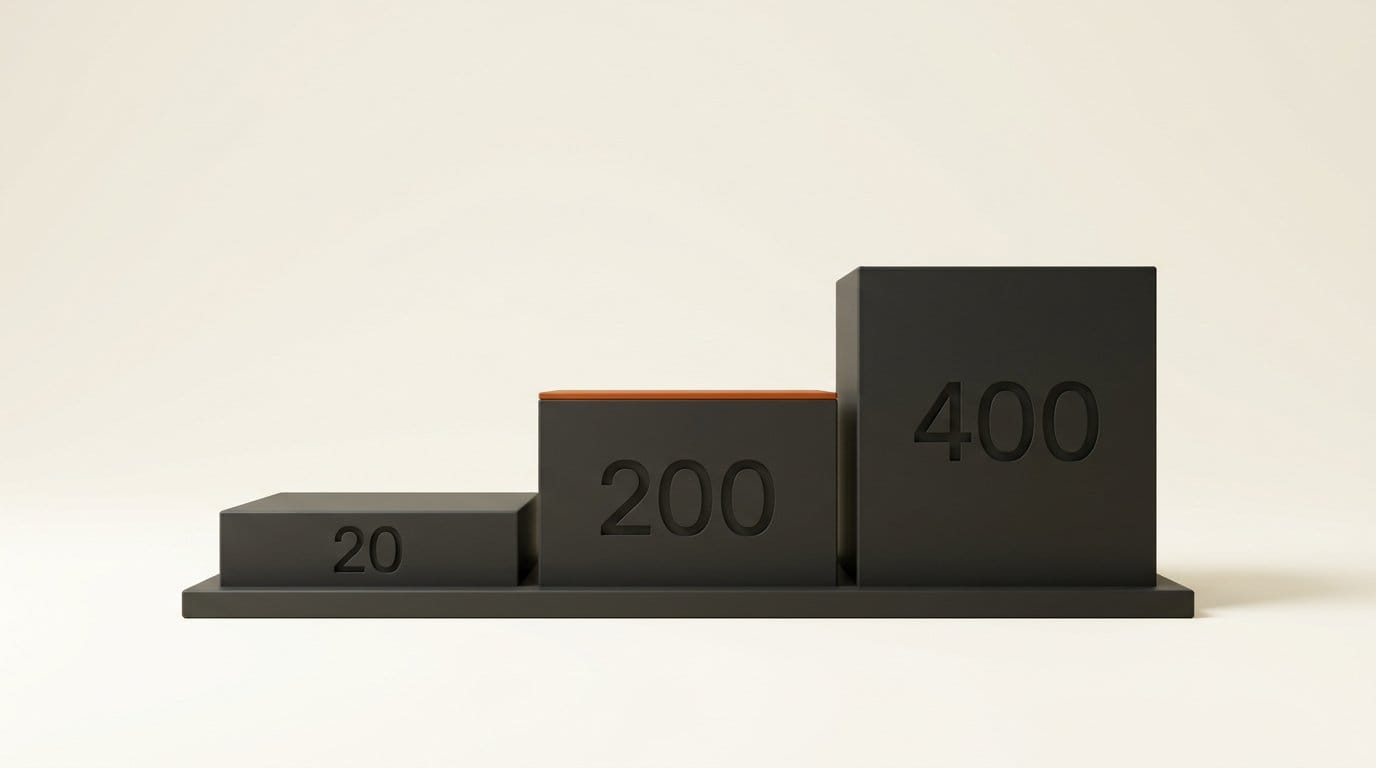
There is no separate price. Craft runs inside Canva, so you pay for it out of the monthly AI allowance your plan already includes: up to 20 AI uses a month on Canva Free, and up to 200 on Pro at US$144 a year. Canva has not said how much of that allowance one Craft image uses, and that is the question this article works through. We compare it with the image models creators already use for posters, thumbnails and social graphics: Nano Banana 2.1, GPT-Image-2.5 and Ideogram.
What Canva shipped on October 22
Canva Research built the model. It is Canva's in-house AI lab, and the day before launch Canva said in a newsroom post that the lab has more than 160 research scientists and engineers. Researchers from Leonardo.ai, which Canva bought in 2024, worked on it. Until now, Canva's image tools ran on Leonardo's models and on image models from other companies. Here is what launched, from Canva's post and TechCrunch's report:
- Where: the Dream Lab tab in Canva, for all users. TechCrunch says Craft will also come to the Canva API.
- Output: images up to 2K resolution, in up to 30 aspect ratios meant for different platforms.
- Strengths Canva claims: accurate object detail, legible text, and precise edits to one part of an image without changing the rest.
- Training data: human-designed templates from Canva's library (posters, social posts, presentations, infographics, menus and typography-heavy layouts), not photographs.
- Editable output: a Craft image can be turned into a layered design, using the design-understanding model Canva launched in October 2025.
- Coming later: two cheaper versions, Craftfast and Craft-ultrafast, "soon". Canva also plans to offer Craft image generation inside ChatGPT and Gemini through its MCP connector. Neither has a date.
Canva also claims a ranking. Its launch post says Craft makes Canva "the world's second most advanced AI lab for image generation" on Design Arena's global leaderboard. We check that claim against the public board further down.
How Craft works: plan first, then render
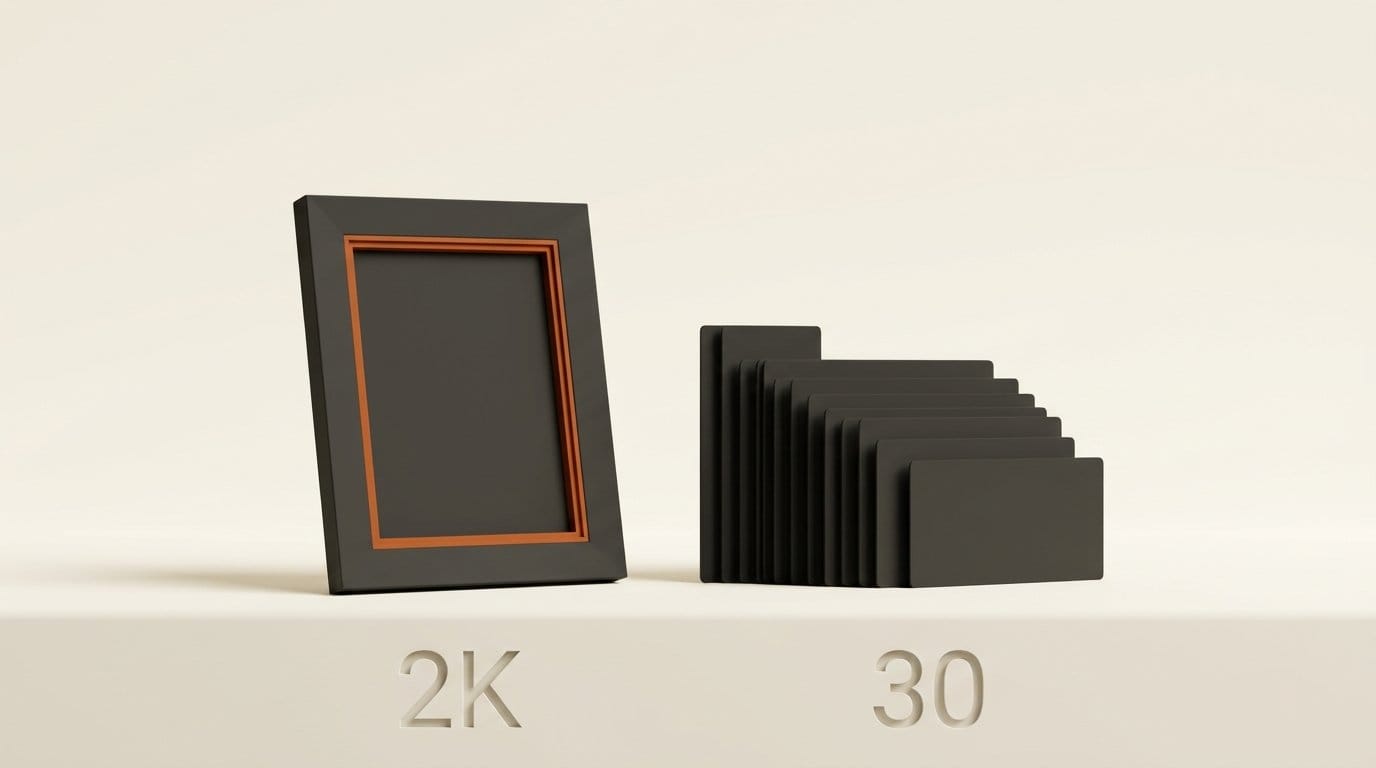
Most image models turn a prompt straight into pixels. TechCrunch describes Craft as working in two stages. The first reads your prompt and writes a plan: where things go, how big they are relative to each other, what is most prominent, and the exact words that should appear. The second stage draws the image from that plan.
That design suits the jobs Canva users actually do. A poster or a menu is mostly layout: a headline that has to be spelled right, a price that has to be readable, and a hierarchy that sends the eye from the title to the details. Models trained mostly on photographs are good at light and texture and have historically been weak at exactly this. Our comparison of image generators for text found text rendering was still the thing that separated tools in mid-2026. Training on templates rather than photos is Canva betting that design-led images matter more to its users than photorealism.
Expect the trade-off to run the other way too. A model trained on layouts should be strongest on flyers, thumbnails, social cards and infographics, and has less reason to beat a photo-trained model on a realistic portrait or a product shot. Canva has not published side-by-side samples that would settle it, so test both kinds of image before you switch.
The other half of the pitch is what happens after the image exists. A flat image from most generators is a dead end for a designer: changing one word means generating again. Canva's research team says its layer model splits a composition into elements and gives back editable text in real fonts instead of pixels. We covered the first version when Magic Layers launched in March. Craft feeds straight into that step, so a generated poster can come back as a Canva design you edit like any template.
What Craft costs you in Canva
Canva prices AI as a shared monthly allowance, and its tools draw on it at three rates: Standard, Premium and Ultra. Canva's pricing page and its AI access help article give these limits:
| Plan | Price | Standard AI tools | Premium AI tools | Ultra AI tools |
|---|---|---|---|---|
| Canva Free | US$0 | Up to 20 uses a month, shared with Premium | Up to 20 uses a month, shared with Standard | None |
| Canva Pro | US$144 a year | Do not count toward the allowance (fair use) | Up to 200 uses a month | Up to 20 uses a month |
| Canva Business | US$250 a year per person | Do not count toward the allowance (fair use) | Up to 400 uses a month | Up to 40 uses a month |
Each figure is a ceiling that assumes simple prompts and only one tier of tool. Canva says complex tasks use more, so real use is lower. The Free allowance resets at midnight UTC on the first of each month. On paid plans it resets monthly on your billing date, including yearly plans.
Which tier is Craft? Canva has not said, and its own pages disagree about image generation. The help article lists "Create an image with Canva AI" as a Premium AI tool. The plan comparison table on the pricing page lists the same feature under Standard AI. That difference matters:
- If Craft is Premium, Pro gives you up to 200 images a month. At US$144 a year, or US$12 a month, that is about 6 cents per image at best. Business works out to about 5 cents per image across 400 uses.
- If Craft is Standard, it does not count toward the allowance on any paid plan, and Pro users can generate within Canva's fair use limits at no extra cost.
- On Canva Free, Standard and Premium share the same 20 uses, so you get up to 20 Craft images a month either way.
Canva shows a warning as you near your limit, which is the quickest way to see what Craft actually costs on your plan. Generate ten images, then check how much of your allowance is gone.
Canva Craft vs the image models you already use
We cannot yet test Craft against the others: we have no Canva account in our test environment, and Canva has not published comparison samples. This table compares what each vendor states, with ranks from the Design Arena image leaderboard as we read it at about 3:50 PM ET on October 22.
| Canva Craft | Nano Banana 2.1 | GPT-Image-2.5 Sunburst | Ideogram | |
|---|---|---|---|---|
| Where creators use it | Canva Dream Lab | Gemini app, AI Mode in Search | ChatGPT Images 2.5 | Ideogram app, partner apps |
| What you pay | Your Canva AI allowance (tier not stated) | $0.0504 per 2K image in the Gemini API | Your ChatGPT plan | $0.008 to $0.22 per Ideogram 4.5 image on fal |
| Top resolution | 2K | 4K | Up to 4K in the API | 2K |
| Text and layout | Plans layout and text before rendering | Google cites better text and infographic layout | First on the board | Typography-focused model line |
| Editable layers after | Yes, into a Canva design | No, flat image | No, flat image | SVG paths with Ideogram Vector |
| Design Arena image score | Not on the public board yet | 1,281 (#9) | 1,380 (#1) | 1,204 (#32, Ideogram 4.0) |
Prices and features for the other three come from our earlier coverage: Nano Banana 2.1 (October 6), Ideogram 4.5 (September 30), ChatGPT Images 2.5 (September 8), and Ideogram Vector, which launched today at $0.13 to $0.32 per SVG.
On the leaderboard claim: Canva's "second most advanced AI lab" is a ranking of labs, not models. On the public board we read, the first lab is OpenAI (GPT-Image-2.5 Sunburst at 1,380). The best model from any other lab is Sourceful's Riverflow 2.5 Pro at 1,339, followed by Microsoft's MAI-Image-2.6 at 1,320. For Canva to rank second, Craft would have to score above 1,339 and so beat Google's Nano Banana 2.1 by about 60 points. Craft was not listed when we checked, so treat the claim as Canva's until the board shows it.
The useful split is less about score than about where the image goes next. If it ends up in a Canva design, Craft removes two steps: no download from another app, no upload, and the result can come back as editable layers. If you need a 4K print file, a photorealistic product shot or an image for use outside Canva, Nano Banana 2.1 and GPT-Image-2.5 remain the stronger picks on today's evidence.
How to try Canva Craft today
Canva has not published a step-by-step guide to Craft yet. This route follows its launch description and works in the browser or the Canva app, with nothing to install.
- Open Dream Lab. In Canva, go to the Dream Lab tab, where TechCrunch says Craft is available to all users.
- Write the layout into the prompt. Craft plans before it draws, so tell it what the plan should be. Put the exact words in quotes ("SUMMER SALE", "50% OFF"), say what should be biggest, and name the format: poster, menu, YouTube thumbnail, Instagram post.
- Pick the aspect ratio for the platform. Craft supports up to 30, so choose the one you will post at rather than cropping later. Cropping is where text near the edges gets cut.
- Fix one thing at a time. Canva says Craft can edit part of an image and leave the rest alone. Change a word or a colour in one request rather than rewriting the whole prompt, which would give you a new image.
- Turn it into a design. Convert the result into layers so the text becomes real, editable text. Magic Layers is a Premium AI tool, so this step also uses your allowance.
- Check the cost. After a batch, look at your remaining AI allowance. Ten images and the gap on the meter tell you which tier Craft is drawing on.
For thumbnails specifically, our YouTube thumbnail workflow still applies: keep the title to a few words, make the face or subject large, and test readability at phone size.
What is still missing
- The allowance rate. Canva has not said whether Craft is a Standard or Premium AI tool, which decides whether Pro users have about 200 images a month or effectively unlimited use.
- The faster versions. Craftfast and Craft-ultrafast are coming "soon". Canva has not said what they will cost against the allowance.
- ChatGPT and Gemini. Craft is planned for those chat apps through Canva's MCP connector, with no date. Meanwhile Gemini is moving the other way: Google's October 20 update lets businesses upload a brand kit and generate on-brand visuals with Nano Banana 2.1 inside Gemini, with Canva listed as a connected app.
- Proof of the ranking. Craft was not on Design Arena's public image board when we checked.
- Photos. Canva has not shown how a template-trained model handles photographic images.
Who should switch, and who should wait
If you already make social posts, flyers, menus or thumbnails in Canva, try Craft this week. It costs nothing beyond the allowance you have, it sits in the editor you design in, and the layer conversion is something no rival image model offers. Run your next ten designs through it and watch the allowance meter.
If you are on Canva Free, 20 uses a month is enough to judge it but not to rely on it. If your images are mainly photographic, or you need 4K, keep using Nano Banana 2.1 or ChatGPT and revisit Craft when Canva publishes samples or it appears on the leaderboard.
Frequently asked questions
What is Canva Craft?
Canva Craft is Canva's first in-house image generation model, released on October 22, 2026. It plans an image's layout, scale, hierarchy and text before rendering it, outputs up to 2K in up to 30 aspect ratios, and was trained on Canva's human-designed templates rather than photographs.
Is Canva Craft free?
It is available to all Canva users, including Canva Free, but it draws on your monthly AI allowance. Canva Free includes up to 20 Standard or Premium AI uses a month. Canva has not said which tier Craft belongs to.
How many Canva Craft images can I make on Canva Pro?
If Craft counts as a Premium AI tool, up to 200 a month for simple prompts, about 6 cents per image on the US$144 yearly plan. If it counts as Standard, it does not draw on the allowance on paid plans and fair use limits apply.
Can Canva Craft images be edited after they are generated?
Yes. Canva says Craft can change one part of an image without altering the rest, and a Craft image can be converted into a layered Canva design with editable text, using the same layer model behind Magic Layers.
Is Canva Craft better than Nano Banana or ChatGPT Images?
Not proven yet. Canva says it ranks as the second-best lab on Design Arena's image leaderboard, but Craft was not on the public board when we checked. GPT-Image-2.5 Sunburst led at 1,380 and Nano Banana 2.1 scored 1,281. Craft's clearest advantage is workflow: the image lands in Canva as an editable design.
Can I use Canva Craft in ChatGPT or Gemini?
Not yet. Canva plans to offer Craft image generation inside ChatGPT and Gemini through its MCP connector, but has not given a date.