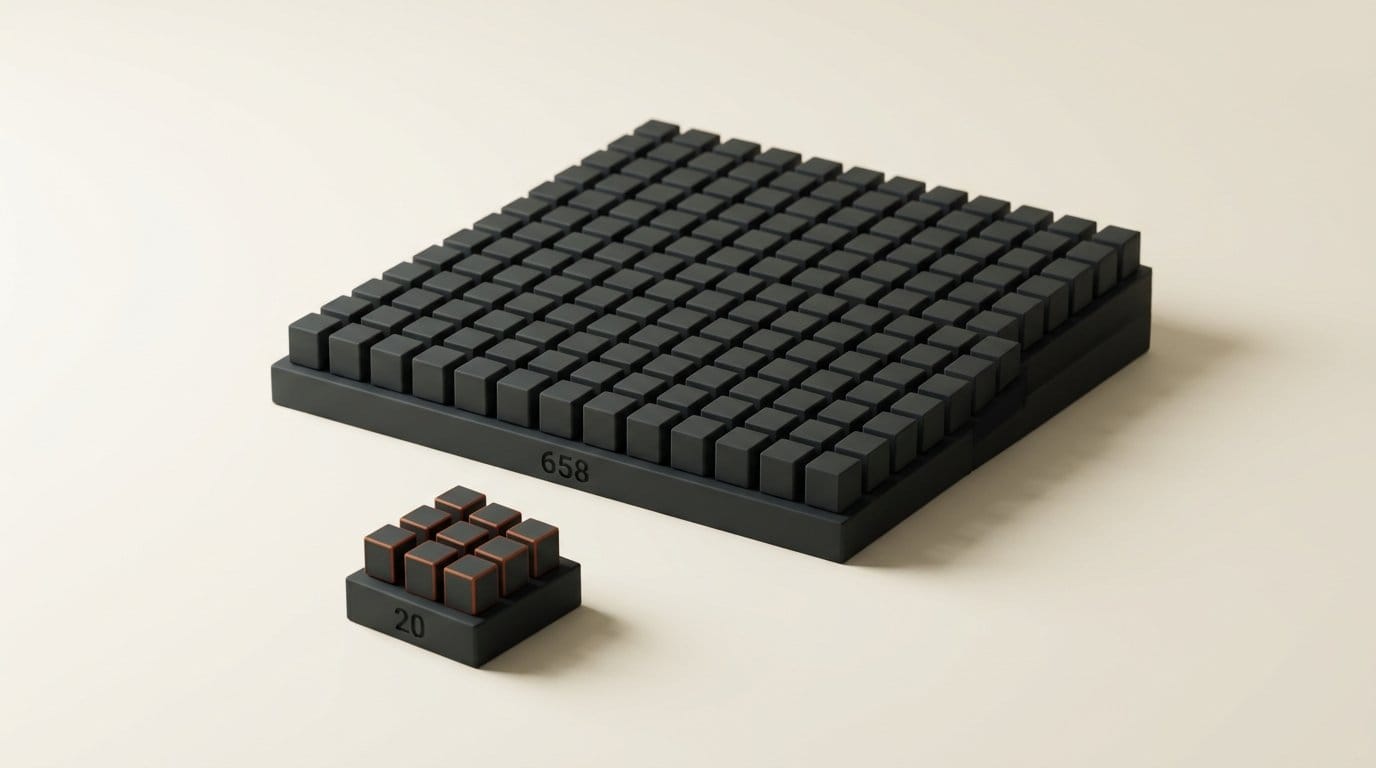
Placeholder domains such as yoursite.com and your-domain.com appear in 349 AI agent skills, and neither is reserved, so anyone can own them. Manifold Security reported on 24 September 2026 that some visits to these domains now end on scareware and investment-fraud pages. To see how common the problem is in skills that builders actually install, we scanned the 30 repositories on the front page of the skills.sh leaderboard on 27 September. 20 of 658 skill folders (3.0%), in 7 of the 30 repositories, name one of the unreserved domains Manifold tracked. Several of those hits are URLs an agent is told to open, or OAuth redirect URIs it is told to register.
This is a 10-minute audit you can run on your own skills folder today. It covers what Manifold found, which kinds of placeholder actually put you at risk, the command to find them, and what to write instead.
What Manifold found
Documentation has always used made-up domains in examples. The problem is that only a few of them are protected. IANA reserves example.com, example.net and example.org for documentation, so nobody can ever register them. Every other "fake" domain is a real domain with a real owner, and ownership changes.
Manifold's first report on 23 September covered third-party.com. The domain was registered in 1996 and changed hands at some point before June 2026. Windows visitors now get a fake Cloudflare check that copies a PowerShell command to the clipboard and tells them to paste it into the Run dialog, the pattern known as ClickFix. The Hacker News counted more than 1,700 repositories that reference it.
The second report widened the search to 14 common placeholders and counted how many GitHub files and AI agent skills cite each one. The 349 figure is yoursite.com (143 skills) plus your-domain.com (206 skills). Other placeholders appear in more skills than either:
| Placeholder domain | GitHub files | Agent skills |
|---|---|---|
| your-app.com | 33,760 | 266 |
| myapp.com | 47,744 | 218 |
| your-domain.com | 174,000 | 206 |
| yourapp.com | 28,992 | 183 |
| acme.com | 81,536 | 155 |
| yourdomain.com | 195,072 | 150 |
| yoursite.com | 185,000 | 143 |
| mysite.com | 63,872 | 75 |
| foo.com | 333,312 | 10 |
The scam only shows up in a real browser. Per Manifold, the redirect fires after the page's JavaScript runs, so "a text fetch never sees it, whatever User-Agent you send." macOS visitors were sent to scareware and fraud pages, while Windows and Linux visitors mostly saw parking pages or ads. A URL checker that downloads the page and reads the HTML will mark all of these domains clean.

What we found in the top 30 skill repositories
Manifold did not say which skill registries it scanned, so we ran our own check. skills.sh is the directory where Vercel launched Skill Packs in August, and its leaderboard is a fair proxy for what people install. We cloned the 30 repositories linked from its front page, treated every folder containing a SKILL.md as one skill, and searched every file in those folders for Manifold's 14 domains. We also counted the reserved example domains as a baseline.
| Repository | Skills | Skills with a hit | What the hit is |
|---|---|---|---|
| coreyhaines31/marketingskills | 50 | 8 | yoursite.com in og:image tags and a curl command, name@company.com |
| 101-skills/superpowers | 86 | 4 | agent-browser opening https://mysite.com, a screenshot of your-app.com |
| qu-skills/superpowers | 86 | 4 | Same files as 101-skills (a copy) |
| microsoft/azure-skills | 38 | 1 | myapp.com as an OAuth redirect URI, 10 times |
| prisma/skills | 9 | 1 | your-app.com as an OAuth redirectUri |
| shadcn/ui | 2 | 1 | acme.com as a component registry URL |
| larksuite/cli | 37 | 1 | alice@company.com in a mail example |
| 23 other repositories | 350 | 0 | Clean |
The official collections came out clean: anthropics/skills (0 of 20), vercel-labs/agent-skills (0 of 9), Remotion, HeyGen's HyperFrames and Supabase all used example domains or none at all. Across the 658 skills there were 427 references to example.com, example.org or example.net against 45 references to unreserved placeholders. Most authors already do this right. The misses cluster in a handful of large collections.
We also checked whether the domains are live. On 27 September acme.com, yoursite.com, your-app.com, myapp.com, mysite.com, yourdomain.com and private.com all resolved and answered HTTP requests. your-app.com redirected to an unrelated browser-testing site. None of them belongs to the skill authors.
Which placeholders actually put you at risk
A placeholder in a skill is only dangerous if something acts on it. Sort every hit into one of three buckets.
1. URLs the agent is told to open. A skill that says curl -s https://yoursite.com or passes "url": "https://mysite.com" to a browser tool is an instruction. A careful agent substitutes your domain first. A fast, cheap model running unattended may simply run it. Manifold flags exactly this: agents "fetch and act on the documentation these citations live in," especially agents on smaller models tuned for speed. That puts a stranger's page, and whatever text it serves, into your agent's context.
2. Values that end up in your configuration. The Azure skill for Entra app registration shows --web-redirect-uris "https://myapp.com/callback", and Prisma's Postgres management skill sets redirectUri: 'https://your-app.com/auth/callback'. If an agent copies either into a real app registration, sign-in sends your users, and their authorization codes, to a domain someone else controls. RFC 9700, the current OAuth security best practice, requires exact matching of redirect URIs, so the provider honors whatever you registered, placeholder included.
3. Sources the agent installs code from. The shadcn skill's MCP guide shows a registries block with "@acme": "https://acme.com/r/{name}.json", and next to it a "@private" entry pointing at private.com with an Authorization: Bearer ${MY_TOKEN} header. shadcn registries deliver component code straight into your project. Copied literally, that block pulls code from acme.com and sends your token to private.com. private.com is not on Manifold's list, which is a reminder that the list is a starting point.
Everything else, like og:image tags and name@company.com in form copy, is low risk unless the agent ships it to production unchanged. Fix it anyway: those strings leak into real pages more often than anyone admits.
How to audit your skills in 10 minutes
You need a terminal and the folders where your agents load skills. For Claude Code that is ~/.claude/skills plus .claude/skills inside each project (see the Claude Code skills docs). Add any folder where you keep Cursor rules, Codex skills or skills installed from a marketplace.
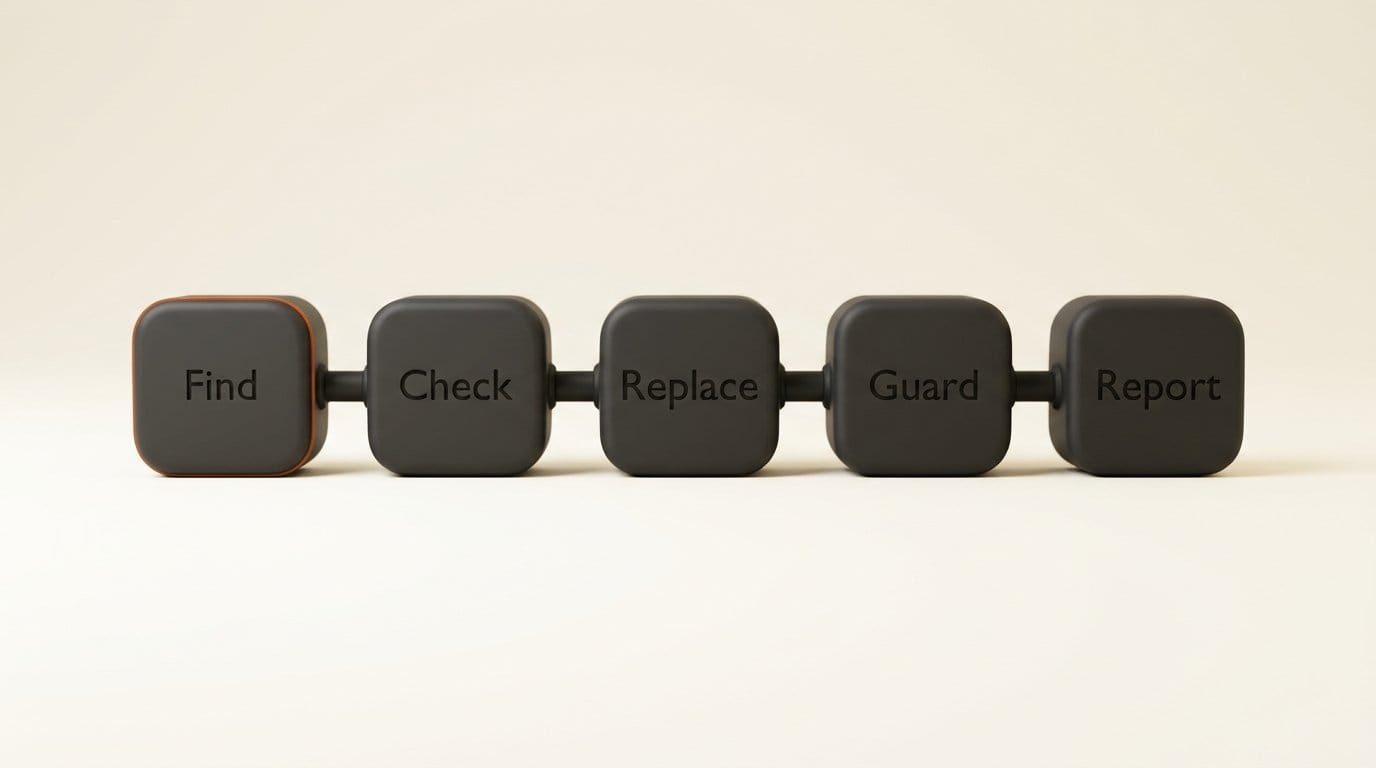
Step 1: Find. Run this from a project folder. It uses plain extended regular expressions, with no \b, so it should run on both GNU grep and the BSD grep that ships with macOS. It matches Manifold's 14 domains plus private.com:
grep -rEni '(^|[^a-z0-9.-])(foo|yourdomain|yoursite|your-domain|acme|mysite|myapp|your-app|yourapp|your-site|company|mycompany|vendor|third-party|private)\.com([^a-z0-9-]|$)' ~/.claude/skills ./.claude/skillsEach line of output is file, line number and the matching text. No output means no hits.
Step 2: Check. Put each hit in one of the three buckets above: opened by the agent, copied into config, or cosmetic. Open the file and read five lines either side. A curl command, a browser-tool call, a redirect URI or a registry URL goes to the top of the list.
Step 3: Replace. Swap every hit for a reserved name (see the next section). For your own skills, edit the file. For a skill you installed, edit your local copy and note the change, because an update will overwrite it.
Step 4: Guard. Add the same grep to CI or a pre-commit hook in any repository where you write skills, and fail the build on a hit. Re-run it on your installed skills whenever you update them, since a clean skill can pick up a placeholder in its next version.
Step 5: Report. Open an issue or a one-line pull request on the upstream repository. Every hit in our table is a two-minute fix for the maintainer.
Our scan of 658 skills took under a minute on a small cloud machine. The slow part is reading the hits, and most people will have fewer than ten.
What to write instead
RFC 2606 reserves exactly what you need, and nobody can ever register any of it:
- example.com, example.net, example.org for any URL or email address in documentation. Use subdomains freely:
https://app.example.com/auth/callbackis a fine redirect URI example. - .test for hosts in local testing, such as
myapp.test. - .invalid for anything that must never resolve, such as a deliberately broken URL in an error-handling example.
- .localhost for your own machine.
For values a user must fill in, a visible token beats any domain. https://YOUR-DOMAIN/callback fails loudly if an agent tries to use it, while https://your-domain.com/callback quietly succeeds against a stranger's server. Put one line near the top of each skill telling the agent to ask for the real domain rather than guess it.
Limits of this check
This audit catches one class of problem. It matches only .com placeholders on a fixed list, so it will miss yourcompany.io or api.test-server.net. It does not tell you whether a domain is hostile today, only that it is not yours. Manifold notes that the only meaningful check is who owns a domain now and what its ad chain does on the operating system your readers use, which changes week to week.
Our own numbers cover 30 repositories on one leaderboard page, counted on one day, and two of those repositories are copies of each other. Manifold sells agent security tooling and did not name its skill corpus, so its skill counts cannot be reproduced exactly. If you already audit dependencies for supply-chain risk, as in our Supabase exposure check for vibe-coded apps, treat skills the same way: they are code your agent runs, written by people you have never met.
Frequently asked questions
Which placeholder domains are in AI agent skills?
Manifold's 24 September count found your-app.com in 266 skills, myapp.com in 218, your-domain.com in 206, yourapp.com in 183, acme.com in 155, yourdomain.com in 150 and yoursite.com in 143. None is reserved, so all of them can be registered and repurposed.
Is example.com safe to use in agent skills?
Yes. IANA reserves example.com, example.net and example.org for documentation, and they can never be registered by anyone. RFC 2606 also reserves the .test, .example, .invalid and .localhost top-level domains.
Does a placeholder domain in a skill mean my agent was compromised?
No. A hit means the skill contains a URL you do not control. Harm needs a second step: an agent opening that URL, or a placeholder being copied into real configuration. Check your agent's logs for requests to the domains the grep found if you want certainty.
How do I scan Claude Code skills for placeholder domains?
Run the grep command in the audit section against ~/.claude/skills and each project's .claude/skills folder. It prints the file, line number and matching text for every hit.
Why don't URL scanners catch these redirects?
The redirect runs in JavaScript after the page loads and targets specific operating systems. A scanner that fetches the HTML without running it sees a harmless page. In Manifold's renders, macOS browsers were sent to the scams behind yoursite.com-style domains while Windows and Linux mostly got parking pages, and third-party.com does the reverse, aiming its ClickFix page at Windows.
What should an OAuth redirect URI look like in documentation?
Use a reserved domain such as https://app.example.com/auth/callback, or a visible token such as https://YOUR-DOMAIN/auth/callback. Never register a documentation URI with a real identity provider.





