
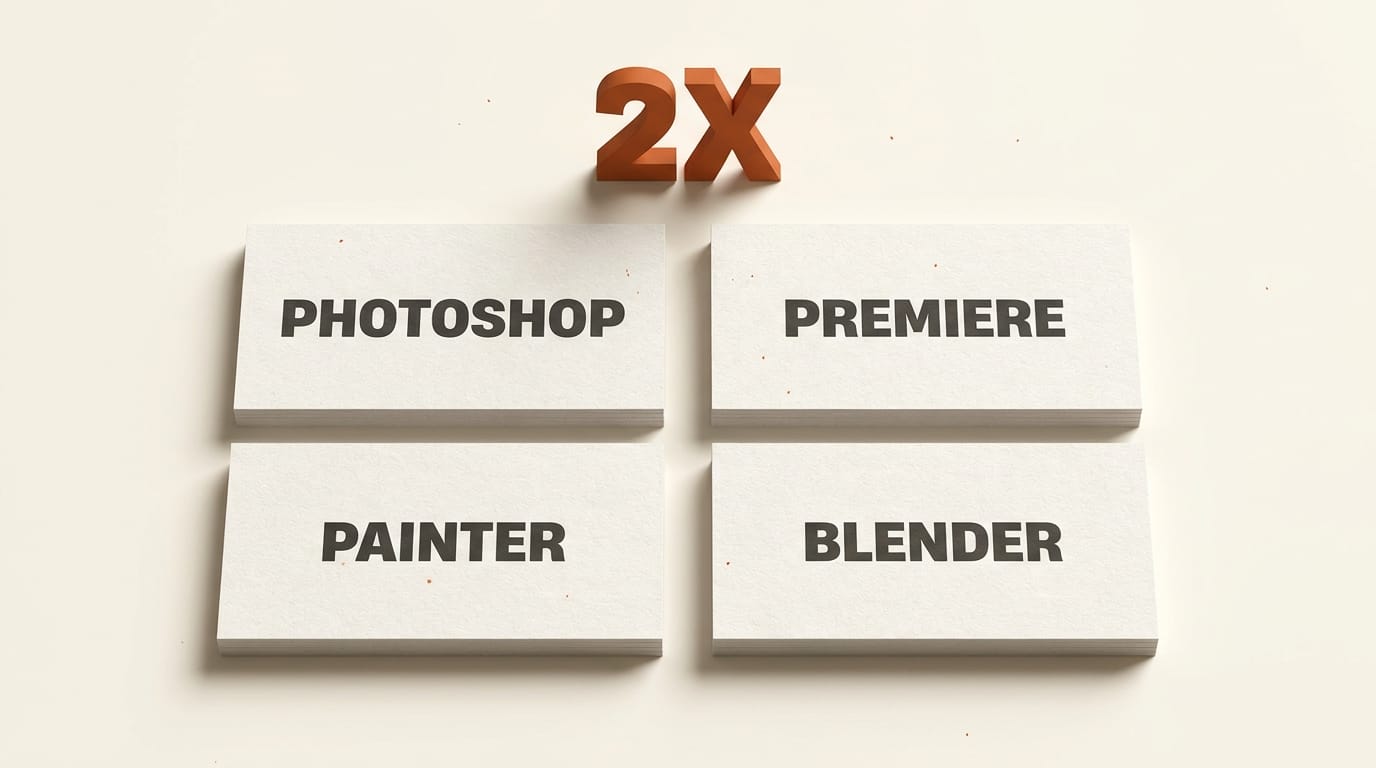
Adobe and NVIDIA announced an expanded partnership on May 31, 2026 that will rebuild Photoshop, Premiere Pro, Substance 3D Painter, and Substance 3D Stager around the NVIDIA RTX Spark Blackwell-class superchip. Adobe says creators will see up to 2x faster AI, editing, coloring, and effects when the updates land later in 2026. The hardware is still rolling out, but the pipeline work you can do today determines whether you actually capture that 2x or watch it disappear into format mismatches, stale plugins, and missing baselines. This tutorial walks through the prep in about 90 minutes.
What You Need
Before you start, line up the following:
- An active Adobe Creative Cloud subscription with Photoshop and Premiere Pro already installed on the workstation you plan to run RTX Spark on.
- Current builds of Substance 3D Painter and Substance 3D Stager if you use 3D in your pipeline.
- Blender 5.3 or newer for the Cycles denoiser benchmark comparison.
- One representative project per app: a heavy PSD with smart objects and Generative Fill layers, a Premiere timeline using color and at least one Generative Extend clip, a Substance 3D Painter file in the 4K texture range, and a Blender scene in the 30 to 90 GB asset range with Cycles enabled.
- A spreadsheet or note to log render and export times for the baseline benchmark in step 4.
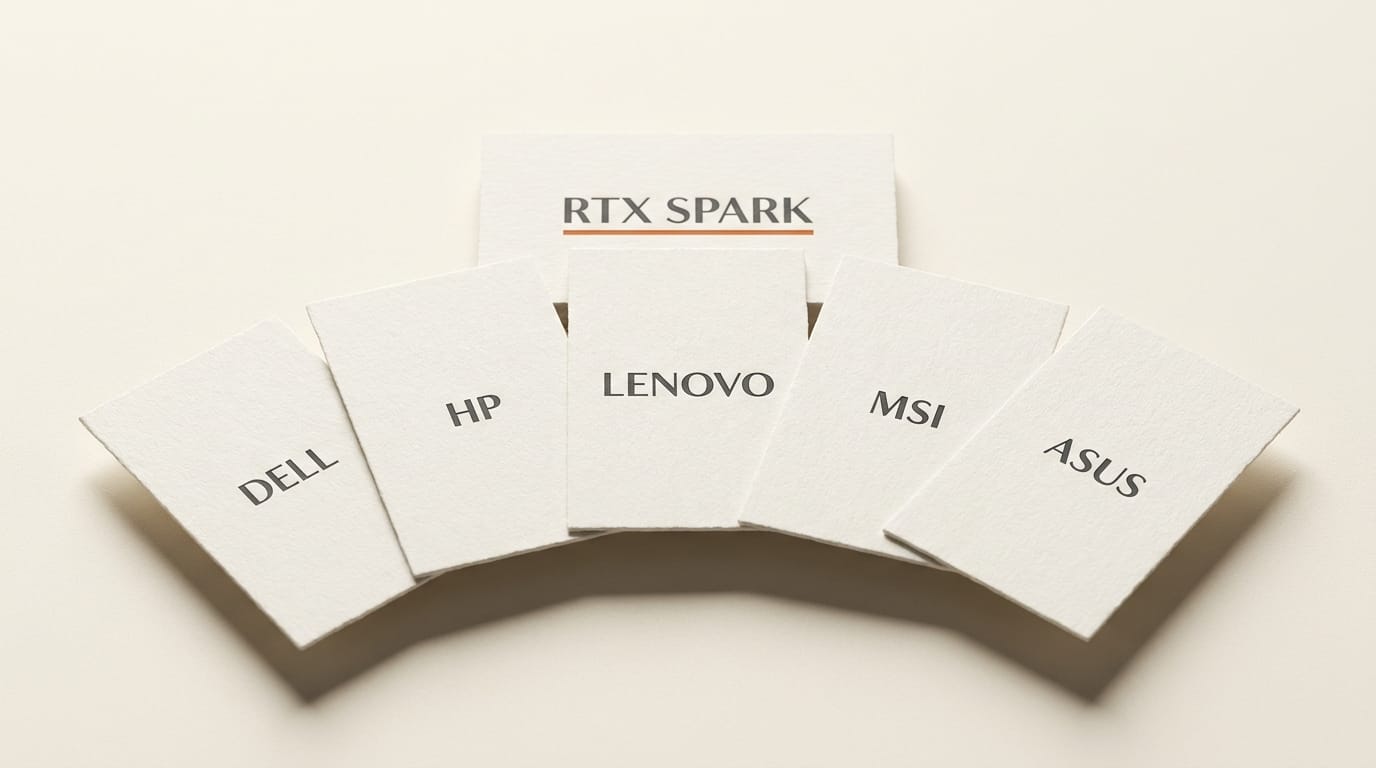
- An RTX Spark procurement plan or partner SKU shortlist (Dell, HP, Lenovo, MSI, and ASUS have all confirmed RTX Spark workstations for later in 2026).
The Workflow
Step 1: Audit your active Adobe project pipelines
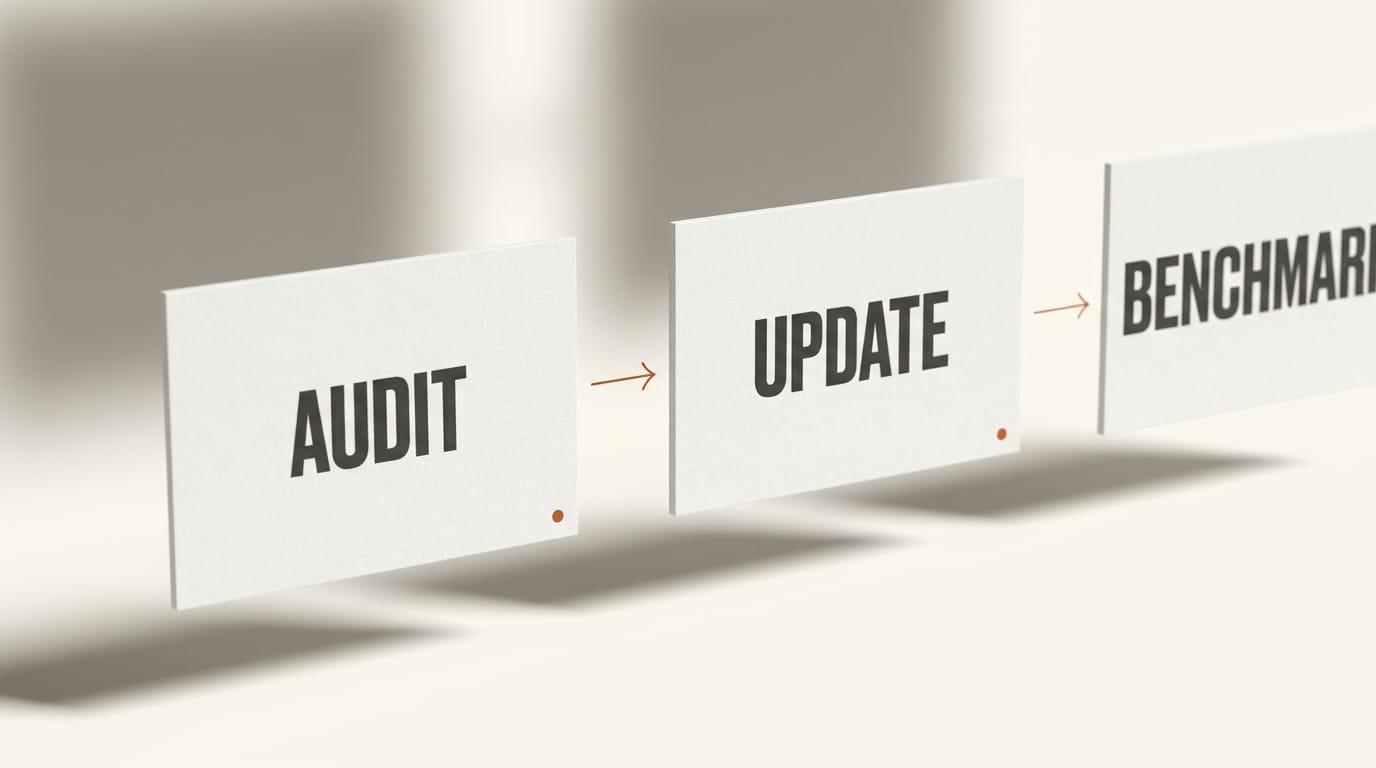
Open each of your live projects and list every operation that is currently slow. Photoshop targets the layer-effects, masks, and Generative Fill paths, so any PSD that leans on smart objects, large filter stacks, or AI-fill regions is a strong candidate for the 2x speedup. In Premiere, the new acceleration covers Generative Extend plus the real-time color and effects pipeline, so look for timelines where you currently round-trip to After Effects for color or wait on cloud Generative Extend jobs. Tag each project file with the operation type so you know which ones to benchmark before and after the rollout. Save the list. The goal is a representative sample, not a complete inventory.
Step 2: Update Substance 3D Painter and Stager now
The 3D side of the partnership ships native RTX Spark scene-creation support inside Painter and Stager, which mostly translates into a texturing and asset-prep speedup for artists round-tripping into Unreal or Unity. The Painter and Stager builds that ship the RTX Spark code paths will install as a normal Creative Cloud update, but only on top of a current version. Anything older than the late-2025 builds will silently miss the acceleration. Open Creative Cloud Desktop, force a check for updates, and pin Substance 3D apps to auto-update so the new build lands the day it ships. If you keep multiple machines in sync, push the same auto-update policy across them now.
Step 3: Set up a Blender 5.3 benchmark scene
RTX Spark's unified-memory Blackwell GPU is the same superchip NVIDIA detailed at Computex 2026, with the marquee creator claim being that a 90 GB Blender scene can preview near-final in real time on the Cycles denoiser. To prove that claim on your own work, pick a Blender file that currently does not fit in your discrete GPU memory and would normally tile through CPU or fall back to a slower sampler. Save a copy with Cycles enabled and the latest denoiser path active. Note your current render time at 1080p, 2K, and 4K, plus how often the viewport stalls when you scrub the timeline. That is your baseline for the side-by-side later.
Step 4: Run your pre-update baseline benchmark
Now run the benchmarks. For Photoshop, time a Generative Fill pass on a 4K canvas with three smart objects active, then time a 30-layer filter stack export. For Premiere, render a 60-second timeline that includes one Generative Extend clip, Lumetri color, and at least two effects. For Substance 3D Painter, time a 4K texture bake on a multi-channel material. For Blender, render a single frame plus a 60-frame animation at 2K. Log the numbers in your spreadsheet next to today's date, your GPU model, your CPU, and your system RAM. If you skip this step, you have nothing to validate the 2x claim against, and Adobe's marketing wins by default.
Step 5: Plan the RTX Spark procurement decision
The strongest argument for waiting on a hardware refresh until RTX Spark workstations ship is the Adobe partnership itself, especially if you currently sit on a 2024-era Mac Studio or a mid-tier discrete GPU. The RTX Spark Superchip creator PC announcement covers the spec baseline. The same superchip powers Microsoft's DGX Station Windows local-AI workstation, so if your studio is already on Windows you have parallel procurement paths. Decide now whether you want a pre-built partner SKU, the DGX Station configuration, or a self-build, and add the chosen target to your IT or finance plan. Holding off the refresh by two to three months has a real cost in current frustration, so weight that honestly against the projected 2x.
Step 6: Re-benchmark and document the 2x claim
When the Adobe and Substance 3D updates start rolling through Creative Cloud, repeat every benchmark from step 4 on the same files, in the same order, and log the new times next to the originals. The 2x claim is aggregate across operations, not a guarantee on any single benchmark. A Photoshop Generative Fill pass might come in at 2.4x while a Premiere color export only hits 1.6x. Document what actually changes on your work, not the marketing average. Share the spreadsheet internally so your team makes pricing and capacity decisions on real numbers rather than vendor copy.
Troubleshooting
A few failure modes to expect:
- The update lands but Generative Fill is still slow. Confirm the TensorRT-native code path is actually engaged: Photoshop's GPU panel should report TensorRT acceleration on, and a fresh restart is sometimes required after the update installs.
- Premiere stalls on Generative Extend. If you previously had cloud Generative Extend caching active, clear the local cache and re-render the clip from scratch so the new local pipeline actually runs end to end.
- Substance 3D Painter shows no speedup on bakes. Check that the project was saved in the post-update build, not opened from an older snapshot. Older Painter project files do not always trigger the new acceleration path on open.
- Blender Cycles still tiles to CPU. Verify the scene's render device is set to OPTIX and that the denoiser is on the latest OptiX path. Cycles will silently fall back to CPU if the GPU memory map is misconfigured even on a unified-memory superchip.
What to Try Next
Three variations once the updates ship. Variation one: re-run the benchmarks with Adobe Firefly Generative Fill on a 6K or 8K canvas to test how the local TensorRT path scales above standard delivery resolutions. Variation two: build a single Premiere project that uses Generative Extend, Lumetri, and a third-party effects plugin in one stack, then compare the real-time-color pipeline against your current After Effects round trip. Variation three: pair the Blender benchmark from step 3 with a profile of your current rig (CPU vs GPU bottleneck) to see whether the RTX Spark upgrade actually unblocks your slowest operation rather than just shifting the bottleneck.
FAQ
When will the Adobe RTX Spark updates actually ship?
Adobe says "later this year" in the May 31 announcement, which lines up with NVIDIA's Computex 2026 statement that RTX Spark workstations from Dell, HP, Lenovo, MSI, and ASUS will be widely available through the second half of 2026. Expect a staggered rollout where Photoshop and Premiere updates may arrive before Substance 3D and before the partner SKUs are broadly in stock.
Do I need an RTX Spark workstation to benefit from the Adobe updates?
The 2x claim is specifically tied to the RTX Spark Blackwell superchip and its TensorRT-native acceleration. Adobe will continue to support existing GPU configurations, but the headline speedups for Generative Fill, Generative Extend, and real-time color require the new hardware. If you stay on a 2024-era GPU, expect incremental improvements at best.
Does RTX Spark help with third-party plugins like Topaz or Magic Bullet?
Only if the plugin vendor ships a TensorRT-native build. The Adobe announcement covers first-party features inside Photoshop, Premiere, and Substance 3D. Third-party plugins that already use NVIDIA acceleration paths will see general Blackwell uplift, but the named 2x is reserved for Adobe-built operations.
How does RTX Spark compare to a Mac Studio M-series refresh for Adobe work?
The Adobe partnership tilts the comparison toward Windows-on-RTX Spark for Generative Fill, Generative Extend, and real-time Premiere color. Mac Studio still wins on power draw, silent operation, and tight macOS integration. For pure Adobe acceleration, the Spark side has the named partnership; for general creative work, the choice is closer than the headline implies.
Can I keep my current Premiere caches when the update lands?
Plan to clear local Generative Extend and media caches once the update installs. The new local pipeline replaces the cloud path for at least part of the workflow, and stale cache entries can mask the speedup in early benchmarks. Back up your project files first, then clear the caches, then re-run a representative export to validate the new pipeline.