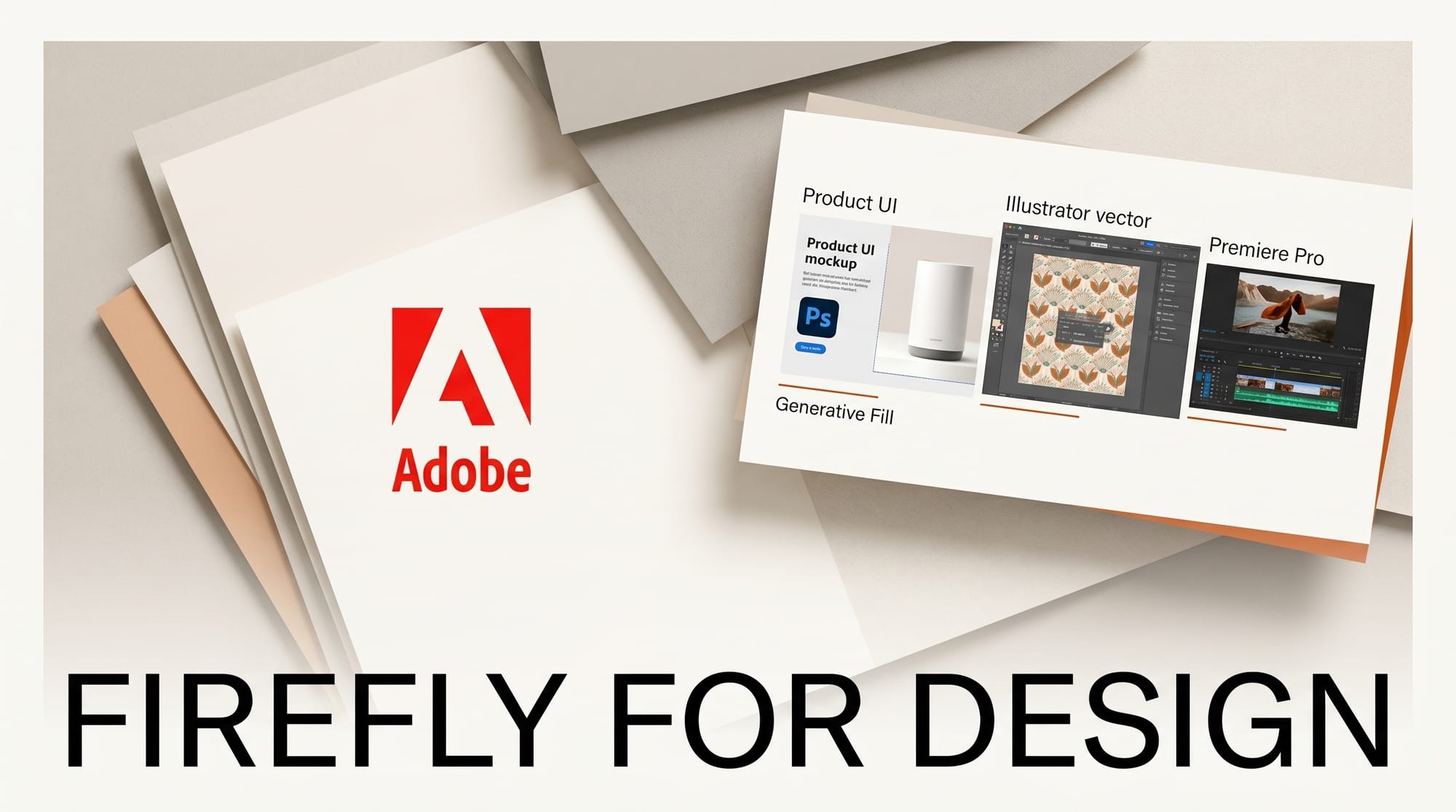
Adobe Firefly in 2026 is the most boringly reliable AI generator for working designers. Where Midjourney v8 wins on aesthetic ceiling and Stable Diffusion wins on local control, Firefly wins on three things designers care about: IP-cleared training data (so clients with strict provenance contracts can ship Firefly output), native integration into the apps designers already live in (Photoshop, Illustrator, Lightroom, Premiere), and a vector-native model that outputs editable SVG for brand-system work. This is the working designer's complete guide to running Firefly in production.
What Firefly does in 2026
Firefly is Adobe's family of generative models. The 2026 lineup:
- Firefly Image 4 Ultra -- The flagship image model. Photorealistic and illustration modes. Trained on Adobe Stock and licensed datasets, so commercial use is explicitly indemnified.
- Firefly Video 2 -- Up to 5-second clips. Used inside Premiere Pro for Generative Extend (extending a shot's duration) and inside Express for stylized social video.
- Firefly Vector -- Native SVG generation. Produces editable Adobe Illustrator paths from a prompt, useful for icon sets, brand systems, and packaging.
- Firefly Audio -- Sound effects, atmospheric beds, and voiceover generation.
- Custom Models -- Train a Firefly variant on your own design system. Generates outputs that fit the brand without re-prompting style references each session.
The integrations matter as much as the models. Generative Fill in Photoshop is a single-click operation. Generative Recolor in Illustrator runs across thousands of vector shapes. Generative Extend in Premiere Pro fills the missing frames at the head or tail of a shot. Each is invoked from the host app, no separate web round-trip.
Setup: designer stack first session
- Subscribe to Creative Cloud All Apps if not already. Firefly generative credits are bundled (1000-3000/mo depending on tier).
- Update Photoshop, Illustrator, Lightroom, Premiere, and Substance 3D Sampler to the 2026 release builds. Firefly features require current-year app versions.
- Visit firefly.adobe.com to confirm Firefly access. Run a sanity test: generate any image to confirm the pipeline works.
- Open Photoshop. Use Generative Fill on a sample image. Verify the result drops onto a new generative layer that preserves the original.
- Open Illustrator. Run Generative Recolor on any vector composition. Verify the model proposes 4-6 palette variations.
- For brand-system work: train a Firefly Custom Model. Upload 10-30 representative brand assets via the Firefly web app's Custom Models panel.
Production workflow 1: Photoshop hero retouching
- Open the master image in Photoshop.
- Use Object Select or Subject Select to mask the hero subject.
- Run Generative Fill on the inverted selection (the background) with prompts like "studio backdrop, cyclorama, soft warm light." Output drops onto a new generative layer.
- Iterate: Firefly returns 3 variations per generation. Keep the strongest, discard the rest.
- Use Generative Expand to extend the canvas at any aspect ratio. Output remains on a generative layer for non-destructive editing.
- Use the Remove tool for unwanted background elements. Two-click operation per element.
- Final color and tone work with traditional Photoshop adjustment layers.
Production workflow 2: Illustrator brand system
- Build the master brand vector in Illustrator: logo, supporting marks, primary glyphs.
- Generate variations with Generative Vector. Prompt with the brand category, attributes, and target use case. Output is editable SVG, not raster.
- Run Generative Recolor across the brand sheet. The model proposes 6-8 palette variations grounded in the original composition.
- Use Generative Pattern to create textiles, surface treatments, and brand-system patterns. Output is tileable vector.
- Export as SVG plus PDF for the brand system documentation.
Production workflow 3: Premiere Generative Extend
- In Premiere Pro, identify a shot that needs more head or tail length but the source clip is short.
- Right-click the clip > Generative Extend. Choose direction (head, tail, both) and target additional duration (up to 5 seconds).
- Firefly Video 2 generates the missing frames matching the existing shot's motion, lighting, and color.
- Review. Generative Extend works best on locked-off shots, slow camera moves, and stable subject framing. Fast-action shots or talking-head close-ups get less reliable results.
- Drop the extended clip back onto the timeline.
Production workflow 4: brand-locked Custom Model
- Gather 10-30 representative brand assets: logo lockups, hero campaigns, product photography, illustration sets.
- Upload through Firefly's Custom Models panel. Tag each asset with attributes (medium, mood, palette).
- Wait for training. Custom Models take 30-90 minutes to train on a brand library of this size.
- Test generation. Use the trained model to produce assets that match the brand without prompting style references.
- Roll across the team. Custom Models are shared across the organization on Pro and Premium tiers.
Comparison: Firefly versus Midjourney versus DALL-E
| Capability | Adobe Firefly | Midjourney v8 | GPT Image 1 (ChatGPT) |
|---|---|---|---|
| Photoshop integration | Native (best) | None | None |
| Illustrator vector output | Native (best) | None | None |
| Aesthetic ceiling | Strong | Highest | Strong |
| IP-cleared training data | Yes (Adobe Stock + licensed) | Mixed-source | Mixed-source |
| Custom model training | Yes (Custom Models) | Style Tuner | Custom GPTs (text-led) |
| Generative video | Up to 5s (Premiere extend) | Beta video | Sora 2 (best) |
| Pricing | $9.99/mo + Creative Cloud bundling | $10/mo Basic | $20/mo (ChatGPT Plus) |
Designer verdict. Firefly wins for designers who already live in the Adobe stack and need IP-cleared output. Midjourney wins for hero aesthetic. GPT Image 1 wins for chat-driven Custom GPT brand assistants. Most professional designers run all three.
Pricing and tier picks for 2026
- Firefly Standard ($9.99/mo) -- 2000 generative credits/mo. Right for individual designers with light volume.
- Firefly Pro ($29.99/mo) -- 7000 credits/mo plus Custom Models. The default tier for working freelancers.
- Firefly Premium ($99.99/mo) -- 15000 credits/mo plus advanced Custom Models, priority generation queue. Right for studios.
- Creative Cloud bundled -- Existing Creative Cloud All Apps subscribers get 1000-3000 generative credits/mo bundled. Light users may not need a separate Firefly tier.
- Generative credit math -- One image generation costs 1 credit; one video clip costs 100 credits; Custom Model training costs 100-500 credits depending on model size.
What to watch in 2026
- Firefly Video 2 quality lift -- Roadmap shows shot length climbing past 5 seconds and 4K output through Q3 2026.
- 3D in Substance Sampler -- Firefly-generated PBR materials currently in beta; expected to ship as a full feature in 2026.
- Custom Model marketplace -- Adobe is testing brand-licensed Custom Models that agencies can sell to clients. Closed beta as of mid-2026.
- Mobile generation -- Adobe Express for iOS and Android both gain Firefly generation parity through 2026.
- Indemnification scope expansion -- Adobe extended legal indemnification to Custom Model output in mid-2026, covering enterprise client contracts.
Frequently asked questions
Is Firefly safe for client commercial work?
Yes. Firefly trains on Adobe Stock and licensed datasets, and Adobe provides legal indemnification for commercial use on enterprise tiers. This is the strongest commercial-safety claim in the 2026 generative AI market.
How does Firefly compare to Photoshop's AI features in 2025?
Photoshop's AI features in 2026 are all powered by Firefly Image 4 Ultra. The 2025 features were earlier Firefly versions; quality lift in 2026 is significant, especially for photo-real generation and Generative Expand.
Does Firefly work offline?
No. Firefly runs in Adobe's cloud. The host apps (Photoshop, Illustrator) are local, but Firefly generation requires an active internet connection.
Can I train a Firefly Custom Model on a competitor's style?
No. Adobe's Custom Model terms forbid training on copyrighted style transfers. Train on your own brand assets only.
Does Firefly support video generation now?
Yes, Firefly Video 2 produces clips up to 5 seconds. Inside Premiere Pro, Generative Extend extends an existing shot's duration. For longer-form video work, pair with Sora 2, Runway, or Veo 3.
Is Firefly included with Creative Cloud All Apps?
Yes, with bundled generative credits (1000-3000/mo). For higher volume, upgrade to a dedicated Firefly tier on top of Creative Cloud.
Keep reading
- AI Image Generation 2026 Complete Guide
- State of AI Design Tools 2026
- Claude for Creative Work: Anthropic Connector Suite
- AI for Content Creators 2026
This guide will be updated as Firefly Image 4 Ultra, Firefly Video 2, Firefly Vector, and the Custom Models system ship through 2026. Subscribe to our weekly Tuesday digest for what shipped this week and what is worth your time.





