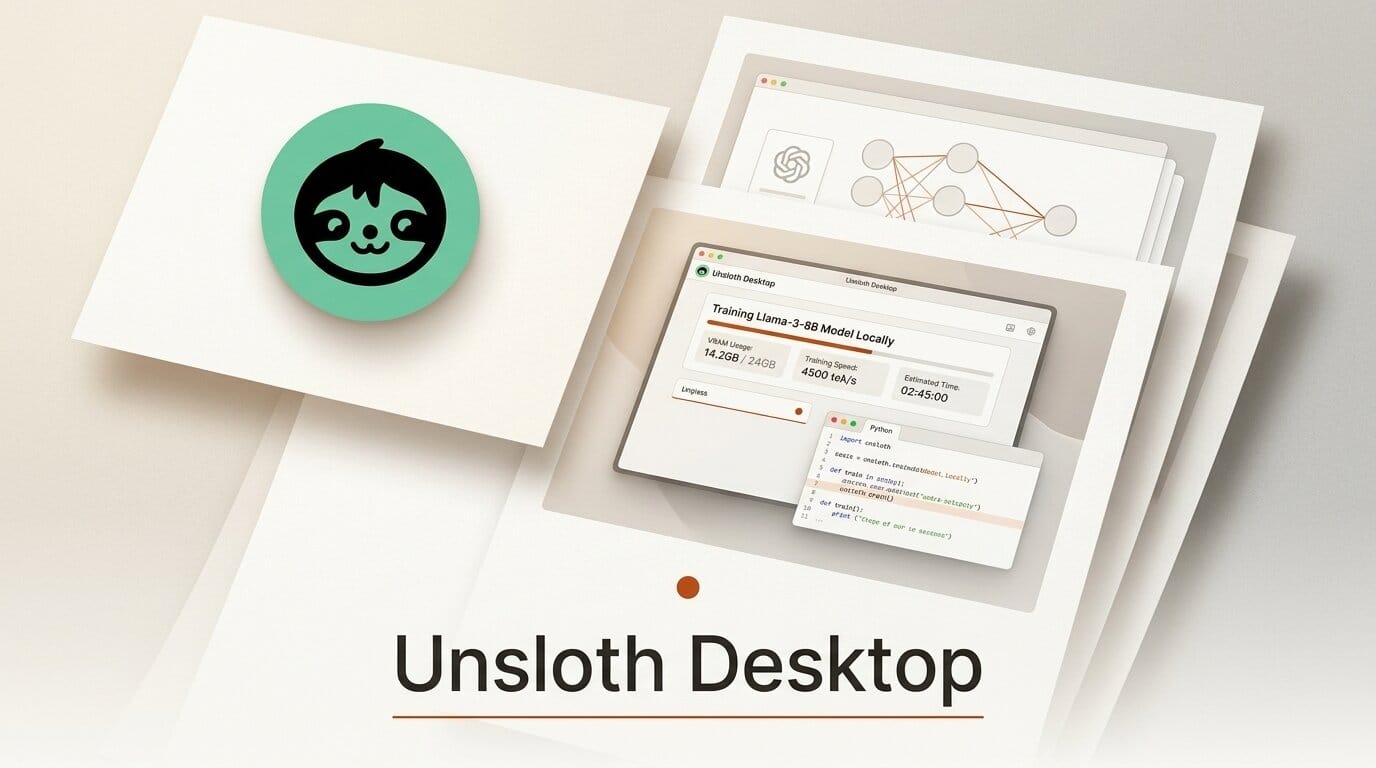
Unsloth AI on August 11 released Unsloth Desktop, a free, open-source app that runs and fine-tunes AI models entirely on your own hardware. The beta, announced for macOS, Windows, and Linux, folds training and inference into one local environment and claims roughly 2x faster training with about 70 percent less VRAM and no reported accuracy loss.
Try it: fine-tune a model on your own GPU tonight
Download the app, point it at a base model, and train a LoRA adapter for image models like FLUX.2, Qwen-Image, or Z-Image without renting cloud GPUs. On the LLM side you can pull an open-weights model such as Meta's Muse Glimmer 30B, which Unsloth runs in about 18GB of VRAM, then wire it into your coding agent. The command unsloth start claude connects a local model to Claude Code, and you can swap between Claude Code, Codex, and other agents without touching a hosted API.
Why it matters
Local training has been the missing half of the on-device movement. Runtimes like Ollama and LM Studio made inference easy, but fine-tuning still meant cloud notebooks or command-line scripts. Unsloth Desktop puts LoRA training, diffusion image and video generation, and audio models behind one interface, so creators who already build with tools like ComfyUI can now customize the underlying weights, not just prompt them. Keeping data on your machine also sidesteps per-token bills and the privacy tradeoffs of hosted fine-tuning.
Key details
The open-source project supports text, MLX, GGUF, diffusion image and video, and audio formats across NVIDIA, AMD, Intel, Apple Silicon, CPU, and multi-GPU setups. Unsloth reports video generation on an NVIDIA B200 dropping from more than 70 seconds to around 13, and its self-healing tool calls with sandboxed Python and Bash execution claim 50 percent more accurate agent actions. Cost is not a barrier: the app and library are free, with the training kernels released under an open license.
What to do next
Grab the beta from the Unsloth docs, start with a small LoRA run on a model you already use, and benchmark the local speed against your current cloud workflow before committing to a full fine-tune. If you build agents, test the Claude Code handoff to see whether a local model can cover your everyday tasks.