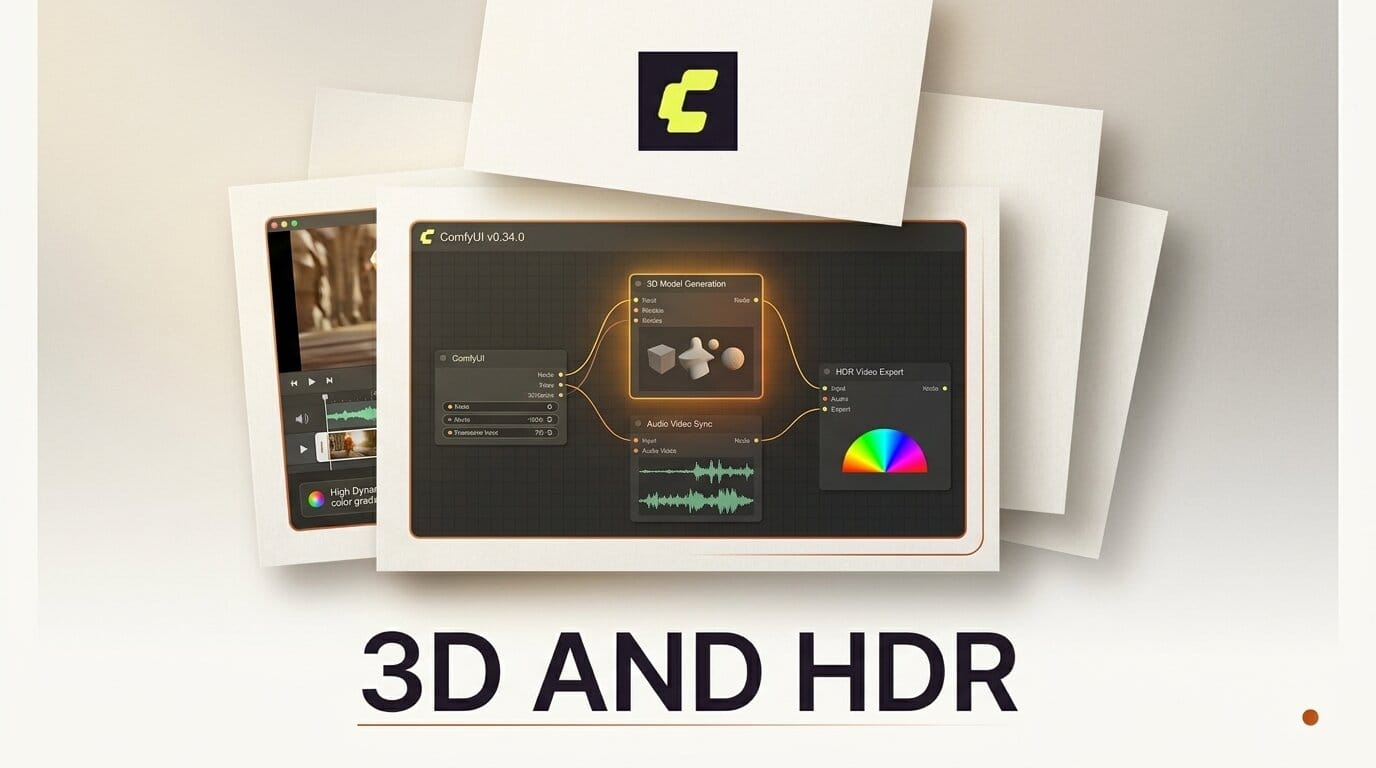
The ComfyUI v0.34.0 release lands native 3D generation inside the node graph for the first time, adding support for the TRELLIS2, Pixal3d, and Sam3d-body models plus Meshy-7. The same release brings frame-anchored guides and per-token noise masks to MiniMax-H3 for tighter audio-video sync, and adds HDR video saving with AV1, mkv, and webm export.
What This Enables
3D generation used to mean leaving ComfyUI for a separate tool. With image-to-3D models like TRELLIS2 and Meshy-7 now available as nodes, you can chain a text-to-image step straight into a 3D mesh in one graph, then keep the result in the same pipeline for compositing or video. Sam3d-body adds body-focused 3D, useful for character and avatar work.
Why It Matters for Creators
Two of the changes target production quality rather than novelty. The new HDR color space options and AV1 codec in the Save Video node let you export high-dynamic-range footage without a round-trip through an external encoder. On the audio side, the MiniMaxH3AddGuide node anchors an image and audio guide at any frame, and per-token video and audio latent noise masks give finer control over how MiniMax-H3 aligns sound to motion. The ComfyUI blog has workflow examples for the new nodes.
Key Details
New 3D nodes: TRELLIS2, Pixal3d, Sam3d-body, and Meshy-7.
MiniMax-H3: Frame-anchored image and audio guides, per-token latent noise masks, and prompt embeddings.
Video export: HDR saving, AV1 codec, mkv and webm containers, plus HDR color space for the h264 codec.
Also included: A Flux Video Upscale node, faster Gemma4 text generation, and dynamic VRAM by default on ROCm 7.14 and newer. The release merged 41 pull requests from 13 contributors.
What to Do Next
Update through ComfyUI Manager or pull the latest build, then try an image-to-3D node on a single character render before rebuilding a full pipeline. If you followed the v0.33.3 node additions or the Wan 3.0 workflow, this release stacks on top of both.





