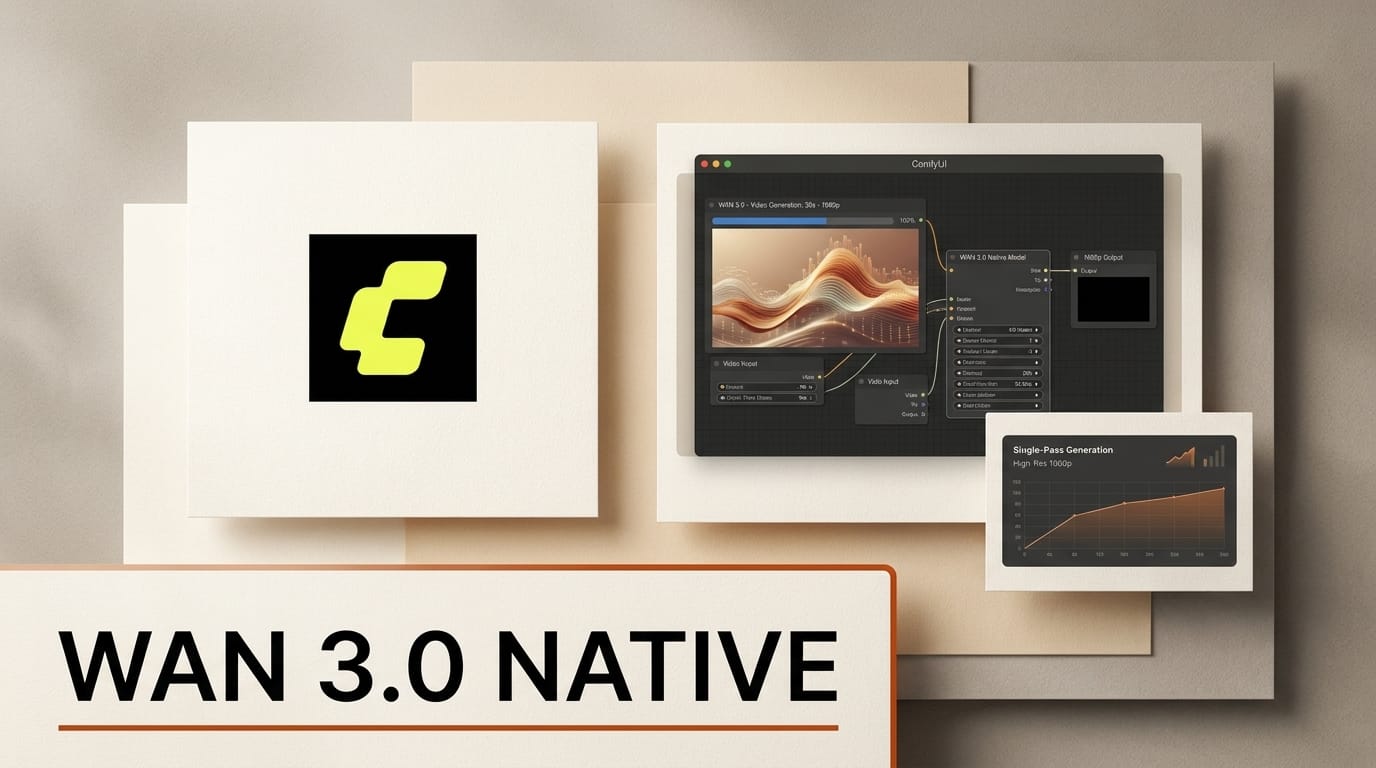
Alibaba's Wan 3.0 video model is now available natively inside ComfyUI as of August 25, 2026, bringing single-pass 30-second generation, up to 1080p output, and a 20-asset Omni-Reference system into the node graph creators already use. The integration ships with ready-made text-to-video, image-to-video, and reference-to-video templates, so you can go from a prompt or a slide deck to a continuous 30-second clip without stitching shorter fragments together. This is the biggest jump in ComfyUI's video toolkit since the LTX and Wan-Animate nodes landed, and it changes what a one-take AI shot can look like.
What Wan 3.0 Adds
Wan 3.0 is the newest generation of Alibaba Tongyi Lab's Wan video family, which entered public beta on August 6, 2026. Its headline capability is native 30-second output: a single generation call produces up to 30 seconds of video rather than a 5-second clip that you extend afterward. That continuity is what makes sustained camera moves, one-take blocking, and long dialogue beats hold together instead of drifting every few seconds.
The model runs at 480p, 720p, and 1080p across 16:9, 9:16, 4:3, 3:4, and 1:1 aspect ratios, and it can generate audio in the same pass. Prompt capacity expands to 20,000 characters, which is enough to describe shot lists, camera language, and per-scene direction in one request. A new 480p tier exists specifically for cheap iteration: you rough out timing and composition at low resolution, then rerun the locked prompt at 1080p.
Wan 3.0 Versus the ComfyUI Video Stack You Already Run
Most ComfyUI video work today routes through open-weights local models. The prior Wan 2.1 line shipped Apache 2.0 checkpoints you download and run on your own GPU, and open models like LTX have filled the low-latency local niche. Wan 3.0 in ComfyUI is different in an important way: it arrives as API nodes calling Alibaba's hosted model, not as local weights. Open-weights availability for the 3.0 generation has not been announced, so the tradeoff is capability and length now, in exchange for a per-generation API cost instead of a one-time download.
The table below sets the new nodes against the local options creators are already comparing them to.
| Capability | Wan 3.0 (ComfyUI API nodes) | Open-weights local video (Wan 2.1 / LTX) |
|---|---|---|
| Max single-pass length | 30 seconds | Typically 5 to 10 seconds, extended by chaining |
| Resolution | 480p, 720p, 1080p | Up to 720p to 1080p depending on model and VRAM |
| Reference inputs | Up to 20 assets: 10 images, 5 videos, 5 audio, 1 document or URL | Usually one image or one control video |
| In-pass audio | Yes, toggleable | No, added in a separate step |
| Runs on your GPU | No, hosted API | Yes, fully local |
| Cost model | Per generation, scales with resolution | One-time weights, then electricity |
If your pipeline depends on staying fully offline, the open-weights route still wins. If you need a 30-second continuous take with synced audio and multi-asset control today, Wan 3.0 is the only node in the ComfyUI library that does it in one shot. Our LTX 2.5 breakdown covers the local-first alternative for creators who want to keep everything on their own machine.
How to Run Wan 3.0 in ComfyUI
The nodes ship in ComfyUI v0.33.4. Update to the latest ComfyUI release or open Comfy Cloud, then follow the workflow below.
1. Update or open Comfy Cloud. Pull ComfyUI v0.33.4 through the Manager or your install method, or skip local setup entirely and use Comfy Cloud, where the Wan 3.0 nodes are preloaded. This is the same node system introduced in the v0.33.3 model-node release, so the interface will feel familiar.
2. Load a Wan 3.0 template. Open the Templates panel and pick Text to Video to start from a written prompt, or Image to Video to animate a still. The template wires the Wan 3.0 API node to the prompt, resolution, and output nodes for you.
3. Draft at 480p. Set resolution to 480p, write your shot description, and generate. At this tier a 30-second take is cheap enough to iterate on timing, motion, and composition several times before committing.
4. Add references. Attach reference assets and call them in the prompt with the @ syntax, for example @Image1 for a character or @Audio1 for a voice track. Wan 3.0 accepts up to 20 references at once.
5. Lock and upscale. When the 480p draft reads right, switch resolution to 1080p, keep the prompt and seed, enable audio if you want it in-pass, and run the final generation.
Omni-Reference: Turning Decks and Docs Into Video
The most unusual part of Wan 3.0 is Omni-Reference. Beyond the usual image and video conditioning, it accepts a document or webpage as a creative reference: a slide deck, a spreadsheet, a PDF, or a URL. In the image-to-video template you can feed a product one-pager or a pitch deck and have the model build a video that follows its structure and content.
For creators this collapses a whole storyboard step. A marketer can point Wan 3.0 at an existing landing page and get a 30-second promo that mirrors the page sections. An educator can drop in a lecture deck and get a narrated explainer. The instruction-based editing works the same way in reverse: you describe a change to an existing clip, such as having a subject pick up an object, and the model regenerates that segment while extending total footage up to the 30-second ceiling.
Why It Matters for Creators
The 30-second single-pass ceiling is the practical headline. Short-clip models force you to generate fragments and hide the seams, which is where drift, flicker, and continuity errors creep in. A one-take 30-second clip removes that entire class of fixups for social videos, product spots, and title sequences that fit inside the window. Combined with in-pass audio, a finished shareable clip can come out of a single node graph.
The hosted-API model is the tradeoff to weigh. You are trading local control and zero marginal cost for length and multi-asset conditioning that local weights cannot match yet. For a studio already running ComfyUI, the smart move is to keep open-weights models for offline and high-volume work and reach for Wan 3.0 when a specific shot needs the length, the audio, or the document-to-video trick.
Frequently Asked Questions
Is Wan 3.0 open source or open weights?
Not in ComfyUI. The integration uses API nodes that call Alibaba's hosted Wan 3.0. Open-weights availability for the 3.0 generation has not been announced. The earlier Wan 2.1 checkpoints remain available under Apache 2.0 for fully local use.
How long can a Wan 3.0 clip be?
Up to 30 seconds in a single generation pass, at 480p, 720p, or 1080p. Instruction-based edits and extensions also cap at a combined 30 seconds of input plus output.
What do I need to use it in ComfyUI?
ComfyUI v0.33.4 or newer, or Comfy Cloud where the nodes are preloaded. Because generation runs on Alibaba's servers, you do not need a high-VRAM local GPU, but you do pay per generation.
What is Omni-Reference?
A conditioning system that accepts up to 20 reference assets at once: 10 images, 5 videos, 5 audio clips, and one document or URL. You reference each asset in the prompt with the @ syntax to steer characters, voices, and structure.
How much does it cost?
ComfyUI describes the pricing as competitive and scaling with resolution, with a new 480p tier for cheap iteration. Exact per-generation figures are set on the Alibaba Cloud side, so draft at 480p and only run finals at 1080p to control spend.
Should I switch from my local video model?
Not entirely. Keep open-weights local models for offline, private, or high-volume work. Use Wan 3.0 when a shot specifically needs the 30-second length, in-pass audio, or document-to-video conditioning that local models do not offer.





