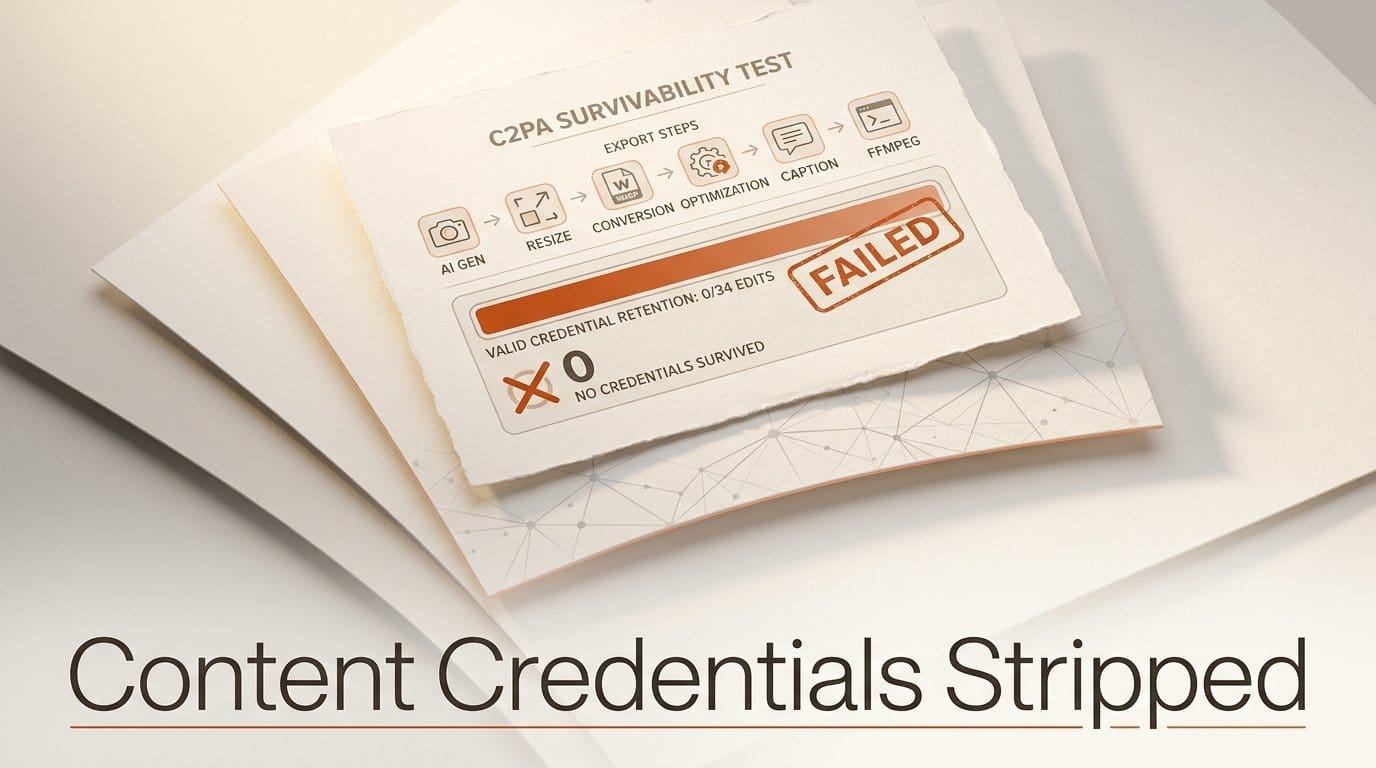
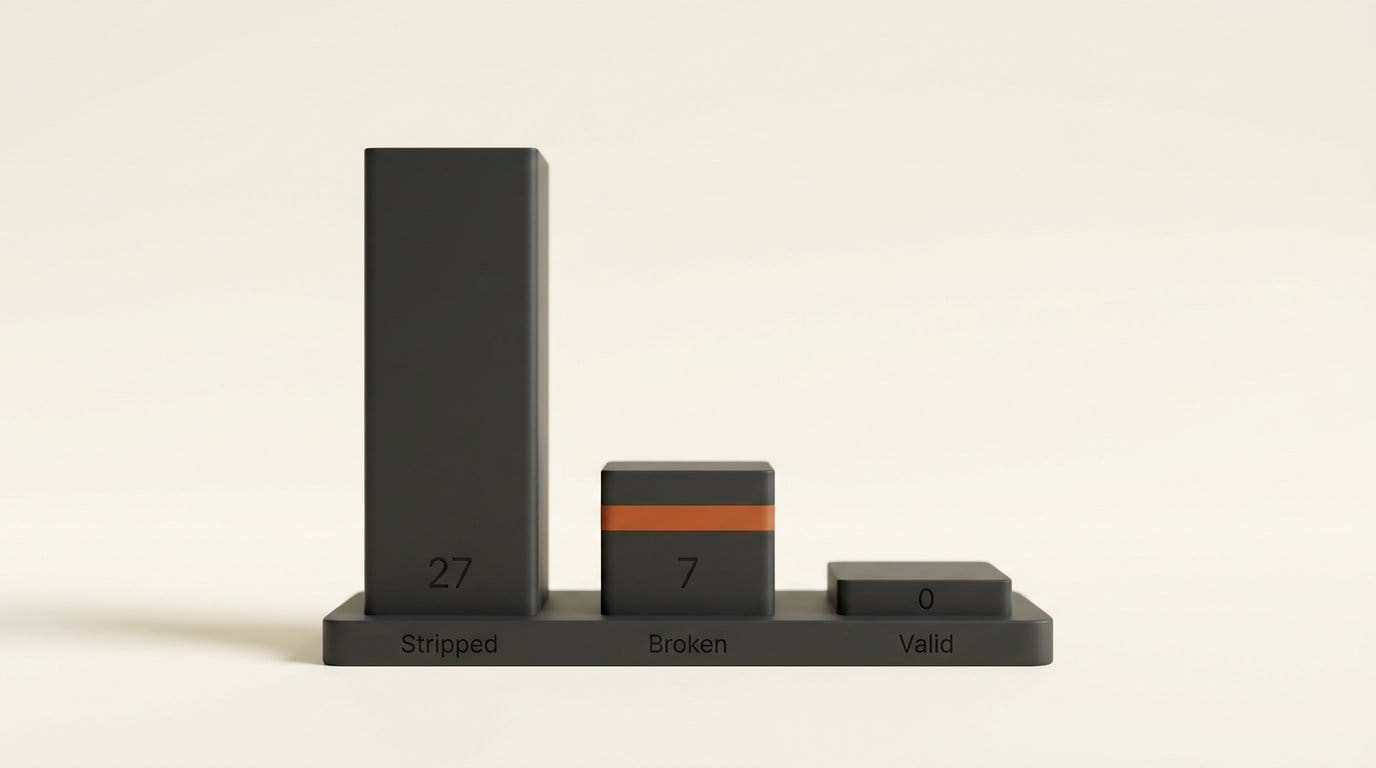
We signed four files with C2PA Content Credentials, the provenance standard that ChatGPT images and Claude-generated files now carry, and ran them through 34 ordinary export steps: resize, re-save, convert to WebP or AVIF, optimize, add a caption, remux a video. Not one of the 34 produced a file with a valid credential. 27 deleted it outright. The other 7 kept it and broke it, which is worse. The tools were Pillow, ImageMagick, sharp, oxipng, ExifTool and FFmpeg, the libraries underneath most creator pipelines, image CDNs and site builders. We checked each file with the open-source c2pa-python reader.
If you publish AI work and assume the "made with AI" label travels with the file, this is the test that says it does not. It also shows the one step that fixes it.
Background: What a Credential Is and Where It Lives
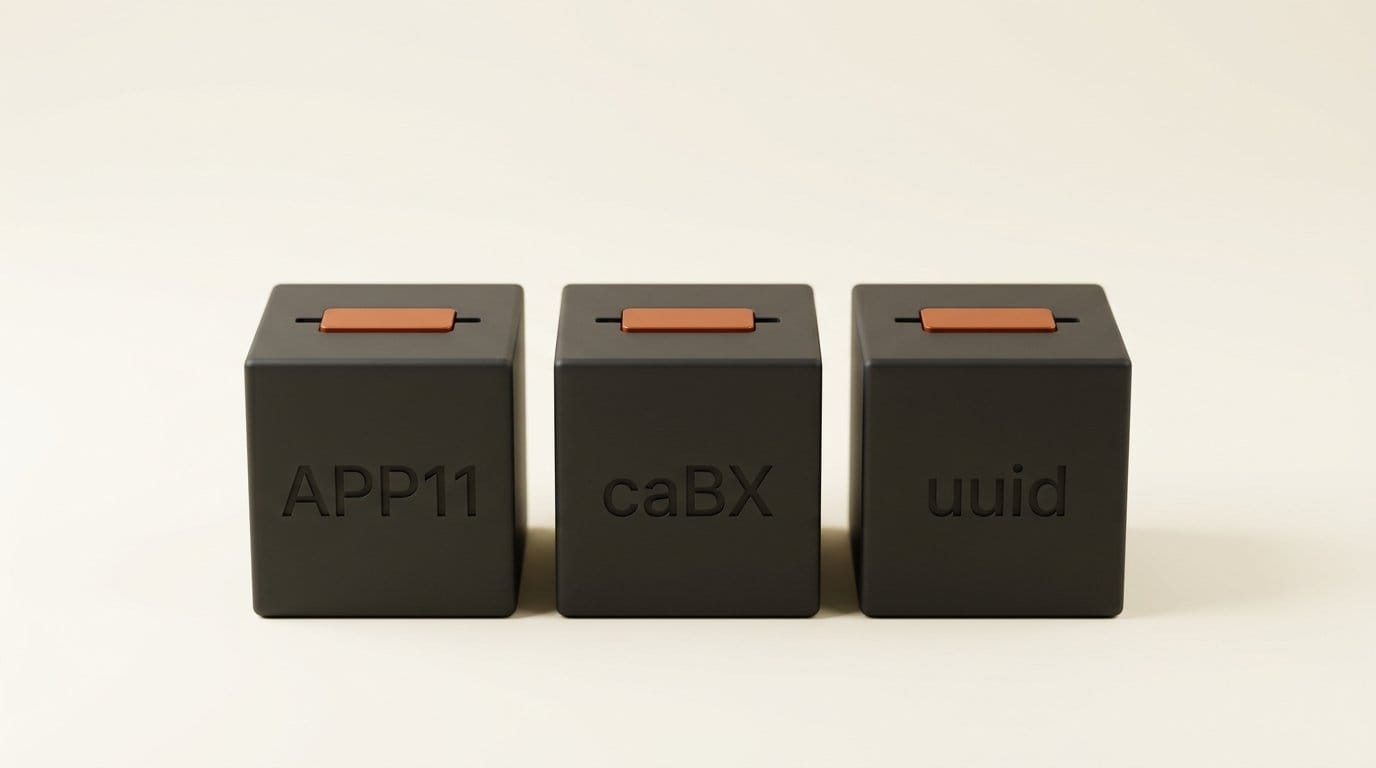
A Content Credential is a signed manifest stored inside the file. It records how the file was made and binds that record to the exact bytes with a cryptographic hash. The C2PA specification puts it in a different place for each format: APP11 segments in a JPEG, a chunk called caBX in a PNG, and a uuid box in MP4, HEIF and AVIF files. For AI output, the line that matters is the digital source type. The IPTC vocabulary term trainedAlgorithmicMedia is defined as "Created using Generative AI", and it is the flag that verification tools read as "this is AI".
This is no longer optional for the companies making the models. Article 50(2) of the EU AI Act requires providers of systems that generate synthetic images, audio, video or text to ensure outputs "are marked in a machine-readable format and detectable as artificially generated or manipulated." Those obligations became enforceable on August 2, 2026, as our Article 50 guide covers. The duty sits with the provider. What happens to the marking after it reaches your hard drive is up to your pipeline.
How we tested
We took a 1024x683 JPEG and a two-second 720x1280 H.264 clip from the c2pa-python test fixtures. We made JPEG, PNG, WebP and MP4 versions and signed each with c2pa-python 0.37.12, declaring the content as trainedAlgorithmicMedia. We signed with the SDK's test certificate, so every file, including the untouched originals, reports an untrusted signer. That is expected, and it is separate from the hash check that tells you whether the file was altered. A byte-for-byte copy of each signed file was the control, and all four controls validated. Then we ran 34 operations and read every output three ways: does a manifest exist, do its hashes still match, and are there C2PA bytes anywhere in the file at all.
| Tool (version) | Operations tested | Credential stripped | Kept but broken | Still valid |
|---|---|---|---|---|
| Pillow 12.3 | 7 | 7 | 0 | 0 |
| ImageMagick 6.9.12 | 7 | 5 | 2 | 0 |
| sharp 0.35.4 (libvips 8.18.6) | 7 | 7 | 0 | 0 |
| oxipng 9.1 | 2 | 2 | 0 | 0 |
| ExifTool 13.59 | 6 | 1 | 5 | 0 |
| FFmpeg 7.0.2 | 5 | 5 | 0 | 0 |
| Total | 34 | 27 | 7 | 0 |
Deep Analysis: Three Ways a Credential Dies
The 34 failures fall into three patterns, and the fix is different for each.
Re-encoding writes a new file, and "keep metadata" does not mean this metadata
Anything that decodes an image to pixels and encodes it again writes a new file from scratch, and the credential is not in the pixels. Pillow dropped it on a plain open-and-save, on a resize and on a JPEG-to-WebP conversion. Passing the original EXIF block through to the new file did not help, because EXIF and the C2PA manifest are different segments. A ComfyUI-style save (Pillow writing a PNG with the prompt and workflow as text chunks) lost it too. ComfyUI's load node turns an image into a tensor, so a credential on an input image never enters the graph.
The sharp result is the one most builders will trip over. The sharp documentation describes keepMetadata() as "Keep all metadata (EXIF, ICC, XMP, IPTC) from the input image in the output image." All of those, yes. C2PA is not on the list, and our keepMetadata() and withMetadata() outputs had no manifest bytes left. sharp's default, per the same page, is to "strip all metadata". sharp is the resizer inside many Node image pipelines, so a credential on an upload is gone after the first thumbnail pass unless the host does something extra.
Video behaves the same way, with one extra surprise. FFmpeg dropped the manifest on a full H.264 re-encode, which you would expect. It also dropped it on -c copy, the lossless remux that does not touch a single frame, and on -movflags +faststart, the flag most web video guides tell you to add. The C2PA spec stores the manifest in its own top-level uuid box, and a remux only copies the audio and video streams into a fresh container.
Kept but broken is the worse outcome
Seven operations left the manifest in the file and invalidated it. ImageMagick 6.9.12 carried the APP11 segments across a JPEG re-encode and a 50% resize, but the pixels underneath had changed, so the validator reported assertion.dataHash.mismatch and marked the file Invalid. ExifTool did the same thing with far smaller edits. Adding a caption to the XMP description, or an Artist tag to EXIF, changed a few bytes outside the manifest and broke the hash on JPEG, PNG and WebP. Adding a title to the MP4 broke it with assertion.bmffHash.mismatch.
That matters because a stripped file is neutral: it says nothing. A broken one says "this file claims a history, and the claim does not match." Anyone who checks it sees a tamper warning on your own honest edit. The order of operations decides this. Captioning in a metadata editor after the generator signed the file is exactly the pattern that breaks it.
PNG optimizers drop it by design
oxipng removed the caBX chunk with stripping switched off, not only with --strip safe. That is consistent with how PNG is meant to work. The C2PA spec embeds the manifest in "an ancillary, private, not safe to copy, chunk type of 'caBX'", and the PNG specification says the safe-to-copy bit "defines the proper handling of unrecognized chunks in a datastream that is being modified." A lowercase fourth letter means safe to copy. The capital X in caBX tells any editor that changes the image data to drop the chunk. The credential is built to disappear when the pixels change, because a hash over old pixels would be a false claim about new ones.
The credential can outweigh the image
There is also a practical reason optimizers are hostile to it: size. With the SDK's default settings, which embed a preview thumbnail inside the manifest, signing grew our 46,847-byte JPEG to 109,149 bytes and our 33,242-byte WebP to 333,604 bytes, about ten times the image. With thumbnails turned off, each image format grew by about 13 KB. Our signatures carried no timestamp, and real signers add one, so production credentials run a little larger. A tool built to save kilobytes sees 13 KB of opaque data and removes it.
The Fix: Re-sign After the Last Edit
The spec does not expect a credential to survive editing. It expects each edit to add a new manifest that points back to the old one. We tested that. We took the sharp-resized JPEG, whose credential was gone, and signed it with c2pa-python, attaching the original signed file as a parent ingredient and declaring the actions c2pa.opened and c2pa.resized. The result validated. The manifest store now holds two manifests, and the parent still reads c2pa.created with trainedAlgorithmicMedia, so the "made with AI" claim survives the resize as part of a signed chain.
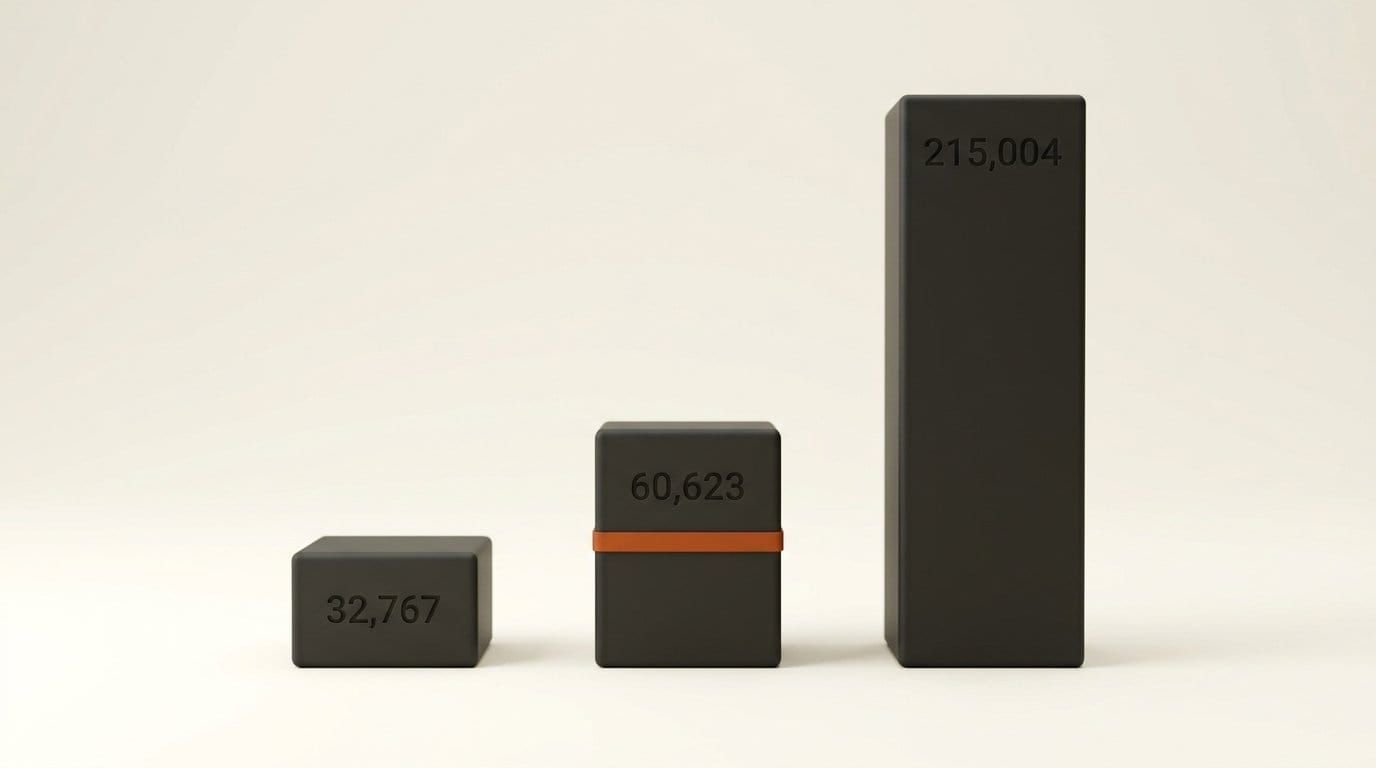
The cost is size again. With default thumbnails, the re-signed 32,767-byte image came out at 215,004 bytes, because it now carries two manifests and their previews. With thumbnails disabled, it was 60,623 bytes. If you re-sign for the web, turn thumbnails off.
Two limits. First, your own signature is only as trusted as your certificate. With a test or self-issued certificate, verification tools will show the chain but flag the signer as unrecognized, as ours did. Second, you do not have to build this yourself if you host on a platform that does it. Cloudflare Images has a preserve Content Credentials setting. When it is on, Cloudflare "will keep any existing Content Credentials embedded in the source image and automatically append and cryptographically sign additional actions", which is the same parent-and-child chain we built by hand. When it is off, "any existing Content Credentials will always be discarded."
Impact on Creators
If you publish AI images or video, assume your published file carries no credential unless you have checked it. Every common step between the generator and the web (upscale, crop, compress, caption, remux) removed it or broke it in our test. For disclosure, the credential in the original download is not doing the job you think it is. Label the work in visible text as well, and keep the untouched original download somewhere safe. That file, with its intact credential, is your proof of how the work was made.
If you build a site, an app or an image pipeline, the decision is yours to make on purpose. Stripping is a legitimate choice: it protects privacy and saves bytes. But if your product promises provenance, you need a re-sign step after your final transform, or a host that does it. Metadata flags and keep-everything options on general-purpose libraries will not do it. Test the output, not the settings. Run your real export path on a signed file and read the result with the Content Credentials verify tool or c2patool.
If your platform relies on detection rather than metadata, that is why. Watermarks inside the pixels, such as the SynthID marking OpenAI adopted alongside C2PA (see our OpenAI provenance coverage), and automatic classifiers like YouTube's AI auto-labels exist because file metadata is this fragile.
Key Takeaways
- In 34 export operations across six tools, zero produced a file with a valid Content Credential. 27 stripped it and 7 left it broken.
- sharp's
keepMetadata()keeps EXIF, ICC, XMP and IPTC, not C2PA, and FFmpeg drops the manifest even on a lossless-c copyremux. - Editing a caption or tag in ExifTool, or re-encoding in ImageMagick, keeps the manifest but breaks its hash, so the file reads as tampered.
- Re-signing after the final edit, with the original as a parent ingredient, produced a valid chain that still carries the AI source claim. Turn off thumbnails, or the credential can be larger than the image.
What to Watch
The weak point is the gap between the generator that signs a file and the site that serves it. Watch for general-purpose image libraries to add an explicit C2PA pass-through or re-sign option. Today the keep-metadata flags we tested do not cover it. Watch for more hosts to follow Cloudflare in appending signed actions instead of discarding the manifest, and for how the soft-binding side of the standard matures. The spec already defines a Durable Content Credential as one with a watermark or fingerprint that can find the manifest again in a repository after it has been stripped from the file. That design assumes stripping will happen. Our test suggests it is right.
FAQ
Do Content Credentials survive resizing an image?
Not on their own. In our test every resize, in Pillow, ImageMagick and sharp, either deleted the manifest or left it with a hash mismatch. A credential survives a resize only if the tool re-signs the new file and points back to the original as a parent.
Does converting a JPEG to WebP or AVIF remove C2PA metadata?
Yes, with every converter we tested. Pillow, ImageMagick and sharp all produced WebP or AVIF files with no C2PA bytes left, even with sharp's keepMetadata() enabled.
Why does adding a caption break a Content Credential?
The manifest's hash covers the file's bytes outside the manifest itself. A caption written to XMP or EXIF changes those bytes, so the hash no longer matches and validators report the file as invalid, even though the pixels are unchanged.
Does FFmpeg keep C2PA data in MP4 files?
No. In FFmpeg 7.0.2, a stream-copy remux, a remux with faststart, a trim and a full H.264 re-encode all produced MP4 files with no manifest. The credential lives in a top-level box that a remux does not copy.
How do I check whether my file still has a Content Credential?
Upload it to the Content Credentials verify site, or run c2patool on it locally. Check two things: whether a manifest is present at all, and whether validation reports a hash mismatch. A file can carry a manifest and still fail.