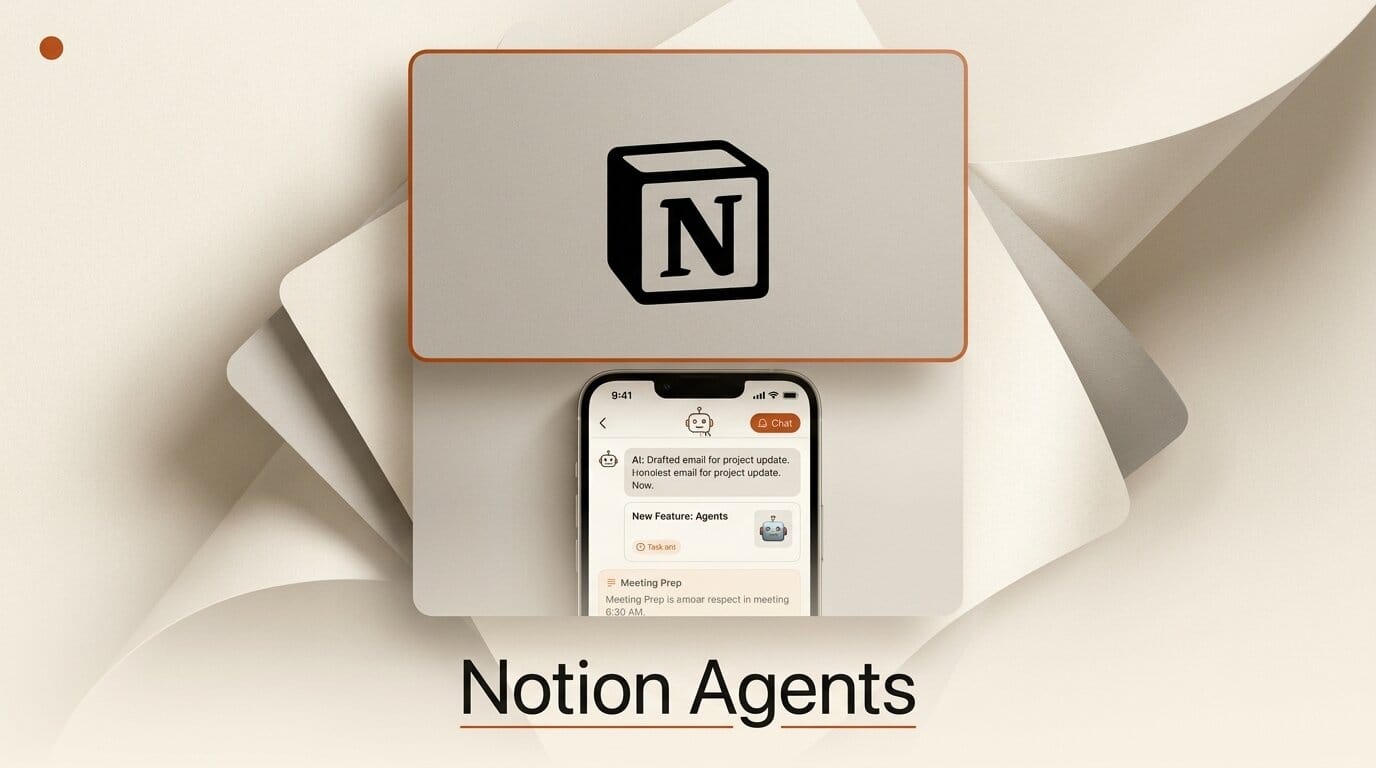
Notion launched a standalone iPhone app called Agents on July 7, 2026, giving mobile users a dedicated chat surface for the AI agents already wired into their workspace. The app connects to your Notion docs, databases, and projects, plus the third-party tools you have linked, and lets you capture ideas by text, voice, or photo while an agent files them for you. It ships with support for Claude, Gemini, and GPT models, and it arrives the same week Notion confirmed it is winding down Notion Mail, its year-old email client, to concentrate on agent-first workflows.
This is not a bolt-on chat button inside the main Notion app. It is a separate download in the App Store, built around the assumption that the fastest way to move work forward on a phone is to talk to an agent rather than tap through a document tree. For creators and small teams who live in Notion, it turns idle moments into capture-and-delegate sessions.
What Notion Actually Shipped
The Agents app is a focused mobile client. Open it and you land in a chat window rather than a page list. From there you can ask questions that pull answers from your real workspace data, trigger quick actions like creating a page or drafting an update, and search across every connected tool from one prompt. Because the agent is grounded in your workspace, responses reference your actual docs and records instead of a generic model guess.
Capture is the standout. You can dictate a voice note, snap a photo of a whiteboard or a business card, or type a rough thought, and the agent organizes the input into the right place. That mirrors the direction Notion set with its desktop 3.6 release on July 1, which introduced External Agents you can assign tasks and mention like teammates, along with HTML blocks agents can build inside documents. The mobile app is the on-the-go companion to that model.

Team-shared Custom Agents carry over to mobile too. If your workspace has a research agent, a standup-summary agent, or a triage agent configured on desktop, you can now run those same agents from the phone, get answers, or kick off a workflow without opening a laptop. Notion says the app runs on iPad and Mac as well, though it is not optimized for those screens yet.
Notion Agents App vs the Desktop Hub vs the SDK
Notion now has three distinct agent surfaces, and it helps to know which one solves which problem. The mobile app is for capture and quick delegation, the desktop workspace is where agents do heavy multi-step work, and the developer SDK is for building agents that run as code. The table below lays out the split.
| Surface | Best for | Model support | Where it runs |
|---|---|---|---|
| Agents iPhone app | Voice, photo, and text capture; quick actions; running shared Custom Agents on the go | Claude, Gemini, GPT | iPhone (iPad and Mac unoptimized) |
| Desktop workspace (3.6) | External Agents you assign from a board, long multi-step workflows, HTML block tools | Claude, Cursor, plus in-workspace models including Opus 4.8 and Grok 4.3 | Web and desktop apps |
| Notion Agent SDK | Programmatic agents built by developers, embedded in code and CI | Claude, Codex, and more | Notion Workers runtime |
If you already read our breakdown of the Notion Agent SDK, the iPhone app is the consumer-facing bookend to that developer release: the SDK lets you build agents, the app lets you talk to them from anywhere.
How to Set Up a Mobile Capture-to-Agent Workflow
Here is a concrete workflow you can build in about fifteen minutes to turn the Agents app into an inbox-zero capture machine for a content or project workspace.
- Install and connect. Download Agents from the App Store and sign in to your workspace. Confirm your connected tools appear in the agent's tool list.
- Pick a capture destination. Decide where raw ideas should land, for example an Inbox database with fields for type, status, and project. The agent needs a target to file into.
- Configure a Custom Agent for triage. On desktop, create a Custom Agent whose instructions say to route captured notes into the Inbox database, tag them by topic, and draft a one-line summary. This agent becomes available in the mobile app automatically.
- Capture on the go. During the day, open the app and dictate voice notes, photograph whiteboards, or type quick thoughts. Let the triage agent file each one.
- Review in a single pass. At your desk, open the Inbox, where every capture is already typed, tagged, and summarized, ready to promote into real tasks or drafts.
The payoff is that the phone stops being a place where ideas go to die in a notes app. Notion has been building toward this since it turned the workspace into an agent hub in May, and the mobile client closes the loop.
What This Enables for Creators
For solo creators and small studios, the value is compounding capture. A voice memo about a video idea, a photo of a sketched storyboard, and a typed note about a client change can all enter the same workspace within seconds and land pre-organized. Because the agent already knows your project structure, the friction between having an idea and logging it in the right place drops close to zero.
For teams, shared Custom Agents on mobile mean the person who is away from their desk is not a bottleneck. Someone can triage an incoming request, pull a status from a connected tool, or draft an update from a phone, and the rest of the team sees the result in the same workspace. If you rely on Notion's broader AI features, the app extends them to the moments you are not at a computer, which is where a lot of real creative thinking actually happens.
Where It Falls Short
The app is iPhone-first, and Notion is candid that iPad and Mac are supported but not optimized, so tablet-heavy creators will want to wait for a proper build. There is no Android version at launch. And the app assumes you have already invested in structuring your workspace and configuring Custom Agents; drop in with an unstructured workspace and the capture magic is thinner. Finally, the retirement of Notion Mail is a reminder that Notion prunes products aggressively, so early adopters are betting the Agents app sticks around. You can track the roadmap on Notion's releases page.
Frequently Asked Questions
Is the Notion Agents app free?
The app is a free download, but agent capabilities depend on your Notion plan and AI access. Notion has historically gated advanced AI and Custom Agents behind paid tiers, so heavy use will typically require an AI-enabled subscription.
Which AI models does the Agents app support?
At launch the app works with Claude, Gemini, and GPT models. Notion's desktop workspace additionally exposes models like Opus 4.8 and Grok 4.3, so the exact model menu can differ between surfaces.
Does it replace the main Notion app?
No. Agents is a separate, chat-first client focused on capture and quick actions. The full Notion app is still where you build and browse pages. Think of Agents as a companion, not a replacement.
Can I use my team's Custom Agents on mobile?
Yes. Custom Agents configured in your workspace on desktop become available in the mobile app, so you can run shared research, triage, or summary agents from your phone.
Is there an Android or iPad version?
There is no Android app at launch. The Agents app runs on iPad and Mac but is not optimized for those devices yet, so the experience is best on iPhone for now.
How is this different from the Notion Agent SDK?
The SDK is for developers building agents as code that run in Notion Workers. The Agents app is a consumer client for chatting with and delegating to agents. One builds agents, the other talks to them.





