Ant Group's inclusionAI lab has released Ming-Image-0.1-Design, an MIT-licensed text-to-image model built for UI mockups, posters, infographics and other text-heavy layouts. It sits at the top of the open-weights view of the Artificial Analysis UI/UX Design leaderboard with an Elo of 1082, it emits RGBA images with genuine transparent backgrounds, and a companion model takes a finished design and splits it back into editable layers.
Every summary of the release describes it as a 6B model. That number is accurate and it is also the least useful fact about the download. The transformer that does the image generation is 6.15B parameters. The text encoder bolted to it is 17.01B. Add the connector, the VAE and the projection layers and the repository is 52.88 GB, which at BF16 is roughly 26B parameters in total.
That gap is why both model cards specify a single GPU with 80 GiB of VRAM. It is not a conservative recommendation. The weights alone occupy 49.25 GiB before a single activation is allocated, which puts this model out of reach of every consumer card on the market and out of reach of a 48 GB workstation card too.
What Ant Group Actually Released
There are two models, not one, and they do different jobs. Ming-Image-0.1-Design is text-to-image: you give it a prompt and it composes a complete layout, including legible text inside the image, which is the specific thing most general-purpose image models still handle badly. Ming-Image-0.1-Design-Layer is image-to-image: you hand it a flattened design plus a layer plan and it returns that design decomposed into separate RGBA PNGs.
Both are MIT licensed, which matters more than the benchmark. MIT permits commercial use, modification and redistribution with no field-of-use restriction and no separate agreement to sign. That is a sharper contrast than usual right now, because the most-watched open image release of the past fortnight went the other way when Qwen-Image-2.1 traded Apache 2.0 for a research license. A designer who needs to ship client work can use Ming-Image today without a lawyer.
The release timing is worth a note for anyone who tracks the inclusionAI org for early access. The weights went up quietly on 17 September with nothing attached: the commit log shows an "initial commit" at 07:17 UTC and "Upload initial model" at 11:33 UTC, and then five days of silence. The actual release landed on 22 September at 11:25 UTC, when the "Publish Ming-Image-0.1-Design release package" commit added the model card, the gallery, the benchmark results and the quick-start commands. Anyone who found the repository during those five days had 53 GB of safetensors and no instructions.
The 6B Label Covers 23% of the Download
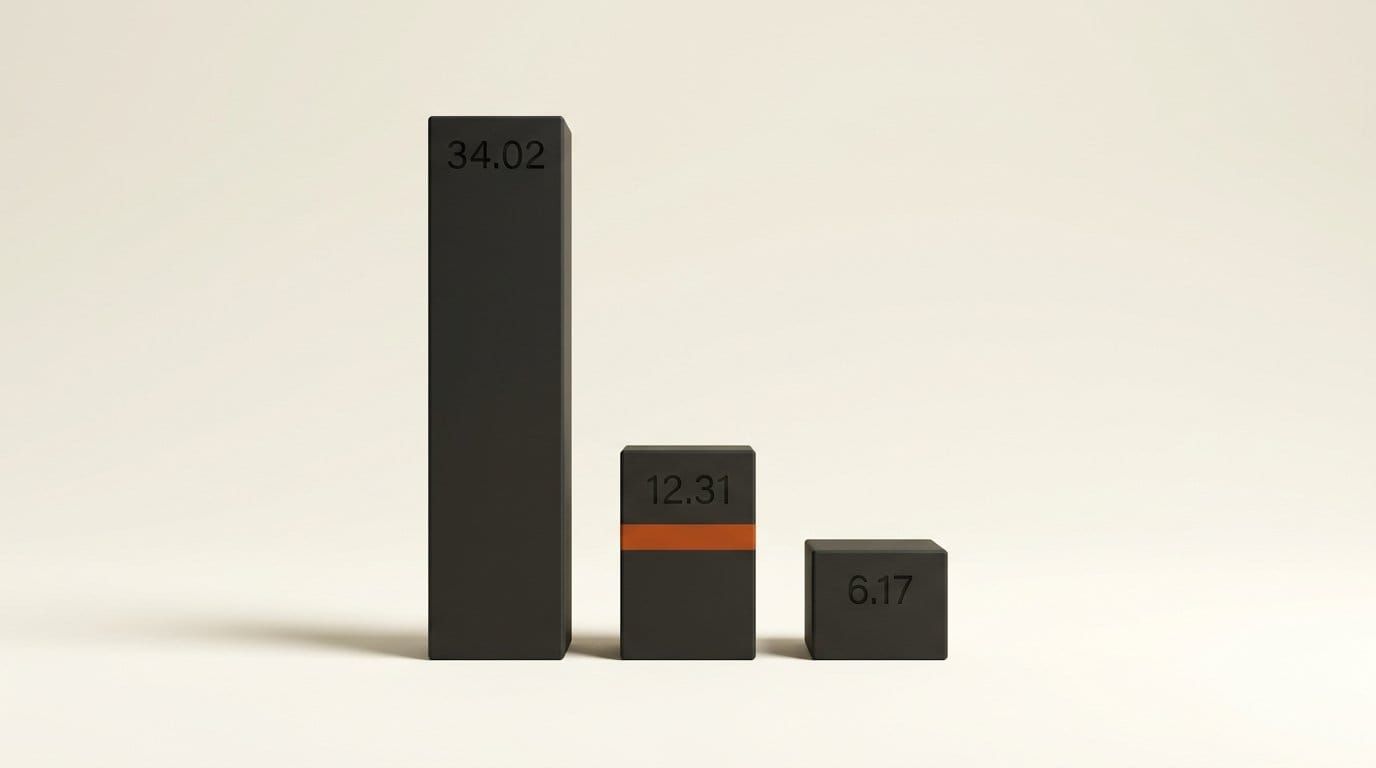
Here is the actual composition of both repositories, computed by summing the file sizes reported by the Hugging Face API and dividing by 2 bytes per parameter, which is what BF16 costs.
| Component | Design | Design-Layer | What it does |
|---|---|---|---|
| transformer | 12.31 GB (6.15B) | 24.62 GB (12.31B) | The diffusion model. This is the "6B" |
| mllm | 34.02 GB (17.01B) | 34.02 GB (17.01B) | Multimodal text encoder |
| connector | 6.17 GB (3.09B) | 6.17 GB (3.09B) | Bridges encoder to transformer |
| vae | 0.25 GB | 0.25 GB | Latent decode |
| mlp | 0.12 GB | 0.12 GB | Projection |
| Total | 52.88 GB (26.44B) | 65.20 GB (32.60B) |
The generation model is the smallest large component in the box. The text stack, meaning the encoder plus the connector, is 40.19 GB against the transformer's 12.31 GB, a ratio of roughly 3.3 to 1. For a model whose entire pitch is rendering correct text inside a layout, spending three times more parameters on reading the prompt than on drawing the picture is a defensible architecture choice. It is just not what "6B open-weights model" leads a reader to expect when they check whether it fits on their card.
Note also that the Layer model's transformer is exactly double the Design model's, 12.31B against 6.15B, while every other component is byte-identical. The two repositories share an encoder and differ only in the diffusion weights, so downloading both costs 118 GB even though 40 GB of that is the same files twice.
What the Leaderboard Win Does and Does Not Say
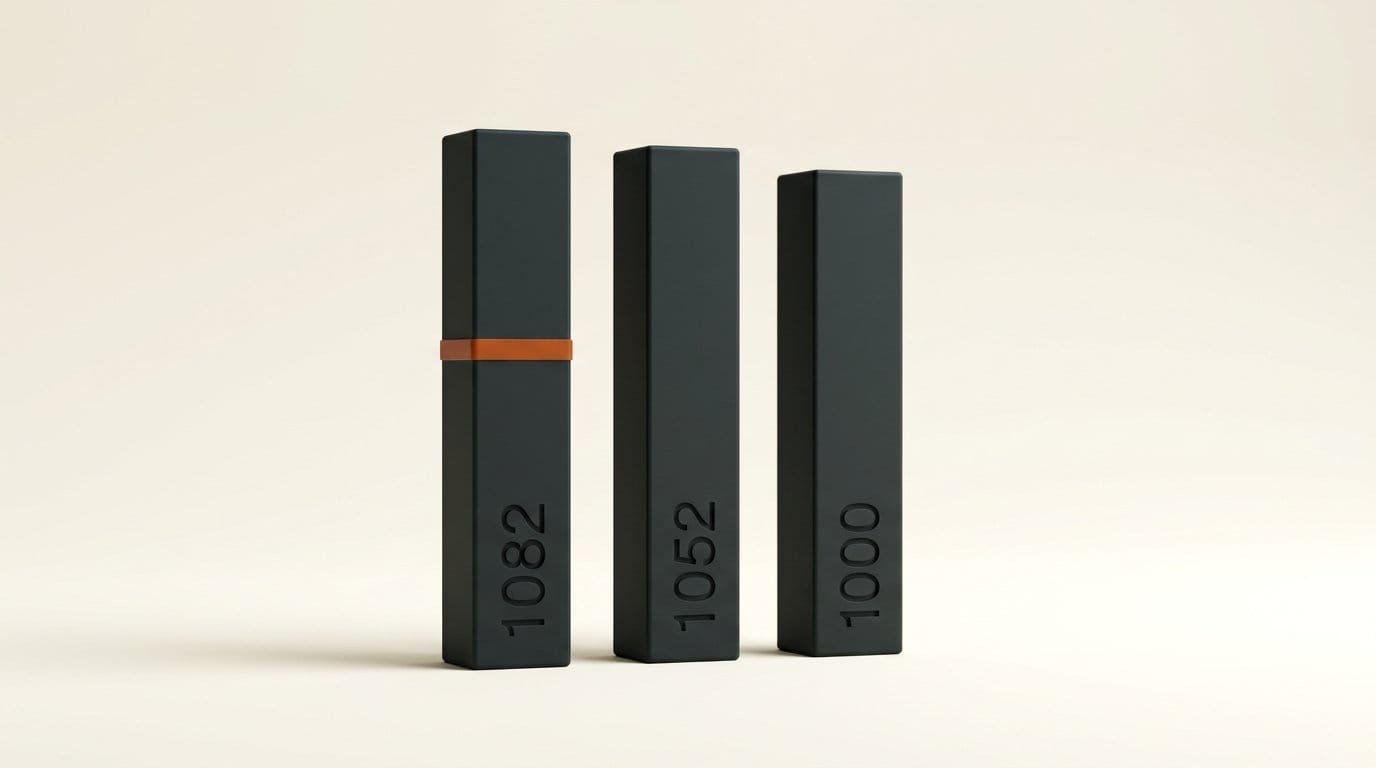
The claim being repeated is "number one". The precise version is number one in the open-weights view of the UI/UX Design category on the Artificial Analysis Image Arena, which scores models on blind human preference votes. Those are three qualifiers, and all three matter.
| Rank | Model | Elo |
|---|---|---|
| 1 | Ming-Image-0.1-Design | 1082 |
| 2 | Ideogram 4.0 (Quality) | 1052 |
| 3 | Ideogram 4.0 | 1015 |
| 4 | HunyuanImage 3.0 Instruct | 1005 |
| 5 | FLUX.2 [dev] | 1000 |
| 6 | FLUX.2 [dev] Flash | 999 |
| 7 | FLUX.2 [dev] Turbo | 994 |
| 8 | HiDream-O1-Image | 987 |
| 9 | Ideogram 4.0 Instant | 973 |
| 10 | HunyuanImage 3.0 (Fal) | 965 |
Thirty Elo points separate first from second. On the chart published in the model card, Ming-Image also carries the widest confidence interval of any model in the top ten, which is what a new entrant with fewer votes looks like. The honest reading is that it is competitive with Ideogram 4.0 (Quality) on design prompts and clearly ahead of the FLUX.2 [dev] family, not that it has settled the category. Expect the number to move as vote count rises.
The other qualifier is the category. This is the UI/UX Design slice, which rewards legible text, grid alignment and poster composition. It is not the general text-to-image arena, where closed models from OpenAI hold a large lead. If you generate photographic or illustrative work rather than layouts, this leaderboard is not measuring your use case.
The Layer Model Is the Part Worth Downloading
Text-to-image models that render decent UI are no longer rare. Getting editable layers back is. Ming-Image-0.1-Design-Layer takes a flattened design and a layer plan and returns standalone RGBA PNGs, so a background, a card, a headline and a product shot come back as separate files you can move, retype or swap in any editor. The released example decomposes a card design into six layers and recomposes them into the original.
The model card reports results on the Crello test set, scored on RGB L1 error where lower is better and alpha soft IoU where higher is better. The table measures each method at six settings of max-allowed layer merge, from 0, where no merging is permitted and the task is hardest, up to 5.
| Method | RGB L1 at MLM 0 | Alpha soft IoU at MLM 0 |
|---|---|---|
| Ming-Image Layer (listed as CLEAR-1024) | 0.0574 | 0.8923 |
| Qwen-Image-Layered-I2L (not open sourced) | 0.0594 | 0.8705 |
| LayerD | 0.0709 | 0.7520 |
| Qwen-Image-Layered-I2L-1024 (open source) | 0.1409 | 0.7177 |
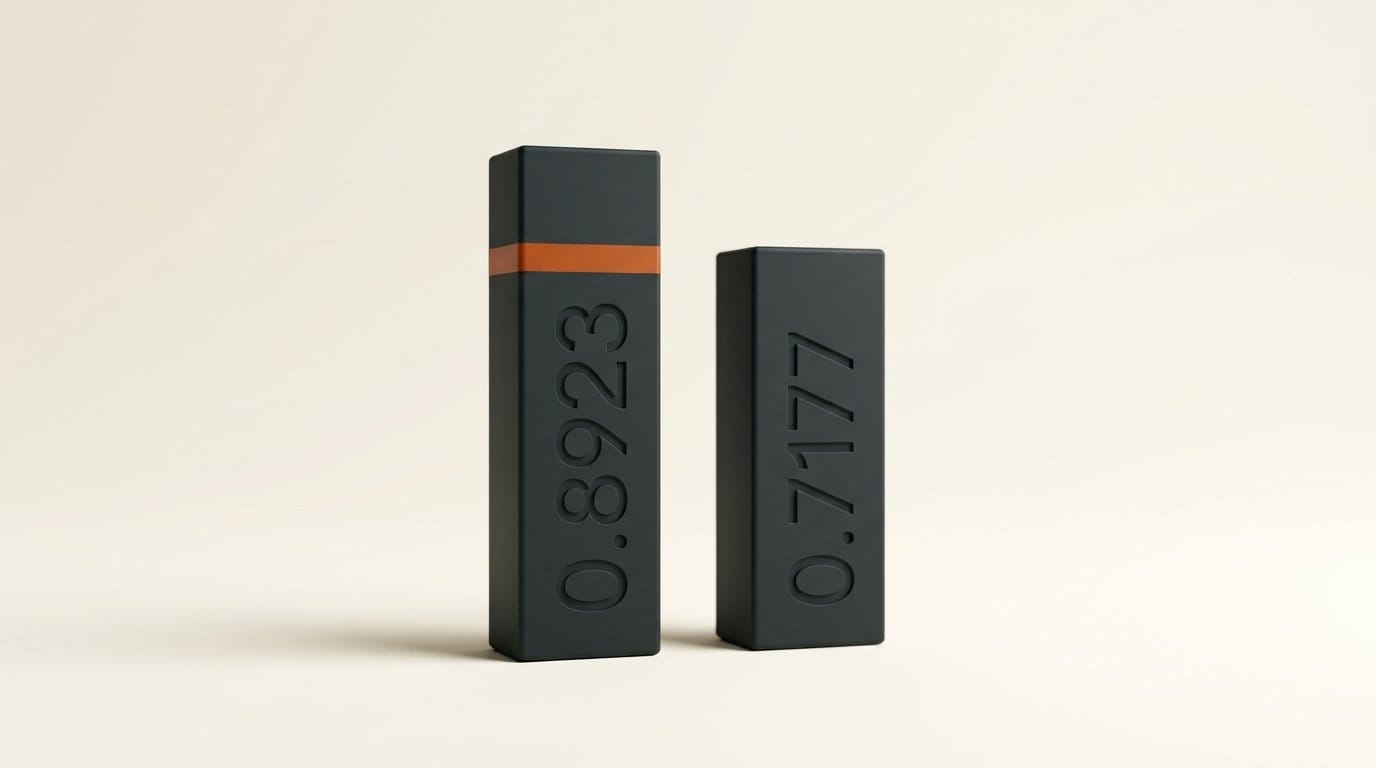
Against the open-source competition the margin is large: 0.8923 alpha soft IoU against 0.7177, roughly 24% better at separating what belongs to which layer. Against the closed, Crello-finetuned version of Qwen-Image-Layered-I2L the margin is thin, 0.8923 against 0.8705, and that comparison is the fairer one on quality while being the unfair one on access, since you cannot download that model. At the loosest setting, MLM 5, the Ming numbers improve to 0.0314 and 0.9424.
One naming quirk to expect: the benchmark table calls the model CLEAR-1024, its research name, while the repository and weights use Ming-Image-0.1-Design-Layer. They are the same thing.
Can You Run It
Both cards specify the same validated configuration: one CUDA GPU with at least 80 GiB of memory, BF16 precision, 12 sampling steps. Design runs at CFG 1.0 and generates into 1024 or 2048 square buckets, with 2048 recommended. Layer runs at CFG 2.0 into a 512 or 1024 working bucket and preserves the input aspect ratio.
| GPU | VRAM | Fits 49.25 GiB of Design weights |
|---|---|---|
| RTX 4090 | 24 GB | No |
| RTX 5090 | 32 GB | No |
| RTX 6000 Ada | 48 GB | No, weights alone exceed it |
| A100 / H100 | 80 GB | Yes, the validated configuration |
The 48 GB row is the one to sit with. Weights alone are 49.25 GiB for Design and 60.72 GiB for Layer, so a card that handles most open image models comfortably cannot even load these before inference starts. Renting an 80 GB instance by the hour is the realistic path for most people this week, and the Ming-Image repository has the install and inference commands ready to paste.
Quantized and offloaded builds will close this gap, as they did for every large open release before it. The encoder is the obvious target, since 34 GB of text encoder at 8-bit becomes 17 GB, and a community repack that swaps in a smaller prompt encoder would change the hardware story entirely. The path there is well worn, and our walkthrough of how Transformers now runs GGUF quants covers what survives quantization and what does not.
For serving, the cards point at vLLM-Omni. Be aware that the specific recipe URL printed in both model cards currently returns a 404, so use the project's own quick-start documentation rather than the linked path.
What to Do Next
If you design interfaces, posters or infographics and you have access to an 80 GB GPU, this is worth an afternoon: generate at 2048, prepend one of the documented RGBA phrases to get transparent output, then run the result through the Layer model to get editable pieces back. If you are on consumer hardware, the useful move is to bookmark the repository and wait for a quantized repack rather than to start a 53 GB download you cannot load. Either way, note the MIT license now, because it is the part of this release least likely to change and the part most likely to matter to a commercial project six months from now.
Frequently asked questions
Is Ming-Image-0.1-Design really a 6B model?
The diffusion transformer is 6.15B parameters, so the label is technically correct. The complete package you have to load is 52.88 GB, about 26B parameters at BF16, because the multimodal text encoder is 17.01B and the connector adds 3.09B.
What license is it under and can I use it commercially?
MIT, stated in the model card metadata and in a LICENSE file in both repositories. MIT allows commercial use, modification and redistribution without a separate agreement, which is unusually permissive for a model at this capability level.
Can I run it on an RTX 4090 or a 48 GB workstation card?
Not as released. The weights are 49.25 GiB for Design and 60.72 GiB for Layer, so even a 48 GB card cannot hold them before activations. The validated configuration is a single 80 GiB GPU. Quantized community builds are the likely route to smaller cards.
What does the layer decomposition actually return?
Standalone RGBA PNG files, one per layer, plus a recomposition of the original. You either supply a prompt that declares the layer count or pass a layer count directly, and the released example produces six layers from a single card design.
How does it compare to FLUX.2 [dev] and Ideogram 4.0?
On the UI/UX Design slice of the Artificial Analysis arena it scores 1082 against 1052 for Ideogram 4.0 (Quality) and 1000 for FLUX.2 [dev]. The lead over Ideogram is inside a wide confidence interval; the lead over the FLUX.2 [dev] family is clearer. Those scores only describe design and layout prompts, not general image generation.
Does it generate transparent backgrounds natively?
Yes. The model outputs RGBA directly, and the documentation lists specific phrases to prepend to the prompt, such as asking for a transparent background or an isolated subject with an alpha matte. That removes the separate background-removal pass most asset pipelines currently need.