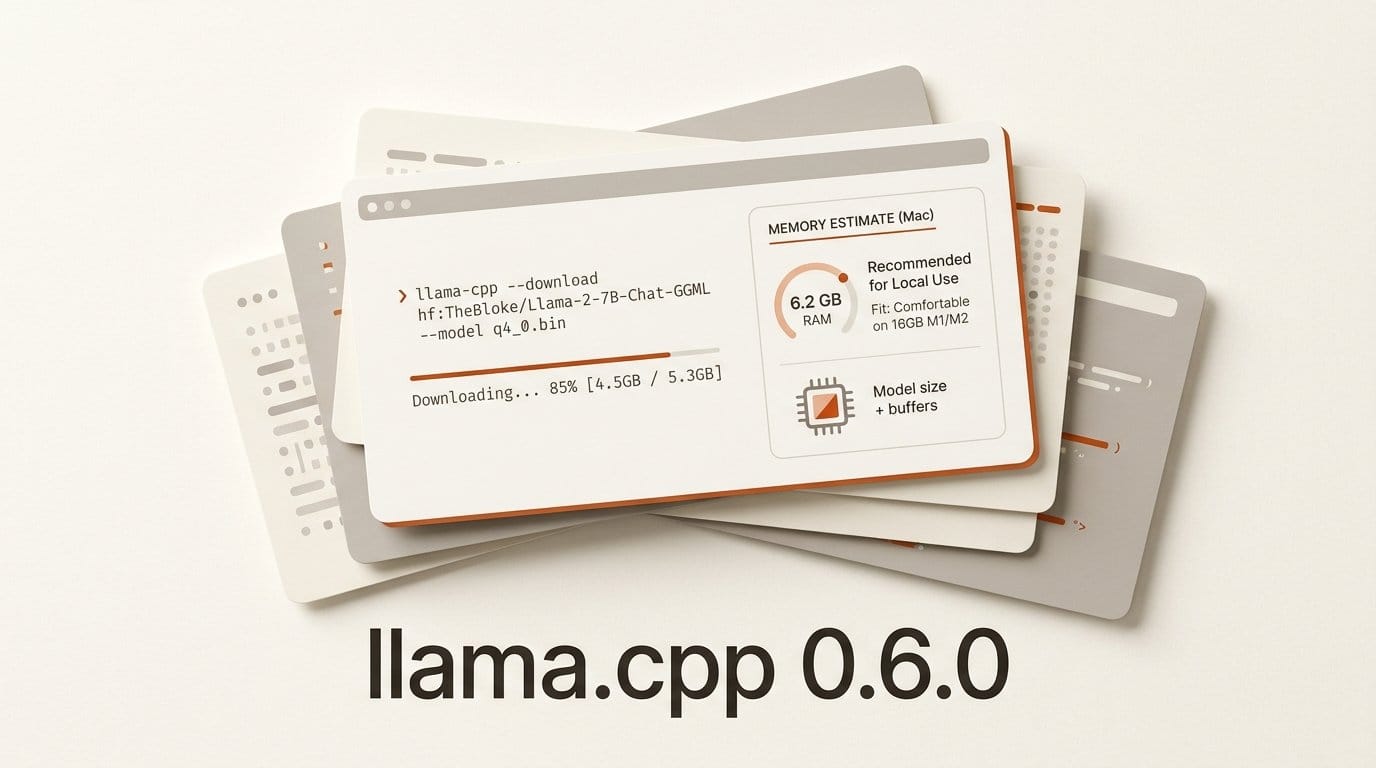
llama.cpp 0.6.0 shipped on 5 October 2026 at 16:56 UTC, twelve days after 0.5.0. The release notes list four UI changes that together amount to a model downloader: a Hugging Face Hub data layer, a model download pipeline, model id parsing for quants and sidecar files, and a memory-fit estimate that names the smallest Mac you would need for a given model file. For anyone who has wanted local models without a terminal, that is the line that matters.
We installed the release build on a 6-vCPU Linux machine and tested all four. The short version: the downloader works today, but only through the server API. The screen that would let you browse and click Download is still an open pull request. The memory estimate leaves out the two things that most often make a model not fit, context length and the vision encoder. Here is what we measured, and how to use the parts that work now.
What llama.cpp 0.6.0 actually shipped
The release notes lead with engine work rather than the interface. The new llama_batch_ext API lets one batch mix raw tokens with embeddings, which multi-token prediction (MTP) and deepstack models need. Five model families arrive or get full support:
- GLM-5.3-Flash, the 320B text and vision hybrid from Z.ai, merged in pull request #27773 on 30 September.
- Clef, the decision model we tested on 1 October, now with vision input in the server.
- Qwen4Exp, now with MTP speculative decoding that the notes put at about 1.5x faster decode on a DGX Spark.
- Ling 3.0 VL and the nimble decision model.
Mac owners get two Metal kernels: a flash attention kernel for F16 KV caches, and few-row matrix multiply kernels that the notes say are up to about 3x faster for speculative and batched decoding on Apple GPUs. A new /v1/systemone endpoint serves decision models, and GET /v1/models now reports each model's input and output modalities. The bundled tensor library moves to ggml v0.26.0.
All of the above is engine and API work. The interface work is a separate story.
The downloader works today, through the API
Start llama-server without a model file and it runs in router mode, an empty server that loads models on demand. On our first launch it reported "no models found on the system" and pointed to llama.app for suggestions. The new download pipeline sits behind one call: a POST to /models with a Hugging Face repo and quant tag. The UI code in pull request #27959 calls exactly this endpoint, and its comment says the server "picks the file matching the tag and also pulls the model's mmproj/draft sidecars."
It did. Here is what we saw on the b11429 Linux x64 CPU build, the nightly the 0.6.0 tag points to:
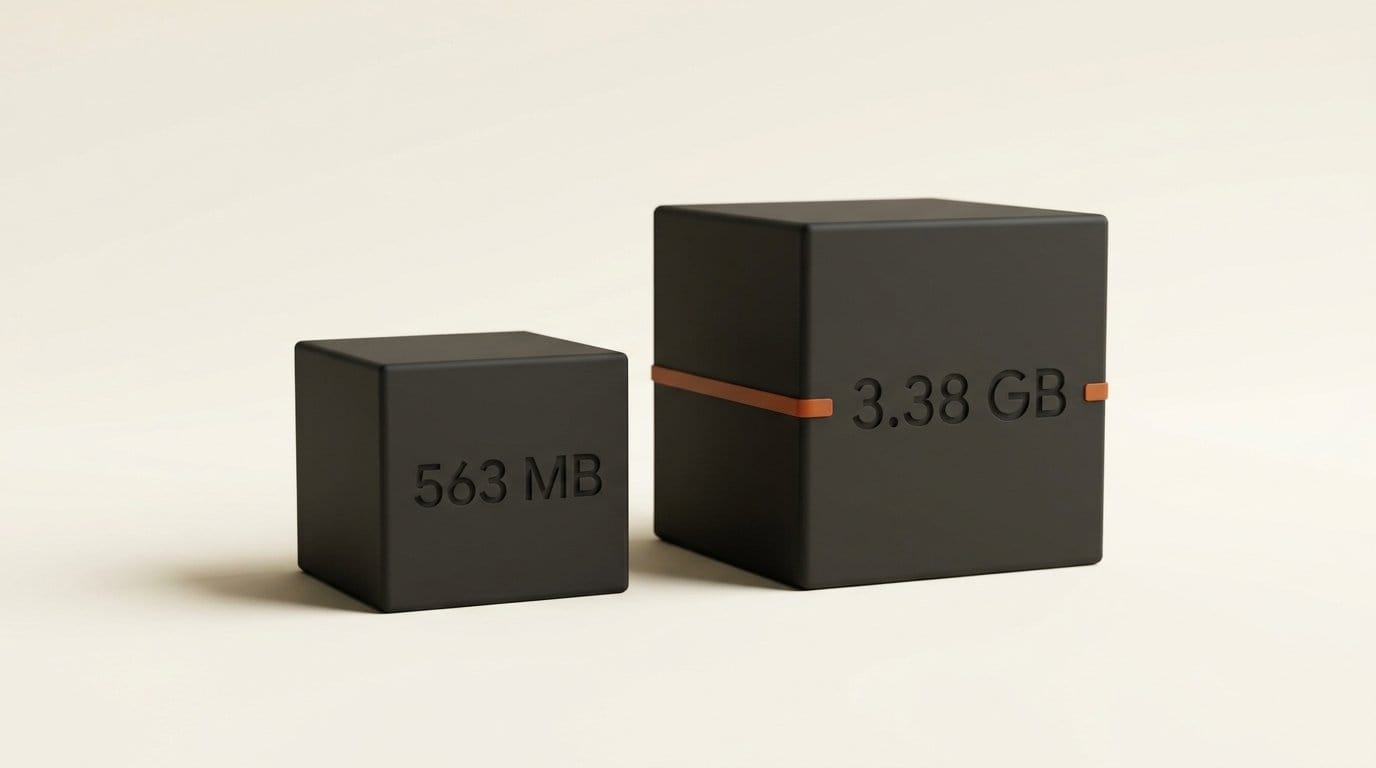
- Qwen 3.5 0.8B, Q4_0: a 563 MB file, downloaded in about 14 seconds. The server answered
{"success":true}at once and streamed byte counts over/models/sse, then sentdownload_finishedandmodels_reload. - Gemma 3 4B QAT, Q4_0: 2.53 GB of weights plus an 851 MB
mmprojvision file that we never asked for by name. Both together took 39 seconds. - First chat request: the router loaded each model on demand. The first 64-token reply came back in 2.5 seconds for the 0.8B model and 4.9 seconds for Gemma 3 4B, load time included.
The files land in the standard Hugging Face cache layout (models--org--repo/blobs with snapshot symlinks) under LLAMA_CACHE, so other tools that read that cache can share them instead of downloading the same model twice.
The visible model browser is still a pull request
The 0.6.0 interface source contains the download store, the Hugging Face service and the progress bar component. It does not contain a screen that uses them. The "Manage models" dialog is pull request #29583, opened 28 September and still open on release day. The Discover view that would let you search the Hub is pull request #29584, still a draft. Even the memory-fit function below is exported but not yet called by any component. The release ships the plumbing; the browser comes in a later release.
So the no-terminal setup is not here yet. If you want a click-to-download local model app today, LM Studio still does that, and we compared the two approaches in llama.cpp vs LM Studio. If you are comfortable with one curl command, the 0.6.0 router already does the work: it fetches the right files, keeps them in a shared cache, and loads them when a request arrives.
How the memory-fit estimate decides your Mac
The estimate in pull request #27957 is short enough to read in full. It takes the file size, adds 5% headroom, and checks it against a budget of the machine's RAM times 0.75, minus 2,048 MB reserved "for the system and KV cache." It walks a fixed list of tiers (4, 6, 8, 12, 16, 24, 32, 48, 64, 96, 128 GB and up) and returns the first that fits. The code comment says it mirrors the compatibility check in the llama app, and that context length is "deliberately ignored."
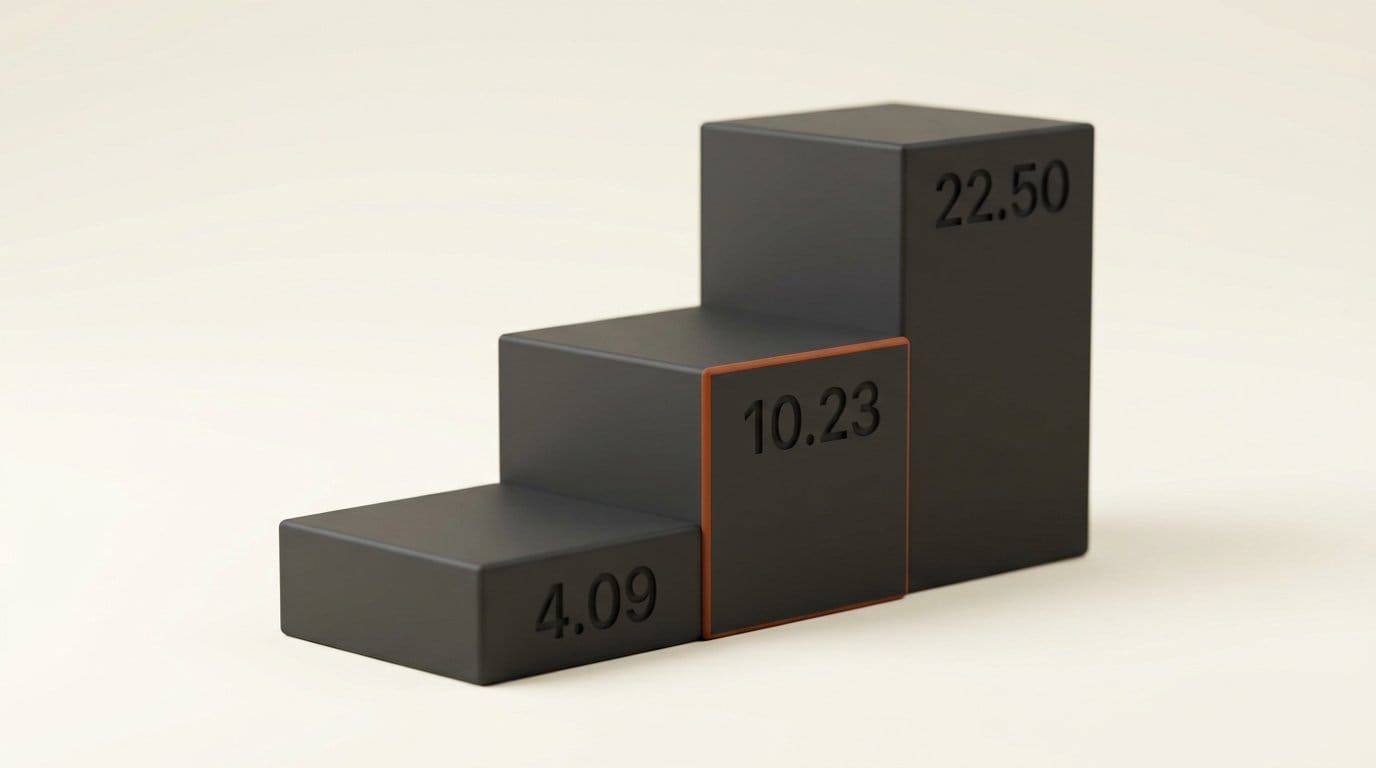
That formula gives a hard ceiling on file size for each tier:
| Mac memory | Largest file that "fits" | Default-catalog builds rated at this tier |
|---|---|---|
| 6 GB | 2.56 GB | Gemma 3 4B Q4_0 (2.5 GB), Ministral 3 3B Q4_K_M (2.1 GB) |
| 8 GB | 4.09 GB | None of the 49 builds |
| 12 GB | 7.16 GB | Gemma 3 12B Q4_0 (7.1 GB), Gemma 4 E4B Q4_0 (4.6 GB) |
| 16 GB | 10.23 GB | Gemma 4 12B Q4_0 (7.2 GB), Gemma 4 E4B Q8_0 (8.6 GB) |
| 24 GB | 16.36 GB | GPT-OSS 20B (12.1 GB), Devstral 2 24B Q4_K_M (14.3 GB) |
| 32 GB | 22.50 GB | Qwen 3.8 27B Q4_K_M (19.0 GB), Qwen 3.6 35B-A3B Q4_K_M (20.4 GB) |
| 48 GB | 34.77 GB | Qwen 3.8 27B Q8_0 (28.6 GB), Gemma 4 31B Q8_0 (33.4 GB) |
| 96 GB | 71.58 GB | GPT-OSS 120B (63.4 GB), Laguna S 2.1 Q4_K_M (67.7 GB) |
| 128 GB | 96.13 GB | Devstral 2 123B Q4_K_M (74.9 GB) |
| 192 GB | 145.21 GB | DeepSeek V4 Flash Q2_K_S (98.6 GB), Laguna S 2.1 Q8_0 (125 GB) |
The cliffs are sharp. Gemma 3 12B at 7.1 GB rates 12 GB; Gemma 4 12B at 7.2 GB rates 16 GB. A tenth of a gigabyte moves the answer a full tier.
The examples come from the llama.app catalog that the interface uses as its default model list: 12 families and 49 builds, with GPT-OSS, Gemma 3, Gemma 4 and Qwen 3.8 marked as featured. Two of the four featured families date from 2025. GLM-5.3-Flash, the headline new model in this release, is not in the catalog at all. Its smallest community quant on Hugging Face, Unsloth's UD-IQ1_S, is 93.1 GB, which the formula places at 128 GB.
What the estimate leaves out: context and the vision file
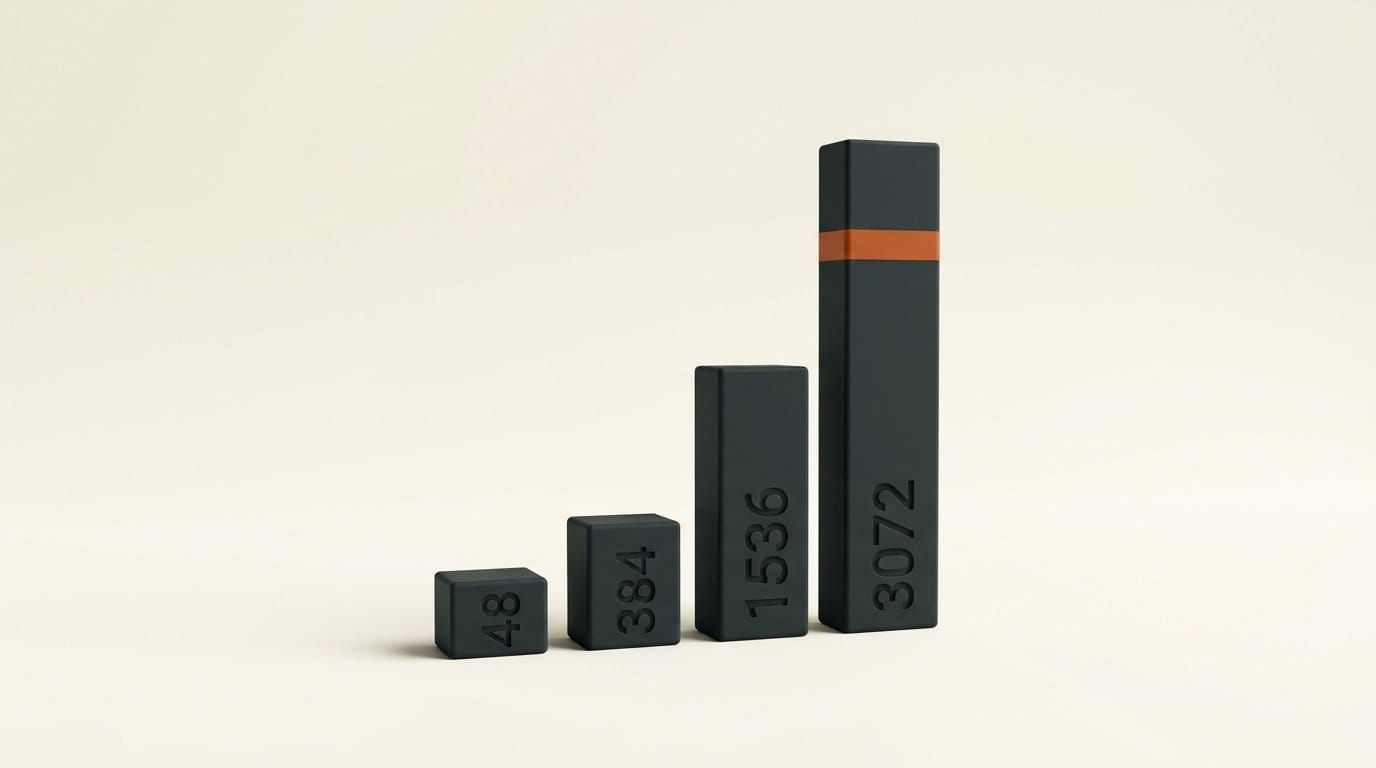
We loaded the same 563 MB Qwen 3.5 0.8B file at four context lengths and read the allocations from the server log. These are the platform-neutral buffers. We left out a second copy of the weights (267 MB here) that the x86 CPU backend makes to repack them for faster math, because a Mac running the model on Metal does not keep that copy.
| Context | Weights | KV cache | Other buffers | Total |
|---|---|---|---|---|
| 4,096 | 527 MB | 48 MB | 127 MB | 702 MB |
| 32,768 | 527 MB | 384 MB | 155 MB | 1,066 MB |
| 131,072 | 527 MB | 1,536 MB | 251 MB | 2,314 MB |
| 262,144 | 527 MB | 3,072 MB | 379 MB | 3,978 MB |
The KV cache grows in a straight line, about 12 MB for every 1,000 tokens of context on this model, and at the full 262K context it is 5.8 times the size of the weights. The formula's flat 2,048 MB reserve has to cover that and macOS. It does at 32K. It does not at 262K.
The vision case is the other gap. The catalog lists Gemma 3 4B at 2.5 GB, which the formula rates at 6 GB. At an 8,192-token context, the server held 2,403 MB of weights, 812 MB for the vision encoder, 682 MB of KV cache and about 223 MB of compute buffers: roughly 4.1 GB before macOS takes its share. Add the mmproj file to the size the formula sees and the answer moves up a tier, to 8 GB. Until the estimate counts sidecar files, read every vision model's rating as one tier too low.
Why the router picks your context for you
This is where the two gaps meet. With no context set, 0.6.0's --fit option (on by default) chooses the largest context that fits the free memory it sees at load time, leaving a 1,024 MB margin. On our test machine, with about 8 GB free, the router loaded Qwen 3.5 0.8B at its full 262,144-token context and the process used 4,107 MB. On a smaller or busier Mac, the same model loads with a shorter context. The same download can come up with a different context window from one day to the next, depending on what else is open.
We tried to set the context per request instead. The load endpoint accepts an extra_args field, but the child process ignored our -c value. API overrides are the subject of a draft pull request that has been open since December 2025. What does work is a preset file, covered in step 4 below.
How to run the 0.6.0 downloader today
- Get the build. On a Mac, download
llama-b11429-bin-macos-arm64.tar.gzfrom the b11429 release assets (11 MB), unpack it, and clear the quarantine flag if macOS blocks it. - Pick a cache folder. Set
LLAMA_CACHEto a folder on a drive with room. Our two test models used 3.9 GB. - Write a preset file. One section per model, named with the same
repo:quanttag you will download, with actx-sizeline. We usedctx-size = 32768for Qwen andctx-size = 8192for Gemma, and the server log confirmed both. - Start the router. Run
llama-server --models-preset presets.ini --port 8080with no model argument. Keep it on 127.0.0.1: the server warns that router mode should not be exposed to untrusted networks, and no API key is set by default. - Download. POST
{"model":"ggml-org/gemma-3-4b-it-qat-GGUF:Q4_0"}to/models. Watch/models/ssefor progress, or poll/modelsuntil the status readsunloaded, which means downloaded and ready. - Chat. Open the web UI on the same port, or send an OpenAI-style request with the model id. The router loads the model on the first request.
Before step 5, run the tier math yourself: file size plus any mmproj file, times 1.05, against your RAM times 0.75 minus 2 GB. Then add 12 MB per 1,000 tokens of context for a model the size of Qwen 3.5 0.8B, and much more for larger ones. The log line KV buffer size tells you the real number for any model after one load.
Frequently asked questions
Can I download models from the llama.cpp web UI in 0.6.0?
Not from a visible button. The download pipeline, Hugging Face data layer and progress component ship in 0.6.0, but the Manage models dialog (#29583) and the Discover view (#29584) are still open pull requests. Downloads work today through a POST to the server's /models endpoint in router mode.
Is the memory-fit estimate accurate?
For weights, yes: it adds 5% headroom to the file size and budgets 75% of RAM minus 2 GB. It ignores context length on purpose and, as shipped, the catalog sizes it reads leave out vision mmproj files. Gemma 3 4B rates 6 GB but held about 4.1 GB at an 8K context in our test, which needs an 8 GB machine.
How much memory does context add?
On Qwen 3.5 0.8B, the KV cache was 48 MB at 4K tokens and 3,072 MB at 262K, a straight line of about 12 MB per 1,000 tokens. Larger models with more attention layers cost more per token. The server log's KV buffer size line shows the exact figure after one load.
Why did my model load with a huge context window?
Because --fit is on by default and fills free memory with context when you do not set one. Set ctx-size in a --models-preset file, or pass -c when running a single model with -m. Passing -c through the load API's extra_args did not work in our test.
Can a Mac run GLM-5.3-Flash with llama.cpp 0.6.0?
Only a large one. Support is merged, but the smallest community GGUF on Hugging Face is 93.1 GB at roughly 1-bit, which the release's own formula places at a 128 GB machine. The Q4 build is 199.7 GB.
Where does the router store downloaded models?
In the folder set by LLAMA_CACHE, using the standard Hugging Face cache layout: a models--org--repo folder with content-addressed blobs and snapshot symlinks. Tools that read the same layout can reuse those files.