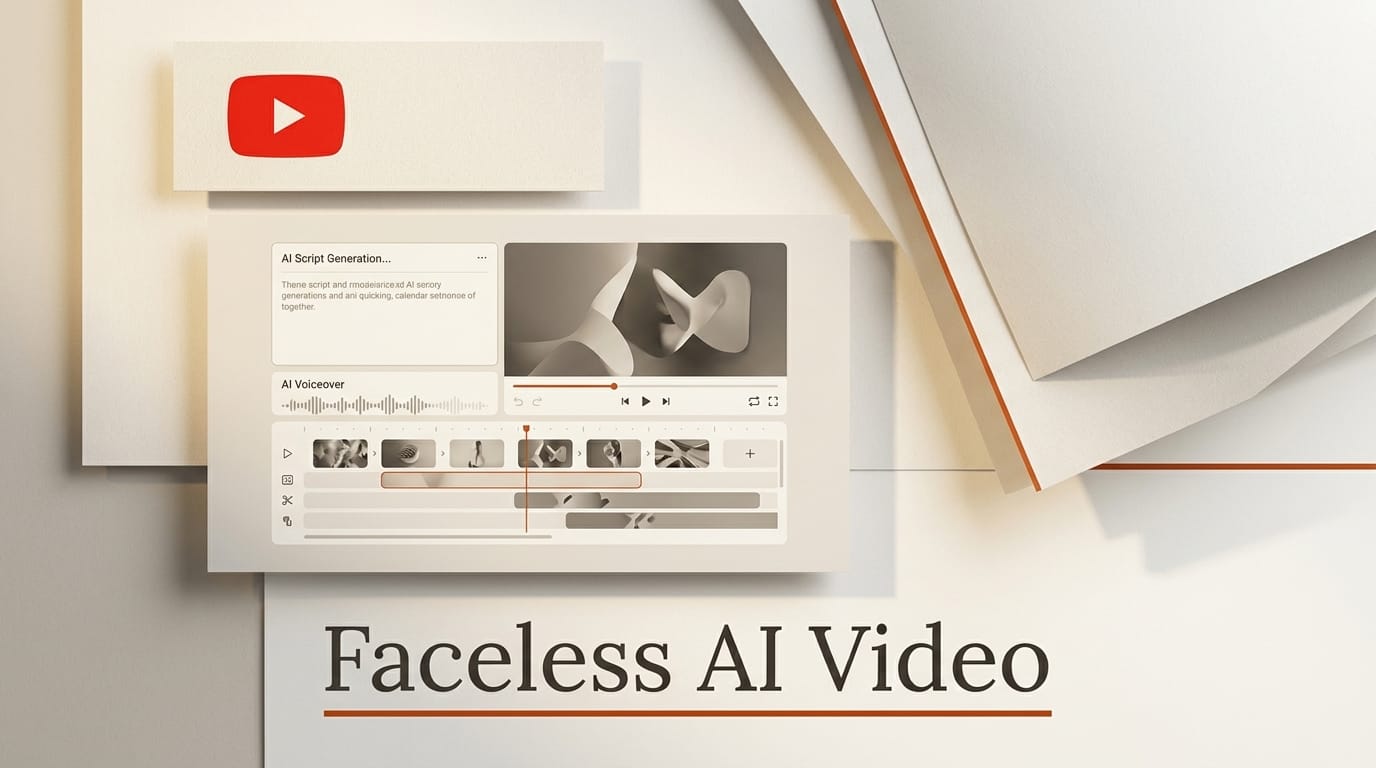
A faceless YouTube video, one with no on-camera presenter, can now be produced start to finish with AI tools in a single afternoon. This tutorial walks through the exact workflow: write the script with a language model, generate a natural voiceover, build the visuals from AI images and short video clips, assemble the edit, add captions, and publish. Everything here uses generally available tools, most with a free tier, so you can ship your first video for close to zero dollars and only scale up once a channel starts earning.
The goal is a repeatable pipeline, not a one-off. By the end you will have a five to eight minute video and a process you can run again in under an hour once you batch the steps.
What You Need
- A language model for scripting: Gemini or any comparable assistant for the outline, hook, and full script.
- A text-to-speech voice: ElevenLabs for the most natural long-form delivery, or the OpenAI text-to-speech API if you want a cheaper option at scale.
- A source of visuals: an AI image generator for stills plus an AI video tool such as Runway, Kling, or Pika for motion, plus any royalty-free stock or screen recordings you already own.
- A video editor: CapCut (free, browser or desktop) or DaVinci Resolve (free, desktop).
- A caption tool: Submagic or your editor's built-in subtitle feature.
- A YouTube channel and a thumbnail. Budget roughly two to four hours for your first five to eight minute video.

Step 1 to 3: Script, Voice, and Visuals
The first half of the workflow produces three assets: a tight script, a voiceover track, and a folder of visuals. Get these right and the edit almost assembles itself.
1. Write the script
Start with a specific angle, not a broad topic. "Five AI tools that cut my editing time in half" beats "AI editing tools." Prompt your language model with your niche, the target length, and the audience, and ask for a hook in the first two lines, short spoken sentences, and clear section breaks. A reliable rule is 130 to 150 spoken words per minute, so an eight minute video needs roughly 1,100 words. Read the draft aloud once and cut every sentence that does not earn its place. The script is the single biggest lever on retention, so spend real time here before touching any other tool.
2. Generate the voiceover
Paste the finished script into your text-to-speech tool. ElevenLabs produces the most natural long-form delivery, while the OpenAI text-to-speech API is a strong, cheaper option if you are comfortable with a few lines of code. Pick one voice and keep it consistent across every video so the channel builds a recognizable identity. Export the audio as a single WAV or MP3, then listen back and regenerate any line where the pacing or emphasis lands wrong. Most tools let you insert pauses or emphasis with simple markup, which fixes robotic phrasing far faster than re-recording the whole track.
3. Create the visuals
Faceless videos live or die on visual variety. Build a shot list from your script, one visual idea per sentence or two, then generate them. For static shots, an AI image generator gives you backgrounds, diagrams, and B-roll frames. For motion, tools like Runway, Kling, or Pika turn a prompt or a still image into short clips you can loop under narration. Keep a consistent look by reusing the same style keywords, and where a character or mascot recurs, reuse the same reference image (our AI character consistency workflow covers this in depth). Mix AI clips with stock footage and simple screen recordings so the video never feels like one uniform texture.

Step 4 to 6: Edit, Caption, and Publish
The second half turns those assets into a finished upload. The voiceover is your spine; everything else hangs off its timing.
4. Assemble the edit
Drop the voiceover onto the timeline first and treat it as the backbone of the edit. In CapCut or DaVinci Resolve, lay each visual over the matching line of narration, aiming for a new shot every three to five seconds to hold attention. Trim ruthlessly: cut silence, filler, and any clip that outstays the sentence it illustrates. Add subtle motion, a slow zoom or pan on static images, so nothing sits dead on screen.
5. Add captions, music, and a thumbnail
Burned-in captions lift retention and reach viewers who watch on mute, so generate them automatically with Submagic or your editor's subtitle feature, then proofread the AI transcription for names and jargon. Layer a low, royalty-free music bed at roughly minus 20 decibels under the voice so it supports without competing. Finally, design a click-worthy thumbnail before you export; our guide to AI YouTube thumbnails walks through the full process.
6. Optimize and publish
Export at 1080p or higher and upload through YouTube's creator tools. Write a title that promises a specific payoff, put your main keyword in the first line of the description, and add five to eight relevant tags. Pin a comment with a question to seed engagement, and publish when your audience is most active. Then watch the first 24 hours of retention data closely: it tells you exactly where viewers drop so the next script can fix it.

Troubleshooting Common Problems
- Robotic voiceover: switch to a different voice model, add punctuation and explicit pauses, and slow the speaking rate slightly.
- Visuals feel repetitive: raise shot variety, mix AI clips with stock and screen recordings, and vary the camera moves.
- Weak retention in the first 30 seconds: rewrite the hook to state the payoff immediately and cut any slow intro or logo sting.
- AI clips warp or flicker: shorten each clip to two or three seconds and cut on motion so glitches pass unnoticed.
- Copyright claims: use only licensed or royalty-free music and stock, and generate original visuals rather than pulling images from the web.
What to Try Next
Once the core loop feels fast, batch it: write five scripts in one session, generate all the voiceovers together, and edit assembly-line style. Add a Shorts-first variation by cutting 45 second vertical clips from each long video to feed the algorithm two formats from one script. If you are brand new to these tools, our beginner's guide to AI content creation covers the fundamentals before you scale.
Frequently Asked Questions
Can I really make a faceless YouTube video for free?
Yes. The free tiers of a language model, a text-to-speech tool, an AI image generator, and CapCut or DaVinci Resolve are enough to produce a complete video. You typically only pay once you need longer voiceover minutes, higher-resolution AI video, or watermark-free exports.
How long does one faceless video take to make?
Plan on two to four hours for your first one while you learn each tool. Once you batch scripting, voiceover, and editing, a single video drops to under an hour of hands-on time.
Which AI voice sounds the most human?
It depends on your budget and delivery style. ElevenLabs is generally strongest for natural long-form narration, while the OpenAI text-to-speech API is cheaper and easier to automate for high volume. Test both on the same paragraph and pick the one that fits your channel.
Will YouTube penalize AI-generated videos?
No, provided the video adds genuine value and any synthetic or altered content is disclosed where required. What does get limited reach is low-effort, mass-produced content with no original insight, so the script and editing still have to be good.
What niches work best for faceless channels?
Education, technology explainers, finance, history, listicles, product roundups, and relaxation or meditation content all perform well without a presenter, because the value is in the information or the visuals rather than a personality.