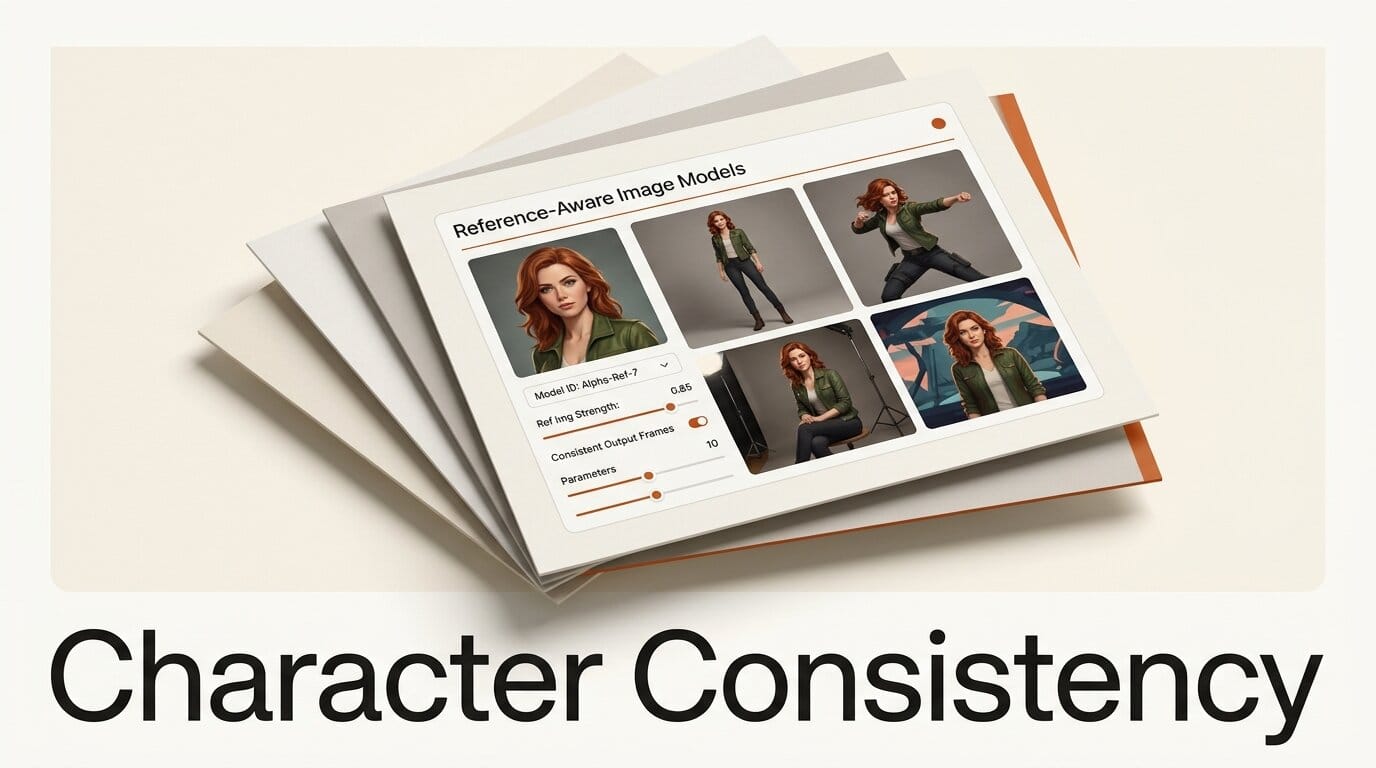
Keeping the same character looking like the same character across dozens of AI images is the single hardest part of using image models for comics, storyboards, children's books, brand mascots, and ad campaigns. The good news in 2026: you no longer need a custom-trained model to do it. With a reference-aware model and a repeatable process, you can lock a face, body, and outfit once and then reuse that character across new poses, scenes, and lighting in minutes. This guide walks through a tool-agnostic workflow using Midjourney Omni-Reference, FLUX.1 Kontext, Google Nano Banana 2, and ComfyUI, plus the troubleshooting steps for when a face starts to drift.
Budget roughly 30 minutes for your first character and about 2 minutes per new image after that. Most of the work is front-loaded into building one strong reference, and everything downstream reuses it.
What You Need
You can run this workflow on a single paid image tool, or mix a hosted model with a local one. Pick the stack that matches your platform and budget.
- A reference-aware image model. Any one of these works: Midjourney V7 with Omni-Reference, FLUX.1 Kontext, Nano Banana 2 in the Gemini app, or OpenAI's GPT Image models.
- One clean reference image of your character. Front-facing, evenly lit, neutral background. This is the single most important asset in the whole pipeline.
- Optional: a local ComfyUI setup if you want full control, batch generation, and no per-image cost. The open-weights FLUX.1 Kontext [dev] checkpoint runs inside ComfyUI.
- A short character bible. Three or four sentences describing fixed traits: hair color and style, eye color, age, build, signature outfit, and any accessory that must never change.
The Workflow: Lock a Character and Reuse It
The process is the same regardless of which model you choose. You build one anchor image, feed it back into the model as a reference, then vary everything except identity. Treat the reference as the source of truth and the prompt as the stage directions.
Step 1: Build a clean character reference sheet
Generate or photograph a single, sharp portrait of your character. Use a plain background, even front lighting, and a neutral expression. Avoid heavy shadows, motion blur, extreme angles, or busy backdrops, because the model will try to preserve whatever it sees, including the noise. If you are starting from scratch, write a detailed prompt covering the character bible traits, generate a batch of options, and pick the cleanest face. Expected output: one reference image you would be happy to see repeated 50 times.
Step 2: Lock the face with a reference-aware model
Load that reference into the model's identity slot. In Midjourney V7, attach the image as an Omni-Reference with the --oref parameter, which carries a character, object, or creature from your reference into new prompts. Note that Omni-Reference replaces the older Character Reference (--cref), which is not compatible with V7, and that it costs roughly 2x the normal GPU time. In Nano Banana 2, drop the reference into the Gemini app, which can hold the likeness of up to five characters in a single workflow. In FLUX.1 Kontext, pass the reference image alongside your text prompt so the model performs in-context editing rather than generating from text alone. Expected output: a new image, new prompt, same face.
Step 3: Change the pose, scene, and outfit without losing the face
Now vary the world around the character. Keep the reference attached and write prompts that change only one or two variables at a time: "same character, three-quarter view, walking through a rainy night market." Resist the urge to rewrite the character description in every prompt. Let the reference carry identity and let the text carry the scene. If you describe the face again in words, you give the model two competing instructions, and that is where drift starts. Expected output: a small set of on-model images in different poses and settings.
Step 4: Fix drift with targeted edits in FLUX Kontext
When one image is 90 percent right but the eye color shifted or the jacket changed, do not regenerate the whole frame. Send that single image back into FLUX.1 Kontext and edit only the broken region. Kontext preserves the rest of the image across multiple edits, so you can say "change the jacket back to red, keep everything else identical" and protect the parts that already work. This surgical step is what separates a usable set from a near-miss pile. Expected output: corrected frames that still match the anchor.
Step 5: Batch and storyboard the consistent character
Once the character holds, scale up. In ComfyUI you can wire the reference into a graph with IPAdapter for identity and ControlNet for pose, then queue a batch so every frame inherits the same face. Follow Google's own prompting tips for Nano Banana if you are storyboarding in Gemini: name the character consistently and describe shots like a director. Expected output: a full sequence, storyboard, or page where the character is recognizably one person.
Troubleshooting Common Consistency Failures
Most consistency problems trace back to a weak reference or an over-stuffed prompt. Here are the failures that come up most often and how to fix them fast.
The face slowly drifts over a sequence. You are likely re-describing the character in every prompt. Strip the face description out, lean on the reference image, and change only scene words between generations.
The outfit or hairstyle keeps changing. Move any non-negotiable detail into the character bible and the reference, not the per-image prompt. Then use a targeted edit to restore the canonical outfit instead of rerolling.
Identity breaks at extreme angles or full body. Reference-aware models are strongest near the framing of your reference. Add a second reference closer to the new angle, or use Omni-Reference, which is built to handle full-body and dynamic framing better than the older character-reference approach.
Two characters in one scene blend together. Generate them separately, then composite, or use a model like Nano Banana 2 that explicitly tracks multiple character identities in one prompt. Name each character distinctly so the model does not average them.
What to Try Next
Once you can hold one character, push the workflow further. Build a small cast by repeating Steps 1 and 2 for each character and saving each reference. Combine character consistency with a strong style reference, like the sref approach covered in our Midjourney V8.1 sref guide, so both the look and the character stay fixed. For brand and product work, pair this with a style-transfer model such as the one in our Krea 2 style transfer breakdown. And when your character is locked, animate it: feed the consistent frames into a video model using the multi-shot approach in our Kling 3 storyboard tutorial.
Frequently Asked Questions
Do I still need to train a custom model or LoRA for character consistency?
No. For most creator use cases, a reference-aware model like Midjourney Omni-Reference, FLUX.1 Kontext, or Nano Banana 2 gets you consistent results from a single reference image without any training. Custom LoRAs still help for high-volume production or very specific art styles, but they are no longer the entry point.
Which model is best for keeping characters consistent?
There is no single winner. Midjourney Omni-Reference is strongest for stylized art and full-body framing, FLUX.1 Kontext is best for surgical edits that preserve the rest of an image, and Nano Banana 2 is the easiest path for storyboards because it can hold up to five characters at once. Pick based on whether you need illustration polish, precise editing, or multi-character scenes.
Why does my character look slightly different in every image?
Usually because the prompt re-describes the face while the reference also defines it, creating two competing signals. Remove the facial description from the prompt and let the reference image do that job. A clean, evenly lit reference also reduces drift dramatically.
Can I keep a character consistent across different art styles?
Yes, but separate the two controls. Use a character reference for identity and a separate style reference for the look. Changing style and identity in the same prompt is the fastest way to lose both, so lock one at a time.
How many reference images do I need?
One strong front-facing reference is enough to start. Add a second reference at a different angle or full body if identity breaks when you move far from the original framing. More references are not always better, because conflicting references can confuse the model.





