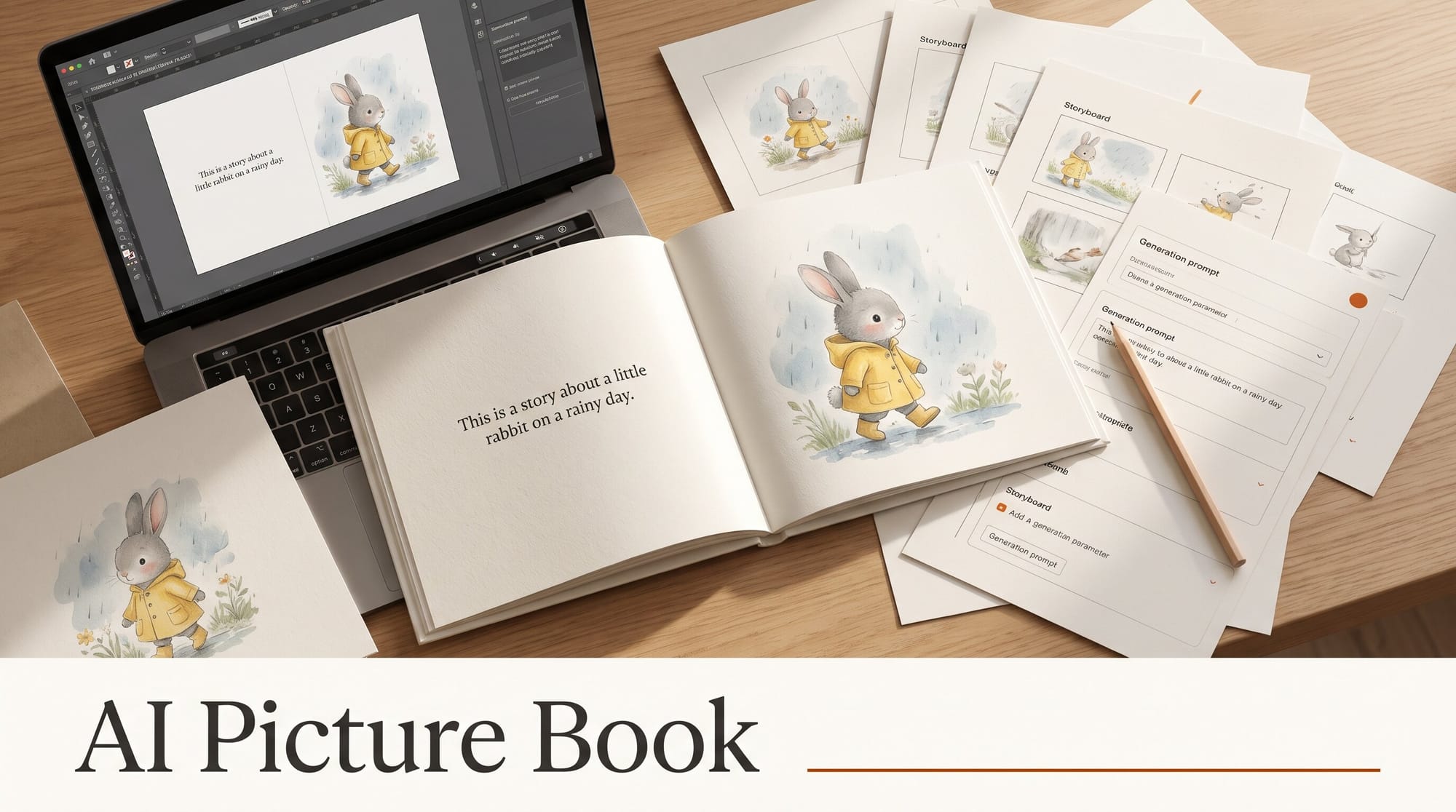
You can make a children's picture book with AI and sell it as a real paperback without paying anything up front. Write the story yourself, illustrate it in the Gemini app, enlarge each picture to print size with the free Upscayl app, lay out the pages in Canva and upload the PDF to Amazon KDP. A 32-page, 8.5 by 8.5 inch full-color paperback costs $4.20 to print, so a $12.99 list price earns you about $3.59 a copy on Amazon.
This guide covers that route step by step: the prompts, the exact page and pixel sizes, the AI question KDP asks you, and the price math. It is written for writers, illustrators, teachers and parents who have never formatted a book. Every KDP rule and number below comes from Amazon's own help pages, read on November 3, 2026. We did not publish a test book, so order a printed proof before you sell.
What You Need
- A story you wrote. This matters for copyright and for KDP's disclosure question, both covered below. A chat assistant can help you edit it.
- The Gemini app. The free tier uses Nano Banana 2, which keeps a character consistent and outputs 2K images. Paid Google AI plans unlock Nano Banana 2.1, which is better at keeping a character the same from picture to picture.
- Upscayl. A free, open-source image enlarger for Windows, Mac and Linux. It needs a graphics card, so it runs on a gaming PC or a recent Mac, but most laptops with built-in graphics will not run it.
- Canva. The free plan is enough for layout and PDF export.
- An Amazon KDP account. Free to open. You pay nothing to publish; the printing cost comes out of each sale.
Expect a first book to take two or three weekends. Most of the time goes into the pictures, and most of that into getting one character right.
Plan the Book Before You Make Any Art
Step 1: Write the story, then let AI edit it
Write the whole text first, in your own words. Keep it short: a sentence or three per page, because the pictures carry the rest. Then paste it into ChatGPT or Claude with this prompt:
"Here is my picture book text. Do not rewrite it. Tell me which lines are hard to read aloud, which words a 4 to 6 year old may not know, and where a page turn could build suspense. Quote the lines you mean."
That keeps the AI as your editor, not your co-author. KDP draws exactly that line: if you wrote the text and used AI to "edit, refine, error-check, or otherwise improve" it, the text is AI-assisted, and KDP's content guidelines say you do not have to disclose it.
Step 2: Split the text across 32 pages
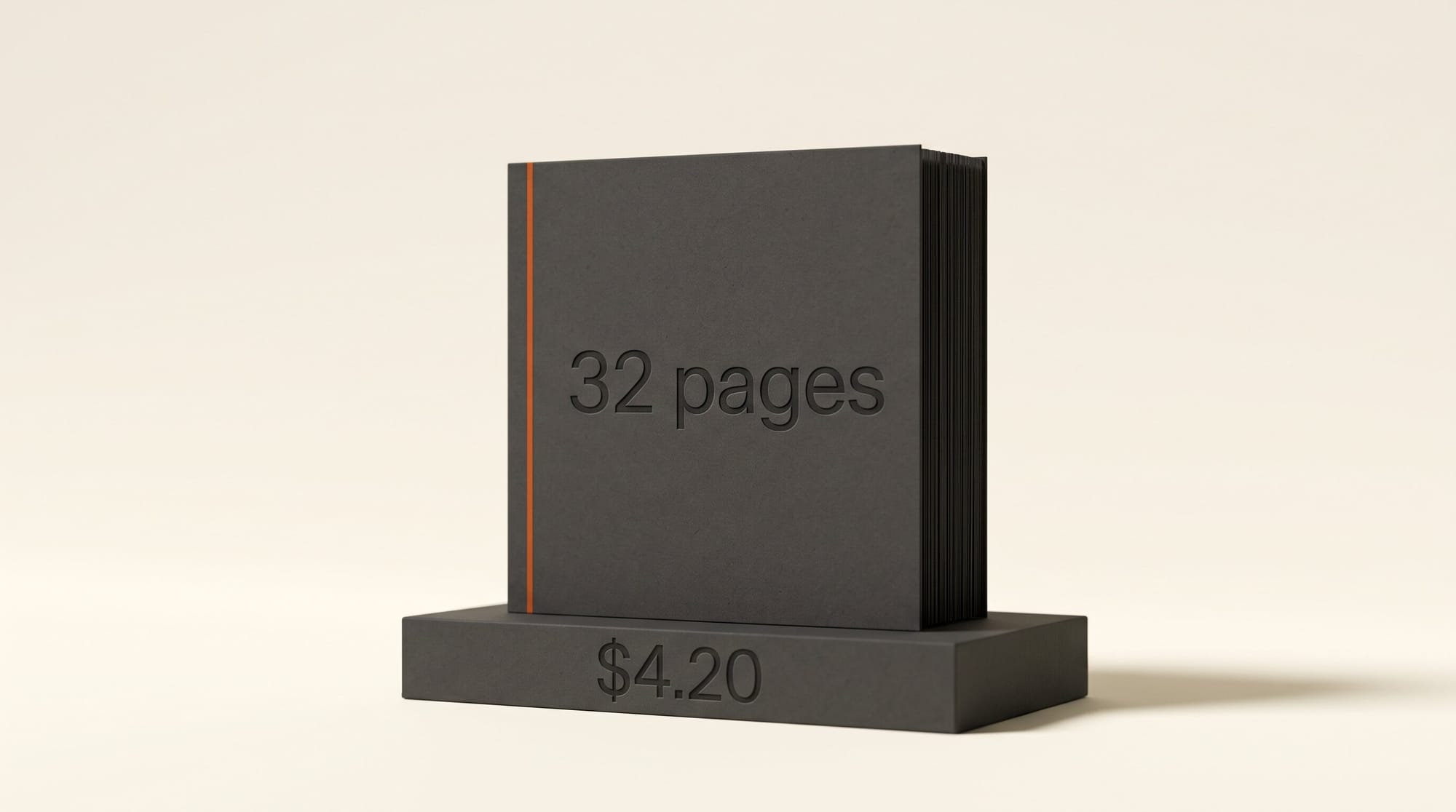
Thirty-two pages is a common picture book length, and it is a cheap one to print (see Step 8). KDP prints premium color paperbacks from 24 pages, so you can go shorter, but pages 24 to 40 all cost the same.
Page 1 is the title page and page 2 the copyright page. That leaves 30 pages for the story, and from page 2 on, the pages face each other in pairs. Make a simple list: page number, the words on that page, and one line describing the picture. You will turn each line into a prompt.
Design One Character and Lock It
Step 3: Make a character sheet in Gemini
In the Gemini app, open the tools menu, choose Create images and describe your main character once, in full:
"Character sheet for a children's picture book. A small grey rabbit named Pip with one floppy ear, a yellow raincoat and red boots. Show Pip from the front, the side and the back, standing, on a plain white background. Soft watercolor style, warm colors. No text, no letters."
Generate a few versions and keep the one you like. Save it: this image is the reference for every page that follows. If your book has a second character, make a separate sheet for them.
Step 4: Make each page with the sheet attached
For each page, attach the character sheet and describe only the scene. Do not describe the character's looks again; two descriptions compete, and that is when the character drifts. Ask for a square image and leave room for your words:
"Use the character in the attached sheet exactly as shown. Pip stands at the edge of a big puddle in a park, looking down at his reflection. Square image, soft watercolor style. Keep the top third of the picture as plain pale sky for text. No text, no letters, no words anywhere in the image."
"No text" matters: AI images still mangle letters, and you will set the words in Canva where you can fix a typo. Go page by page and keep the best version of each. Our character consistency guide covers what to do when a face or outfit drifts, and the comic tutorial uses the same locking method for panels.
Make Every Page Print Size
Step 5: Enlarge each picture with Upscayl
This is the step most first books skip, and it is why many look blurry in print. KDP recommends images of at least 300 DPI at the size they print, and treats anything under 200 DPI as low resolution.
Here is the math for one full-color page. KDP's bleed rule adds 0.125 inch to the width and 0.25 inch to the height of the trim size, so an 8.5 by 8.5 inch page becomes an 8.625 by 8.75 inch file. At 300 DPI that is 2,588 by 2,625 pixels. A 2K image from Gemini is 2,048 pixels across, which stretches to about 234 DPI on that page: above KDP's low-resolution line, below its recommendation.
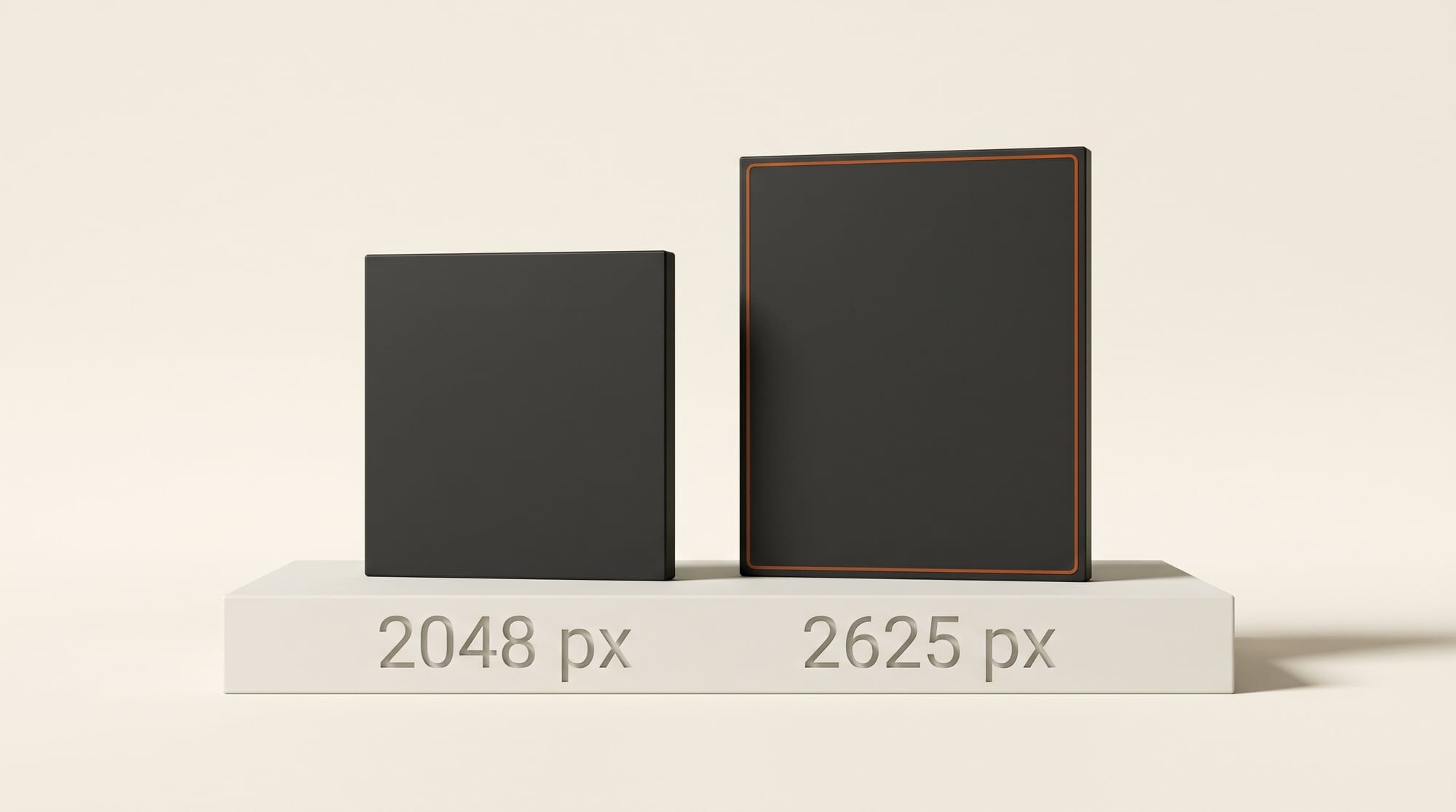
Fix it before layout. Download Upscayl, drop in all your page images, pick a model and set the output scale to 2x. Each picture comes out at 4,096 pixels, about 468 DPI on the page. Check a few faces at 100% zoom afterwards: enlargers can sharpen fur and grass in odd ways, and it is easier to catch on screen than in a printed proof.
Lay Out the Pages in Canva
Step 6: Set the page size to include the bleed
In Canva, choose Create a design, then Custom size, and enter 8.625 by 8.75 inches. Add 32 pages. Drop one enlarged picture onto each page and stretch it to cover the whole page, edge to edge.
KDP trims 0.125 inch off the top, bottom and outer edge of every page, and the inner edge sits in the spine fold. For a book of 24 to 150 pages, KDP's minimum margins are 0.375 inch on every side once you use bleed. The simple rule: keep every word and every face at least half an inch from all four edges of the Canva page.
Step 7: Add the text and export a print PDF
Type your words into the plain space you asked Gemini to leave. Use one clear, rounded font in a large size, and the same size on every page. Fill pages 1 and 2 with the title and copyright details.
Export with Share, Download, file type PDF Print. Leave "Crop marks and bleed" unticked. Your page size already includes the bleed, and KDP's help pages list crop marks among the things a print file must not contain.
Build the Cover
The cover is one wide image: back cover, spine and front cover side by side. Open KDP's cover calculator, choose premium color, 8.5 by 8.5 inches and 32 pages, and download the template it generates.
The cover rules give the sizes. Premium color paper adds 0.002347 inch of spine per page, so 32 pages make a spine of about 0.075 inch. With 0.125 inch of bleed on each outer edge, the full cover is 17.325 by 8.75 inches, or 5,198 by 2,625 pixels at 300 DPI. That spine is too thin for text: KDP only allows spine text from 79 pages.
Make a front-cover picture in Gemini the same way as the pages, with space for the title, enlarge it in Upscayl, and build the cover in Canva at 17.325 by 8.75 inches over the template. Keep the title and the character's face well inside the front half.
Publish on Amazon KDP
Step 8: Answer the AI question, then price the book
Create a new paperback in KDP, choose Premium color on white paper and the 8.5 by 8.5 inch trim with bleed, then upload the interior PDF and the cover. KDP's online previewer flags pages where text sits outside the margins.
When KDP asks about AI, answer honestly. Its guidelines define AI-generated content as "text, images, or translations created by an AI-based tool", and you must disclose it. Your illustrations are AI-generated, so say yes for images. Your text, if you wrote it and AI only edited, is AI-assisted and does not need disclosing.
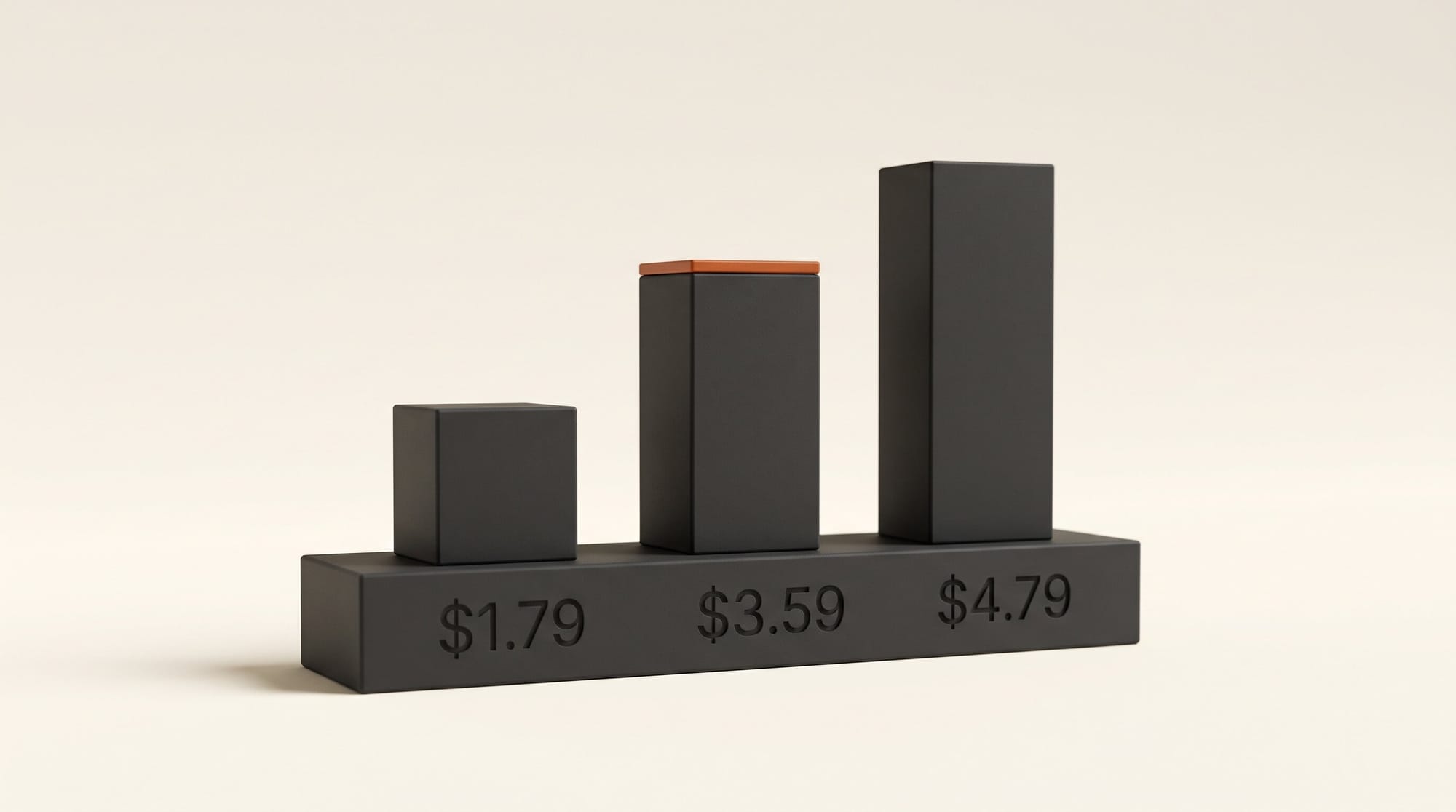
Then the money. On Amazon.com, KDP's printing cost table charges a flat $4.20 for a large-trim premium color book of 24 to 40 pages (8.5 inches wide counts as large trim). KDP's royalty page pays 60% of the list price at $9.99 or more and 50% below that, minus the printing cost:
| List price | Royalty rate | Your share | Printing cost | You earn per copy |
|---|---|---|---|---|
| $8.99 | 50% | $4.50 | $4.20 | $0.30 |
| $9.99 | 60% | $5.99 | $4.20 | $1.79 |
| $12.99 | 60% | $7.79 | $4.20 | $3.59 |
| $14.99 | 60% | $8.99 | $4.20 | $4.79 |
Two things stand out. Dropping one dollar below $9.99 cuts your earnings from $1.79 to 30 cents, because the rate falls to 50%. And pages are nearly free up to 40: a 40-page book prints for the same $4.20, while a 48-page book costs $1.00 plus 8 cents a page, $4.84. Expanded Distribution to other stores pays 40% instead, which at $12.99 leaves about $1.00 a copy.
Before you click publish, order a printed proof from your Bookshelf. Screen colors and printed colors differ, and a proof is the only way to see your watercolors on paper.
Troubleshooting
- The character changes from page to page. You are probably describing them again in each prompt. Attach the sheet, describe only the scene, and regenerate just the page that drifted.
- Gemini puts words in the picture. Repeat "no text, no letters, no words" at the end of the prompt, or ask Gemini to edit the image and remove the writing.
- KDP says text is outside the margins. Move every word at least half an inch from all four edges of the page. The previewer shows which pages fail.
- A face disappears into the spine on a two-page picture. The fold eats the middle of a spread. Ask Gemini to place the character on the left or right third of the image.
- Upscayl will not start or crashes. It needs a graphics card that supports Vulkan. On a laptop with built-in graphics, borrow a desktop or use an online enlarger.
What to Try Next
For a one-off bedtime story rather than a book to sell, Gemini's Storybook makes a 10-page illustrated book with read-aloud narration from one prompt. It is quick, but you get 10 pages with no control over trim size or bleed, so it is not a KDP print file.
If you plan to sell, read what the research says about readers and AI labels in Do Audiences Care If You Use AI?, and compare KDP with other places to sell AI artwork in our marketplace guide. Illustrators can also use the same workflow to build a dummy, a rough version of the book, before they commission or draw the final art.
Frequently Asked Questions
Can I sell a children's book with AI illustrations on Amazon?
Yes. KDP accepts books with AI-generated images, as long as you tell it during publishing. Its content guidelines require you to disclose AI-generated text, images or translations. Content you made yourself and only improved with AI counts as AI-assisted, which you do not have to disclose.
Can I copyright a picture book with AI illustrations?
Partly. In January 2025 the US Copyright Office concluded that AI outputs are protected only where a human determined enough of the expressive elements, "but not the mere provision of prompts." Your own text is protected, and so are creative arrangements or changes you make to the images. Pictures produced from prompts alone are not. See our AI copyright guide for more.
What size should a picture book be for KDP?
8.5 by 8.5 inches is a common square format, and KDP prints it in premium color from 24 to 590 pages. With bleed, each page file is 8.625 by 8.75 inches. Standard color is cheaper per page but starts at 72 pages, which rules it out for most picture books.
What resolution do AI images need for a printed book?
KDP recommends at least 300 DPI at the printed size and calls anything under 200 DPI low resolution. For an 8.625 by 8.75 inch page that is 2,588 by 2,625 pixels. A 2K image from Gemini falls short, so enlarge it 2x in Upscayl first.
How much does it cost to publish a picture book on KDP?
Nothing up front. The printing cost is taken from each sale: $4.20 for a 32-page, 8.5 by 8.5 inch premium color paperback on Amazon.com. At $12.99 you earn about $3.59 a copy. You do pay for printed proofs and any author copies you order.