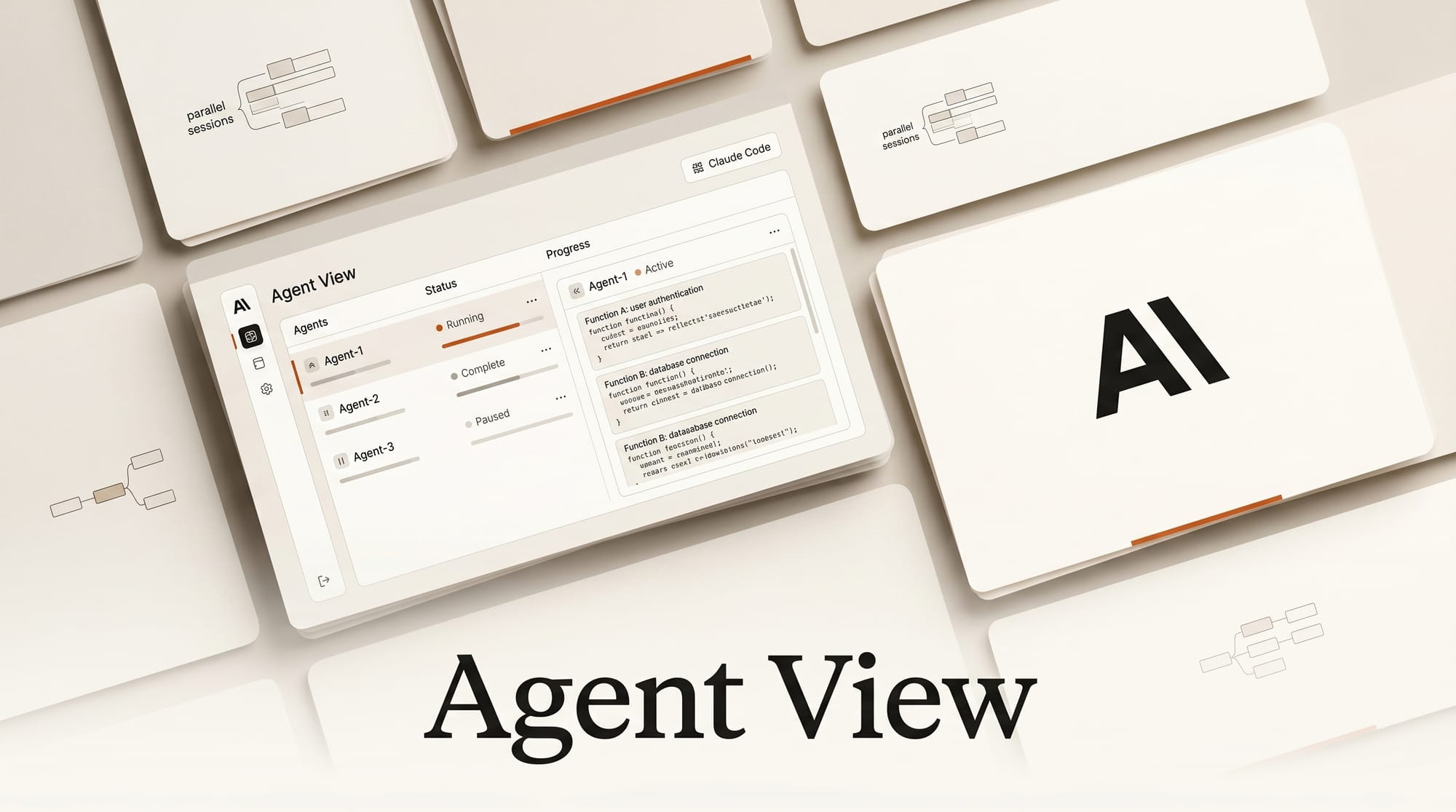
Anthropic released Claude Code Agent View on May 11, 2026, in Claude Code version 2.1.139. It is a unified CLI dashboard that lets you run, monitor, and interact with multiple parallel Claude Code sessions from a single screen. For developers building creative AI pipelines, this changes the fundamental rhythm of the work: instead of serializing tasks across terminal tabs, you can ship fixes, run tests, review pull requests, and update documentation at the same time, while watching all of it from one place.
What Is Agent View
Agent View is a supervisor layer that lives on top of your existing Claude Code sessions. When you open it, you see a list of all active sessions, each showing its state (Working, Waiting for Input, Completed, Failed, Idle, or Stopped), last activity time, and whether it needs a response from you. Sessions waiting for input float to the top of the list.
The key concept is that each session runs as an independent process, managed by a per-user supervisor stored in ~/.claude/. Closing a terminal window does not kill a session; it continues running and you can reattach later. Claude Code uses Git worktree technology to isolate file access across parallel sessions, preventing conflicts when two agents edit the same repository simultaneously.
Agent View ships alongside /goal, a new command for autonomous task completion. You describe the desired outcome, for example "all tests pass and the CI pipeline is green," and Claude Code works autonomously until the goal is met or it runs out of budget. Combined, the two features shift Claude Code from a synchronous chat tool to an async worker you supervise.
How to Use Agent View
Update to Claude Code v2.1.139 or later:
npm install -g @anthropic-ai/claude-code@latestOpen the dashboard from any terminal:
claude agentsOr press the left arrow key from inside any active session.
To launch a background session without entering a chat:
claude --bg "refactor the image processing module for the new API"To push the current session to the background mid-task:
/bgInside Agent View, the navigation is keyboard-driven:
- Arrow keys: move between sessions
- Space: open the Peek panel (preview output without fully attaching)
- Enter: attach to the selected session
- Right arrow from Peek: attach fully
- Number keys in Peek: answer multiple-choice prompts from the list view
- Tab in Peek: auto-fill suggested responses
!prefix in Peek: run a bash command inside the session/rename: label a session with a readable name
Workflows for Creative AI Builders
The parallel model maps naturally onto how creative AI projects are actually structured. Here are four patterns that work well.
Pattern 1: Parallel module work. If your pipeline has independent components, for example an image preprocessing module and an audio classifier, run a session for each. Each session gets its own worktree. They cannot step on each other's files and you can commit their outputs independently.
Pattern 2: Background indexing while coding. Send a long-running task, like crawling a source set and generating embeddings, to a background session. Work on the main codebase in the foreground. Check the background session's status from Agent View when you surface for air.
Pattern 3: Code review alongside feature work. Open one session on a PR you need to review and one on a feature you are building. Switch between them without losing context in either.
Pattern 4: Goal-based sprint. At the start of a session, issue a /goal with an observable outcome: "the integration test suite passes with zero failures." Push the session to the background. Work on something else. Agent View shows you when the session completes or gets stuck needing input.
Agent View vs Alternatives
Before Agent View, the standard approach was running multiple Claude Code instances in separate tmux panes or terminal tabs. This works, but it requires manual switching and gives you no unified view of what each session is doing. You have to open each pane to see current state.
The other reference point is OpenAI Codex. Codex runs in a cloud sandbox: fire off a task, wait for a result. There is no real-time interaction, no local filesystem access, and no way to send mid-task instructions. Agent View operates locally, which means Claude Code can read config files, interact with running services, and call local scripts. The tradeoff is that local sessions consume your subscription quota; each parallel session burns roughly the same tokens as a full foreground session.
Compared to Claude Managed Agents, which operate at the API level and are designed for multi-agent orchestration across separate Claude instances, Agent View is a developer-experience layer. Both exist and serve different purposes: Managed Agents for production pipelines, Agent View for development workflows.
Performance and Cost
Token consumption scales with the number of sessions. Three parallel sessions burn approximately three times your normal quota. Anthropic's documentation and community testing suggest the practical sweet spot is four to eight sessions before coordination overhead reduces the efficiency gain.
For cost management, the "Advisor Strategy" pattern cuts spending roughly 12% per task at near-Opus quality: run Claude Sonnet 4.6 on routine sessions (refactoring, test writing, documentation) and reserve Claude Opus for deep reasoning sessions. Set the model per session at launch:
claude --bg --model claude-sonnet-4-6 "write unit tests for the API module"
claude --bg --model claude-opus-4-6 "design the caching architecture for the image pipeline"
Enterprise teams can disable Agent View via the disableAgentView managed setting or the CLAUDE_CODE_DISABLE_AGENT_VIEW environment variable if the parallel session model does not fit their access control requirements.
What to Do Next
Update Claude Code and run claude agents to see your session list. Start with two parallel sessions on independent modules of a current project to get a feel for the worktree isolation and Peek panel.
Read the Claude Code documentation for the full /goal command syntax, session state lifecycle, and worktree configuration. The GitHub repository tracks changelogs and community-reported patterns.
Agent View is a Research Preview, meaning Anthropic will iterate on the interface. Core behavior (session isolation, state management, Peek panel) is stable; specific keyboard shortcuts and command names may change. Subscribe to the Anthropic changelog if you are building workflows that depend on specific Agent View behavior.
See also: OpenAI Codex Chrome extension browser agent for the cloud-based alternative, and Claude for 3D Artists for workflow patterns that translate well to the parallel session model.
Frequently Asked Questions
Does Agent View work on Claude.ai or only Claude Code?
Agent View is a Claude Code CLI feature only. It is not available in the Claude.ai web interface. You need Claude Code v2.1.139 or later installed via npm.
What happens to a background session if I close my terminal?
The session continues running. The supervisor process is independent of your terminal window. You can reattach from any terminal by running claude agents and selecting the session.
Can two parallel sessions edit the same file?
By default, Claude Code uses Git worktree technology to give each session an isolated working directory. Two sessions cannot edit the same file at the same time in the same worktree. You can configure sessions to share a directory if you explicitly want them to, but isolation is the default.
Is Agent View available on free plans?
Agent View requires a Pro, Max, Team, Enterprise, or Claude API plan. It is not available on the free tier.
How do I give a waiting session an answer without fully attaching?
Select the session in Agent View and press Space to open the Peek panel. You can type a reply, press Enter to send it, or press a number key to answer a multiple-choice prompt, all without leaving the Agent View dashboard.
What is the /goal command and how does it differ from a normal prompt?
A normal prompt asks Claude to do a specific thing. /goal asks Claude to achieve an observable outcome, defined by a condition you can verify, like "zero test failures." Claude works autonomously, trying different approaches, until the condition is met or the session runs out of time or token budget. You set both constraints at the start.