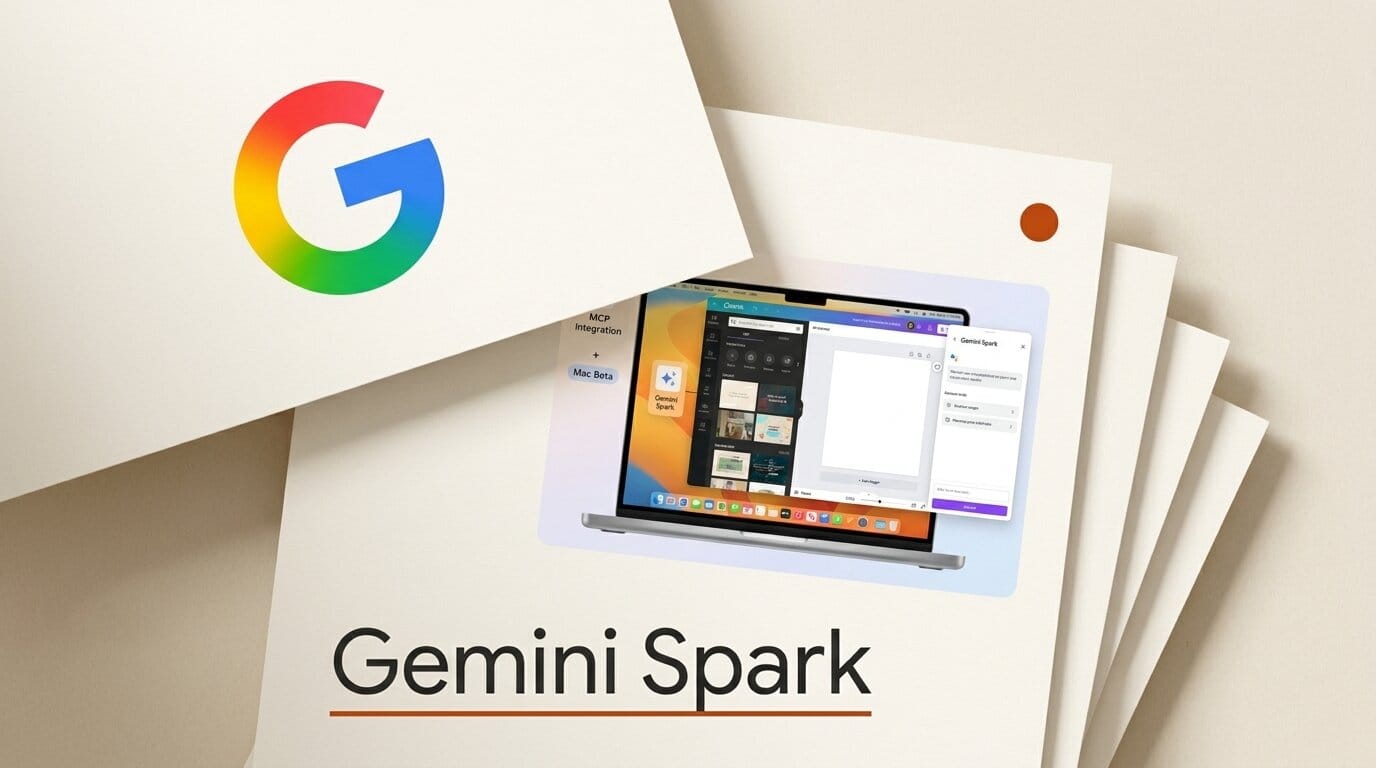
Google has expanded Gemini Spark, its agentic assistant, with custom Model Context Protocol support, a batch of new app connections, real-time tracking, and a first macOS beta. The update began rolling out on June 30, 2026 for Google AI Ultra subscribers in the United States.
What This Enables
The headline change for builders is custom MCP support, which lets you point Spark at your own tools and data sources instead of waiting for an official integration. Alongside it, Spark now connects to Canva, Dropbox, Google Tasks, Google Keep, Instacart, OpenTable, and Zillow Rentals, so you can chain a design asset in Canva or a file in Dropbox into a multi-step task. On the new Mac app, Spark can sort local files and turn them into Google Workspace documents or spreadsheets, which makes it useful as a desktop cleanup and formatting agent, not just a chat window.
Why It Matters
Spark started as an in-app agent at Google I/O. This update turns it into something closer to a cross-app operator that reaches into a real desktop and a creator's existing toolchain. The custom MCP hook is the important part: it signals that Google wants Spark wired into whatever a builder already uses, the same open standard Anthropic and others have adopted, rather than a closed set of partners.
Key Details
Platform: Gemini macOS app (beta), plus web and mobile.
Requirement: Google AI Ultra subscription, ages 18 and up, United States only at launch.
Rollout: The new app connections reach web and mobile over the following week, with macOS following in the coming weeks, per Google. TechCrunch reported remote task execution from a phone to the desktop agent is also planned.
What to Do Next
If you are on AI Ultra, download the Mac app and connect one high-value tool first, such as Canva or Dropbox, then test a single multi-step task before handing Spark anything critical. Builders should look at the custom MCP option to expose an internal tool or database, since that is where Spark moves from a convenience to a genuine workflow agent.





