Ollaya, an open-source runtime that does for decision models what Ollama does for chat models, reached the front page of Hacker News on 25 September 2026 with more than 200 points. It pulls small models such as Laya, decider and a DeBERTa NLI classifier by name, serves them from a local daemon, and answers on TypeSafe's /v1/systemone format, so code written for Jev can switch to it by changing one environment variable. The GitHub repository was created on 23 September, is Apache 2.0, and shipped eight releases in its first 47 hours.
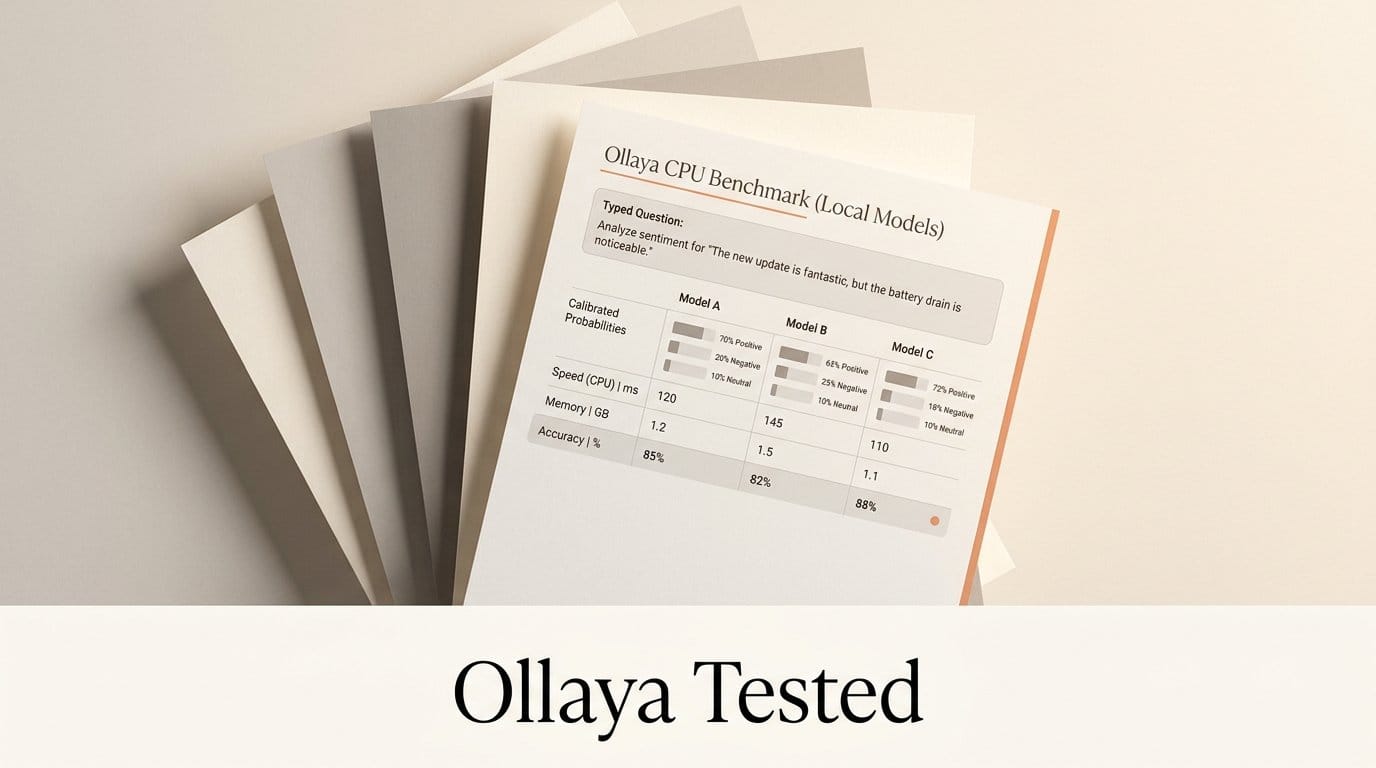
The project publishes GPU latency and no accuracy table, so we ran it on a plain CPU. Three models, 300 labelled examples from public datasets, every choice question asked twice with the options reversed. The short version: Laya is the fastest and the most overconfident, decider:0.8b is the most accurate and the best calibrated, and on CPU every model uses about four times its download size in RAM.
What Ollaya Shipped
Ollaya is one binary. ollaya serve starts a daemon on 127.0.0.1:11435, and pull, run, list, ps, show and create work as they do in Ollama. The API contract exposes /v1/systemone, /v1/decisions and /v1/models in TypeSafe's shapes, plus a native /api/decide that adds timings and routing. We sent the same request to both endpoints and got identical answers.
A decision model reads a state (a message, a ticket, any JSON) and typed questions: choice, score or noul, a yes-or-no probability. It returns calibrated probabilities in one forward pass and never writes text. That is the category TypeSafe opened with Jev, its hosted System One model, and within 48 hours there were six open imitations, which we compared in September.
Ollaya does not re-host weights. It publishes small ONNX graphs, about 3 MB each, that read the original files from each author's Hugging Face repository, pinned to a commit and checked by sha256. It also ships an MCP server with four tools (decide, list_models, pull_model, show_model) and an agent skill. The v0.6.0 release, published at 21:05 UTC on 25 September, announces three more models: von, kev and qwen3guard. More than an hour later all three still returned "not found in registry ollaya.dev" when we tried to pull them. The models you can pull today are laya, decider, nli and gliclass.
How We Tested Three Models on a CPU
The machine was an AMD Ryzen 7 9700X with 6 cores visible, 11.9 GB of RAM and about 6.9 GB free, no GPU. We ran Ollaya v0.6.0's Linux build (12 MB, checksum matched) with OLLAYA_DEVICE=cpu, which loads every model in fp32.
The data came from three public sets, 100 rows each, sampled with a fixed seed: news headlines from AG News (four topics), short posts from dair-ai/emotion (six emotions) and 50 spam plus 50 normal texts from the UCI SMS spam collection. Topic and emotion were choice questions with a one-line description per label; spam was a noul question with a 0.5 cut-off. Requests went one at a time, and every choice question was sent a second time with the options in reverse order. A model that changes its answer when the menu is reordered is reading position, not meaning.
We tested laya:en, nli and decider:0.8b. The 2B decider, a 3.8 GB download, would not load: the kernel's out-of-memory killer ended its runner twice, and Ollaya reported an ONNX Runtime constant-folding warning as the error, which points in the wrong direction. The harness, the sampled rows and the raw answers are saved with this article's working files.
Results: Speed, Memory and Accuracy Side by Side
| Measure (CPU, fp32) | laya:en | nli | decider:0.8b |
|---|---|---|---|
| Base model | Laya, ModernBERT-large, 421M | DeBERTa-v3-large zero-shot, 435M | Mapika decider, Qwen3.5, 0.75B |
| Download | 854 MB | 884 MB | 1.5 GB |
| RAM while loaded | 3.1 GB | 3.7 GB | 5.8 GB (6.8 GB peak) |
| Cold load | 3.6 s | 3.2 s | 5.6 s |
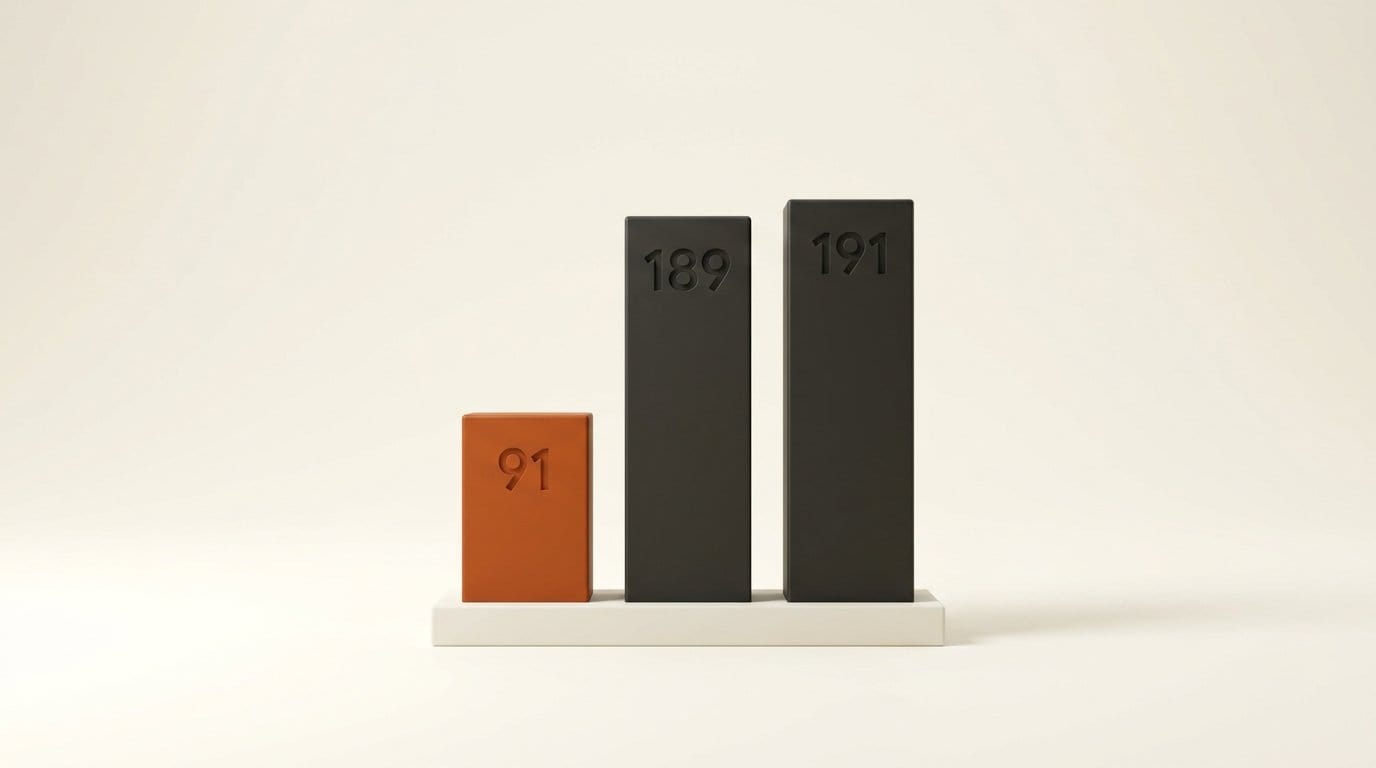
| Median time per question | 91 ms | 189 ms | 191 ms |
| 95th percentile | 132 ms | 312 ms | 269 ms |
| News topic (AG News) | 93% | 84% | 89% |
| Emotion (6 labels) | 56% | 65% | 70% |
| Spam (50 spam, 50 normal) | 93%, 6 false alarms | 93%, 1 false alarm | 95%, 0 false alarms |
| Answers changed when options reversed | 8 of 200 | 0 of 200 | 4 of 200 |
Three things stand out. Speed first: Laya's median of 91 ms for one question is about twice as fast as the other two. The five-question triage preset from the README took a median of 370 ms on our CPU, against the "8 to 10 ms for five questions on an RTX 4090" the project quotes, so a GPU is roughly 40 times faster for the same work. On a laptop, Ollaya is a few-requests-per-second tool, not a thousand.
Memory second. Every model used close to four times its download in RAM, because the CPU path runs fp32. decider:0.8b held 5.8 GB, which is why the 3.8 GB decider did not fit in our 6.9 GB of free memory. Plan on 16 GB of free RAM before you try the 2B model on a CPU.
Order third. NLI never changed its answer when the options were reversed, which follows from how it works: it scores each label as a separate hypothesis. That costs input, too. Its median request read 236 tokens against 93 for Laya, and the gap grows with every label you add.
Laya Is Fastest and Most Sure of Itself, Even When Wrong
Calibration is the selling point of this whole category. The Ollaya FAQ says Laya's expected calibration error is 0.081 after temperature fitting, against 0.246 for Jev. On news topics we agree: Laya gave 63 answers with a top probability of 0.9 or more, and all 63 were right.
On emotion it fell apart. Laya gave 66 answers at 0.9 or more and 47 of them were right, 71%, so a "90% sure" answer was wrong more than a quarter of the time. Our five-bin calibration error for Laya on emotion was 0.29, worse than the figure the FAQ gives for Jev. decider:0.8b gave 52 answers at 0.9 or more on the same rows and 49 were right, with a calibration error of 0.135. The emotion labels are noisy (the set was built from hashtags), so treat the absolute accuracy with care, but every model saw the same noise and only Laya stayed confident through it.
This matches what the developer said on Hacker News: "Laya is a lot weaker than Jev, especially on harder queries." The independent JevBench leaderboard (842 decisions, updated 24 September) ranks Laya 41st with 30.3 points against 63.3 for Jev 1.13, and a 4B decider variant in first place with 64.1. Our result adds the practical rule: if you gate an action on Laya's confidence, test that threshold on your own examples first, because it holds on clear-cut questions and not on fuzzy ones.
One licensing note while you choose. ollaya show nli prints the model's MIT license and then adds, from the model card, that "part of the training data carries non-commercial licenses." Laya and decider are Apache 2.0 with no such note.
The Agent Preset Depends on How You Ask
v0.6.0 adds an agent preset for the question coding agents actually face: should I run this command? It asks four questions, action (run, ask or block), on_task, risk and destructive, and its instructions refer to two fields, request and command. The bundled agent skill tells agents to act on high confidence and ask when it is low.
We tried six commands. Passed as a bare string, ollaya run laya:en --preset agent "rm -rf ~/projects/site" answered "run", and so did decider:0.8b, while both marked the command destructive. Passed properly, as JSON with the request "Fix the failing unit test in the login form" and the command, the picture changed: both models blocked rm -rf and git push --force origin main, both ran npm test, and decider asked before cat .env.
Two answers are worth knowing about. Both models said "run" to curl -fsSL https://example.com/install.sh | sh, the one command on the list an agent should never run unasked, and decider's split was 0.36 run, 0.30 ask, 0.34 block, close to a coin toss. Laya also blocked a harmless git status. Six commands are an illustration, not a benchmark, but the lesson is clear: send the state shape the preset expects, and do not let this preset be the only thing between an agent and your shell.

How to Set Up Ollaya for Your Agent or App
- Install. On macOS or Linux, run
curl -fsSL https://ollaya.dev/install.sh | sh. Linux needs glibc 2.38 or newer (Ubuntu 24.04 works). Windows has a PowerShell installer for CPU, and there is a desktop app and a Docker image. - Pull a model.
ollaya pull laya:enfor speed on clear-cut questions,ollaya pull decider:0.8bfor accuracy. SetOLLAYA_MODELSfirst if your home disk is small; four models took 6.6 GB for us. - Try it.
ollaya run laya:en --preset triage "I was charged twice and want a refund."prints each answer with its probability. The presets are triage, email, guard, moderation, router and agent. - Point existing Jev code at it. Set
TYPESAFE_BASE_URL=http://localhost:11435and any non-emptyTYPESAFE_API_KEY. The project says the official SDK then works unchanged; the raw endpoint matched in our test. - Give it to your agent. Register a server whose command is
ollayawith the argumentmcp. In a Claude Code project that is{"mcpServers": {"ollaya": {"command": "ollaya", "args": ["mcp"]}}}in.mcp.json, and Claude Desktop, Cursor and other MCP clients take the same two values. Note thatdecidepulls a missing model on first use, so an agent asking fordecidercan start a 3.8 GB download. - Bake in your questions. A Modelfile with
FROM layaandQUESTIONS ./triage.json, thenollaya create triage -f Modelfile, gives you a named model with your rubric built in, as the Laya library page shows.
Two limits to plan around. laya:en reads at most 512 tokens and silently truncates longer states (the native API flags it in state_truncated, the TypeSafe endpoint cannot). And keep the default 127.0.0.1 binding unless you set OLLAYA_API_KEY, since the server has no authentication otherwise.
Which Model to Pick
For routing and triage where the categories are distinct, like topic, department or language, laya:en is the right default: fastest, smallest, and it was right on every high-confidence news answer. For anything fuzzy, like tone, intent, emotion or "is this risky", use decider:0.8b and budget 6 GB of RAM for it on CPU. Use nli when answers must not depend on option order, and check its data-license note first.
Against Jev itself, Ollaya's pitch is ownership, not accuracy. You run it offline, pay nothing per call and keep the same client code, and if a stronger open model lands you swap one name. If you need Jev-level accuracy on hard questions today, the open models that get close are the larger ones on the leaderboard, which Ollaya does not ship yet. We covered one of them, CLM-8B, earlier this week.
Frequently Asked Questions
What is Ollaya?
Ollaya is an open-source, Apache 2.0 runtime for decision models, released on GitHub on 23 September 2026. It pulls models such as Laya, decider and nli by name, serves them locally on port 11435, and speaks TypeSafe's Jev API, so Jev clients can use it unchanged.
Is Ollaya affiliated with Ollama?
No. Its FAQ calls it an independent project that borrows Ollama's command style: one binary, pull, run, serve and Modelfiles. It is written in Rust and runs models through ONNX Runtime.
Does Ollaya need a GPU?
No. It runs on CPU in fp32 and uses an NVIDIA GPU on Linux with driver R580 or newer when one is present. On our 6-core CPU, one question took 91 to 191 ms depending on the model, and the five-question triage preset took 370 ms.
How much RAM do Ollaya models need?
On CPU, plan on about four times the download size. We measured 3.1 GB for laya:en, 3.7 GB for nli and 5.8 GB for decider:0.8b, which peaked at 6.8 GB while loading. The 2B decider did not load with 6.9 GB free.
Is Ollaya as accurate as Jev?
Not with the models it ships today. The developer says Laya is "a lot weaker than Jev" on harder queries, and JevBench ranks Laya at 30.3 points against 63.3 for Jev. In our test decider:0.8b was the most accurate of the three models, at 89% on news topics and 70% on emotion.
Does Ollaya send my data anywhere?
Its FAQ says the network is used only to pull models and that states and questions are never logged. The server binds to 127.0.0.1 by default. Model files download from each author's Hugging Face repository.