Most AI video clips come out silent, and you can give one synced footsteps, ambience and impacts in about thirty minutes with free or cheap tools. The catch is not quality. The open model that scores best on sync, HunyuanVideo-Foley, cannot be used at all in the EU, the UK or South Korea, output included, and the most popular one, MMAudio, ships non-commercial weights. So this guide picks the tool by licence and location first, then walks one clip through foley from the picture, text-to-SFX for the gaps, a 48 kHz conform and a final mix in FFmpeg.
What You Need
- A silent clip, cut to length. Lock the edit first. Every tool below syncs to the frames it sees, so re-cutting afterwards means regenerating.
- One video-to-audio tool that watches the picture: MMAudio or HunyuanVideo-Foley locally, or a hosted option such as Mirelo SFX or Adobe Firefly's sound effect generator.
- One text-to-SFX tool for sounds the picture cannot suggest, such as ElevenLabs Sound Effects or Stable Audio 3 Small SFX.
- A GPU with 6 GB or more if you run models locally, or none if you stay hosted.
- FFmpeg for resampling, loudness and muxing. Any editor with a multitrack timeline works for layering.
Step 1: Pick the Tool by Licence and Location, Then by Quality
Before you compare how anything sounds, check whether you are allowed to publish what it makes. The terms differ more than the output does.
| Tool | Watches the video? | Length | Output rate | Commercial use |
|---|---|---|---|---|
| HunyuanVideo-Foley | Yes | Not stated | 48 kHz | Yes, but not licensed in the EU, UK or South Korea |
| MMAudio | Yes | Trained on 8 seconds | 44.1 kHz or 16 kHz | No: weights are CC-BY-NC 4.0 |
| LTX-2.3 Foley LoRA | Yes | About 7 seconds | Not stated | Paid licence at $10M revenue or more |
| Mirelo SFX 1.6 | Yes | Not stated (free plan: about 8 minutes a month) | Not stated | Paid plans only |
| Adobe Firefly | Yes, upload video | Not stated | WAV or MP4 | Yes, per Adobe |
| ElevenLabs Sound Effects | No, text only | Up to 30 seconds, loopable | WAV at 48 kHz (non-looping) or MP3 | From the $6 Starter plan |
| Stable Audio 3 Small SFX | No, text only | Sample uses 7 seconds | Stereo | Free under $1M annual revenue |
The Hunyuan row is the one that catches people. Its licence opens with "THIS LICENSE AGREEMENT DOES NOT APPLY IN THE EUROPEAN UNION, UNITED KINGDOM AND SOUTH KOREA" and later says you must not use the "Output or results" outside its territory. MMAudio's README puts the code under MIT but the checkpoints under CC-BY-NC 4.0, and adds that the authors "do not guarantee that the pre-trained models are suitable for commercial use."
A practical rule: for personal and client-free work, use MMAudio or HunyuanVideo-Foley (outside the excluded territories) because they are free and sync well. For paid work, use a hosted tool on a paid plan, or Firefly, and keep the invoice with the project.
Step 2: Generate Foley From the Picture
Video-to-audio models watch the motion and generate matching sound, which is what makes a footstep land on the frame the foot hits. Work shot by shot rather than on the whole edit.
- Export each shot separately, trimmed to eight seconds or less. MMAudio's README says the "default output (and training) duration is 8 seconds" and warns that a large deviation "may result in a lower quality". The LTX-2.3 Foley LoRA trained on 89 frames at 24 fps, about 3.7 seconds, and its workflow handles clips up to about 7 seconds.
- Write a short sound prompt naming the sources you expect: "gravel footsteps, light wind, distant traffic". Describe sounds, not the scene.
- Generate two or three takes per shot and keep the one whose hits land on the right frames.
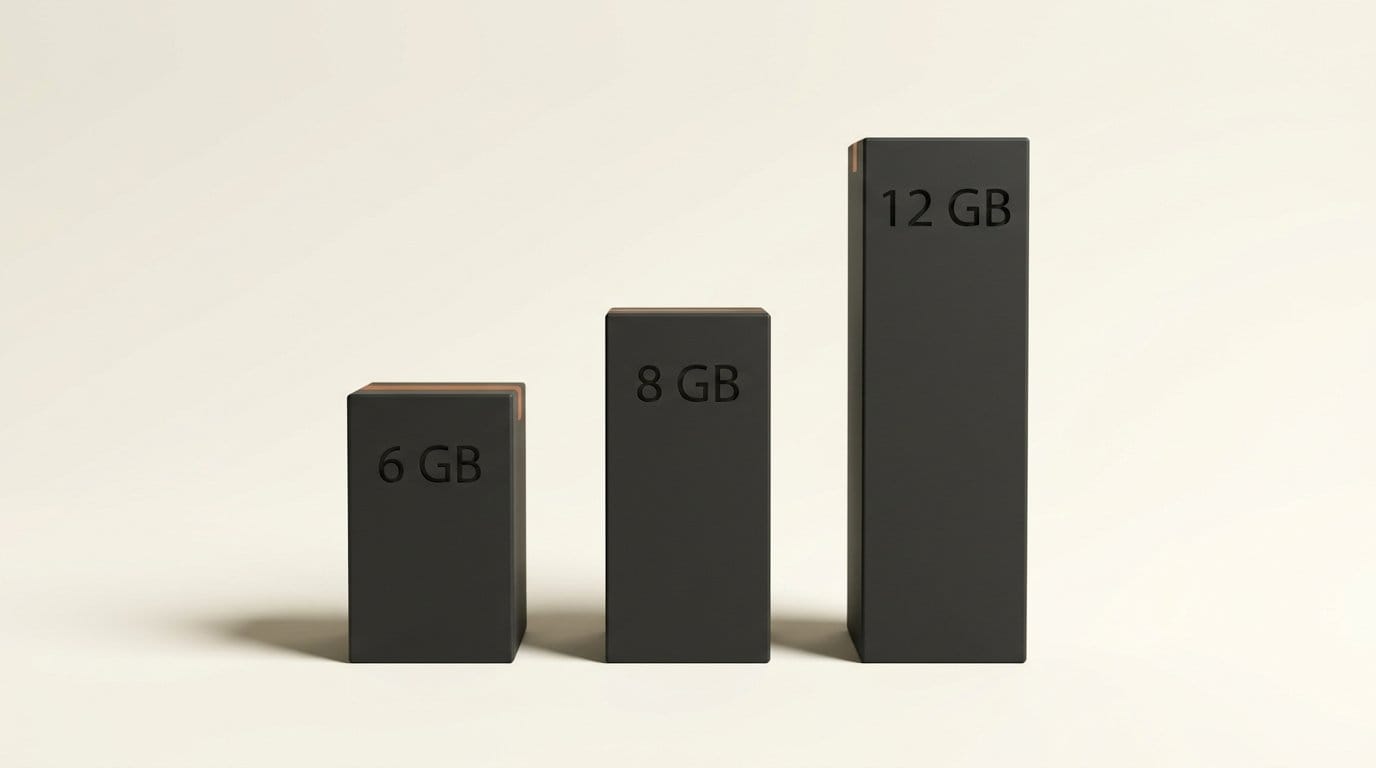
Hardware sets your options. MMAudio "only takes around 6GB of GPU memory (in 16-bit mode)". HunyuanVideo-Foley needs 20 GB for its default XXL model (12 GB with --enable_offload) or 16 GB for XL (8 GB with offload), and outputs 48 kHz. On the repository's own MovieGen-Audio-Bench table it scores 0.74 on DeSync, where lower is better, against 0.80 for MMAudio. Both run in ComfyUI through community nodes such as ComfyUI-MMAudio.
Know the failure modes before you judge a take. MMAudio's README lists "unintelligible human speech-like sounds" and struggles with unfamiliar concepts: it can generate "gunfires" but not "RPG firing". Hosted tools trade control for convenience. Mirelo's free plan is "exclusively for non-commercial purposes", its terms say free output "may carry a watermark", and free users must "clearly and visibly attribute Mirelo". Firefly lets you upload your own video and "add effects precisely where you want", and you can "act it out into your mic" to set timing.
Step 3: Fill the Gaps With Text-to-SFX
Foley models only hear what they can see. Off-screen sounds, room tone, a notification ping or a whoosh on a cut need a text prompt instead.
- Room tone and ambience first. In ElevenLabs, set
loopto true for a bed that repeats without an audible seam. The API accepts a duration from 0.5 to 30 seconds. - Hero effects second. Keep
prompt_influencenear its default of 0.3 while exploring, then raise it once a prompt works, because a higher value makes generations "follow the prompt more closely while also making generations less variable". - Budget the credits. ElevenLabs' sound effects docs charge 40 credits per second when you set a duration, and its pricing page estimates 200 credits per generation otherwise. The free plan's 10,000 credits is about 50 generations.
For a local option, Stable Audio 3 Small SFX is a 0.6B model that generates "in less than a 2s on an H200 GPU and less than a few seconds on a MacBook Pro M4", free for commercial use under $1M annual revenue.
Step 4: Conform Everything to 48 kHz
YouTube's recommended upload settings list a sample rate of 48kHz, and most video timelines run at 48 kHz too. MMAudio outputs 44.1 kHz, so resample before you edit rather than letting the editor do it silently:
ffmpeg -i shot01_foley.wav -ar 48000 shot01_foley_48k.wav
Do this for every file, including ElevenLabs MP3 exports. Resampling once, yourself, means every layer arrives at the same rate and you know exactly what happened to each file, instead of trusting each editor and export preset to convert it for you.
Step 5: Layer, Mix and Set Loudness Last
Build three layers per scene: the ambience bed at the bottom, the synced foley in the middle, and the hero effects on top. Pull the ambience well under the foley, and if the video has a voice, duck every effect under it. Then export one mixed stereo file and set loudness on that, not on the parts.
FFmpeg's loudnorm filter defaults to an integrated target of -24.0 LUFS, a broadcast figure that will sound quiet next to other social video. YouTube's upload spec does not publish a loudness target. For voice-led video we master to -16 LUFS integrated with true peak at -1 dBTP or lower, the same target our audio cleanup guide uses, and let each platform adjust from there:
ffmpeg -i mix.wav -af loudnorm=I=-16:TP=-1 -ar 48000 mix_final.wav
ffmpeg -i clip.mp4 -i mix_final.wav -map 0:v -map 1:a -c:v copy -c:a aac -shortest clip_with_sound.mp4
Troubleshooting
- Muffled speech-like babble in the foley. A known MMAudio failure. Regenerate the take, or mute that stretch and cover it with a text-to-SFX layer.
- Hits land a few frames late. Check that the exported shot and the timeline share a frame rate, then nudge the foley track rather than regenerating.
- A loop has an audible click. Regenerate with
loopset to true instead of looping a normal clip in the editor. - The whole mix sounds quiet after loudnorm. You ran it without setting
I, so it used -24.0 LUFS. Set the target explicitly. - The model ignores a specific sound. Name a more common one: MMAudio handles "gunfires" but not "RPG firing".
What to Try Next
If you would rather not add sound after the fact, Veo 3.1 generates 8-second videos "with natively generated audio", and Veo-generated clips can be extended "by 7 seconds and up to 20 times", though every clip is watermarked with SynthID. For the finishing pass, run the picture through one of the tools in our AI video upscalers comparison, and see How to Make a Product Launch Video With AI for where sound design fits in a full edit.
Frequently Asked Questions
Can AI add sound effects to an existing silent video?
Yes. Video-to-audio models such as MMAudio, HunyuanVideo-Foley and the LTX-2.3 Foley LoRA watch the frames and generate synced sound, and hosted tools such as Mirelo and Adobe Firefly accept an uploaded video. Text-only tools such as ElevenLabs Sound Effects cannot see the picture, so you place their output by hand.
What is the best free AI foley model?
On its own benchmark table, HunyuanVideo-Foley scores 0.74 on DeSync against 0.80 for MMAudio, lower being better, and outputs 48 kHz. It needs 8 GB to 20 GB of GPU memory and is not licensed in the EU, UK or South Korea. MMAudio runs in about 6 GB but its weights are non-commercial.
Can I use AI sound effects commercially?
It depends on the tool and plan. MMAudio weights are CC-BY-NC 4.0, Mirelo's free plan is non-commercial, ElevenLabs includes a commercial licence from its $6 Starter plan, Stable Audio 3 is free under $1M annual revenue, and Adobe says Firefly content is safe for commercial use.
How long a clip can AI foley models handle?
Short ones. MMAudio was trained on 8-second clips, the LTX-2.3 Foley workflow handles about 7 seconds, and ElevenLabs generates up to 30 seconds per effect. For longer edits, generate shot by shot and assemble on a timeline.
What sample rate should AI sound effects be for video?
48 kHz. YouTube's recommended upload settings list a 48kHz sample rate. MMAudio outputs 44.1 kHz, so resample it with FFmpeg before editing to avoid drift.