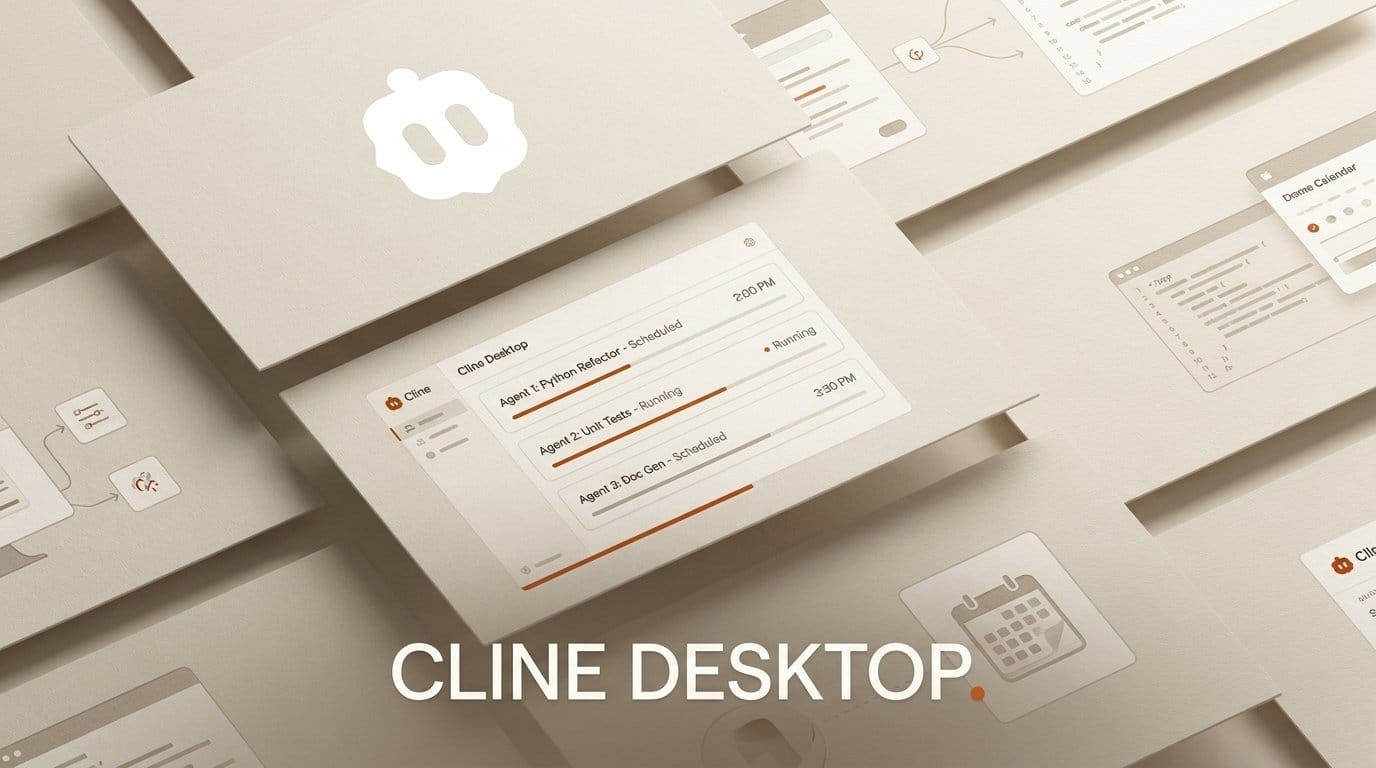
Cline shipped a desktop app on September 14, 2026, and the interesting part is not the window. Every headline feature in the announcement was already shipping as an installable package four months ago, when Cline released its SDK. The desktop app is what that SDK looks like when someone builds a product with it, and Cline is telling you so directly: the app lives in the examples folder of its own repository.
That framing matters more than the feature list, because it changes what you are adopting. You are not betting on a new application. You are looking at a reference implementation of a runtime you can fork.
What Cline Desktop Actually Ships
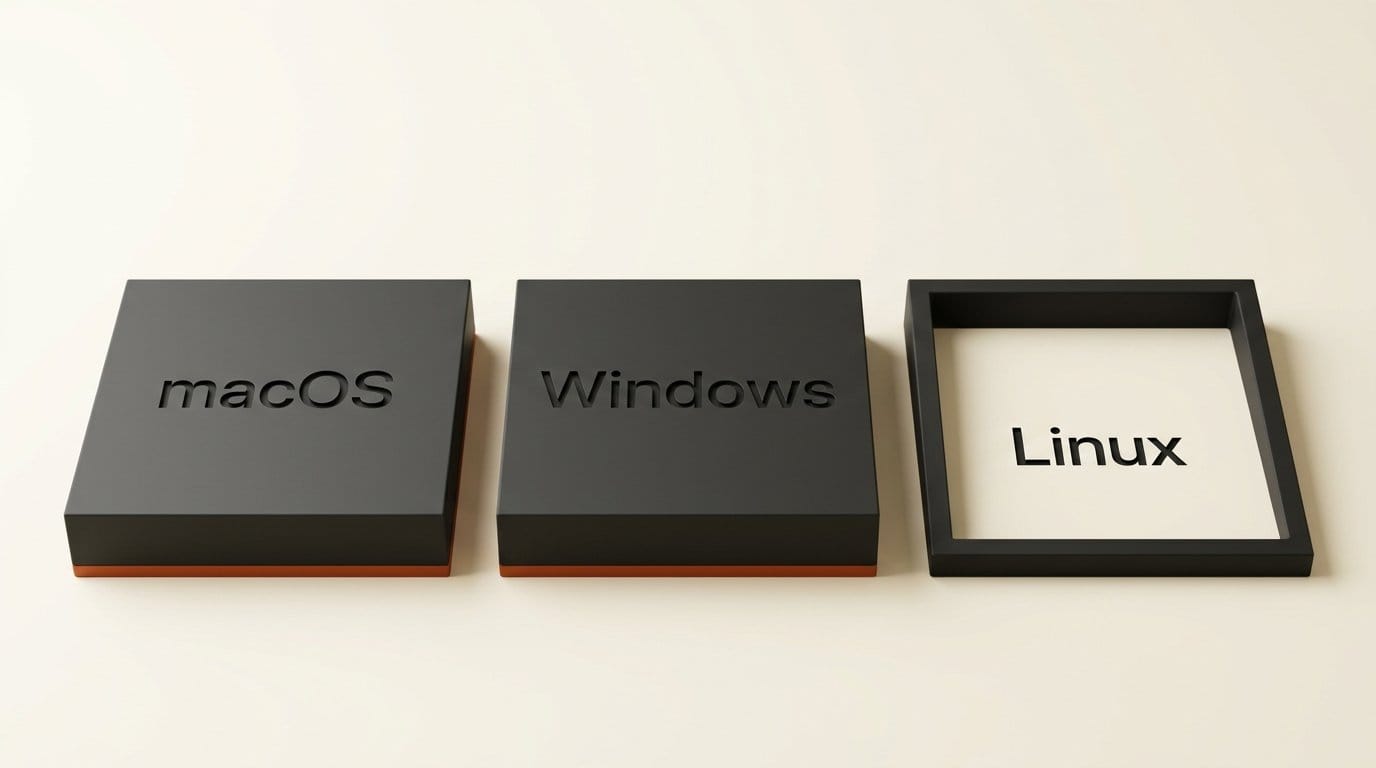
Cline Desktop is a standalone agent workspace that runs outside any editor. The download page lists it at v0.0.29 and labels it Beta, with builds for macOS on both Apple Silicon and Intel, plus Windows. There is no Linux build.
The feature set is broad for a v0.0.x release. You can run several agent sessions in parallel, schedule recurring agent tasks on a cron expression, queue messages while an agent is still working, fork and edit any past conversation, and browse a marketplace of plugins, MCP servers, and skills. Web search is on by default, and voice input works with compatible speech-to-text providers.
Model access is deliberately unopinionated. The app reaches 300 or more models through Cline's own provider, connects to 50 or more providers with your own API key, and will talk to a local endpoint. The documentation frames the app as a home for agent work that is not strictly coding, naming research, documentation, and reporting alongside development.
One feature deserves separating from the rest: the app imports conversations from Claude Code and Codex, so you can pick up a debugging session started somewhere else and continue it against a different model. That is not a convenience feature. That is a switching-cost removal tool, and it is the clearest signal of who Cline thinks it is competing with.
The Feature List Was Already in the May SDK
Read the Cline Desktop announcement next to the SDK release and the overlap is close to total. When Cline released @cline/sdk on May 13, 2026, the packages it shipped included checkpoints, web fetch, MCP connectors, cron jobs, and subagents. Four months later, the desktop app's two marquee capabilities are scheduled recurring runs and parallel sessions. Those are cron jobs and subagents with a user interface attached.
Cline does not hide this. Its own announcement says the team "rebuilt that foundation around the Cline SDK." The honest date for the capability, then, is May 13, not September 14. What arrived this week is the packaging.
This is worth stating plainly because it sets your expectations correctly. A v0.0.29 beta that exposes a runtime hardened over four months in a CLI and an IDE extension is a very different risk profile from a v0.0.29 beta built from scratch. The surface is new. The engine is not.
Why It Ships From the Examples Folder
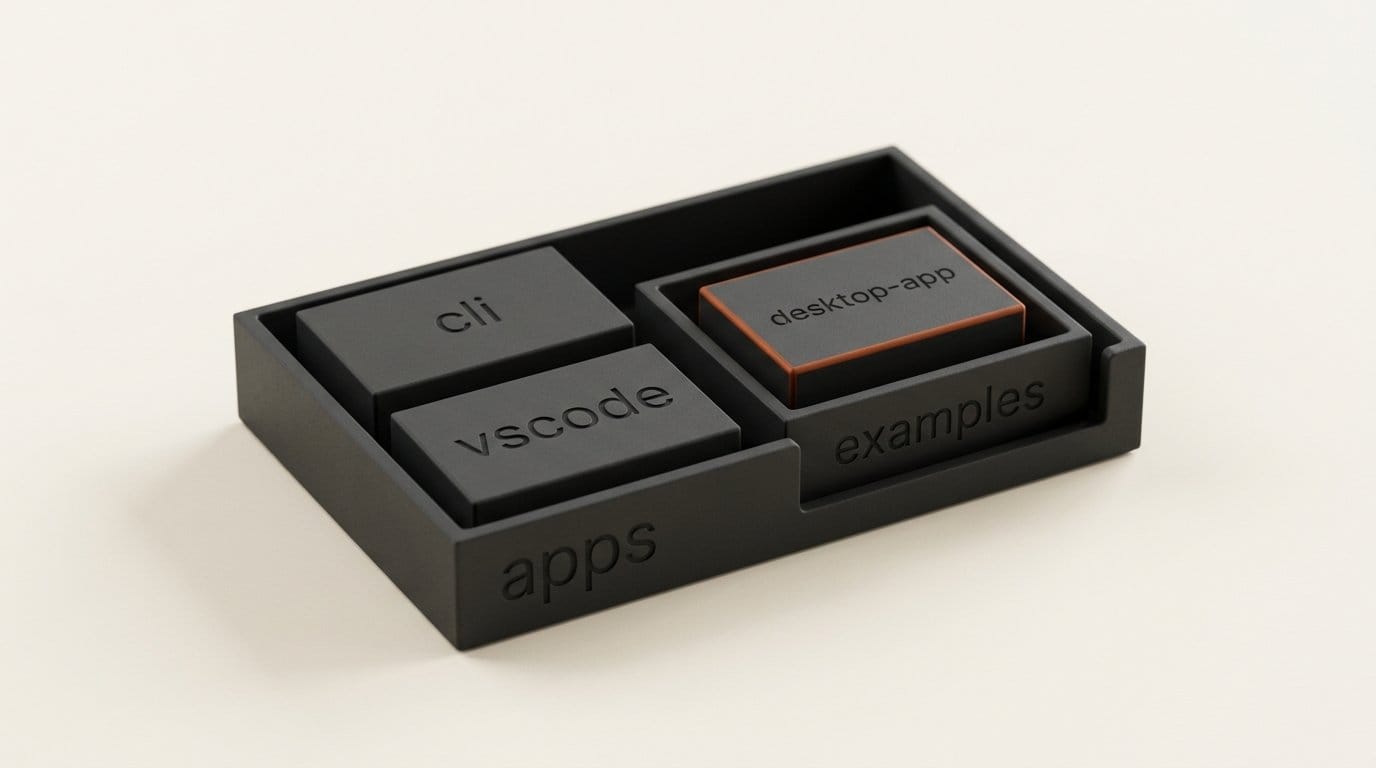
Here is the detail almost nobody covering this launch mentioned. The desktop app's source does not sit with Cline's other products. In the public repository, which carries an Apache 2.0 licence and 68,339 stars, the shipped products live under apps/ as apps/cli, apps/vscode, and apps/cline-hub. The desktop app lives at apps/examples/desktop-app, in the same directory as quickstart, menubar, multi-agent, and code-review-bot.
Cline shipped its flagship consumer surface as a sample. That placement is a statement about what the company thinks its product is, and the answer is the SDK, not the app. The app is the receipt.
The practical consequence for anyone building tools is immediate and unusually concrete. Most agent desktop apps are a binary you either accept or reject. This one is a template. If you want an agent workspace with a different session model, a different approval flow, or your own company's model routing baked in, the shipped application is checked into a public Apache 2.0 repository as a worked example next to a quickstart. Forking it is the intended path, not a workaround.
The caution that comes with it is equally real. Code in an examples directory carries different implicit promises than code in a products directory. Nothing in the repository layout commits Cline to keeping the desktop app's architecture stable, and a sample can be rewritten between releases in ways a flagship cannot.
How It Compares to the Editor-Bound Agents
The comparison that matters is not feature-count. It is where the agent lives, who chooses the model, and what it costs to start. On those axes Cline Desktop sits somewhere the incumbents do not.
| Dimension | Cline Desktop | Claude Code | Cursor |
|---|---|---|---|
| Where the agent runs | Standalone app, no editor required | Terminal, plus desktop and web surfaces | Inside the Cursor editor |
| Source availability | Apache 2.0, Mac app source public | Proprietary client | Proprietary |
| Entry price | Free with your own key or local endpoint | $20 per month Pro, not in the free tier | Free Hobby tier, $20 per month Pro |
| Model selection | 300+ models, 50+ providers, local endpoints | Anthropic models on your plan | Frontier models drawn from a credit pool |
| Flat-rate open-weight bundle | ClinePass, $9.99 per month, 14 models | Not offered | Not offered |
| Built-in recurring scheduler | Yes, cron expressions | Not advertised in the client | Not advertised in the client |
| Advertised conversation import | Claude Code and Codex | Not advertised | Not advertised |
| Maturity | v0.0.29 beta | Stable | Stable |
Prices come from the vendors directly: Claude's pricing page puts Claude Code in every paid plan and out of the free one, with Pro at $20 per month and Max starting at $100, all drawing from one shared usage pool with chat. Cursor's pricing page lists Hobby free, Pro at $20, Pro+ at $60, and Ultra at $200.
Read the table as a positioning map rather than a scorecard. Claude Code and Cursor are betting that the best agent is the one closest to your code and your frontier model subscription. Cline is betting that the agent should be a separate place you go, with the model as a swappable input. Neither is obviously right, and the answer depends on whether your agent work is mostly editing a repository you have open or mostly long-running jobs you want to walk away from.
ClinePass Costs the Same as July and Does Twice as Much
The subscription attached to all this has not changed price, which makes the change in what it contains easy to miss. When we covered the ClinePass launch after its June 29 debut, $9.99 a month bought seven models: GLM-5.2, Kimi K2.7 Code, Kimi K2.6, DeepSeek V4 Pro, DeepSeek V4 Flash, MiMo V2.5, and MiMo V2.5 Pro.
The ClinePass page today lists 14 models from six providers at the same $9.99: GLM 5.3 Flash, GLM 5.3, and GLM 5.2 from Z.ai; Kimi K3, Kimi K2.7 Code, and Kimi K2.6 from Moonshot; DeepSeek V4 Pro and V4 Flash; MiniMax M3; MiMo V2.5 Pro and V2.5; and Qwen3.7-Max, Qwen3.7-Plus, and Qwen3.8-Max. The stated quota is still 2 to 5 times standard API rate limits.
The catalogue doubled and the bill did not move, which means the cost per available model halved in eleven weeks. That is the open-weight coding market compressing in public, and it is the number to watch if you are deciding whether to keep paying frontier rates for agent work that a Kimi K3 or a GLM 5.3 can finish.
One caveat on reading the pricing page: the ClinePass catalogue and the free models advertised at launch are not the same list, and the pricing page shows no free tier of its own. Check which bucket a given model is in before you plan around it.

Set Up a Scheduled Run in About Fifteen Minutes
The fastest way to decide whether the standalone-workspace idea suits you is to give it the one job an editor-bound agent cannot do, which is work while you are not there.
- Download the build for your platform and install it. Expect beta behaviour at v0.0.29 and do not point it at anything you cannot revert.
- Connect a model. Use your existing API key from any of the 50 or more supported providers, point it at a local endpoint, or take ClinePass if you want the open-weight bundle without per-provider accounts.
- If you have work in flight elsewhere, import a Claude Code or Codex conversation rather than restating the context. This is also the cleanest way to compare two models on identical history.
- Create one small recurring task on a cron schedule. A dependency-update check or a documentation pass over a single directory is the right size. Resist scheduling anything that opens pull requests until you have watched a few runs.
- Let it run unattended overnight, then read the session history the next morning and judge the output rather than the demo.
Step five is the whole test. Scheduled autonomy is easy to demonstrate and hard to trust, and the only evidence that counts is a run you did not supervise.
What to Watch
Three things will decide whether this becomes infrastructure or stays a sample. The first is whether the desktop app graduates out of apps/examples/. That directory move, if it ever happens, is the real 1.0 announcement, and it will say more than any version number.
The second is Linux. An agent workspace whose main selling point is long-running unattended jobs and local model endpoints is missing the platform where most of those jobs actually run.
The third is the ClinePass catalogue. It went from seven models to 14 at a flat price in eleven weeks. If it keeps expanding at that rate, the interesting question stops being which desktop app you use and becomes how much longer frontier-rate subscriptions stay the default for routine agent work.
Frequently asked questions
Is Cline Desktop free?
The application itself is free to download, and you can run it entirely on your own API keys or a local model endpoint at no cost to Cline. ClinePass, the optional flat-rate bundle of open-weight models, is $9.99 per month. The ClinePass page does not list a free tier of its own.
Is Cline Desktop open source?
Cline states that the Mac app is fully open source, the same as its extension and CLI, and the repository carries an Apache 2.0 licence. The source sits at apps/examples/desktop-app in the public repository rather than alongside the CLI and VS Code products.
Which platforms does it support?
macOS on Apple Silicon and Intel, plus Windows. The download page labels the release Beta at v0.0.29. There is no Linux build at launch.
How is it different from the Cline VS Code extension?
It runs the same agent harness without requiring an editor, and it adds session management built for work you leave running: parallel sessions, cron-scheduled tasks, queued messages, forkable conversation history, and a home for agent tasks that are not code, such as research and documentation.
Can it pick up work from Claude Code or Codex?
Yes. Importing a conversation from Claude Code, Codex, or another supported agent is an advertised feature, and you can continue that task against a different model than the one that started it.
Should I use it for production work yet?
Treat it as a beta, because it is one. The underlying runtime has been in the CLI and extension since May, which lowers the risk considerably, but a v0.0.29 client that schedules unattended runs deserves a small, reversible first task rather than anything that writes to a repository you care about.





