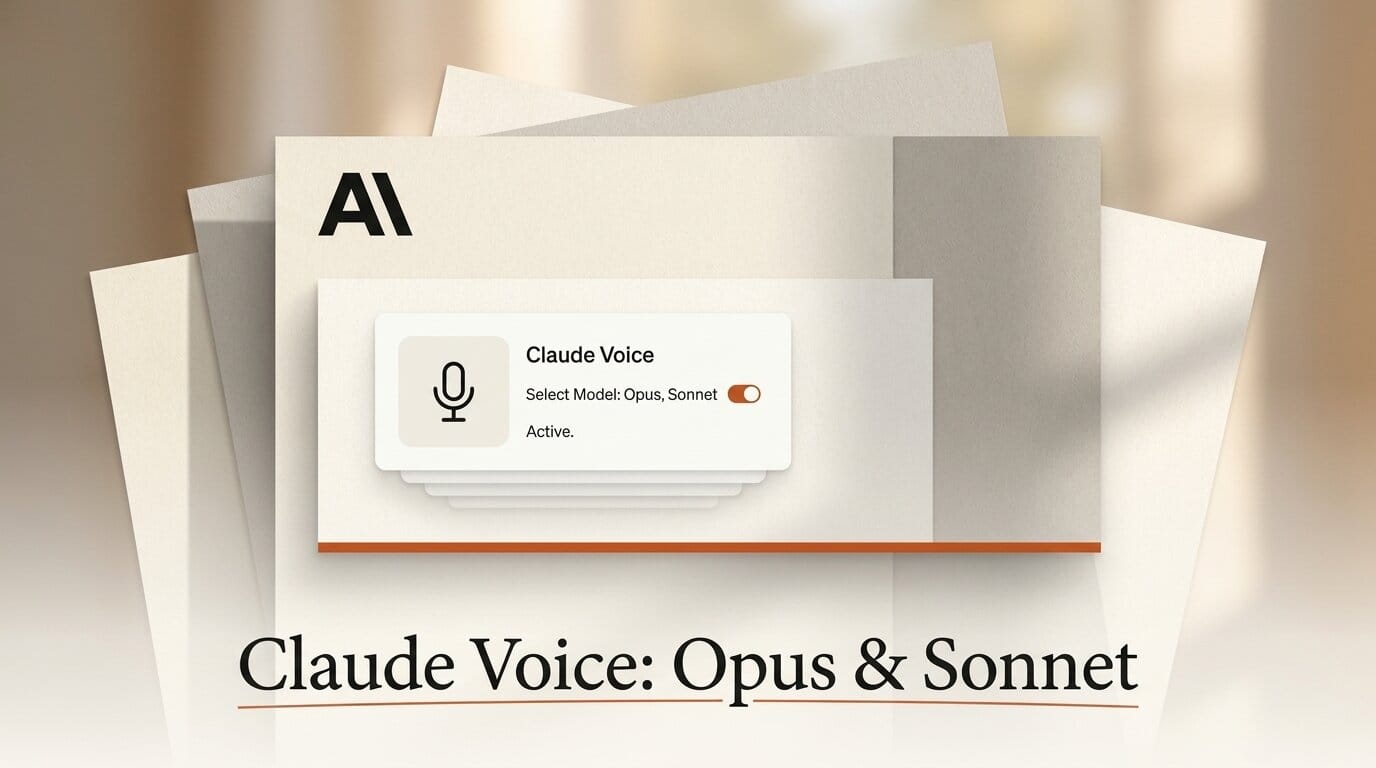
On July 23, 2026, Anthropic updated Claude's voice mode so it can now run on Opus and Sonnet, not just Haiku, and connect to the apps you already work in, including Gmail, Google Calendar, Slack, Canva, and Notion. That combination turns voice mode from a talk-to-a-chatbot novelty into something closer to a hands-free operator: you can ask Claude to reschedule a meeting, draft an email, or spin up a document, and it carries out the task by reaching into a live connector instead of just describing how you might do it. Voice mode is in beta for every user on all platforms, with a free tier limited to Haiku and a single app connection, and full model and app access reserved for paid plans.
What Anthropic Changed
The headline change is model choice that actually routes. For roughly three weeks a model selector sat inside the voice interface, but the choice was cosmetic: whichever option you picked, the session still ran on Claude Haiku 4.5. As TestingCatalog reported, selecting Opus or Sonnet now genuinely routes the conversation through those models rather than silently falling back to Haiku. Voice mode also defaults to the fastest version of whatever model you last used in a text chat, so the voice and text sides of a single conversation stay consistent.
Alongside the model upgrade, Anthropic expanded what voice mode can touch. The interface now handles app integrations for task execution, shows key points on screen while it talks, and lets you switch between voice and text inside the same thread. Anthropic frames the target use as sustained, thinking-out-loud work: the company says voice mode "can help users with longer conversations, including providing feedback on their communication style, talking through a pitch to a client, and brainstorming product market research." You can read the current behavior on Anthropic's own use voice mode help page.
Why the Model Choice Matters
Haiku is fast and cheap, which is why it made sense as the default for quick spoken replies. But speech is exactly where a weaker model shows its limits: multi-step reasoning, tool-heavy requests, and long, meandering conversations all get harder when the model has to hold context across minutes of back-and-forth. Routing Opus or Sonnet into voice unlocks the tasks that felt awkward before, from working through a knotty decision out loud to chaining several connector actions in one session. Interruption handling stays strong in the process, with the model pausing when it hears you, resuming sensibly, and tolerating long silences without cutting in early.
This is the same trajectory we covered when Claude Code gained a real in-app browser to drive apps directly. Voice mode is that idea applied to speech: the interface is your voice, and the model reaches into live tools on your behalf.
Free vs Paid: What You Get
The access split is the practical thing to understand before you rely on it. Everyone gets the conversational interface, the on-screen text, the voice choices, and the ten supported languages. The model tier and the breadth of app connections are what separate free from paid.
| Capability | Free | Paid (Pro / Max) |
|---|---|---|
| Models | Haiku 4.5 only | Opus, Sonnet, or Haiku (defaults to last text model) |
| App connections | Single connector | Full access: Gmail, Calendar, Slack, Canva, Notion, and more |
| Voice options | Buttery, Airy, Mellow, Glassy, Rounded | Same five voices |
| Languages | 10 (incl. English, French, German, Hindi, Japanese, Korean, Portuguese, Spanish) | Same 10 |
| On-screen key points | Yes | Yes |
| Voice-text switching | Yes | Yes |
The single-connector limit on free is the real gate. A hands-free workflow that spans your calendar and your inbox at once needs the paid tier, where the full connector set is available.

Set Up a Voice-Driven Task Workflow
Here is a concrete way to put the update to work in about ten minutes:
- Update the Claude app on iOS or Android and open a conversation, then tap the voice icon to enter voice mode.
- Pick your model. Start a text message on Opus or Sonnet first, then enter voice mode so it inherits that model. On a paid plan, confirm the selector shows the model you want.
- Connect an app. In settings, add a connector such as Google Calendar or Gmail. Anthropic's connectors documentation covers the authorization step for each service.
- Give a task, not a question. Say "Move my 3pm with Sarah to tomorrow morning and email her the new time." Claude reads the calendar, proposes the change, and drafts the message.
- Review on screen. Watch the key points panel, correct anything by voice, and confirm before it sends.
Under the hood, these connectors ride the same Model Context Protocol plumbing that lets agents read and write real application state. If you have built MCP workflows before, such as our walkthrough of driving After Effects through Claude Code, voice mode is a new front door to the same capability.
How Claude Voice Compares
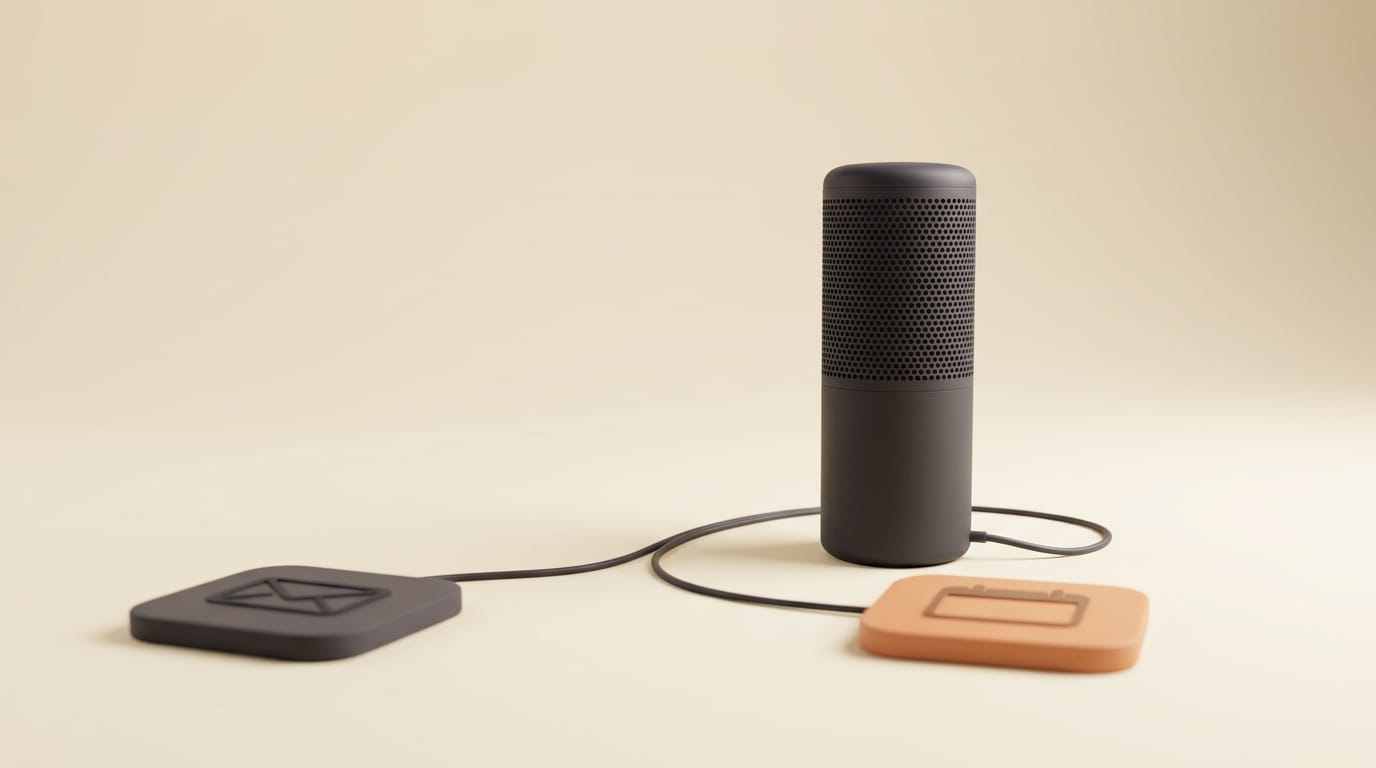
Voice assistants from other labs, including OpenAI's Advanced Voice Mode and Google's Gemini Live, already deliver fluid, low-latency conversation. What Anthropic is leaning into is not raw voice quality but task execution through connectors: the pitch is less "talk to an assistant" and more "run your work by talking." TechRadar called the mobile experience genuinely useful precisely because it can look inside your inbox and calendar and act on what it finds. The model-selection change reinforces that angle: if voice is going to do real work, it needs a model strong enough to reason through it, which is why routing Opus and Sonnet matters more than another voice preset.
What This Enables for Creators
For anyone who plans, scripts, or manages a creative pipeline, the useful shift is capturing intent while your hands are busy. You can talk through a video outline on a walk and have Claude draft it into a Notion doc, rehearse a client pitch and get spoken feedback on your delivery, or clear inbox triage between edits without opening a laptop. Because the on-screen panel mirrors the conversation, you can start by voice and finish by text once you are back at a keyboard. It slots naturally next to skill-capture workflows like recording a skill in Claude Cowork, giving you a spoken on-ramp to the same automations.
Frequently Asked Questions
Which models can Claude voice mode use now?
Opus, Sonnet, and Haiku. Previously every session ran on Haiku 4.5 regardless of the selector; the update makes the Opus and Sonnet choices route through those models. Voice mode defaults to the fastest version of the model you last used in text.
Is Claude voice mode free?
The conversational interface, voices, on-screen text, and ten languages are available free, but the free tier is limited to Haiku and a single app connection. Opus, Sonnet, and full connector access require a paid Pro or Max plan.
Which apps can voice mode connect to?
Gmail, Google Calendar, Slack, Canva, and Notion are called out directly, and Claude supports roughly 200 connectors overall. On free, you can wire up one; paid plans unlock the full set.
What languages does voice mode support?
Ten, including English, French, German, Hindi, Indonesian, Italian, Japanese, Korean, Portuguese, and Spanish.
Can I switch between voice and text in the same chat?
Yes. Voice mode shows key points on screen and lets you move between spoken and typed input within a single conversation, so you can start hands-free and finish at a keyboard.
How is this different from ChatGPT or Gemini voice?
The differentiator is action through connectors and selectable reasoning models rather than voice fidelity alone. Claude is positioned to carry out tasks in your live apps by voice, not just hold a conversation.
What to Do Next
Update the Claude mobile app, open voice mode, and try a single spoken task against one connected app to feel the difference. If you want Opus or Sonnet plus multiple connectors for real hands-free workflows, review the plan options on Anthropic's pricing page and connect your calendar and inbox first, since those two cover the most common voice requests.





