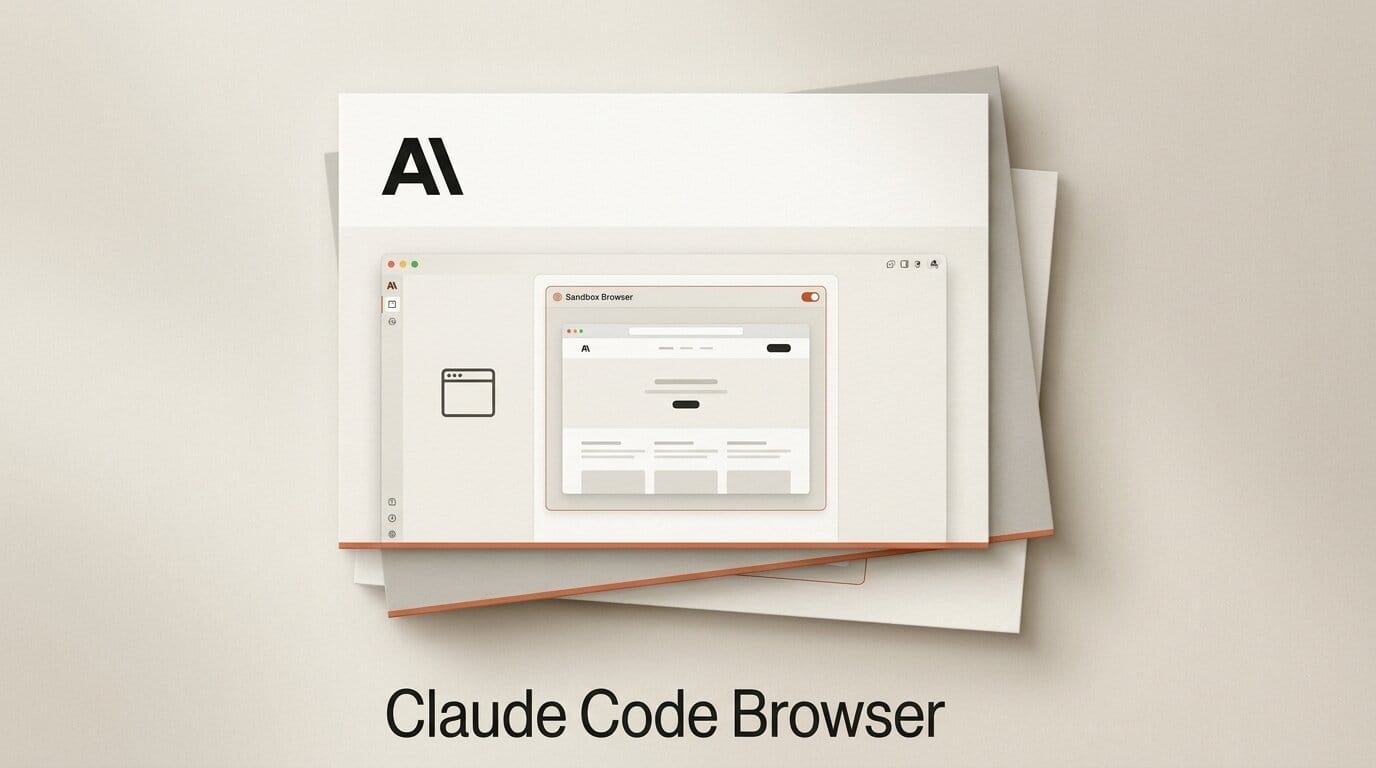
Claude Code on the desktop can now open a website by itself. On July 10, 2026, Anthropic shipped a built-in, sandboxed browser inside the Claude Code desktop app as part of its Week 28 release (versions 2.1.202 through 2.1.206), letting the coding agent pull up docs, designs, and any live site and interact with the page the same way it already drives your local dev server previews. You open it with Cmd+Shift+B on macOS or Ctrl+Shift+B on Windows, and it runs on a clean profile with none of your saved logins or history. Anthropic confirmed the feature in its Claude Code what's new digest, and 9to5Mac reported the announcement the same day.
For anyone using Claude Code to build websites, apps, or design work, this closes a real gap: the agent can now read a component library's docs, click through a rendered page, and verify what it just built without you copying URLs back and forth. Here is exactly what shipped, how it differs from the Claude in Chrome extension, and how to fold it into a build workflow.
What Anthropic Shipped
The in-app browser is a dedicated pane inside the Claude Code desktop application. Claude can navigate to a URL, read the rendered content, click links and buttons, fill fields, and report back, the same loop it uses when it inspects a local development server. The difference is that it now reaches the open web, not just localhost.
The pane uses a clean, isolated browser profile that is separate from your personal browser. It carries none of your saved logins, cookies, or history, which keeps the agent's browsing anonymous by default. Session persistence is configurable: you decide whether a browsing session stays alive between tasks or resets each time. The feature landed alongside a full setup checkup command called /doctor and tighter auto-mode guardrails, all documented in the Claude Code changelog.

In-App Browser vs Chrome Extension vs Standalone Agent Browsers
Anthropic now ships two ways for Claude to use a browser, and they solve different problems. The in-app browser is built for anonymous testing and local build work. The Claude in Chrome extension, which went generally available on all direct Anthropic plans in the Week 27 release, shares your real browser's login state so Claude can act inside authenticated sessions. The table below lays out where each one fits.
| Capability | Claude Code In-App Browser | Claude in Chrome Extension | Standalone Agent Browser |
|---|---|---|---|
| Login state | Clean profile, no saved logins | Uses your real browser sessions | Varies by product |
| Best for | Anonymous testing, reading docs, verifying builds | Acting on your behalf in logged-in sites | General web browsing with an agent |
| Where it runs | Inside Claude Code desktop | Inside Chrome | Separate application |
| Session persistence | Configurable on or off | Tied to Chrome profile | Product dependent |
| Isolation | Sandboxed pane | Shares Chrome environment | Product dependent |
The market context matters here. OpenAI recently retired its standalone ChatGPT Atlas browser in favor of an in-app approach, a shift we covered in our look at why OpenAI discontinued the Atlas browser. Anthropic is moving the same direction: put the browser where the agent already works rather than shipping a separate app.
How to Use the In-App Browser
Folding the browser into a real build session takes only a few steps. Here is a practical loop for verifying front-end work as Claude Code writes it.
- Update Claude Code desktop to version 2.1.202 or later so the browser tool is available.
- Open the browser pane with Cmd+Shift+B on macOS or Ctrl+Shift+B on Windows.
- Ask Claude to read a reference, for example a component library's documentation page, so it builds against the real API rather than a guess.
- Have Claude build the component in your project, then point it at your running preview or a deployed URL to inspect the rendered result.
- Let Claude click through the page to confirm interactions work, then ask it to fix anything that looks off, all inside the same session.
Because the pane uses a clean profile, this is a strong fit for testing signup flows, public marketing pages, and documentation without your personal accounts leaking into the run.

Why It Matters for Builders
The value is that verification now happens inside the loop. Before this, an agent could write code that looked correct but had no way to confirm the live page behaved as intended without a human pasting screenshots or URLs. With an in-app browser, Claude Code can close that loop itself: build, open, read, click, and correct.
This pairs naturally with browser automation through the Model Context Protocol, an area we compared in our Safari vs Chrome vs Playwright MCP breakdown. The in-app browser is the lower-friction option for quick checks; MCP-driven automation remains the choice for scripted, repeatable test suites. As MLQ News noted, the feature is aimed squarely at reducing the context-switching that slows agent-driven development.

Safety, Sandboxing, and Team Controls
Giving an agent a browser raises obvious safety questions, and Anthropic built guardrails into the release. Safety classifiers screen write actions on external sites, and any purchase or account creation requires explicit user approval before it proceeds. The clean profile means the agent is not signed into your accounts unless you deliberately choose the Chrome extension path instead.
For organizations, browser access can be restricted through allowlists or disabled entirely, so teams can decide which sites the agent may reach. As Progressive Robot reported, this control layer is what makes the feature viable for regulated or security-conscious teams rather than only solo developers.
What to Do Next
Update the Claude Code desktop app to the latest release, then try the build-and-verify loop above on a small front-end task before trusting it on production work. If your workflow depends on logged-in sites, plan to use the Claude in Chrome extension instead of the sandboxed pane. For a sense of how fast Claude Code is iterating, our recap of the 2.1.195 release and its reliability gains shows the pace of recent updates.
Frequently Asked Questions
When did Claude Code get an in-app browser?
Anthropic announced it on July 10, 2026, as part of the Week 28 release covering desktop versions 2.1.202 through 2.1.206.
How do I open the browser in Claude Code?
Press Cmd+Shift+B on macOS or Ctrl+Shift+B on Windows to open the browser pane inside the Claude Code desktop app.
Does the in-app browser use my saved logins?
No. It runs on a clean, isolated profile with none of your saved logins, cookies, or history. If you need the agent to act inside authenticated sessions, use the Claude in Chrome extension, which shares your real browser's login state.
Is the in-app browser safe to let run on its own?
Anthropic added safety classifiers that screen write actions on external sites, and it requires explicit approval before any purchase or account creation. Organizations can also restrict access with allowlists or disable the browser tool entirely.
How is this different from a standalone agent browser?
The in-app browser lives inside Claude Code where the agent already works, rather than in a separate application. It is optimized for anonymous testing and verifying builds, not for general authenticated browsing.
Do I need a special plan to use it?
The browser ships in the Claude Code desktop app on version 2.1.202 or later. Update the app to the latest release to access the feature.