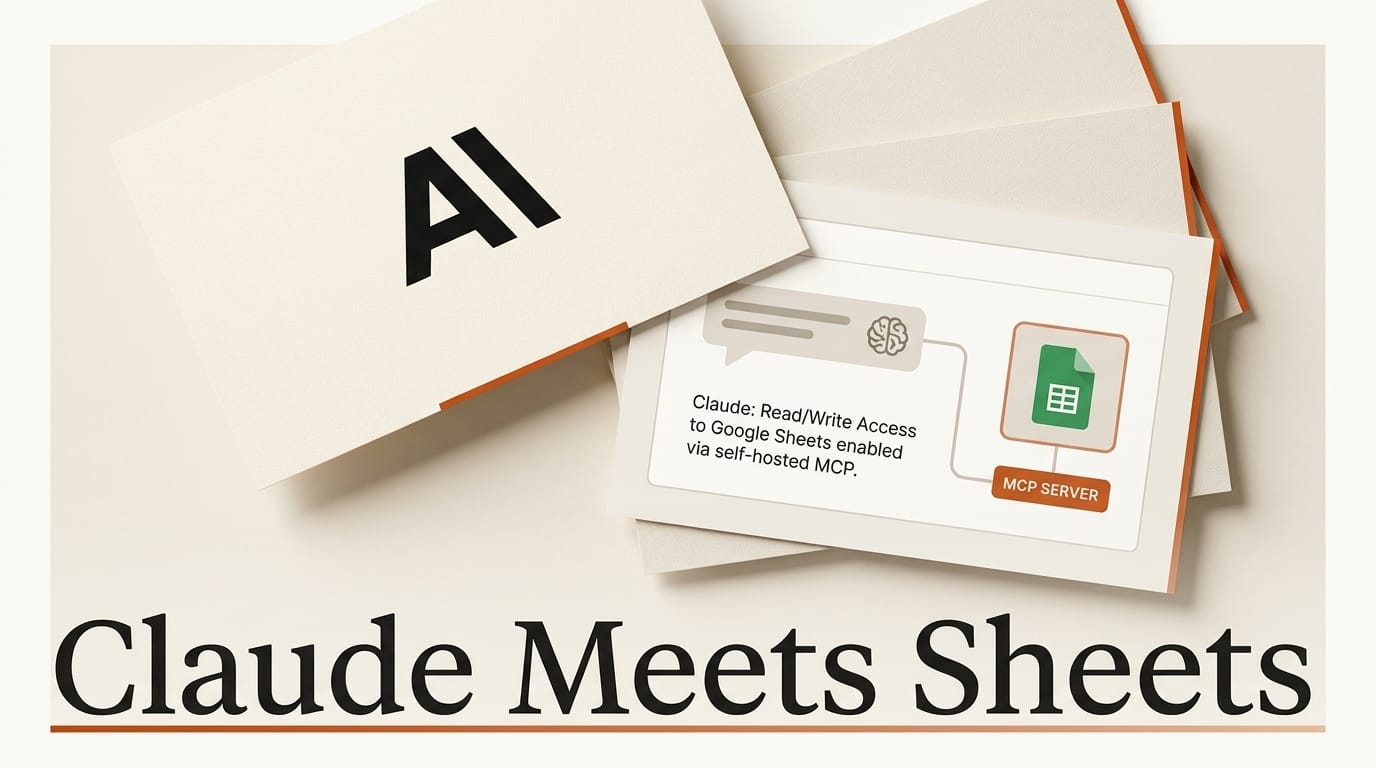
A new open-source project called gsheets-mcp gives Claude direct read and write access to your Google Sheets through a small, self-hosted server. It ships with eight spreadsheet tools, service-account and OAuth authentication, optional read-only and allowlist modes, and roughly 1,500 lines of Python backed by 89 tests. The pitch is deliberately narrow: run it on your own machine, point Claude Desktop or Claude Code at it, and let the model read cells, append rows, and format ranges without any third-party service in the middle.
It is one of the newest entries in a fast-growing category. The Model Context Protocol (MCP) is the open standard that lets AI assistants call external tools, and spreadsheets are one of the most requested targets. This guide explains what the new server does, how the 2026 field compares, how to wire it up step by step, and the guardrails you should set before granting any model write access to your data.
What shipped: a self-hosted Sheets server
gsheets-mcp is a local-first MCP server. Instead of routing your spreadsheet data through a hosted connector, you run the process yourself and it talks straight to the Google Sheets API using credentials you control. The project exposes eight tools that cover the full read-write loop: reading tabs and cell ranges, appending rows, updating rows, formatting cells (colors and text styling), creating and deleting tabs, creating whole spreadsheets, and an optional Google Drive search.
Two design choices stand out. First, it supports both OAuth for personal use and service accounts for headless server deployment, so it fits a laptop workflow or an always-on agent. Second, it ships safety switches: an optional allowlist that restricts which spreadsheets the server can touch, and a read-only mode that removes every write path. For a tool that can rewrite your data, those switches are the difference between a convenience and a liability.

Why connecting Claude to Sheets matters
Spreadsheets are where a huge amount of creative and operational work actually lives: content calendars, shot lists, budgets, keyword trackers, client rosters, and campaign metrics. Until now, getting an assistant to work on that data usually meant copying ranges into chat, pasting results back, and losing the structure in between. An MCP bridge collapses that loop. Claude can pull the live sheet, reason over it, write the result back into the exact cells, and format the output, all in one turn.
For creators, that unlocks concrete jobs to be done. Turn a messy list of video ideas into a scored, sorted content calendar. Reconcile two exports into a single clean tab. Generate 50 alt-text strings from a column of file names and write them into the next column. Build a monthly budget summary from raw transaction rows. The model does the tedious middle, and the spreadsheet stays the source of truth.
The Google Sheets MCP landscape in 2026
gsheets-mcp is not alone. Several mature open-source servers already cover this ground, plus managed connectors for teams that would rather not self-host. The table below compares the most active options by how you run them and what they emphasize.
| Server | Language | Hosting | Standout emphasis |
|---|---|---|---|
| andrewkushnerov/gsheets-mcp | Python | Self-hosted | Read-only mode, allowlists, 89 tests |
| xing5/mcp-google-sheets | Python | Self-hosted | Drive plus Sheets bridge, broad tool set |
| freema/mcp-gsheets | TypeScript | Self-hosted | Claude Code, Desktop, and Cursor support |
| amaboh/google-sheets-mcp-server | Python | Self-hosted | Create, read, write, manage from Desktop |
| Composio Google Sheets | Managed | Hosted | Managed auth, no local server to run |
The split is simple. Self-hosted servers keep credentials and data on your hardware and cost nothing but setup time. Managed connectors like Composio remove the DevOps but add a third party to your trust chain. gsheets-mcp's differentiator inside the self-hosted group is its explicit safety posture: it is the one that leads with read-only and allowlist controls rather than treating them as an afterthought.

How to connect Claude to Google Sheets, step by step
The setup is the same shape for most of these servers. Here is the path using a Google service account, which is the most durable option for an always-on agent.
- Create a Google Cloud project and enable the Google Sheets API (and Drive API if you want search). Follow Google's create credentials guide.
- Create a service account and download its JSON key. A service account is a non-human identity your server authenticates as, so no browser login is needed at run time.
- Share the target spreadsheet with the service account's email address, exactly as you would share with a colleague. The model can only see sheets you explicitly share.
- Install and configure the server, pointing it at the JSON key. Start in read-only mode and, if the server supports it, set an allowlist of specific spreadsheet IDs.
- Register the server with Claude by adding it to your Claude Desktop or Claude Code MCP config, then restart the client so it loads the new tools.
- Verify with a read before enabling writes. Ask Claude to summarize a tab. Once you trust the connection, turn on write access for the specific sheets you intend to edit.
If you have never registered an MCP server before, our walkthrough on how to deploy an MCP server to Claude and ChatGPT covers the config file format and common connection errors.

What this enables
Once the bridge is live, the assistant becomes a spreadsheet operator rather than a chat window. You can ask Claude to clean and dedupe a subscriber list in place, roll a week of raw analytics into a formatted summary tab, or generate and write a batch of product descriptions from a column of SKUs. Because the model reads and writes the live document, the output keeps your formulas, formatting, and tab structure intact instead of arriving as a lossy copy in chat.
The bigger shift is chaining. With Sheets wired in alongside other MCP tools, one prompt can read a planning sheet, generate assets, and log the results back, similar to how creators already drive editing apps from Claude, as in our look at driving After Effects from Claude Code via MCP. The spreadsheet becomes the shared memory that ties a multi-tool workflow together.
Safe-use: guardrails before you grant write access
Write access to your data is a real security surface, and it should be treated like one. The core risk with any AI-plus-spreadsheet integration is prompt injection: a malicious string sitting in a cell can try to hijack the model into taking actions you did not intend. We documented exactly this failure mode in ChatGPT for Sheets and the prompt injection that steals your Drive, and the lesson carries straight over to Claude.
Four practical guardrails cut most of the risk. Start read-only and only enable writes for sheets you are actively editing. Use an allowlist so the server can touch a named set of spreadsheet IDs, never your whole Drive. Prefer a scoped service account over broad OAuth, and share only the specific files with it. Finally, review the server code before you run it, since these are community projects handling your credentials; the Google Sheets API concepts guide is a useful reference for understanding exactly what a given tool can reach.

Frequently asked questions
Does gsheets-mcp work with both Claude Desktop and Claude Code?
Yes. The project documents setup for both Claude Desktop and Claude Code, and any MCP-compatible client can connect since it follows the standard protocol.
Is it safe to give an AI write access to my spreadsheets?
It can be, with guardrails. Start in read-only mode, use an allowlist to restrict which spreadsheets are reachable, prefer a scoped service account, and share only the specific files. The main risk is prompt injection from untrusted cell contents, so avoid pointing write-enabled tools at sheets that contain data from strangers.
Do I need a paid Google Cloud plan?
No. Enabling the Google Sheets API and creating a service account are free for normal usage. The Sheets API has generous free quotas that cover typical creator and small-team workloads.
How is this different from a managed connector like Composio?
A self-hosted server keeps credentials and data on your own hardware and costs nothing but setup time. A managed connector removes the DevOps but routes access through a third party. Choose self-hosted for control and privacy, managed for convenience at team scale.
Which server should I pick if I use Cursor?
freema/mcp-gsheets explicitly lists Claude Code, Claude Desktop, and Cursor support, making it a straightforward choice for Cursor users. Most other servers also work with any MCP client, but check the client list before committing.
Can Claude create brand-new spreadsheets, not just edit existing ones?
Yes. gsheets-mcp includes a tool to create whole spreadsheets and manage tabs, so Claude can spin up a new document, add tabs, and populate them in a single workflow.





