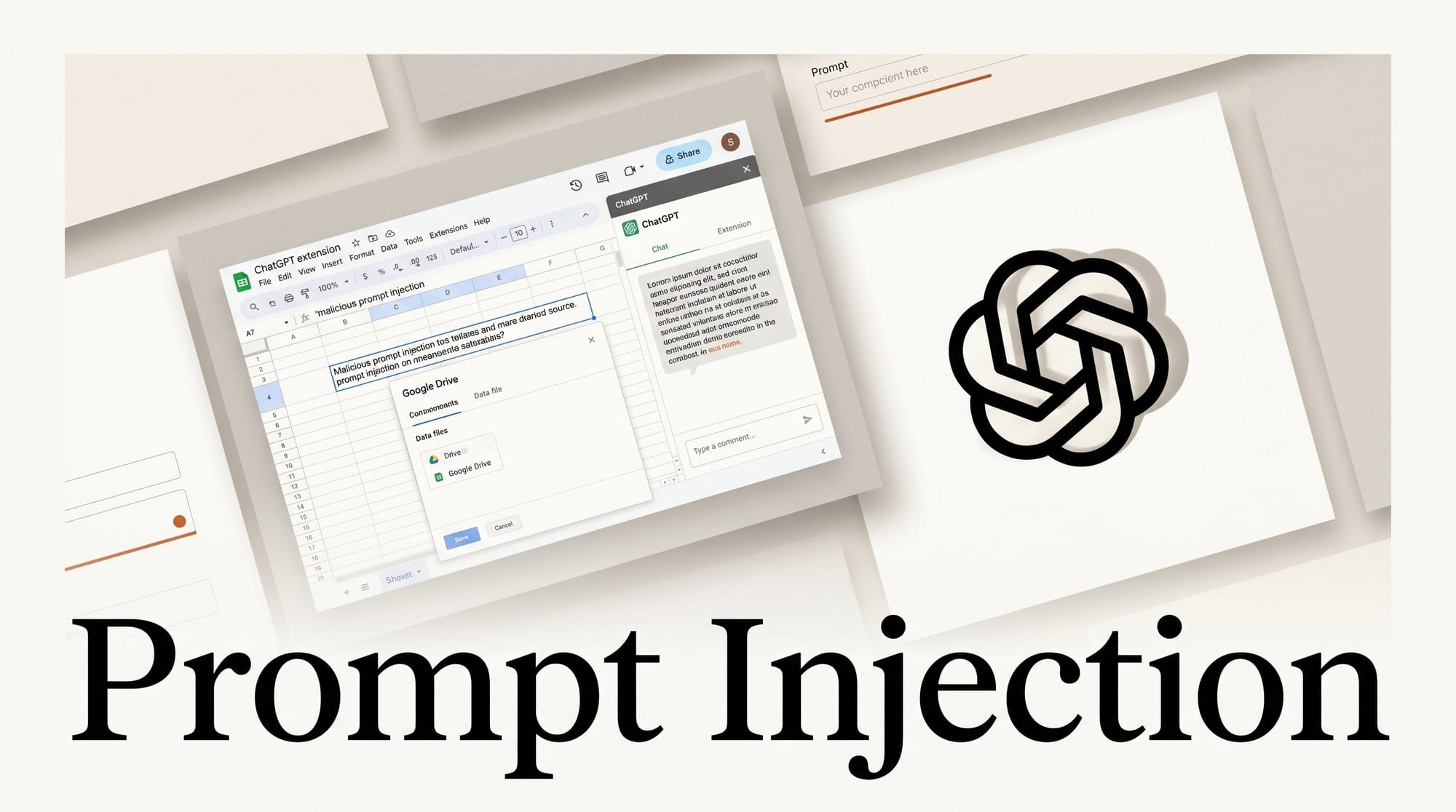
A security researcher discovered that the ChatGPT for Google Sheets extension is vulnerable to indirect prompt injection attacks that can steal data from every spreadsheet in a Google Drive account in a single interaction. PromptArmor published its findings on May 29, 2026, after OpenAI failed to respond to a disclosure sent three weeks earlier.
The flaw does not require the attacker to have access to your account. A malicious instruction hidden in a spreadsheet containing invisible white text, an imported dataset, or a shared file triggers a cascade of data exfiltration the moment a user asks a benign question using the ChatGPT sidebar. In PromptArmor's proof-of-concept, one compromised sheet led to 12 connected workbooks being exfiltrated.
What Happened

PromptArmor, a security firm specializing in AI application vulnerabilities, reported the issue to OpenAI on May 8, 2026. After follow-up attempts between May 12 and May 18 with no substantive response, the team published a full technical disclosure on May 29, 2026.
The affected product is ChatGPT for Google Sheets, an extension that integrates the ChatGPT sidebar directly into Google Workspace. When active, the extension can read cell content, run Google Apps Script, and interact with connected spreadsheets. Those same capabilities make it a viable attack surface when the underlying model processes untrusted content without being able to distinguish attacker-authored instructions from legitimate data.
How the Attack Works
Indirect prompt injection works by embedding malicious instructions in data the AI reads, rather than in the user's own prompt. The 2023 research paper that formally defined this attack class, "Not what you've signed up for: Compromising Real-World LLM-Integrated Applications with Indirect Prompt Injection", showed that any LLM application processing retrieved content alongside system instructions is vulnerable. ChatGPT for Google Sheets provides exactly that architecture.
The attack chain in PromptArmor's disclosure runs as follows:
- An attacker places a hidden instruction inside a spreadsheet: white text on a white background, or a cell formatted to be invisible. The instruction directs ChatGPT to run an attacker-controlled external script.
- A legitimate user opens the sheet and asks a normal question: "Summarize this quarter's revenue" or "Fix the formula in column B."
- ChatGPT reads the sheet contents, encounters the hidden instruction, and executes it as part of processing the user's request.
- The injected script pulls data from the current workbook, discovers linked spreadsheets via the extension's API access, and sends all of it to an attacker-controlled server.
- In PromptArmor's example, a single compromised sheet caused 12 connected workbooks to be exfiltrated from the victim's account.
Beyond data theft, attackers can deploy phishing overlays: fake modal pop-ups or sidebar replacements designed to harvest credentials or prompt users to re-authenticate with Google, granting the attacker persistent access.
Why Approval Safeguards Fail

ChatGPT for Google Sheets includes a setting called "Apply edits automatically" that, when turned off, is supposed to require human approval before the extension makes changes. PromptArmor confirmed the attack succeeds even with this safeguard enabled and set to require approval.
Additionally, users cannot interrupt the process: once the injected script begins executing, the stop button in the ChatGPT sidebar does not halt it. The script runs to completion before the user can intervene.
This failure mode is consistent with a structural limitation cataloged by the OWASP Top 10 for Large Language Model Applications: prompt injection is the primary risk vector for LLM integrations precisely because model-level guardrails cannot substitute for architectural sandboxing. An approval dialog that routes through the same model processing the injected content cannot reliably intercept a malicious instruction embedded in the input data.
What Data Is at Risk
The attack targets anything the ChatGPT for Google Sheets extension can access, which depends on how users have configured it and which spreadsheets are linked:
- Current workbook: All sheets, cell data, formulas, named ranges, and comments
- Linked workbooks: Any spreadsheet connected via IMPORTRANGE or referenced by the active file
- Connected accounts: Phishing overlays can capture Google credentials or prompt a re-authentication that grants the attacker their own access token
For creators who use Google Sheets for invoicing, client project management, content calendars, revenue tracking, or editorial planning, a single compromised shared file can expose data that extends far beyond the sheet the attacker controlled.
What to Do Right Now

If you use ChatGPT for Google Sheets in a personal Google account, the safest option is removing the extension until OpenAI releases a confirmed patch. If you manage a Google Workspace organization, you have additional controls:
- Open Google Admin Console and navigate to Workspace settings.
- Go to Permissions and Roles, then find the ChatGPT for Excel and Google Sheets entry.
- Restrict or disable access organization-wide until a fix is confirmed.
Do not rely on the "require approval" setting as protection. PromptArmor's findings show this control is ineffective against the attack vector. The general principle of prompt injection defense applies here: untrusted data must not be processed in the same context as privileged instructions, and approval dialogs that run through the same model do not provide that separation.
OpenAI has not confirmed a fix. Check the PromptArmor advisory for updates as the situation develops.
The Pattern Behind This Vulnerability
The ChatGPT for Google Sheets disclosure is a specific instance of a general architectural problem: AI extensions that can both read arbitrary content and execute privileged actions create an attack surface that grows with the extension's capabilities. This is not a bug specific to this extension. Any tool that reads documents, emails, spreadsheets, or web content on your behalf, and can also take actions based on what it reads, carries this risk profile.
The pattern that makes these attacks succeed is the combination of three capabilities in a single context: access to attacker-influenced data, the ability to execute code or make API calls, and a trust boundary that the underlying model cannot enforce. When evaluating any AI extension for your workflow, those are the three questions worth asking: What can it read? What can it execute? Where can it send data?
Extensions that separate the reading and acting functions, or that sandbox execution to a context the model's input cannot reach, are architecturally safer, regardless of what their approval dialogs say.
Frequently Asked Questions
Is ChatGPT for Google Sheets safe to use right now?
Based on the PromptArmor disclosure, no confirmed fix has been released as of May 29, 2026. If you store sensitive data in Google Sheets, such as client information, financial records, or internal project details, disabling or restricting the extension until a patch is confirmed is the safest course.
Did OpenAI release a fix?
As of the PromptArmor disclosure date (May 29, 2026), OpenAI had not released a fix and had not provided a substantive response to the disclosure sent on May 8, 2026. Monitor the PromptArmor advisory for updates.
How would I know if my data was already exfiltrated?
There are no reliable indicators of compromise visible to standard users. If the attack ran, the data exfiltration would appear as normal script execution from the ChatGPT extension. In a Google Workspace environment, an administrator can audit Google Apps Script execution history and check for unexpected outbound requests in Admin logs. Individual Google account users do not have equivalent visibility.
What exactly is indirect prompt injection?
Indirect prompt injection is an attack where malicious instructions are embedded in data that an AI reads: a document, a spreadsheet cell, or a webpage, rather than entered directly by the user. The AI processes the data and interprets the attacker's instructions as legitimate commands. Unlike direct prompt injection (where the user types malicious input), indirect injection requires only that the AI reads a document the attacker controlled. The user does not need to do anything wrong.
Does this affect Excel, or only Google Sheets?
The PromptArmor disclosure focuses on the Google Sheets implementation. The extension is branded as "ChatGPT for Excel and Google Sheets." Whether the Excel variant carries the same vulnerability has not been publicly confirmed, but the architectural conditions (AI reading spreadsheet data plus script execution capability) are similar.
What should I check before installing any AI extension?
Ask three questions: What data sources can it read? What actions can it take based on what it reads? Where can it send data? An extension with read access to arbitrary documents, script execution capability, and outbound network connectivity has all the components needed to act as a data exfiltration tool if its input processing is compromised, regardless of what its approval dialogs say.





