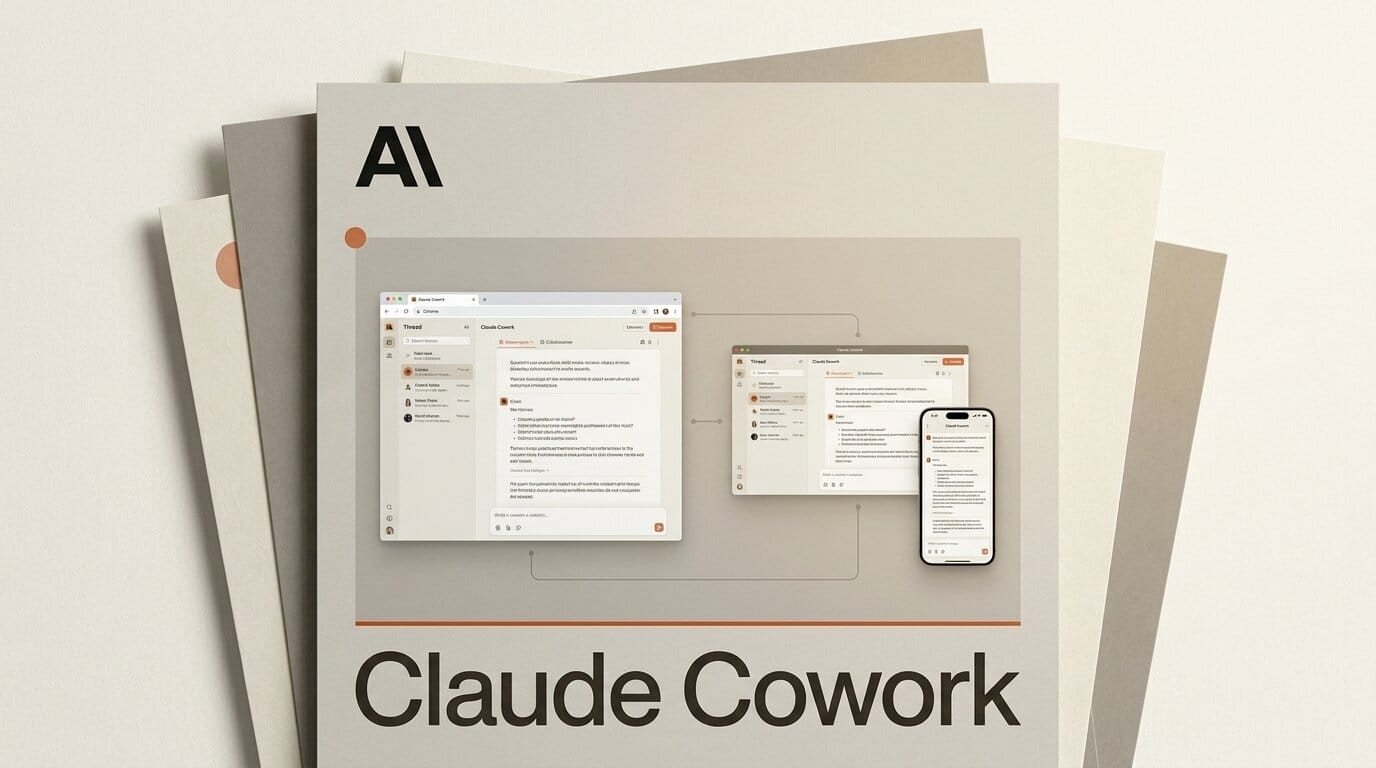
Anthropic has turned the Claude extension in Chrome into a full Claude Cowork session, announced on August 12, 2026. The browser side panel is no longer a walled-off assistant that only reads the current tab. It is now the same agentic workspace that runs on Claude's desktop, web, and mobile apps, with shared history, skills, and connectors. For anyone who builds or creates with Claude, the browser just stopped being a dead end.
What Happened
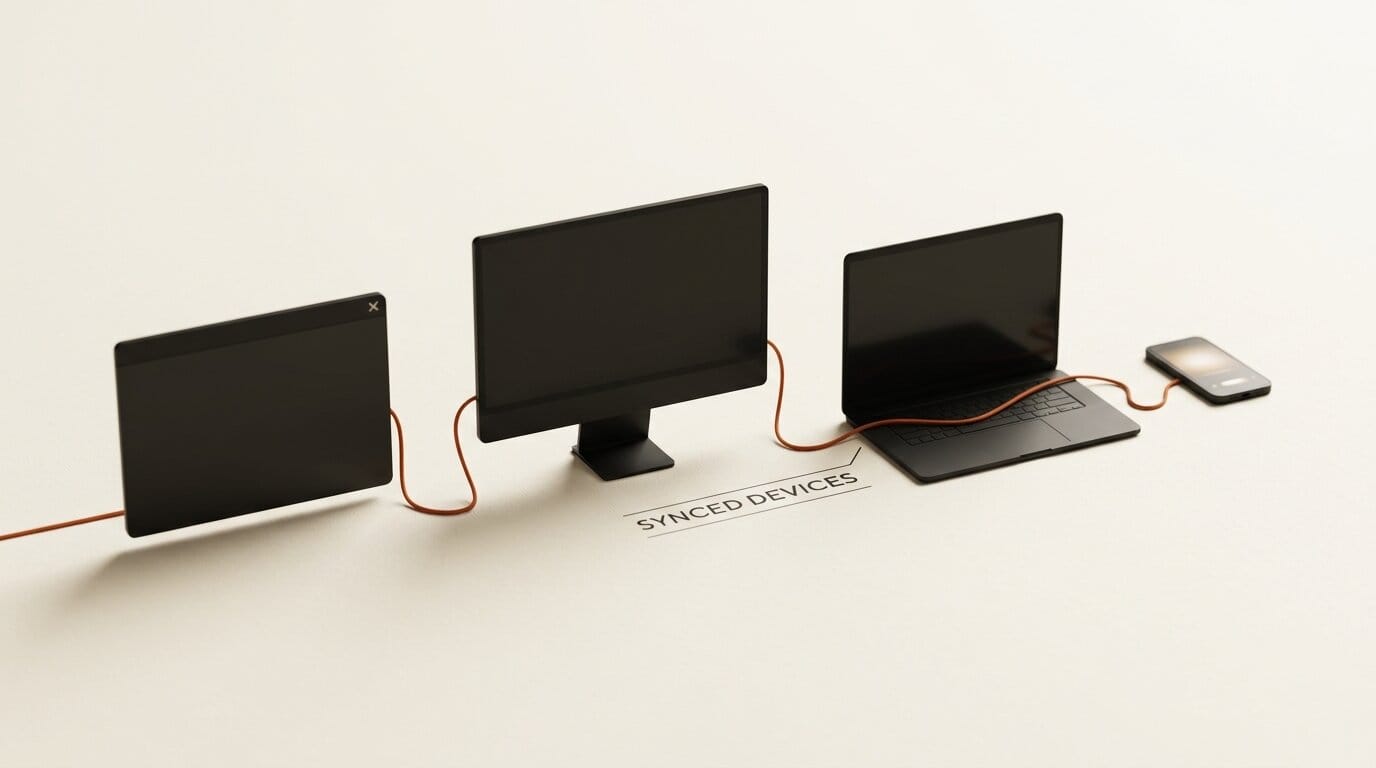
Before this update, "Claude in Chrome" and "Claude Cowork" were effectively two products. The Chrome extension could see the page you were on and act inside it, but its conversations lived in isolation. Cowork, Anthropic's longer-running agentic mode, lived in the desktop and web apps. As of August 12 the Chrome side panel is a Cowork session: start a task in a tab, and you can finish it later on desktop, web, or mobile, or begin something on your phone and pick it up in the browser.
Access is tiered. Max and Team subscribers can use Cowork in Chrome today. Pro users get it over the coming weeks. Enterprise keeps it off by default, where admins can enable it and restrict Claude to approved domains through the Chrome admin controls. The rollout follows Cowork's recent expansion to web and mobile, which is what made a single cross-surface session possible in the first place.
What Claude Cowork in Chrome Actually Does
The Claude extension lets Claude see the page you are on and take actions in it: clicking links, typing text, navigating between pages, and filling out forms. Wrapping that in a Cowork session adds three things that matter for real work. Conversations are saved to your history instead of vanishing when you close the tab. Your skills and connectors work inside the browser, so the same custom instructions and data sources you rely on elsewhere are available while you browse. And the handoff is bidirectional, so a research pass you kick off in Chrome can be continued in the desktop app without re-explaining context.
The practical effect is that the browser becomes a first-class surface for agentic tasks rather than a quick-question box. That is a meaningful shift for creators who live inside web tools, from CMS dashboards to asset libraries to analytics panels, where the work happens on the page and not in a separate chat window. It is the same direction of travel as Claude Code sessions messaging each other: Anthropic is stitching its surfaces into one continuous workspace.
How to Set Up and Use Claude Cowork in Chrome
If you are on Max or Team, here is the fastest path from zero to a working Cowork session in the browser.
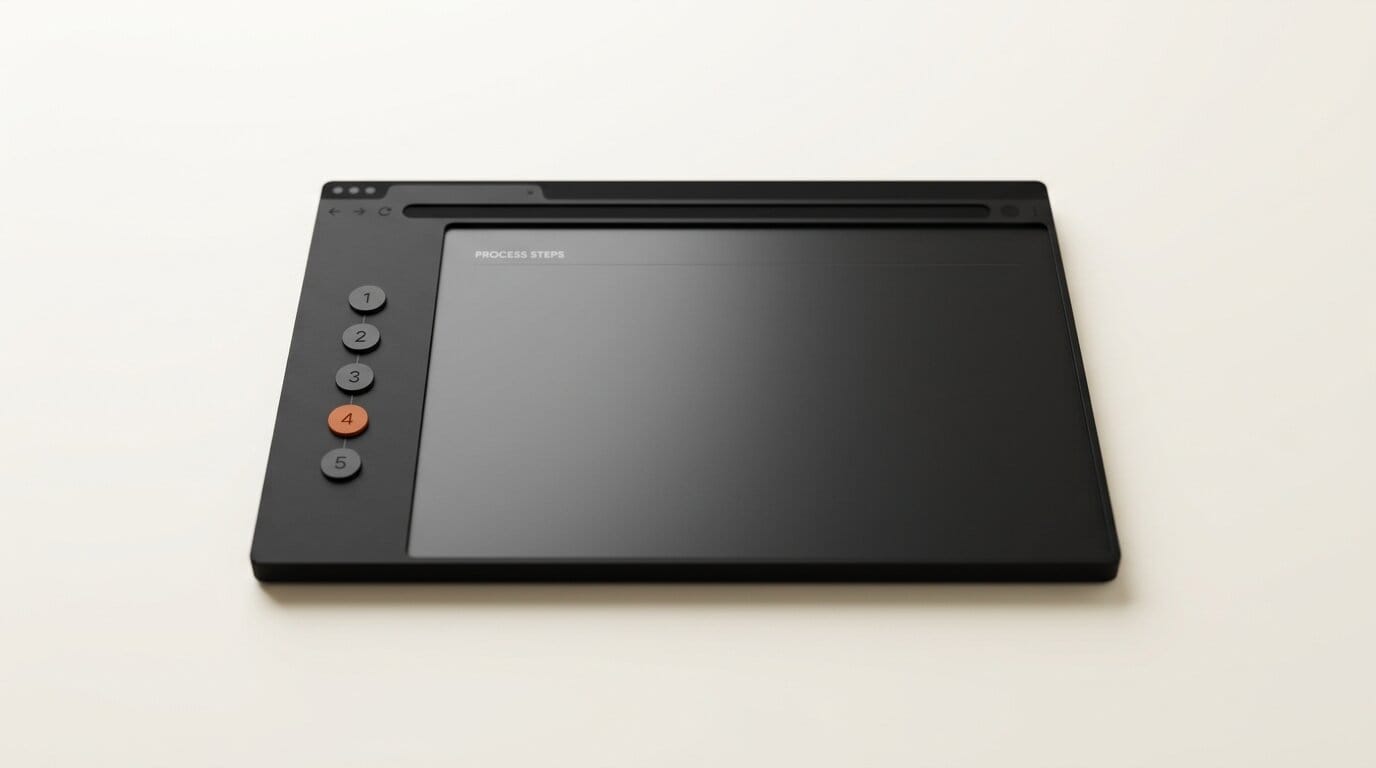
1. Install the extension. Add Claude for Chrome from the Chrome Web Store and sign in with the account tied to your Max or Team plan. The side panel opens from the extension icon.
2. Open the side panel on a working tab. Navigate to the page where the task lives, a draft in your CMS, a spreadsheet, a project board, then open the panel so Claude can see that page's context.
3. Turn on the skills and connectors you need. Because skills and connectors now carry into the browser, enable the connector for the data you want Claude to reference, for example a Google Sheets connection over MCP, before you start the task.
4. Describe the outcome, not the clicks. Give Claude the goal ("pull last week's top five posts from this dashboard and draft a summary") and let it navigate, read, and fill forms. Review each consequential action when prompted.
5. Hand off when you switch devices. Because the session is saved to history, close the laptop and reopen the same Cowork session on desktop or mobile to continue. No copy-paste of context required.
Which Claude Surface to Use When
With Cowork now spanning four surfaces, the question is not "which app" but "which surface for this moment." The session is the same underneath, so you can move between them freely.
| Surface | Best for | Key strength |
|---|---|---|
| Chrome side panel | Acting on live web pages and dashboards | Sees and operates the current tab |
| Desktop app | Long-running builds and local files | Deepest tool and file access |
| Web app | Quick starts on any machine | Nothing to install |
| Mobile app | Kicking off and checking tasks on the go | Continue a session anywhere |
Why It Matters for Creators
Most creative and build work is not one prompt; it is a chain of steps across several tabs. Until now, using Claude in the browser meant a context reset every time you closed the panel, and anything more ambitious had to move to the desktop app. Making the Chrome panel a real Cowork session removes that friction. A designer auditing a live site, a marketer pulling numbers from an analytics dashboard, or a builder wiring up a web tool can now let Claude operate on the page and keep the thread going on another device.
It also reframes the browser-agent race. Standalone AI browsers have struggled to justify themselves, as our look at the standalone AI browser being already dead argued. Anthropic's bet is the opposite: keep the browser you already use and make Claude a persistent agent inside it. For creators who are not going to abandon Chrome, that is a lower-friction path to an in-browser agent than switching browsers entirely.
The Prompt-Injection Problem
An agent that can click, type, and submit forms on any page is also an agent that a malicious page can try to hijack. Anthropic built in a safeguard: before consequential actions such as submitting forms, sending messages, or downloading files, a separate check reviews the action against your stated intent. The company's guide to using Claude in Chrome safely and coverage from The New Stack both stress that this is an early, evolving surface. The practical advice for creators is to keep Claude scoped to domains you trust, review each consequential action, and use the enterprise domain restrictions if you administer a team.
Frequently asked questions
Do I need a paid plan to use Claude Cowork in Chrome?
Yes. Max and Team subscribers have access as of August 12, 2026, and Pro users get it over the following weeks. There is no free tier for the Cowork session in the browser at launch.
Is this the same as the old Claude Chrome extension?
It uses the same extension, but the side panel is now a full Cowork session rather than an isolated chat. Conversations are saved to your history and your skills and connectors work inside the browser, per Engadget's report.
Can I start a task in Chrome and finish it on another device?
Yes. The handoff is bidirectional. A task started in a Chrome tab can be continued on the Claude desktop, web, or mobile apps, and vice versa, because the session is saved to your account history.
What can Claude actually do on a web page?
It can see the current page and take actions in it, including clicking links, typing text, navigating between pages, and filling out forms.
Is it safe to let Claude act on any website?
Anthropic adds a separate check that reviews consequential actions against your intent before they run, but the browser is an early surface. Scope Claude to domains you trust, review consequential actions, and use admin domain restrictions for teams.