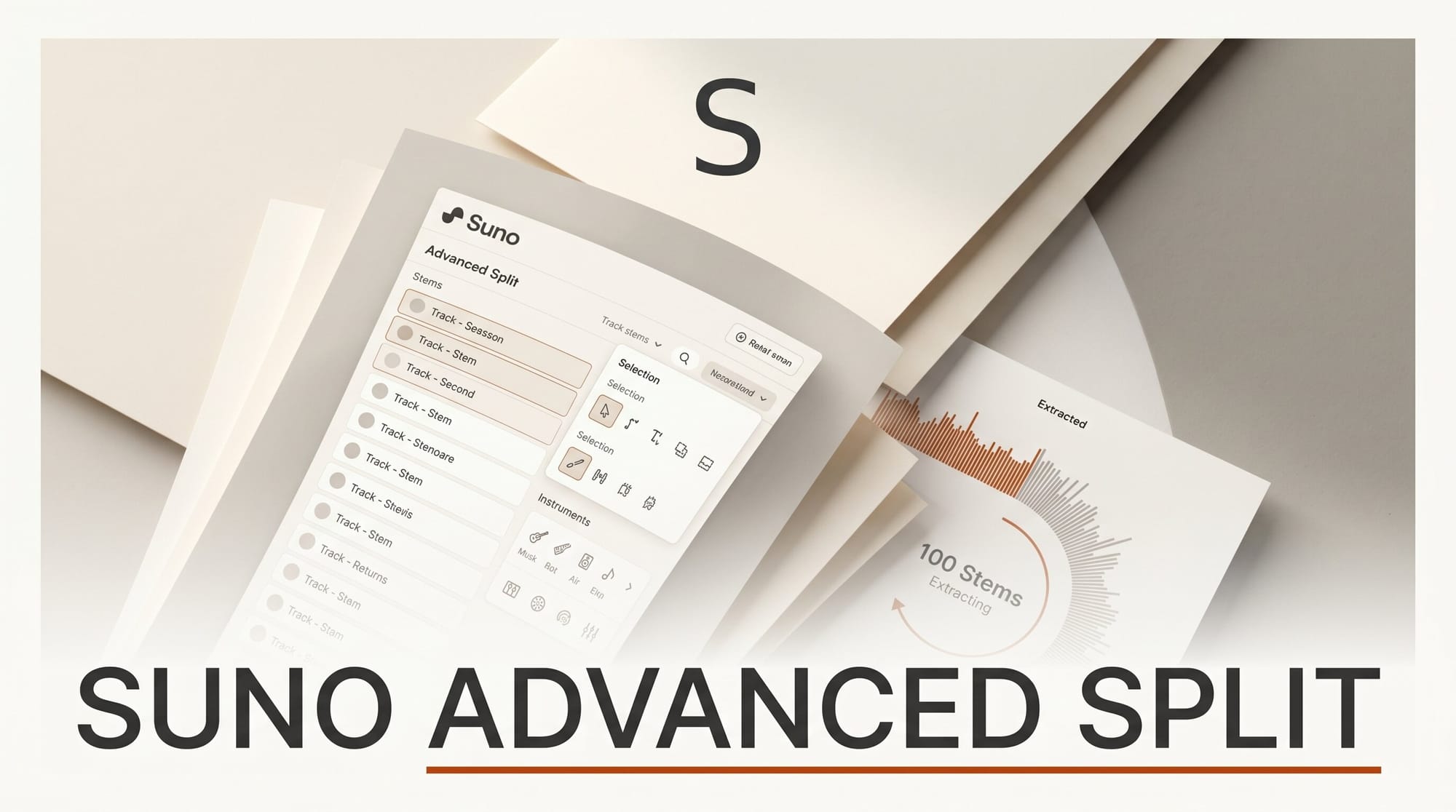
Suno has upgraded its stem separation tool with a new Advanced Split mode that lets you choose exactly which instruments to pull out of a finished track. Announced in Suno's June 11, 2026 release notes, the feature can isolate any of nearly 100 instruments, from a full drum kit down to a didgeridoo, and is available to Premier subscribers.
What This Enables
If you make music with AI, Advanced Split turns any generated or uploaded song into editable parts. Pull just the vocals for an a cappella, lift the drum kit to build a new beat around it, or strip out a single instrument for a remix or a live backing track. Because you pick the exact stems inside Suno instead of accepting one fixed split, you can mute, replace, or re-record individual layers without re-rendering the whole song.
Why It Matters
Stem separation used to mean exporting a track and running it through a separate tool. Putting instrument-level extraction directly inside the generator shortens the loop between idea and edit, which matters when you iterate on dozens of versions. It also pushes Suno further into post-production territory, closer to a digital audio workstation than a one-shot prompt box. Producers who build around stem-based workflows get cleaner source material to drop into their existing sessions.
Key Details
Three modes. Auto Split breaks a song into 12 stem categories. Split from Mix extracts any single instrument or voice and returns two stems. Advanced Split is the new option, letting you select from a list of close to 100 instruments.
Access. Advanced Split is limited to Premier subscribers. The earlier Auto Split and Split from Mix modes remain available on lower tiers.
Context. The update sits alongside Suno's June iOS additions for importing lyrics from Notes and audio from Voice Memos. For a broader picture of where Suno stands against rivals, see our comparison of ElevenLabs Music v2 and Suno.
What to Do Next
Open a Suno track you want to rework, choose Advanced Split, and pick the specific instruments you need rather than exporting the full 12-stem set. Start with vocals and drums, the two most reusable layers, and check that the isolated stems are clean before building on them. If you are on a free or lower tier, Auto Split still gives you a usable 12-track breakdown to test the workflow before upgrading.





