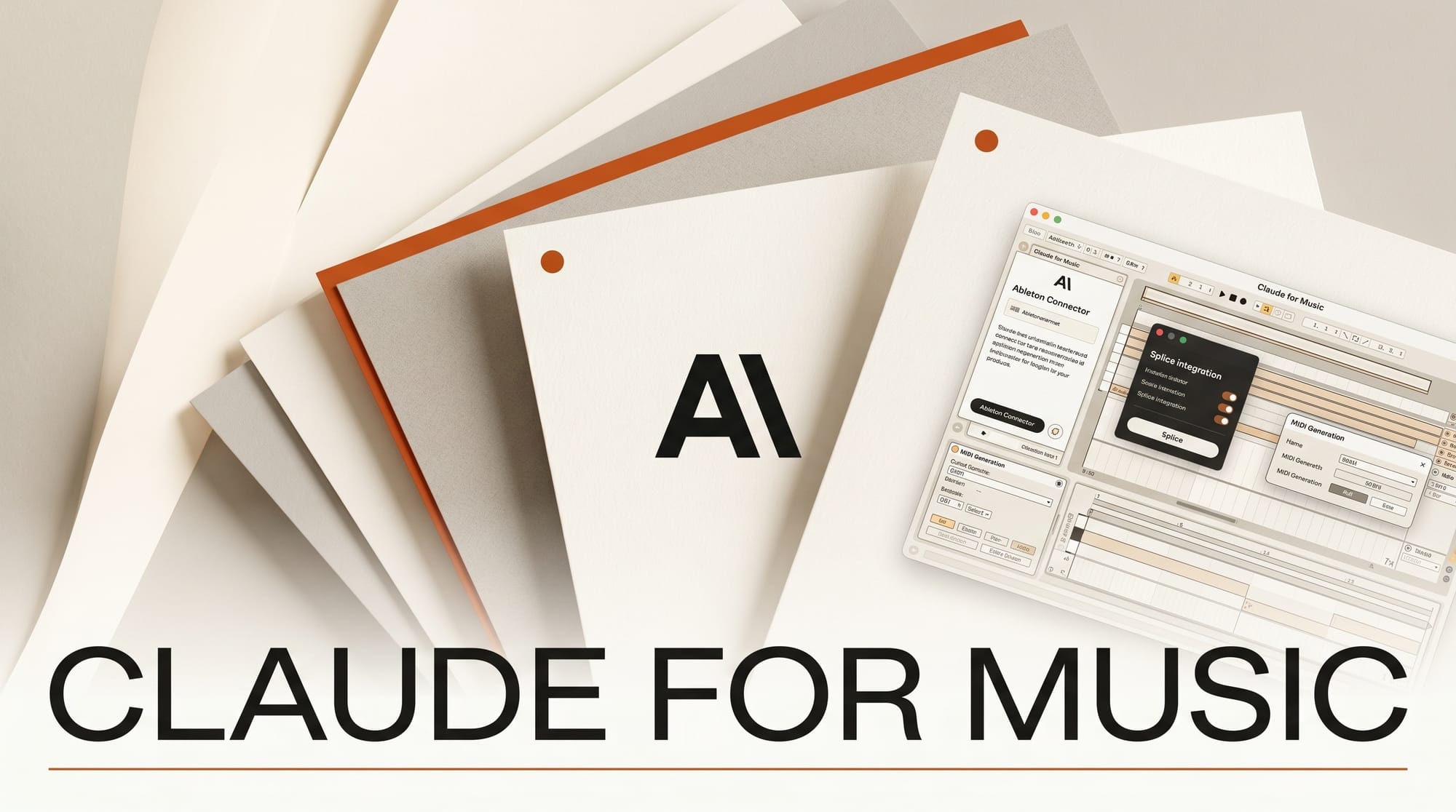
Claude shipped its Ableton Live connector as part of the Claude for Creative Work suite on April 28, 2026. For the first time, an LLM can drive a session-view DAW directly: trigger clips, generate MIDI patterns from a brief, route sample selection through Splice, and write mix-bus automation. This is the working music producer's complete guide to running Claude inside an Ableton plus Splice setup, with concrete workflows and the honest list of what still requires manual work.
What the Ableton connector does
The Ableton connector is a Max for Live device plus an Anthropic-side authentication layer. After install, Claude can:
- Read the current session view: track names, clip locations, tempo, scene structure
- Trigger clips and scenes by name from a chat prompt
- Generate MIDI clips from a textual brief (genre, key, length, intent)
- Insert and route audio clips from Splice search results
- Write mixer automation: volume rides, sends, return tracks, mix-bus moves
- Suggest and patch in M4L devices and stock effects with parameter values
What it does not do: generate finished audio. The MIDI generation is symbolic; you still need an instrument and a sound. The audio sample selection is search-and-assemble through Splice, not synthesis.
What the Splice connector does
Splice is the sample-search backend. With the connector, Claude can:
- Search Splice's catalog by descriptor ("vintage break, 90 bpm, dusty"), genre, or sonic reference
- Audition top results in chat or import directly into the active Ableton session
- Track license and download history within the same session for compliant use
- Build packs: ask Claude to assemble a 20-sample pack matching a brief, ready to drop into the session
Setup: install and first session
- Install Ableton Live 12.x or later. Live 12 is the minimum supported version.
- Install the Claude for Creative Work device pack from the Ableton Max for Live library. Found under Packs > Claude for Creative Work.
- Authenticate the connector. Drop the Claude device on the master track. The first time, it opens an Anthropic OAuth flow in your browser.
- Create a Splice Creator account if you do not have one. Pair through the Claude desktop app under Connectors > Splice.
- Open Claude on the desktop. The Connectors panel should show Ableton and Splice with green status indicators.
- Run a sanity test. In Claude, prompt: "What tempo is the active Ableton session?" Claude should return the BPM, key (if set), and current track count.
Production workflow 1: arrangement-first sketch
The most useful Claude pattern for music producers is structural drafting before recording or sound design.
- Brief Claude with a target. Example: "Indie-folk single, 3:20, key of D minor, 88 BPM, intro-verse-chorus-verse-chorus-bridge-chorus-outro."
- Ask Claude to write the arrangement map. Output specifies each section's bar count, dynamic intent, and instrumentation list.
- Ask Claude to generate placeholder MIDI for each section into a fresh Ableton scene. Drums, bass, chords, and lead lines drop into separate tracks at the correct tempo and key.
- Ask Claude to source three drum-break samples and three texture samples from Splice that fit the brief. Samples land on a dedicated audio track inside the session.
- Audition the structure. The whole skeleton -- arrangement, MIDI sketches, sample beds -- is in place in 10-15 minutes versus the 2-3 hours that would normally take.
Production workflow 2: stem polishing and mix prep
The mid-session play that actually saves time: hand Claude a near-final session and ask for mix prep notes.
- Bounce the current session to a stereo reference, plus per-track stems if requested.
- Drop the bounce into Claude's chat surface and prompt: "Critical listen. Reference these three tracks (Spotify URLs). Suggest EQ moves, stereo balance fixes, and any obvious arrangement issues."
- Claude returns a structured mix-prep document with track-by-track EQ ranges, send levels, and reference comparisons.
- Ask Claude to write the mix-bus automation directly. Volume rides on the master, side-chain compression on the kick-bus, and parallel compression on the drum bus all wire in.
- Iterate. Re-bounce, re-share with Claude, iterate the mix in 15-minute cycles.
Production workflow 3: lyrics and topline writing
Claude is the strongest LLM in 2026 for tone-controlled lyric writing, especially with project memory.
- Create a Claude Project for the album or EP. Paste artist bio, genre references, sample lyrics from the existing catalog, and the lead single's draft.
- Ask Claude to draft topline melody-aware lyrics for each section. Provide syllable counts per line if known, or a melodic contour description.
- Iterate. Claude carries the project memory across sessions, so the second song inherits the voice from the first.
- For melody, pair with Suno: feed Claude's lyrics into Suno v4 with a genre prompt. Pull the resulting top-line as a reference for live recording.
What still requires manual work in 2026
- Logic Pro -- No native Logic connector. Producers in Logic still copy MIDI snippets and sample paths manually from Claude chat.
- Pro Tools -- No connector in 2026. Pro Tools sessions still use the manual paste workflow.
- FL Studio -- No connector in 2026.
- Mastering -- Claude does not master. Pair with iZotope Ozone 12 (which has its own Master Assistant) or hand off to a human mastering engineer.
- Vocals and recording -- Claude cannot record. Still you and your microphone.
- Live performance -- The Ableton connector is studio-only in 2026. Tour rigs run their own clip launchers.
Comparison: Claude versus ChatGPT versus Suno for music
- Claude -- Strongest for arrangement, lyric writing, mix prep, and DAW control through Ableton. No music generation.
- ChatGPT -- Strong for lyrics and arrangement. No DAW connector. No music generation.
- Suno v4 Pro -- Generates finished tracks with vocals. Limited control over arrangement granularity.
- Recommended stack -- Claude Pro for the workflow plus Suno v4 Pro for generated reference tracks plus Splice for samples. Total cost: ~$45/mo.
Pricing and tier picks for 2026
- Claude Pro ($20/mo) -- Required tier for connector access. Code rate limits doubled in May 2026 after the Anthropic compute deals.
- Claude Max ($100/mo) -- For producers running long-context revision sessions across full albums.
- Splice Creator ($12.99/mo) -- Sample search, downloads, project storage.
- Ableton Live Suite (one-time $749) -- Required for full Max for Live and connector compatibility. Standard ($449) and Intro ($99) editions also work but with reduced device libraries.
What to watch in 2026
- Logic Pro and Pro Tools connectors -- Anthropic has not announced timelines, but the Resolume connector arrived faster than expected. A 2026 Logic connector is plausible.
- Suno integration -- Direct Suno-to-Ableton routing through Claude is the obvious next move. Watch the connector pack release notes through Q3.
- Vocal modeling -- Anthropic does not ship voice cloning. The community pairs ElevenLabs with Claude for vocal placeholders.
- Live performance edition -- A studio-to-stage version of the Ableton connector would unlock VJ and DJ workflows. No public roadmap entry yet.
Frequently asked questions
Does Claude generate finished music?
No. Claude generates MIDI patterns, arrangements, lyrics, and mix prep, but does not synthesize audio. Pair with Suno or Udio for finished tracks.
Can Claude write to Logic Pro or Pro Tools?
Not in 2026. The Ableton connector is the only DAW connector currently shipping. Logic and Pro Tools workflows still rely on manual paste from Claude chat.
Do I need Ableton Live Suite or will Standard work?
The connector is Max for Live based, which ships with Live Suite. Live Standard works for basic interaction but loses the M4L device interactions that drive most workflows.
Does Splice have to be a paid account?
Yes. The Claude Splice connector requires a Splice Creator subscription or higher. Free tier accounts can authenticate but cannot download or import samples.
Will Claude replace a human mix engineer?
No. Claude writes mix prep and basic automation. Final mix decisions, especially at the mastering stage, still benefit from a human ear and reference monitors.
Does the connector work on Windows and Mac?
Yes. Ableton Live 12 and Claude for Creative Work both ship for macOS 13+ and Windows 10+. The connector pack is identical on both platforms.
Keep reading
- Claude for Creative Work: Anthropic Connector Suite Launches
- AI Music and Audio Tools 2026
- Claude vs ChatGPT vs Gemini for Creative Work: 2026 Head-to-Head
- AI for Content Creators 2026
This guide will be updated as the Ableton, Splice, and other Claude music connectors ship through 2026. Subscribe to our weekly Tuesday digest for what shipped this week and what is worth your time.