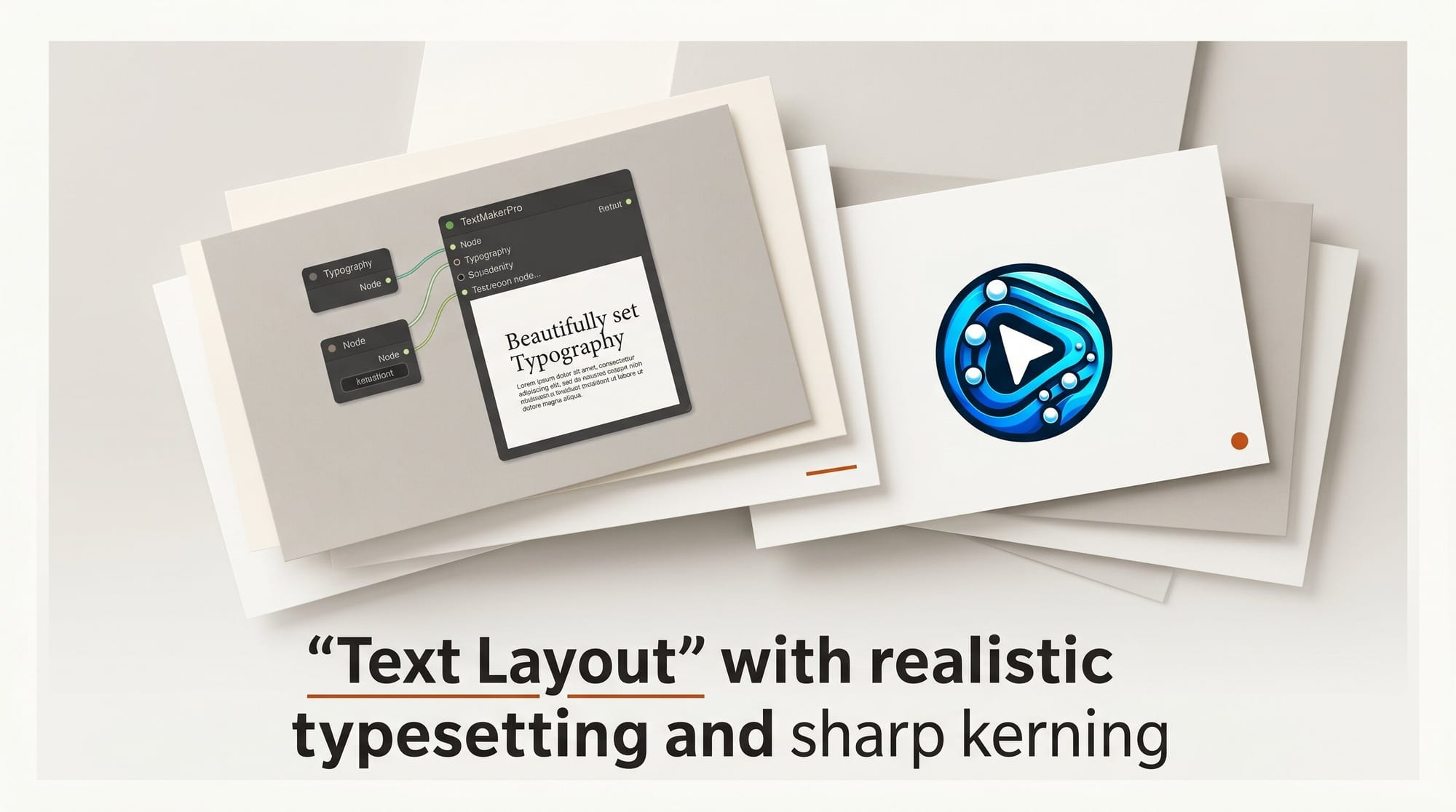
A new open-source ComfyUI custom node called TextMakerPro brings a layer-based text and layout editor into Stable Diffusion workflows, letting creators design stylized text compositions without leaving the ComfyUI environment.
What Happened
Developer orion4d published TextMakerPro on GitHub on May 29, 2026. The node pairs a compact ComfyUI interface with a browser-based editor that opens via an "Open TextMakerPro" button on the node. The editor runs in a browser tab and stays integrated through the node, passing canvas dimensions, background settings, and output images back into the workflow. ComfyUI has become the primary open-source workflow platform for image generation, making in-workflow text tooling a practical gap to close for creators who want branded or annotated output.
Why It Matters
Adding styled text to AI-generated images has typically required exporting to Photoshop or a separate design tool. TextMakerPro removes that step. The node outputs both a standard image tensor and an RGBA tensor with transparency, so text compositions feed directly into inpainting, compositing, or further generation nodes downstream. Rendered images are stored as PNG files rather than embedded Base64 strings, keeping workflow files lightweight. This fits naturally into complex production ComfyUI setups where round-trips to external tools add friction to the pipeline.
Key Details
The browser editor includes:
- Text layers with font family, weight, letter spacing, line height, shadow, and blend mode controls
- Shape layers (circles, rectangles, polygons, stars with 4 to 96 points) with independent corner rounding
- Pixel/image layers with RGBA transparency preservation and crop or fit modes
- Multi-selection, solo/mute, and lock modes per layer
- Custom font support (TTF, OTF, WOFF formats)
- Custom JavaScript FX system for advanced text effects
- Transparent PNG export with a quick-export button
Saved compositions are retrievable from a dropdown selector directly on the ComfyUI node. orion4d also released a Python execution engine called Orion4D MetaNode earlier this year as a companion set of advanced workflow control nodes.
What to Do Next
Install via ComfyUI Manager or by cloning the TextMakerPro repository into your custom_nodes folder. Add the node to any workflow where you need text overlays, watermarks, or title cards. The RGBA output pairs cleanly with ComfyUI compositing nodes and the image generation tools added in ComfyUI 0.21.1 for end-to-end branded image creation in a single workflow.
Creator Outcome: Build a title card with transparent background in TextMakerPro, then use an Alpha Composite node in ComfyUI to merge it onto any AI-generated image. Fully branded output, no Photoshop export required.





