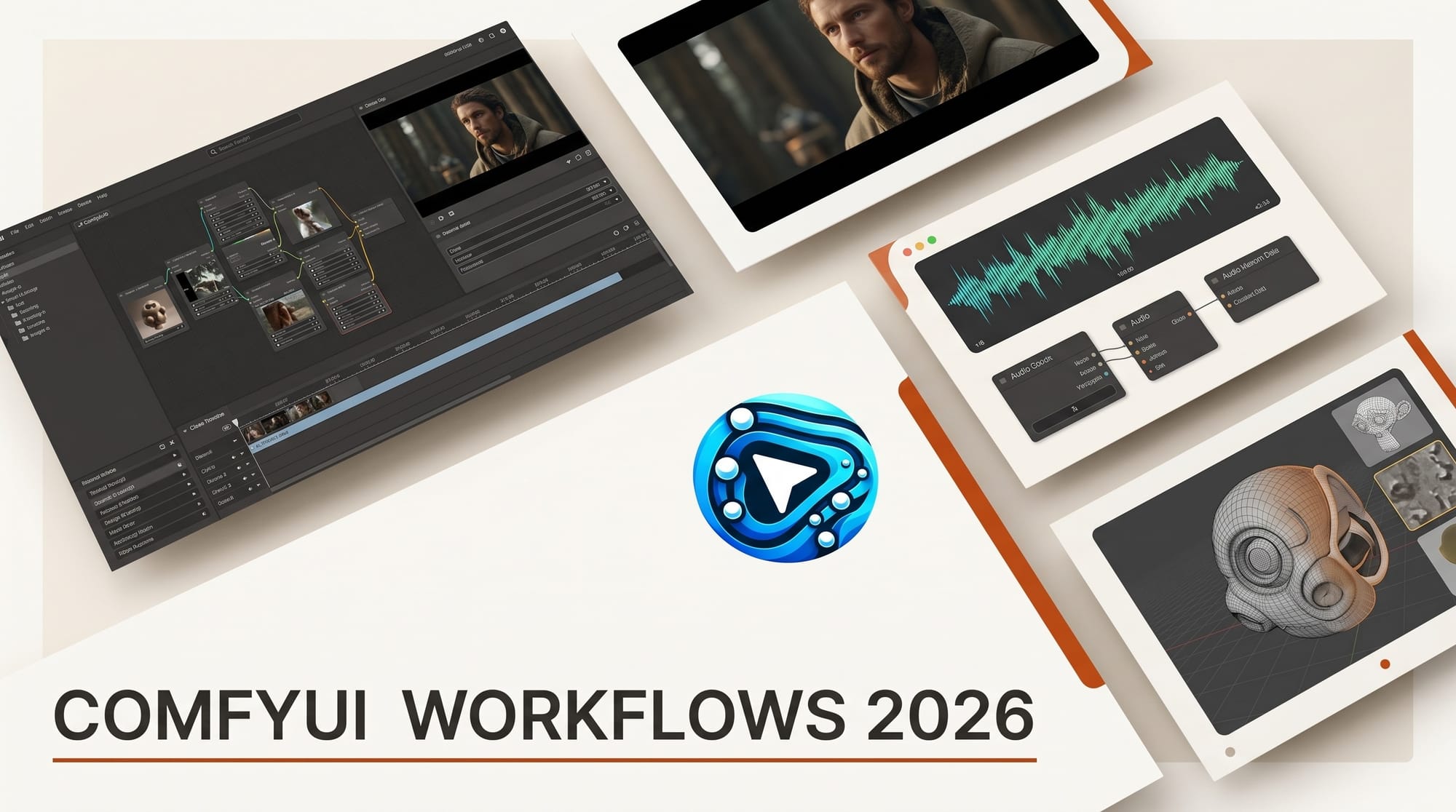
ComfyUI's strength is the open-source workflow ecosystem. By mid-2026, the platform hosts thousands of community-published graphs covering image, video, audio, character consistency, and 3D. This is the working creator's curated list of 12 production-ready workflows that have crossed the production-quality threshold in 2026, with download links, model requirements, and the use cases each workflow actually serves.
The best ComfyUI workflows for 2026 are 12 production-ready setups across five categories: image (FLUX.1-dev Realistic Portrait, SDXL Lightning Speed Run, SD 3.5 Large Photoreal), video (Wan 2.2 Long-Shot, LTX Video Realtime, AnimateDiff Cinematic), character consistency (IP-Adapter FaceID Plus, ControlNet OpenPose), audio (StableAudio, MMAudio), and 3D (Hunyuan3D, TripoSR).
Where to find ComfyUI workflows in 2026
- ComfyUI Workflow Library -- The official catalog at workflows.comfy.org. Organized by use case with verified-working flags.
- Civitai workflows tab -- Community uploads, often packaged with the matching custom model checkpoint.
- OpenArt workflow gallery -- Searchable, with preview output and node count per workflow.
- GitHub repos -- The most current workflow versions live in GitHub repos for each major author. Always check stars and last-commit date.
- Reddit r/comfyui -- Discussion plus weekly workflow showcases. Useful for finding the latest edge-case techniques.
Always verify: the workflow JSON includes the right model checkpoints, the custom-node dependencies are listed, and a sample output exists.
Image workflow 1: FLUX.1-dev Realistic Portrait
What it does: Photoreal portraits with consistent skin texture, eye reflections, and natural hair detail.
Models: FLUX.1-dev (12GB+ VRAM), T5-XL text encoder, optional FLUX LoRA pack.
Best for: Brand portraits, character sheets, model-style hero shots.
Hardware: RTX 4090 / A6000 / 5090 ideal; RTX 3090 with -dev quantization works at lower precision.
Notes: Pair with the FLUX Realism LoRA for film-grain texture and the FaceID Adapter for character lock.
Image workflow 2: SDXL Lightning Speed Run
What it does: 4-step SDXL inference for fast iteration. Renders in 1-2 seconds per frame on consumer GPUs.
Models: SDXL Lightning checkpoint, optional SDXL LoRAs.
Best for: Rapid concept iteration, batch testing of style variations, real-time art-direction sessions.
Hardware: RTX 3060 12GB and up.
Notes: Trade aesthetic ceiling for speed. Use for ideation, then re-run final picks through a higher-fidelity workflow.
Image workflow 3: Stable Diffusion 3.5 Large Photoreal
What it does: Stable Diffusion 3.5 Large with photoreal-tuned scheduler and style embeddings.
Models: SD 3.5 Large, T5-XL, photoreal style embeddings.
Best for: Architectural visualization, product photography, environment plates.
Hardware: 24GB+ VRAM recommended; 16GB possible at lower precision.
Notes: Outputs need less retouching than FLUX for most photoreal work. Slower per-frame than SDXL Lightning.
Video workflow 1: Wan 2.2 Long-Shot
What it does: Long-form video generation from a text or image prompt. 10-15 second shots at 720p.
Models: Wan 2.2 base + Wan 2.2 video extension nodes.
Best for: Music video shots, narrative inserts, abstract motion fills.
Hardware: 24GB+ VRAM, generation takes 8-15 minutes per 10-second shot.
Notes: Best results with image-conditioned generation (start frame + prompt) versus pure text prompts.
Video workflow 2: LTX Video Realtime
What it does: Near-realtime video generation. 5-second clips render in 30-60 seconds on consumer hardware.
Models: LTX-Video latent diffusion model.
Best for: Iterative shot direction, social-format video, abstract texture motion.
Hardware: RTX 4090 ideal; RTX 3090 works with reduced settings.
Notes: Lower aesthetic ceiling than Wan or AnimateDiff but the fastest iteration loop in the open-source video stack.
Video workflow 3: AnimateDiff Cinematic
What it does: SDXL or SD1.5 image generation with AnimateDiff motion modules for stylized motion video.
Models: SDXL or SD1.5 checkpoint + AnimateDiff motion adapter + camera-control LoRA.
Best for: Anime-style sequences, cinematic stylized motion, music-video aesthetic loops.
Hardware: 16GB+ VRAM.
Notes: Pair with ControlNet OpenPose for character motion. Output works well as cutaway B-roll.
Character consistency workflow 1: IP-Adapter FaceID Plus + LoRA Stack
What it does: Locks a face across hundreds of generations using a single reference image plus an optional LoRA for finer style control.
Models: Base SDXL or FLUX, IP-Adapter FaceID Plus, character-specific LoRA.
Best for: Brand mascots, recurring characters, narrative video pre-vis.
Hardware: 16GB+ VRAM.
Notes: Train a quick LoRA on 20-30 reference images for higher-fidelity character lock. The LoRA + FaceID combo holds across pose, lighting, and environment changes.
Character consistency workflow 2: ControlNet OpenPose Locked Identity
What it does: Combines OpenPose control (skeleton from a reference) with character identity lock.
Models: Base checkpoint, ControlNet OpenPose, IP-Adapter or FaceID.
Best for: Action sequences, dance/performance art, stylized character animation frame-sets.
Hardware: 16GB+ VRAM.
Notes: Useful when AnimateDiff motion is too generic. Drive the motion from real reference video extracted to OpenPose data.
Audio workflow 1: StableAudio Long-Form
What it does: Generates ambient beds and atmospheric audio up to 4 minutes from a text prompt.
Models: StableAudio Open + ComfyUI audio output node.
Best for: Background ambient for video, podcast atmospheres, meditation audio.
Hardware: 12GB+ VRAM, generation runs at roughly 4x realtime.
Notes: Output is .wav at 44.1kHz. Pair with audio-edit DAWs for arrangement.
Audio workflow 2: MMAudio Sound-Effect Pipeline
What it does: Generates sound effects from a text prompt or reference audio. Useful for foley, UI sounds, motion design audio.
Models: MMAudio open weights.
Best for: Game-dev audio, motion-graphics SFX, video-edit foley fills.
Hardware: 12GB+ VRAM.
Notes: Best for 1-3 second SFX. Longer outputs require chaining or fall to StableAudio.
3D workflow 1: Hunyuan3D Mesh Gen
What it does: Text or image to 3D mesh generation. Outputs OBJ with reasonable topology.
Models: Hunyuan3D weights from Tencent, ComfyUI 3D node pack.
Best for: Game-prop concepting, 3D-print pre-vis, architectural element generation.
Hardware: 16GB+ VRAM, generation runs 2-5 minutes per mesh.
Notes: Output topology requires retopology in Blender for production use. Texture quality is fair; UVs need cleanup.
3D workflow 2: TripoSR Single-Image-to-3D
What it does: Converts a single 2D image to a 3D mesh in under 10 seconds.
Models: TripoSR weights, ComfyUI 3D node pack.
Best for: Quick concept-to-mesh prototyping, AR/VR asset draft, 3D-printable prop concepting.
Hardware: 12GB+ VRAM, generation in seconds.
Notes: Topology is rough but workable for blockout. Pair with Blender's remesh modifier for cleaner geometry.
How to install a downloaded workflow
- Download the workflow's .json file from the source.
- Open ComfyUI in your browser. Click Load (or drag the .json onto the canvas).
- Check for missing nodes in the menu's red highlights. Install missing nodes via ComfyUI Manager (Manager > Install Missing Nodes).
- Verify model checkpoints. Each workflow lists required models. Download to `ComfyUI/models/checkpoints/` and `ComfyUI/models/loras/` as appropriate.
- Run a test queue with the workflow's example prompt. If successful, customize for your use case.
What to watch in 2026
- FLUX successors -- Black Forest Labs' next FLUX generation is in private alpha; expected through Q3 2026.
- SDXL Turbo and Lightning improvements -- Sub-second inference at SDXL quality is the target.
- Open-source video parity with Sora 2 / Veo 3 -- Wan 2.2 and LTX Video are closing the gap. Full parity expected late 2026.
- 3D character generation -- Hunyuan3D and TripoSR both have character-specific releases planned.
- Audio + video unified workflows -- ComfyUI is gaining native audio + video sync nodes for end-to-end music-video generation.
Frequently asked questions
Which ComfyUI workflow should I start with?
For image work, SDXL Lightning Speed Run -- runs on most consumer GPUs and offers fast iteration. Move to FLUX.1-dev Realistic Portrait once you have a 12GB+ VRAM card.
Do I need a paid model checkpoint?
No. All 12 workflows above use open-weight checkpoints (FLUX dev, SDXL, SD 3.5 Large, Wan 2.2, LTX, AnimateDiff motion modules). Download free from Hugging Face or Civitai.
What is the minimum VRAM for production workflows?
16GB VRAM covers most image and character workflows. 24GB+ is required for Wan 2.2 long-shot video and SD 3.5 Large at full precision.
Can I run these workflows on a Mac?
Yes, on Apple Silicon (M2 Ultra, M3 Max, M4) with sufficient unified memory. Performance is slower than Nvidia 4090 but workable for image generation. Video and 3D workflows still run best on CUDA hardware.
Where do I find updated versions of these workflows?
The ComfyUI Workflow Library at workflows.comfy.org is the most current. Civitai workflow tab and the original GitHub repos for each workflow author are next.
How do I share my own workflows?
Save the workflow JSON, upload to OpenArt or Civitai, and link any required custom nodes plus model checkpoints. Include a sample output and a one-line description of the use case.
Keep reading
- ComfyUI 2026 Definitive Workflow Guide
- AI Image Generation 2026 Complete Guide
- AI Video Generation 2026 Complete Guide
- AI for Content Creators 2026
This list will be updated as new workflows ship and existing ones improve through 2026. Subscribe to our weekly Tuesday digest for what shipped this week and what is worth your time.