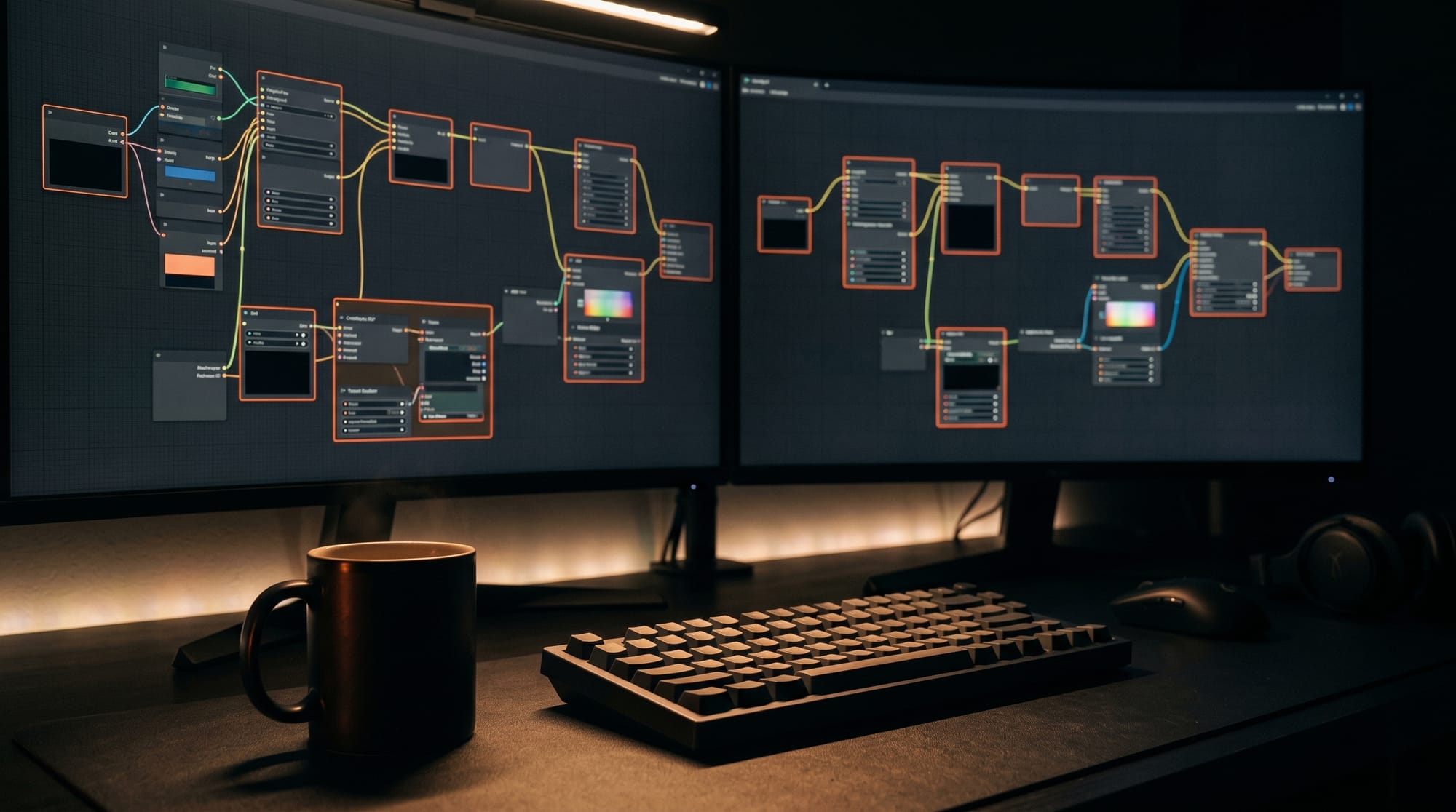
ComfyUI v0.21.1 shipped on May 13, 2026, bringing six new partner node integrations that extend the open-source workflow tool into a hub for frontier AI APIs. The release, tracked on the official Comfy-Org GitHub, adds nodes for Claude LLM, Grok image editing, OpenAI image generation, ByteDance Seedream, and Flux API synthesis alongside key workflow reliability fixes and a new Create Video entry point in the essentials tab.
ComfyUI v0.21.1, released May 13, 2026, adds six partner node integrations: a Claude LLM node (Anthropic), GrokImageEditNodeV2 (xAI), an OpenAI Image node, ByteDanceSeedreamNodeV2, Flux2ImageNode (Black Forest Labs), and HiDream-O1-Image. It also preserves vertex colors and textures in Save3D, fixes LTXV workflow reliability, and adds a Create Video essentials entry.
What Is New in ComfyUI v0.21.1
The update ships contributions from 10 developers, including one first-time contributor. Changes divide into two categories: new partner integrations that bring cloud APIs directly into the node graph, and reliability fixes that address production workflow failures.
New Partner Node Integrations
Six new nodes extend ComfyUI reach to the most active commercial AI APIs:
| Node | Provider | What It Does |
|---|---|---|
| Claude LLM Node | Anthropic | Prompt generation, caption writing, and text reasoning natively inside any workflow |
| Flux2ImageNode | Black Forest Labs | Generate images via the Flux API without downloading local model weights |
| GrokImageEditNodeV2 | xAI (xAI API) | Image editing and generation using xAI Grok vision model |
| OpenAI Image Node | OpenAI | DALL-E and GPT-Image-1 generation inside ComfyUI workflow graphs |
| ByteDanceSeedreamNodeV2 | ByteDance | Video generation from Seedream API with DynamicCombo and autogrow support |
| HiDream-O1-Image | HiDream | Open-source HiDream O1 image model support with improved dtype handling |
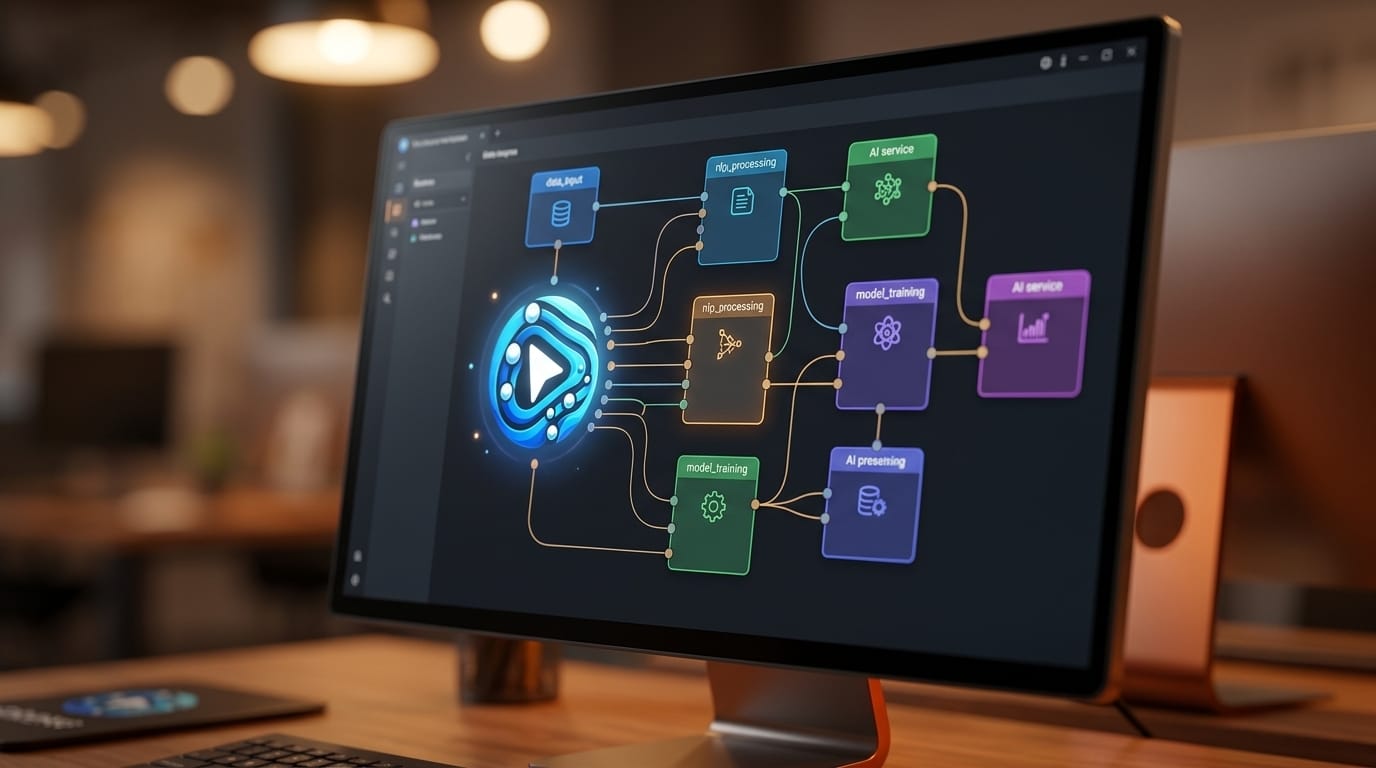
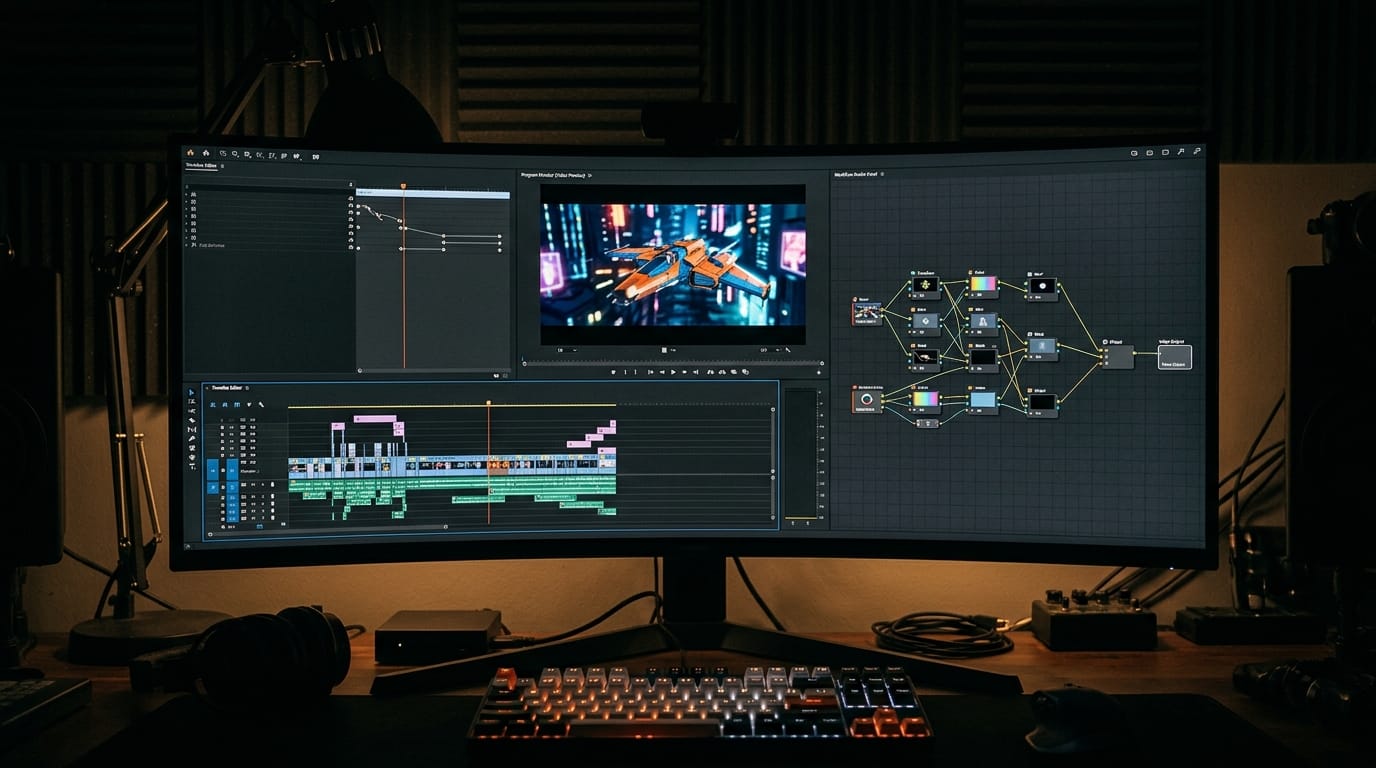
The Claude LLM node is the most broadly impactful addition in this release. Prompt engineering and caption generation are among the most common manual steps in image and video workflows. Having Claude available directly in the node graph means creators can generate, refine, and chain prompts without switching between a browser chat interface and the generation tool. A workflow can now be fully self-contained: input an image or text description, auto-generate a prompt using Claude, pass it to a generation node, and export the result without leaving ComfyUI.
The Grok and OpenAI Image nodes add redundancy and A/B testing options. A single workflow graph can route the same prompt to Grok, DALL-E, and Flux API simultaneously, compare outputs side by side, and select the best result using a conditional node. Model comparison that previously required three separate tools and manual copying now fits in a single graph.
Save3D Now Preserves Vertex Colors and Textures
The Save3D node received a meaningful upgrade: exported 3D files now retain vertex colors and textures. Previous versions required re-importing ComfyUI-generated 3D assets into Blender or another DCC to reapply surface data before the model could be used downstream. The updated Save3D preserves that data in the export file directly, making ComfyUI a more complete end-to-end pipeline for 3D generation workflows.
Workflow Reliability Fixes
Beyond new features, v0.21.1 addresses several bugs affecting production workflows:
- LTXV mid-video multi-frame guide alignment: Previous versions misaligned keyframe guides during mid-video generation, causing drift and motion inconsistencies in longer clips. The fix restores correct temporal alignment for video-to-video conditioning. This directly affects creators using the LTX-Video 0.9.8 model, where multi-frame conditioning controls scene consistency.
- Safetensors fp8 saving: Models quantized to fp8 precision were writing incorrectly to disk. Fixed without any regeneration required for existing models.
- HiDream O1 dtype handling: Mixed precision memory usage for HiDream O1 models is more efficient after this fix.
- VOID RuntimeError: A hard crash in certain node configurations is resolved.
- LoadAudio directory creation: The LoadAudio node now auto-creates its input directory if it does not exist, eliminating a common first-run error.
New Essentials Tab: Create Video
The Create Video workflow is now included in ComfyUI essentials tab, making video generation a first-class starting point alongside image generation and image-to-image workflows. For users new to video, this removes the barrier of building a pipeline from scratch by providing a ready-made starting graph.
How to Upgrade and Use the New Nodes
- Update ComfyUI. If you use the ComfyUI desktop app, it will auto-update within 24 to 48 hours. For manual installs, pull from the v0.21.1 release on GitHub or run
git pullin your ComfyUI directory and restart. - Get API keys. The new partner nodes are API-backed and require keys: Anthropic for Claude LLM, xAI for Grok, OpenAI for DALL-E and GPT-Image, and Black Forest Labs for Flux API. None require local GPU inference.
- Configure keys in ComfyUI. Open Settings, navigate to the API Keys section, and add each key. Keys are stored locally.
- Add nodes to your workflow. Right-click in any workflow graph, search for the node by name, and connect it using ComfyUI standard text and image input and output types.
- For HiDream O1, no API key is required as it runs locally from weights on HuggingFace. The v0.21.1 fix improves dtype handling in mixed precision environments, so existing users should update before starting new generations.
Creator Outcome: What This Enables
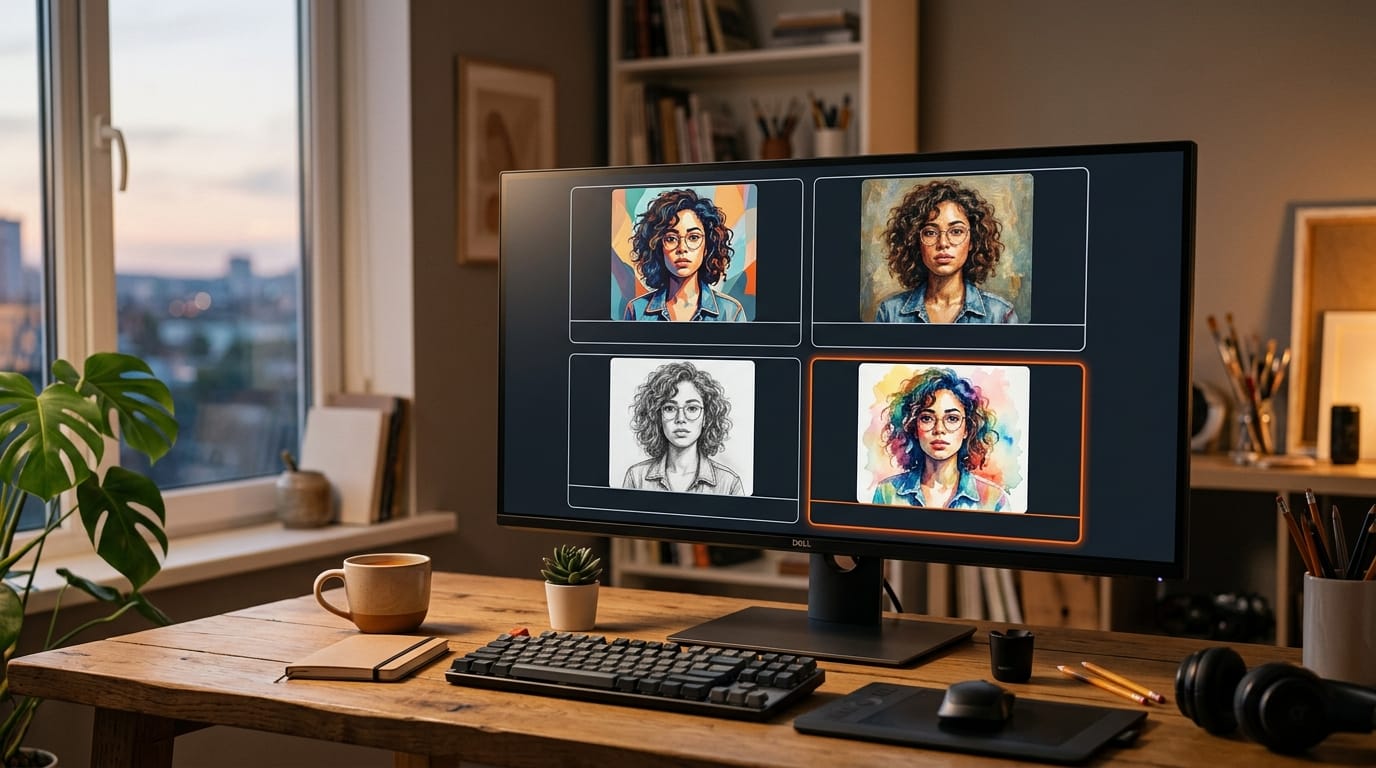
The Claude LLM node transforms prompt engineering from a manual step into an automated one. A retouching workflow that previously required writing a descriptive image prompt manually can now accept a text brief, pass it to Claude to generate an optimized prompt, and feed that to a generation node without any manual input. The same approach works for video: use Claude to generate shot descriptions from a script, then pipe them directly to video generation nodes.
The A/B model comparison pattern is equally powerful. With Flux API, Grok, and OpenAI Image in the same graph, style testing across providers takes minutes instead of hours. Results can be compared in a split-view output node, and the best provider for a given style can be locked in for production runs.
Frequently Asked Questions
Do I need a GPU to use the new API nodes?
No. The Claude LLM, Flux2Image, GrokImageEdit, and OpenAI Image nodes are all API-backed. They send requests over HTTPS to remote servers and return results. No local GPU is required for those nodes. HiDream O1 and local Flux weights remain GPU-dependent for inference.
Can the Claude LLM node handle multi-turn conversations?
The node is designed for single-pass generation inside a workflow. For multi-turn conversation chains, connect multiple Claude LLM nodes sequentially and pass the output of one as context input to the next. ComfyUI node graph supports this pattern natively.
What is the difference between Flux2ImageNode and using Flux weights locally?
Flux2ImageNode calls Black Forest Labs hosted API. There is no local download, no VRAM usage, and you always get the current model version without manual updates. Local Flux weights require VRAM (typically 12 GB or more for full quality) but incur no per-image API cost. Both options coexist in the same workflow for comparison.
Does the LTXV multi-frame guide fix affect existing workflows?
The fix is backward compatible. Existing LTXV workflows will behave correctly without any reconfiguration. The patch corrects an internal alignment calculation and does not change node inputs, outputs, or parameter shapes.
What file formats does Save3D support with vertex colors?
Save3D exports to OBJ, PLY, and glTF formats, with vertex color and texture data now included in the export. Downstream tools like Blender and most game engines read this data natively from those formats.
Where can I find example workflows for the new nodes?
The ComfyUI official site and the ComfyUI examples repository are the best starting points. Community workflow repositories on CivitAI and OpenArt typically add new node examples within a few days of a release.