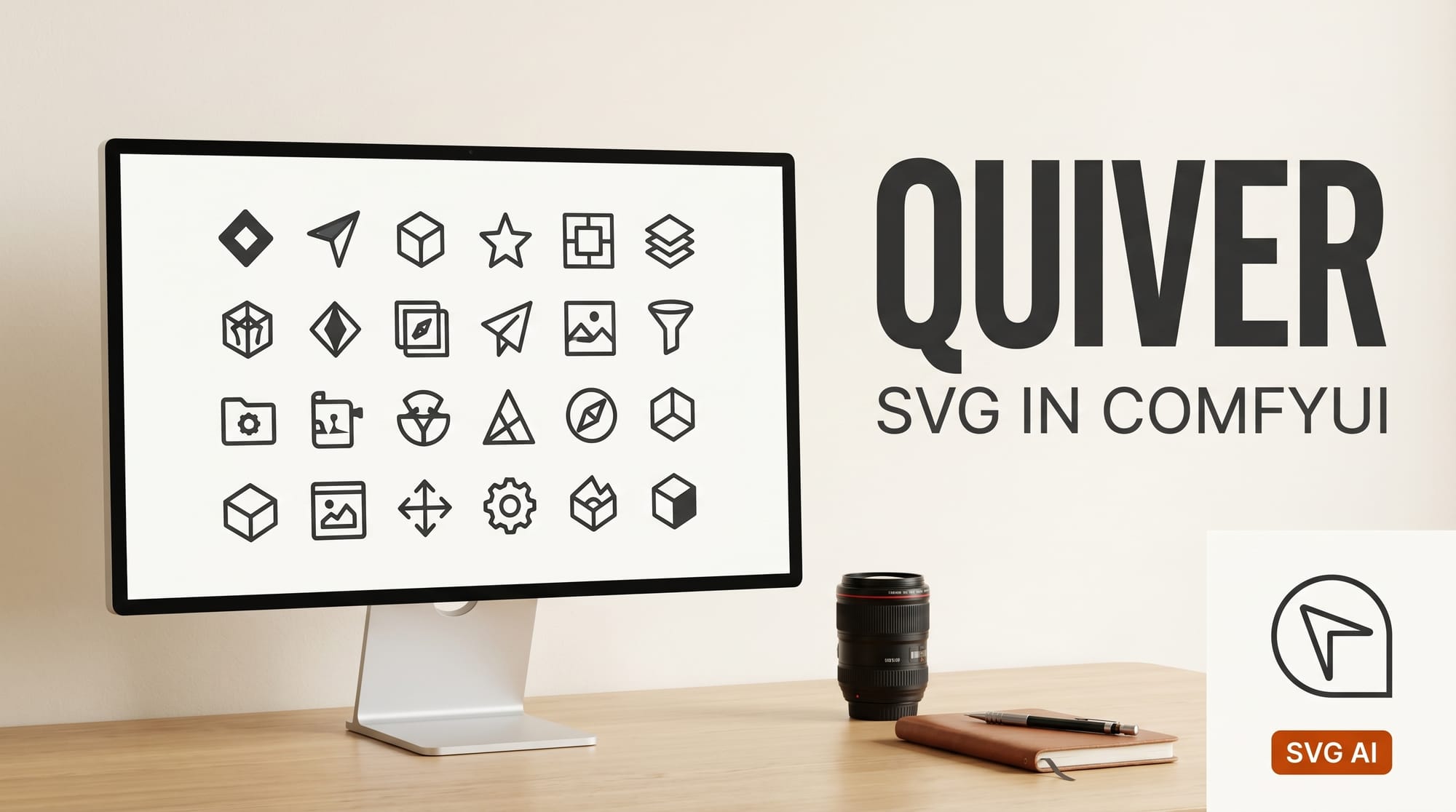
ComfyUI added native SVG generation on April 20, 2026, releasing Quiver as an official Partner Node. The integration brings Quiver's Arrow 1.1 model into open-source visual workflows for the first time, letting creators generate clean, scalable SVG files directly inside ComfyUI without leaving the node graph.
For the broader landscape, see our definitive ComfyUI workflow guide for 2026.
What Happened
Quiver, the AI vector design company backed by Andreessen Horowitz, released Arrow 1.1 on April 16, 2026. Four days later, ComfyUI shipped the model as a Partner Node, making it available to any user running ComfyUI v0.19.3 or newer.
The integration supports two modes: text-to-SVG, which generates vector graphics from a text prompt, and image-to-SVG, which converts raster images including photos, sketches, and AI-generated outputs into structured, editable vector files. Two model variants are available inside the node: arrow-1.1 for standard work and arrow-1.1-max for precision tasks like technical diagrams and detailed illustrations.
Setup takes three steps: update ComfyUI to v0.19.3 or later, search "Quiver" in the Node Library, and load one of the provided workflow templates. Comfy Cloud also supports the node for users who prefer to try it before a local install. Processing takes roughly 60 seconds per generation.
Why It Matters
SVG generation has been a missing piece in AI-assisted design workflows. Most image AI tools produce raster outputs: JPEG, PNG, WebP. These formats cannot be resized without quality loss, require a designer to manually trace into vectors, and cannot be edited at the path level without specialized software.
Arrow 1.1 outputs actual SVG code with properly structured paths, semantic grouping, and editable geometry. The files open directly in Figma, Illustrator, or any vector editor and behave like hand-drawn assets. For creators building logos, icon sets, or UI components, this removes a full post-processing step from the pipeline.
The ComfyUI integration extends that capability to generative workflows. A creator can now prompt for a concept image, generate it in the same session, pass the output through Arrow for vectorization, and export an SVG in a single graph. Arrow 1.1 ranks first on the SVG Arena leaderboard with a 1583 Elo rating, the highest score on any design arena benchmark to date.
Key Details
- Integration date: April 20, 2026
- Model: Arrow 1.1 (also Arrow 1.1 Max for precision work)
- Requires: ComfyUI v0.19.3 or newer
- Modes: Text-to-SVG and image-to-SVG (vectorization)
- Processing time: Approximately 60 seconds
- SVG Arena ranking: #1 with 1583 Elo
- Pricing: Free tier at quiver.ai; API and enterprise pricing available
- Cloud option: Comfy Cloud supports the node without local install
What to Do Next
Update ComfyUI to v0.19.3 or later, then search "Quiver" in the Node Library. The Arrow 1.1 release post includes workflow templates for both text-to-SVG and image-to-SVG. If you want to test without a local install, Comfy Cloud has the node available immediately.
For standalone use without ComfyUI, the web app at quiver.ai and the REST API at api.quiver.ai/v1 support the same Arrow 1.1 model with identical capabilities.





